

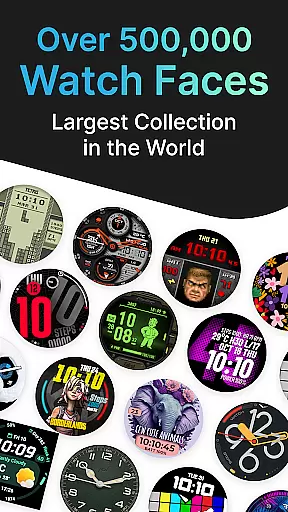
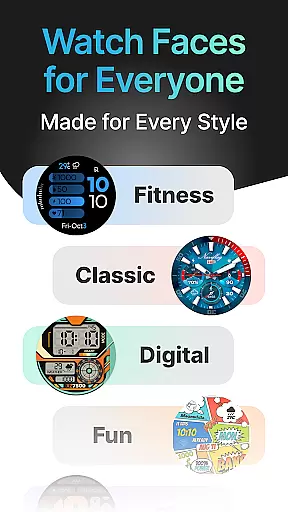
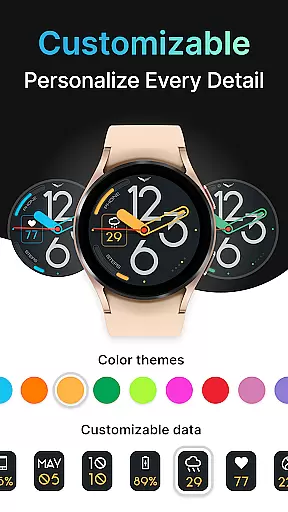
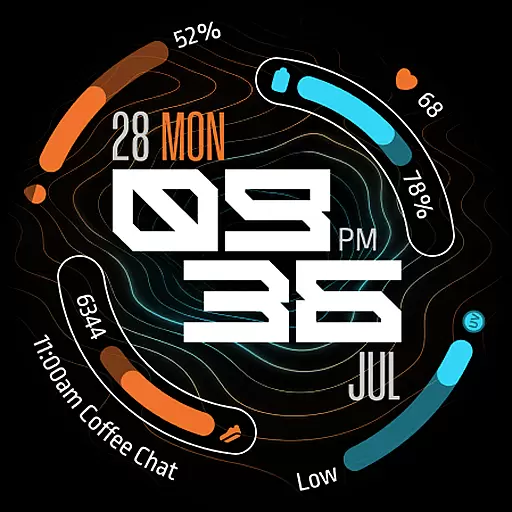
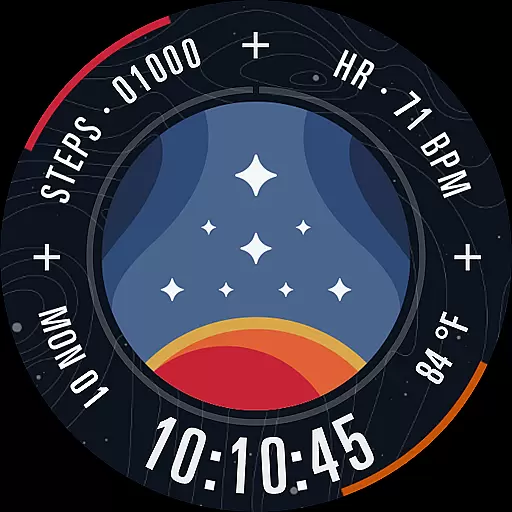
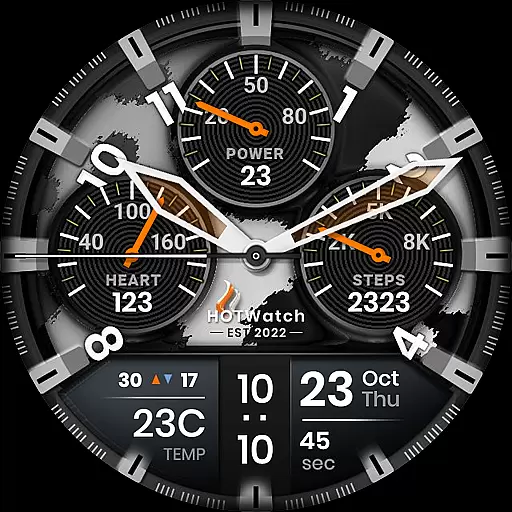
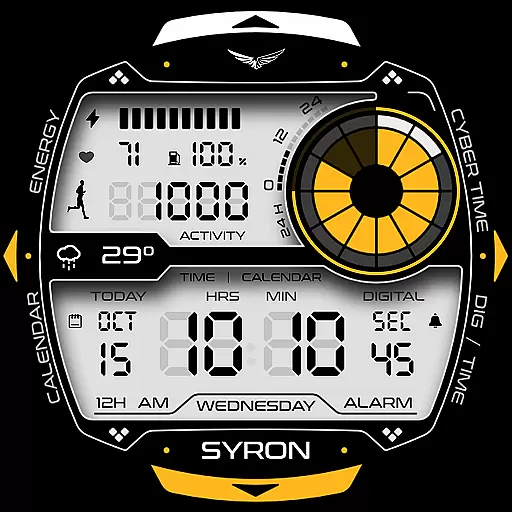
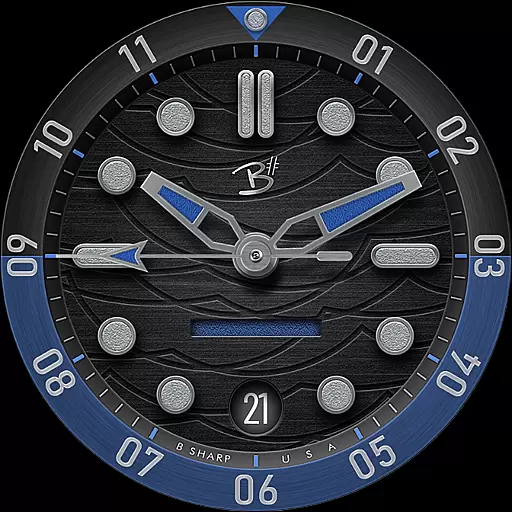
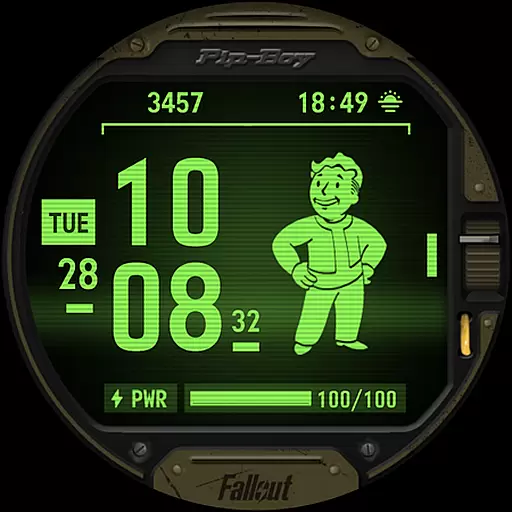
Facer Watch Faces is the ultimate customization tool for your smartwatch, offering over 500,000 free and premium watch faces from leading brands and independent artists. Compatible with Wear OS, Tizen, Apple Watch, and more, it allows you to personalize your style effortlessly.
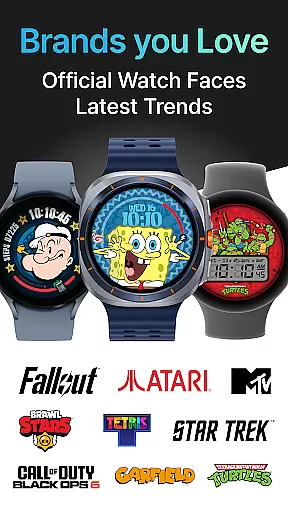
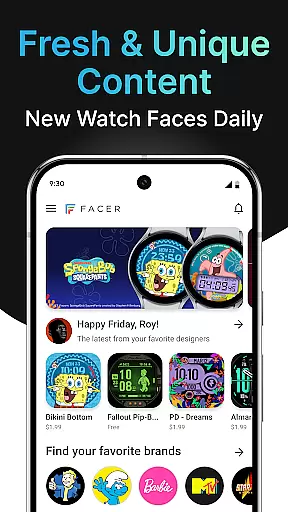
With Facer, you can access a vast library of unique designs, including popular brands like Tetris™, Star Trek, and Garfield. The app also features powerful creation tools for designers who want to publish their own watch faces, making it a versatile platform for both creators and users.
Whether you're looking to refresh your watch's appearance or showcase your creativity, Facer provides unlimited possibilities. Its seamless cross-platform support ensures that your favorite faces go wherever you go, enhancing your smartwatch experience.
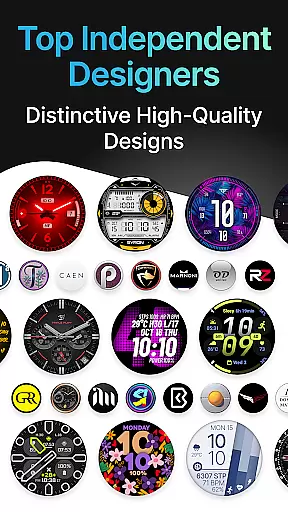
Facer stands out with its extensive catalog of watch faces, supporting all major smartwatch platforms such as Wear OS, Tizen, and Apple Watch. It offers curated collections from talented designers, ensuring high-quality aesthetics and dynamic functionality tailored to various user preferences.
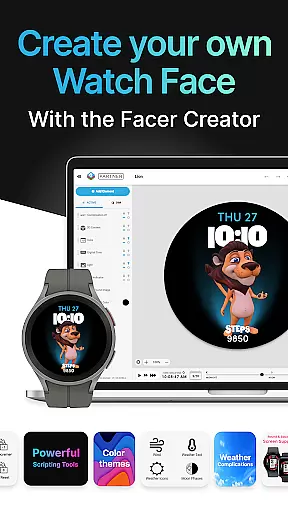
The app includes Facer Creator, a robust web-based editor that lets users design their own watch faces. With intuitive tools and real-time previews, even beginners can create professional-grade designs. Advanced permissions allow integration of location-based weather data and fitness metrics like step counters and heart rates.
Additionally, Facer fosters a vibrant community through social media channels and forums, encouraging collaboration and feedback among enthusiasts. Regular updates introduce new brands and features, keeping the content fresh and engaging for long-term users.
Companion app integration is essential for smartwatch applications like Facer Watch Faces. This feature ensures seamless synchronization between your smartphone and smartwatch, allowing users to access and manage their watch faces effortlessly.
Facer excels in companion app integration by providing a unified experience across devices. Users can install the app on both their phone and smartwatch, select desired watch faces through the mobile app, and have them synced instantly to their wearable device. This streamlined process eliminates manual updates and ensures that all changes are reflected immediately.
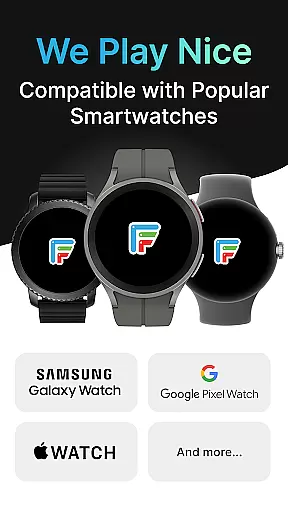
The benefit of this integration is significant for users who frequently switch between different watch models or brands. Whether you own a Samsung Galaxy Watch, Google Pixel Watch, or other Wear OS devices, Facer's companion app ensures that your preferred watch faces are always available. This cross-device compatibility enhances user convenience and maximizes the utility of their smartwatches.
Moreover, Facer's companion app offers additional features such as weather data display based on location and health-related information like step counters and heart rate monitoring. These functionalities enrich the overall user experience, making Facer not just a tool for customization but also a comprehensive smartwatch management solution.
Device compatibility is crucial for any application targeting multiple smartwatch platforms. For Facer Watch Faces, ensuring broad Wear OS and other device compatibility allows users to enjoy their favorite watch faces regardless of their specific smartwatch model.
Facer supports an extensive range of devices including Wear OS-powered watches from Samsung, Google, OnePlus, Oppo, Mobvoi, and Fossil Group brands. Additionally, it extends support to Tizen-based Samsung smartwatches and even older Wear OS models from various manufacturers. This wide-ranging compatibility ensures that no matter which smartwatch you own, Facer has you covered.
The advantage of such comprehensive device support is evident for users who upgrade or change their smartwatches frequently. With Facer, there's no need to worry about losing access to your personalized watch faces when switching devices. The application automatically adapts to different screen sizes and resolutions, maintaining optimal visual quality across all supported platforms.
Beyond basic compatibility, Facer continuously updates its app to accommodate new operating system versions and hardware releases. For instance, full support for Wear OS 6 was implemented in July 2025, demonstrating the company's commitment to staying current with technological advancements. This dedication ensures that users always have access to the latest features and security improvements, enhancing both functionality and peace of mind.
User-friendly interface
Extensive face library
Cross-platform support
Active creator community
Regular content updates
Premium faces cost extra
Some features require setup
Occasional sync issues
Limited free options
Health data dependency



Diet tracker for weight loss - track calories, food and macros. Simple and easy!
 4.70
4.70
Elegant animated Christmas tree with multiple customization options
4.20
Easy Voice Recorder is your everyday companion to record important moments.
4.70
The ultimate destination for kids ages 3-8 to explore the Marvel Universe!
4.30
Stay in touch with your friends and family using LINE!
3.40
Retro digital watch face with customizable colors and a unique lighting effect
4.60
Want to take charge of your health? Let Google Fit help you reach your goals.
3.50
Back up your contacts & access them anywhere
4.30
Download full tracks, listen to music offline, make unlimited playlists.
4.80
The most customizable minimal watch face. For Wear OS 5.0, API 34+ and later
4.70
To-Do List: daily schedule planner, task organizer, to do reminder app, calendar
4.60
MyNISSAN® lets you remotely control your car from your phone.*
4.50
Deck out your Wear OS Watch face with a beautifully decorated pine wreath!
4.50
Christmas watch face. For Wear OS devices.
4.30
Your music, your playlists, and more—offline and unlimited.
4.20
sleep, alarm, snoring, stress, healing, focus, sound therapy, circadian rhythm
4.10
Daily Weather forecast with 15 weather images for Day & Night plus Big Bold time
4.10
Your local weather forecast, storm tracker, radar maps & live weather news
3.40
Fitness interactive virtual pet super fighter boy watch face
4.0


User Reviews