

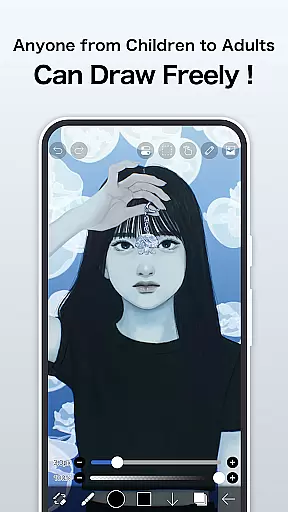
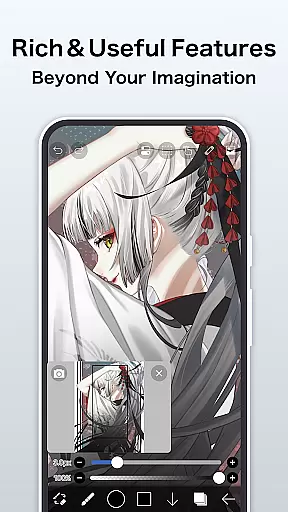
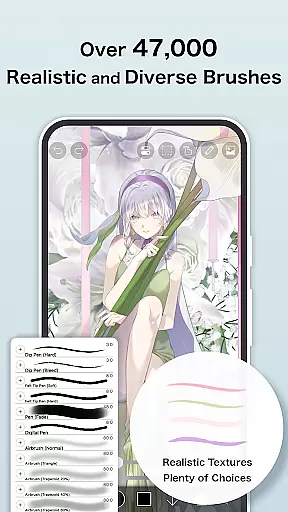
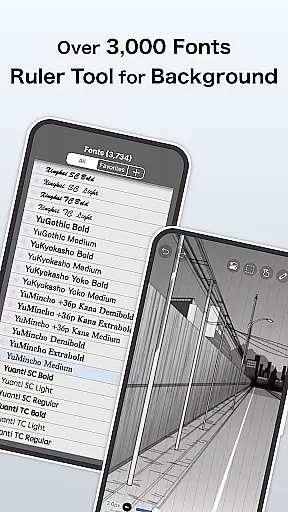
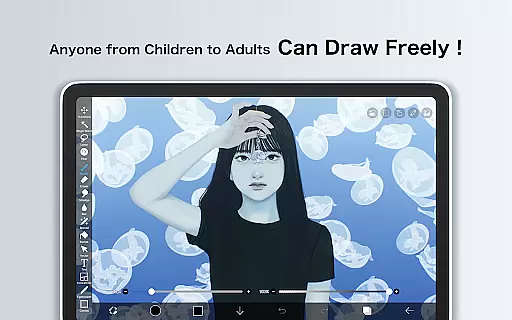
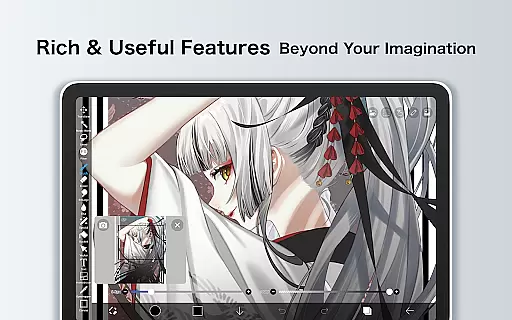
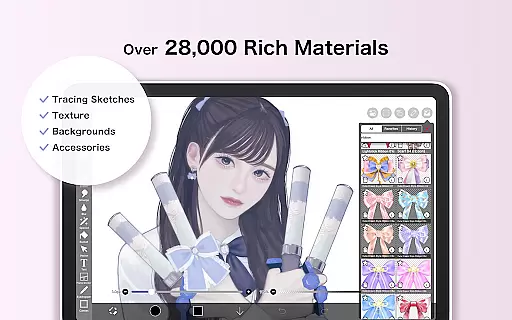
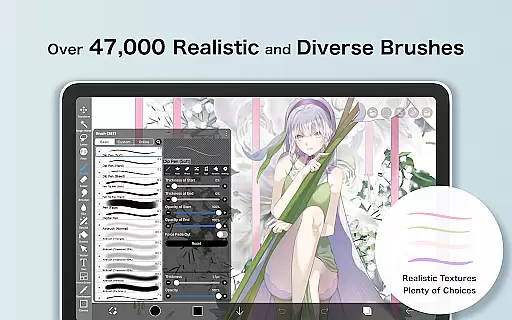
ibis Paint is a premier drawing application designed for both amateur and professional artists, offering an extensive suite of creative tools. With over 460 million downloads, it stands as one of the most popular art apps available. The app provides users with access to more than 47,000 brushes, 27,000 materials, and 2,100 fonts, alongside advanced features such as stroke stabilization, various rulers, and clipping masks.
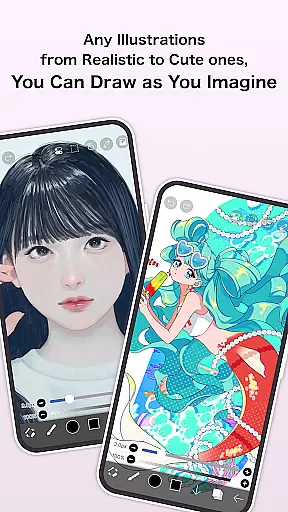
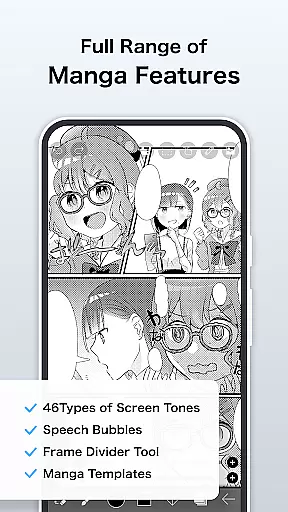
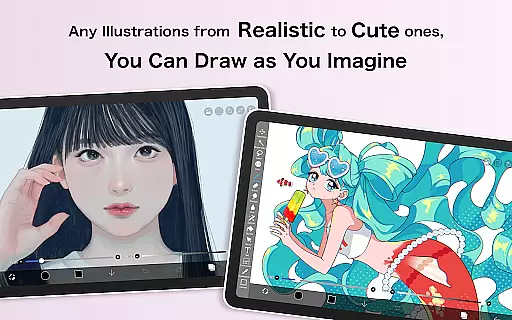
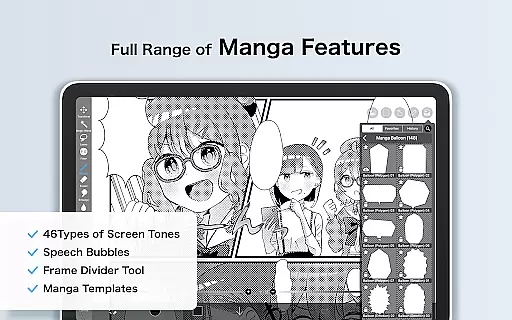
This versatile app supports a wide range of artistic styles and techniques, from digital painting to manga creation. Users can record their drawing processes, apply 84 different filters, and utilize 46 screentones. Its layer functionality allows for unlimited layers and includes blending modes, opacity settings, and transformation tools, making it suitable for detailed and complex artwork.
Available on Android, ibis Paint caters to artists looking to create, share, and learn within a vibrant community. By subscribing to Prime Membership, users gain access to exclusive features and cloud storage, enhancing their creative workflow and allowing them to connect with fellow artists worldwide.
ibis Paint distinguishes itself through its vast array of customizable tools and sharing capabilities. The app's brush engine is particularly robust, featuring options like dip pens, oil brushes, and even stamps, all capable of rendering at up to 60 fps for a smooth drawing experience. This ensures that every stroke feels natural and responsive, catering to artists who demand precision and performance.
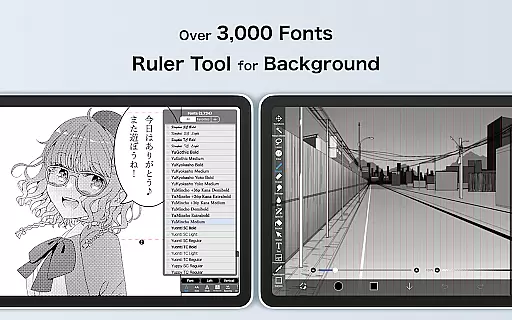
Beyond its impressive brush library, ibis Paint offers comprehensive layer management. Artists can manipulate layers with commands such as duplication, inversion, rotation, and zooming. The app also includes a text tool with vertical, horizontal, and stroke options, along with font selection, enabling intricate manga and comic creation. These features are complemented by advanced filters and adjustment layers, providing unparalleled control over the final artwork.
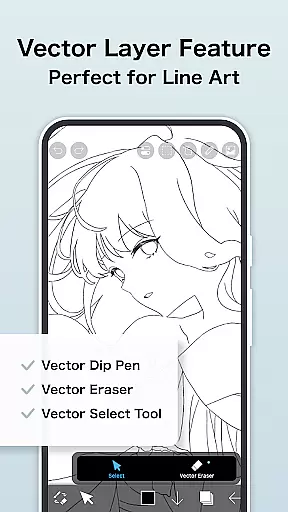
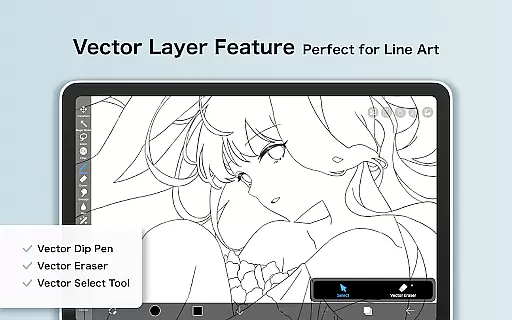
For those seeking to expand their skills, ibis Paint's YouTube channel hosts numerous tutorials. Additionally, the Prime Membership unlocks exclusive content and features, including vector tools, AI disturbance, and watermark-free video exports. This subscription model not only enhances individual creativity but also fosters a community where artists can share their work and drawing processes seamlessly.
In the realm of digital art, ibis Paint stands as a paragon of creative tool completeness. This application offers over 47000 brushes, including dip pens, felt tip pens, and oil brushes, catering to every artistic need imaginable. The vast array of options ensures that artists can find the perfect tool to bring their visions to life.
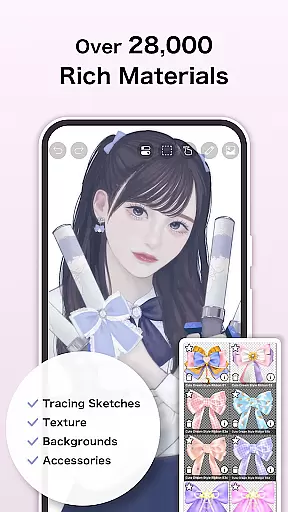
Moreover, the app provides more than 27000 materials and over 2100 fonts, alongside 84 filters and 46 screentones. These features allow users to experiment with textures and styles, pushing the boundaries of their creativity. With such an extensive toolkit at their disposal, artists can explore new techniques and refine their craft.
The inclusion of advanced features like stroke stabilization, various ruler tools, and clipping masks further enhances the drawing experience. These functionalities not only improve precision but also streamline the creative process, making it easier for artists to focus on their work without being hindered by technical limitations.
For those seeking to elevate their artistry, ibis Paint's Prime Membership unlocks even more possibilities. Members gain access to exclusive features such as vector tools, AI disturbance, and advanced adjustment layers. This comprehensive suite of tools empowers artists to create professional-quality work directly from their mobile devices.
Flexibility in canvas and format options is crucial for digital artists, and ibis Paint excels in this area. Users can create artworks on canvases of various sizes and resolutions, accommodating different project requirements and personal preferences. This adaptability ensures that whether you're sketching a quick concept or working on a detailed masterpiece, the app can meet your needs.
The app supports unlimited layers, each with customizable parameters such as opacity, blending modes, and individual layer names. This level of control allows artists to organize their work efficiently and experiment with complex compositions. Additionally, the ability to import images from the photo library and apply transformations like rotation and inversion adds another layer of versatility to the creative process.
ibis Paint also caters to manga creators with its advanced text tool, offering vertical, horizontal, stroke, and font selection options. This feature enables artists to incorporate text seamlessly into their artwork, enhancing storytelling capabilities. Furthermore, the app's support for multiple file formats ensures compatibility with other software, facilitating a smooth workflow across different platforms.
With the Prime Membership, users can enjoy additional benefits like 20GB of cloud storage and the ability to import original brush patterns. These enhancements not only expand the creative possibilities but also provide a more integrated and convenient user experience. Whether you're a hobbyist or a professional artist, ibis Paint's canvas and format flexibility make it an indispensable tool in your digital art arsenal.
User-friendly interface
Extensive brush library
Vibrant artist community
Advanced layer options
Regular feature updates
Prime Membership cost
In-app purchases needed
Complex for beginners
Occasional bugs
High device requirements

Image/ Text to Video Generator
 4.40
4.40
Easy 3D drawing design maker & creator. Model designing, Sculpting. Create&paint
4.00
Turn your drawings into flipbook-style animations with simple creative tools
4.60
Image resizer to resize, crop, rotate, flip, change dpi photo or picture in bulk
4.60
Mobile pixel art editor. Simple. Fast. Portable.
4.80
Bring One UI 8.5 Icons to life -elegant dark icons with a modern, premium touch.
4.30
Sketch and paint on your device with the feel and freedom of drawing on paper
4.00
Explore future self face age filter & remove background image for a unique look.
3.50
Multiplayer Drawing game, Coloring, Painting・Sketch, Handwriting・Paint, draw
4.30
The ultimate tool for creating animations
4.60
Digital illustration drawing & painting pad app to paint Anime and Manga art
4.50
Draw Trace image sketch by, AR art projector app, Easy to trace any image.
4.50
Stylish letters, Stylish Keyboard, Symbols, Emojis, Cool nickname
4.40
Just trace a projected picture on paper and color! Draw & Paint with AR drawing
4.40
Unleash Your Creativity with Draw Cartoon - AR Drawing App
4.10
AR Anime Drawing: How to draw anime with AR drawing & sketching apps!
4.00
AI Face Swap, Video Effects Editor, Realtime Morph, Funny Video FX,AI Filters
3.70
Apply cartoon, caricature, and portrait effects to make your photos stand out!
3.60
Art of Combination Wear OS Watch faces
4.4


User Reviews