

SketchPro is a professional-grade drawing and design application tailored for digital artists, illustrators, and creative professionals. This comprehensive art tool offers advanced AI-powered features that streamline the creative process while delivering exceptional quality.
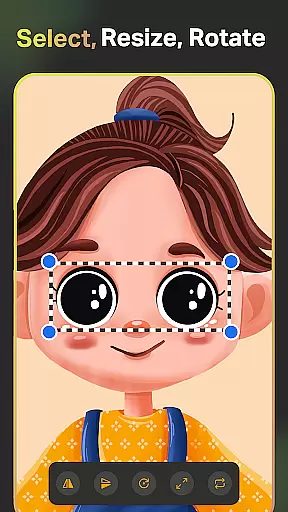
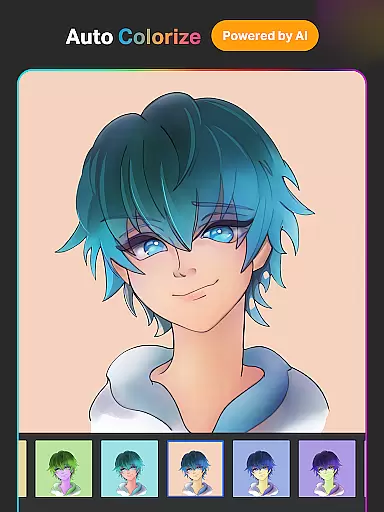
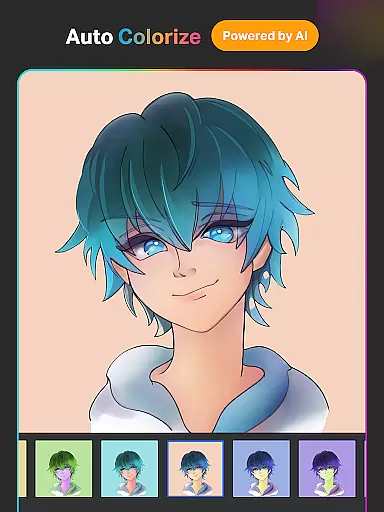
The app provides an extensive selection of customizable brushes, smart drawing tools, and professional-grade layer systems. With specialized functionalities like Text to Image AI, Sketch to Image AI, and Auto-Coloring AI, users can effortlessly transform concepts into polished artwork. These innovative tools make SketchPro particularly valuable for graphic designers, comic artists, and professional illustrators seeking to enhance their creative workflow.
Whether you're working on detailed illustrations, manga art, or graphic design projects, SketchPro's robust feature set supports complex creative requirements. The application's intuitive interface and powerful tools enable artists to focus on their craft while maintaining professional standards across various digital art forms.
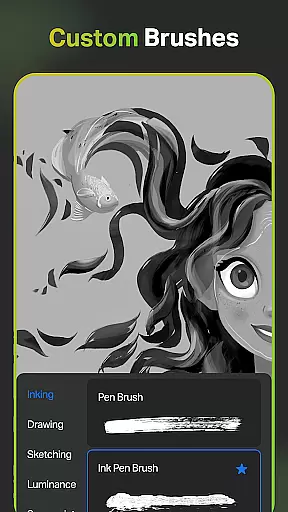
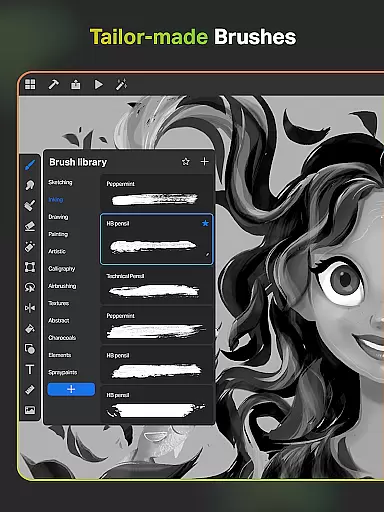
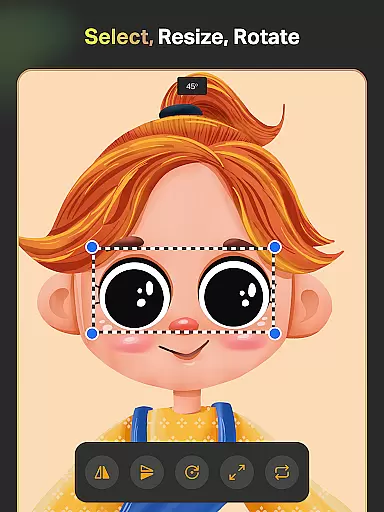
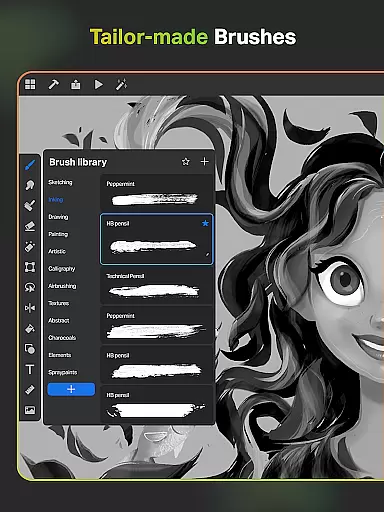
SketchPro distinguishes itself through its sophisticated combination of traditional drawing tools and cutting-edge AI technology. The application includes over 100 customizable brushes, each designed for specific artistic techniques, from sketching to professional painting. Artists can create personalized brush sets and access advanced tools like the Free Roller Brush with pattern presets.
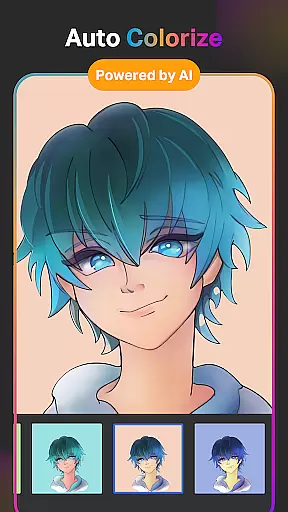
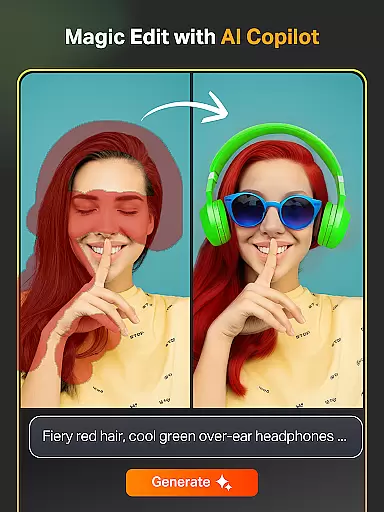
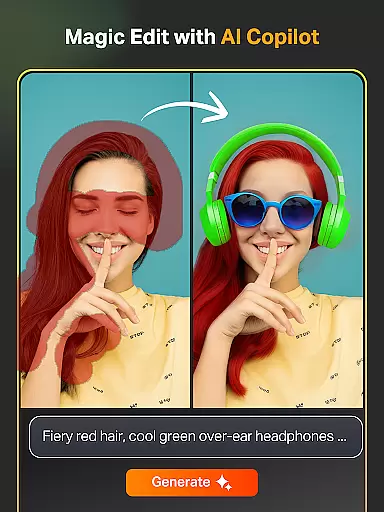
The AI-powered toolkit revolutionizes digital art creation with features such as Magic Edit AI for object manipulation, Expand Artwork AI for canvas extension, and Auto-Colorization AI for efficient coloring. These tools work seamlessly with traditional drawing methods, allowing artists to maintain creative control while accelerating their workflow.
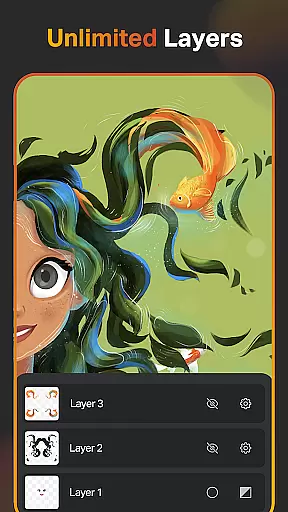
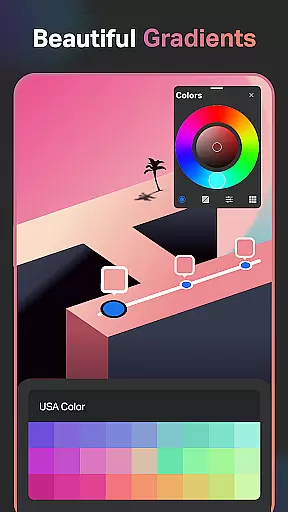
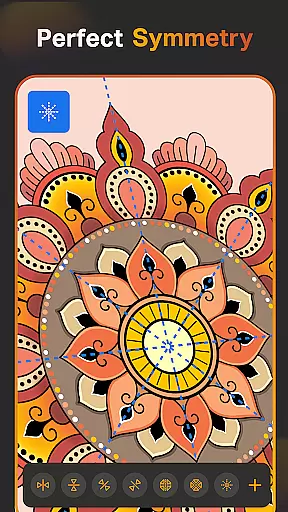
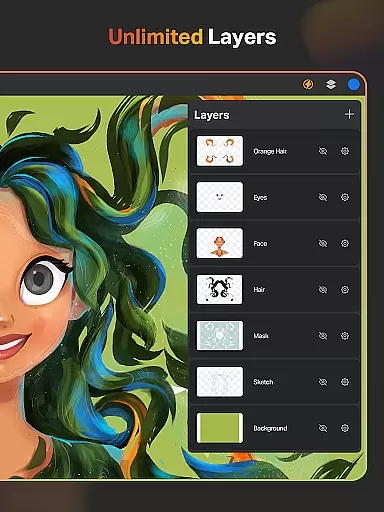
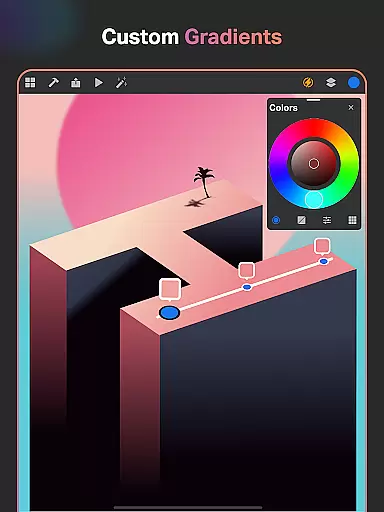
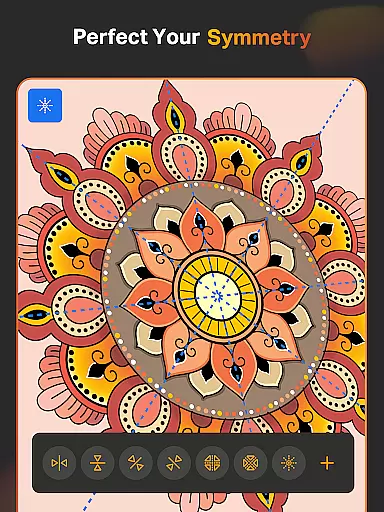
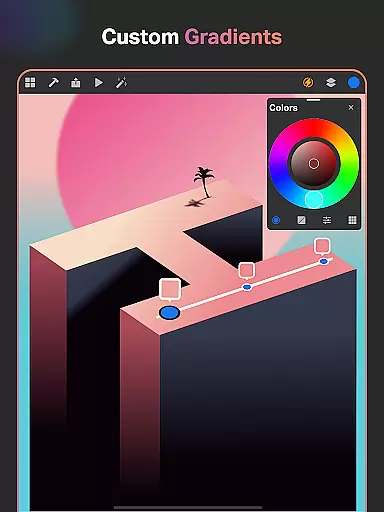
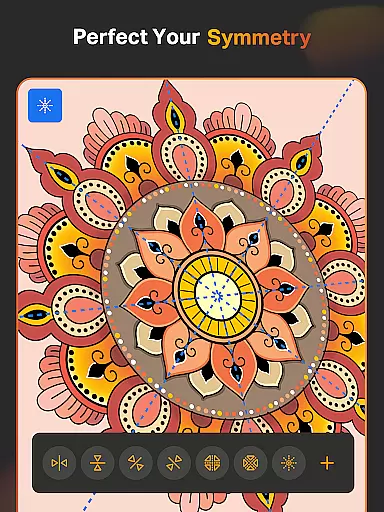
Additional professional features include unlimited layers with advanced editing options, Smart Shapes for precise drawings, and a comprehensive Color Palette system. The application also supports complex design work through its Gradient Tool, Symmetry Tool, and extensive Shape Library. These capabilities make SketchPro suitable for both quick sketches and elaborate design projects.
SketchPro offers an extensive suite of creative tools that cater to the needs of professional digital artists. The app includes customizable brushes for sketching, painting, and illustrating, allowing users to tailor their tools to specific project requirements.
Advanced AI drawing tools further enhance the creative process. Users can generate artwork through simple text prompts, transform hand-drawn sketches into polished images, and edit colors and objects using AI-driven features. These tools not only streamline workflows but also open new avenues for artistic expression.
In addition to AI tools, SketchPro provides practical utilities such as Smart Shapes, a Symmetry Tool, and Gradient options. These features enable artists to create precise shapes, mirrored designs, and professional-grade gradients, making the app suitable for both quick sketches and detailed illustrations.
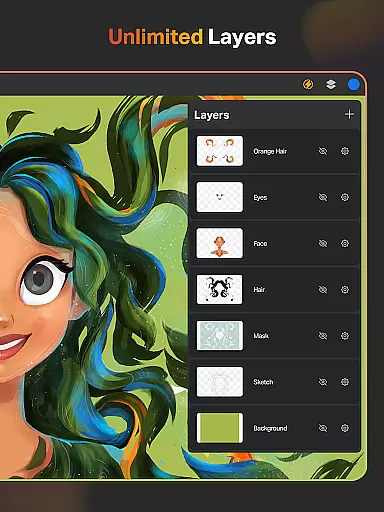
The inclusion of an advanced layer system, text tools, and a comprehensive color palette ensures that all aspects of digital art creation are covered. Artists can work with unlimited layers, customize fonts, and utilize a full-color wheel, empowering them to produce high-quality work efficiently.
SketchPro excels in providing canvas and format flexibility, essential for accommodating various artistic styles and project requirements. The app allows users to create custom canvases, ensuring that artists can work within their preferred dimensions and resolutions.
With support for unlimited layers, SketchPro enables complex compositions without constraints. Artists can rasterize, duplicate, and merge layers, offering complete control over their artwork's structure and organization. This flexibility is crucial for graphic designers and illustrators working on multifaceted projects.
The app also supports importing colors from photos and images, expanding the possibilities for color matching and thematic consistency across different works. Additionally, the inclusion of a reference tool allows users to keep inspirational images directly on the canvas, enhancing creative freedom.
SketchPro's ability to store drawings systematically, with automatic saving and cloud syncing, ensures that artists can access their work from anywhere. This feature, combined with time-lapse playback and dark mode options, demonstrates the app's commitment to providing a flexible and user-friendly environment for digital art creation.
Advanced AI tools
Customizable brushes
Unlimited layers
Professional color tools
Cloud syncing
Steep learning curve
High system requirements
Premium pricing
Complex interface
Limited mobile optimization


Floor Plan Creator lets you create, edit and share floor plans.
 4.00
4.00
Image/ Text to Video Generator
4.40
Art of Combination Wear OS Watch Faces
4.0
Convert image to JPG PNG HEIC PDF, support almost all kinds of image formats
4.70
Draw Trace image sketch by, AR art projector app, Easy to trace any image.
4.50
Powerful home decoration & house design that allows you to design dream home.
3.80
Minecraft & Roblox Clothes
4.70
Mobile pixel art editor. Simple. Fast. Portable.
4.80
A luxurious gold watch face for an elegant and refined look.
4.0
Logo Generator powered by AI: Create stunning logos effortlessly!
4.70
Turn your drawings into flipbook-style animations with simple creative tools
4.60
Get an overview over all your embroidery threads, projects and more.
4.60
AI generated images & photos, turn your words into drawing, painting & pictures.
4.30
Beauty Camera - Selfie Camera is the ultimate beauty camera and selfie app
4.30
OneUI 8.5 icons ✨ Smooth, modern & based on the latest Play Store design ??
4.10
Easy 3D drawing design maker & creator. Model designing, Sculpting. Create&paint
4.00
Vidu is an AI video generator made for creators and aspiring makers.
3.30
Create stunning video, photo & magic from text with FlixAI GPT video generator.
3.10
Transform photos into amazing monochrome dither art with professional algorithms
4.5


User Reviews