

3D Modeling App is a powerful mobile solution for creating 3D models, objects, and art directly on your phone or tablet. Designed for professionals and hobbyists alike, this app enables users to design 3D characters, games, and various objects using intuitive gestures. Whether you're an engineer, artist, or game developer, the app provides tools for 3D modeling, sculpting, painting, and animation.
The app stands out with its versatile functionality that supports multiple professional use cases. Automotive engineers can design cars, while artists can create digital sculptures or paintings. Game designers benefit from features like character modeling and physics simulation. With support for .obj file export and compatibility with major 3D modeling software, it serves as an all-in-one tool for 3D creation.
This application is especially valuable for professionals needing a portable yet robust 3D editing tool. Its gesture-based controls and comprehensive toolset make it ideal for quick prototyping or detailed designs on the go. The ability to customize materials, apply precise transformations, and utilize advanced sculpting tools ensures high-quality results in any project.
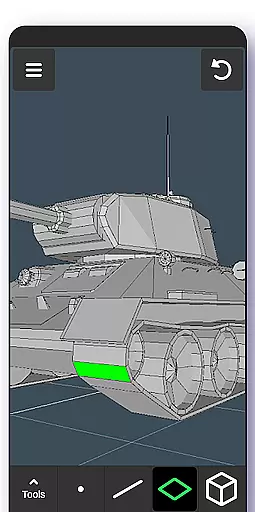
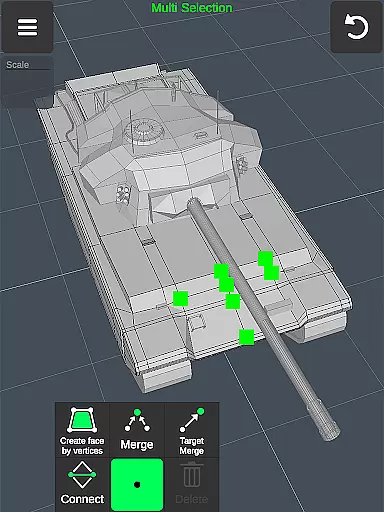
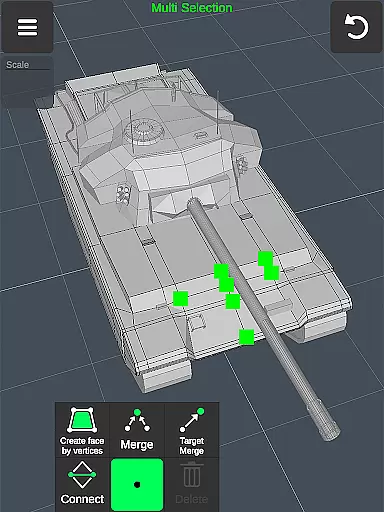
3D Modeling App offers an extensive range of features designed to streamline the 3D creation process. One of its core strengths is the fast workflow enabled by gesture controls, allowing users to move, rotate, and scale objects effortlessly. The app supports multi-selection of vertices, edges, faces, and objects through simple taps or frames, making complex edits more manageable.
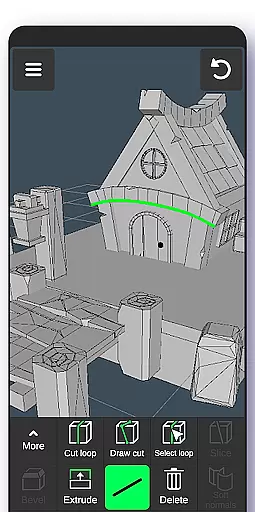
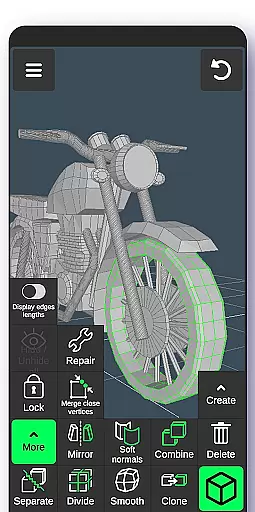
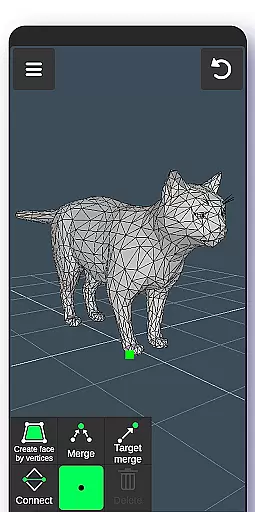
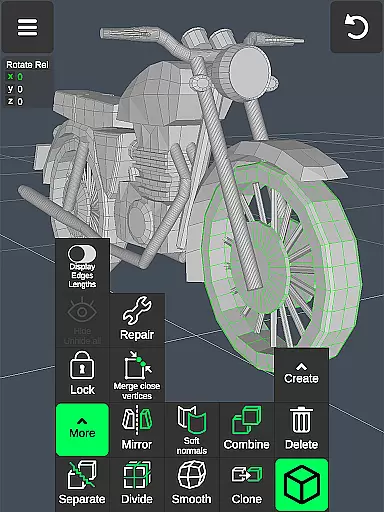
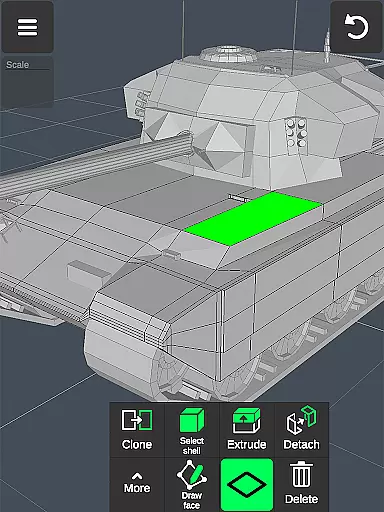
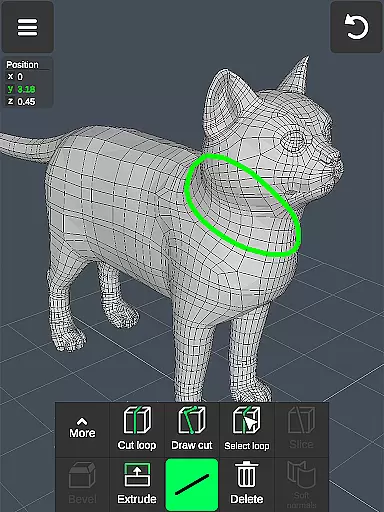
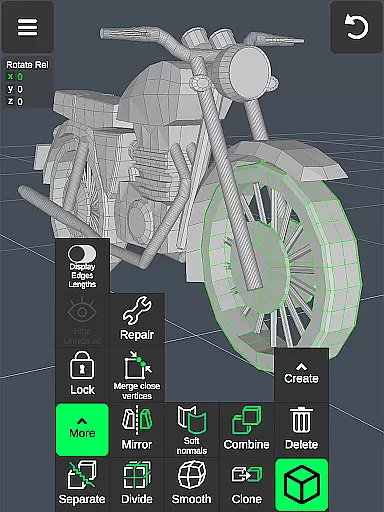
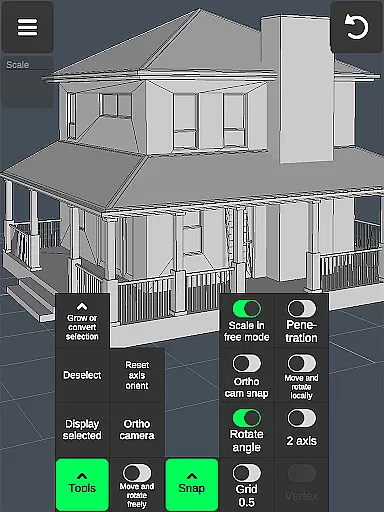
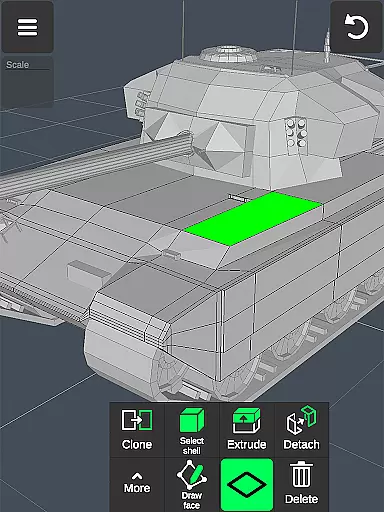
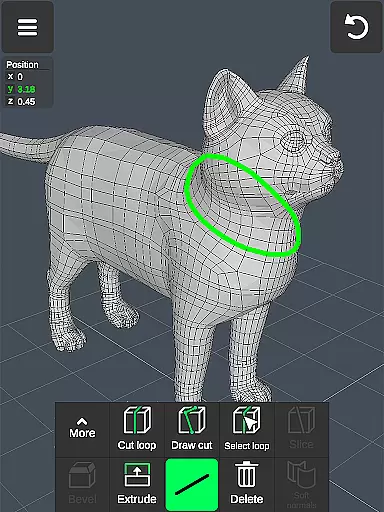
The app includes specialized tools for geometry editing, such as vertex merging, edge cutting, and face extrusion. Users can also take advantage of object tools for cloning, mirroring, and smoothing, alongside sculpting tools with adjustable brush size and strength. Additional display tools provide options for wireframes, shadows, and axis visibility, giving users full control over their workspace.
With support for up to 20 materials per object and advanced snapping options, the app caters to both artistic and technical projects. The ability to import and export .obj files ensures compatibility with industry-standard software like Blender, AutoCAD, and ZBrush. These features collectively make 3D Modeling App a versatile choice for anyone involved in 3D design or animation.
Creative tool completeness is essential for any professional-grade 3D modeling application. The 3D Modeling App offers an extensive suite of tools that cater to various aspects of 3D creation, ensuring users have everything they need at their fingertips.
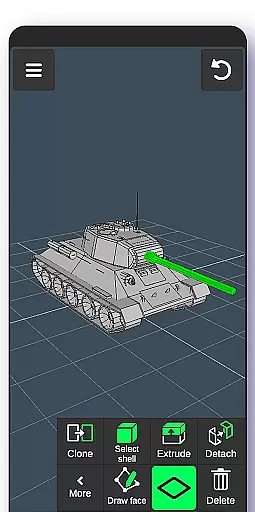
From vertex, edge, and face tools to object and sculpting tools, the app provides a comprehensive toolkit. Users can merge, connect, extrude, clone, smooth, and more, allowing for detailed manipulation of 3D geometries. Sculpting tools enable digital sculptors to move, push, pull, and smooth with adjustable brush sizes and strengths, offering precision and control.
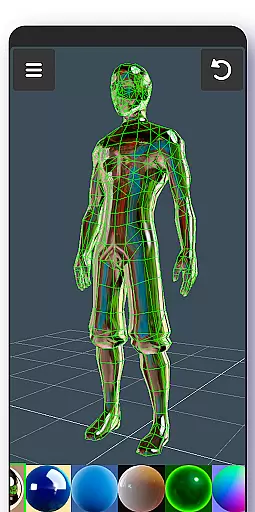
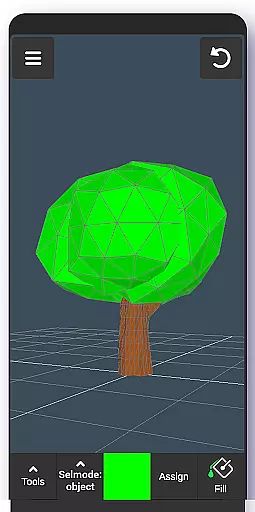
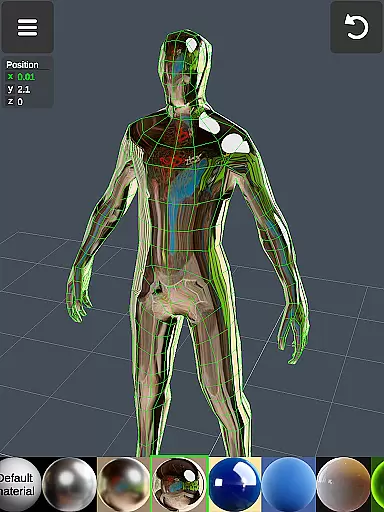
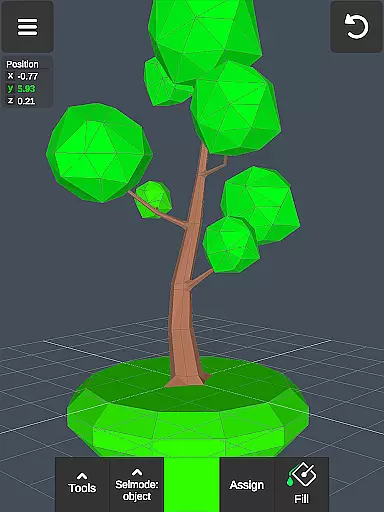
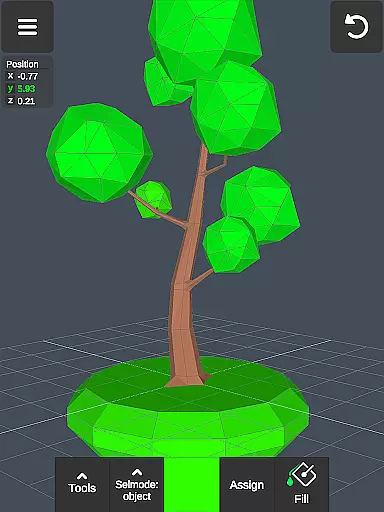
The inclusion of display tools such as grid settings, wireframe views, and axis visibility enhances the modeling experience by providing clear visual feedback. Additionally, coloring options like vertex color painting and the ability to apply up to 20 materials add depth and realism to creations.
These robust features ensure that whether you're a game designer, engineer, or artist, the 3D Modeling App supports your creative process from concept to completion, making it a versatile addition to any professional's toolkit.
Canvas and format flexibility are crucial for accommodating diverse project requirements and ensuring seamless integration with other software tools. The 3D Modeling App excels in this area by providing a highly adaptable workspace and supporting a wide range of file formats.
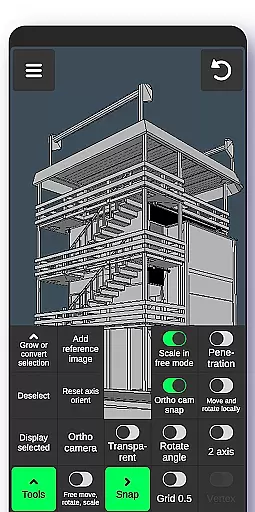
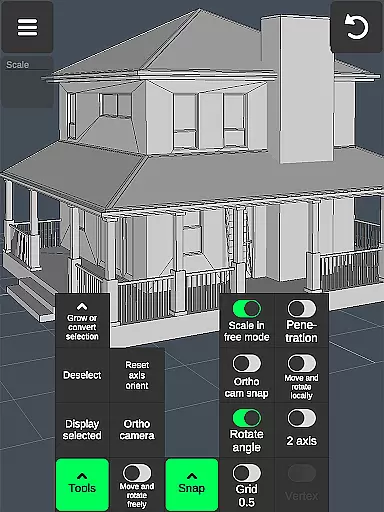
Users can manipulate the canvas extensively using gestures to move, rotate, and scale 3D images and objects. The app allows precise adjustments through orthographic camera settings and snap functionalities, including grid, rotate angle, and local space snapping, which are vital for accurate designs.
In terms of format compatibility, the app supports importing and exporting .obj files, which can be used across various 3D modeling and CAD software platforms such as 3ds Max, Maya, Blender, AutoCAD, and SolidWorks. This interoperability ensures that projects started in the 3D Modeling App can be further refined or utilized in professional environments.
Moreover, the ability to convert files into multiple formats using third-party converters extends the appu2019s flexibility, allowing for integration with specialized software like ZBrush, Adobe Photoshop, and Rhino. This adaptability makes the 3D Modeling App a powerful tool for both standalone projects and collaborative workflows.
User-friendly interface
Wide range of tools
Excellent compatibility
Gesture-based controls
Professional-grade output
Steep learning curve
High system requirements
Limited free features
No real-time collaboration
Occasional bugs


Premium version of Shimeji-ee app with no ads & no limit active shimeji
 4.4
4.4
Sketch, trace and master AR drawing with awesome anime art!
3.30
Draw anime & manga drawing, art with templates to create stunning picture!
4.50
Meet the magic aı 3d photo generator and smart AI video generator app.
3.20
Get creative and make art with your Sesame Friends!
4.00
Retouch photos. Create or edit images. Endless capabilities.
2.70
Create and Design Custom Logos in Seconds with AI-Powered Tools!
4.40
Video AI: Revolutionize Your Content Creation with Advanced Video Generation
4.50
Kling AI is an image and video generation and editing studio powered by AI.
4.50
Mobile pixel art editor. Simple. Fast. Portable.
4.80
2D animation studio for Android tablets - unlimited layers, infinite timeline
4.70
Photo stitcher for automatically screenshot stitching into a long screenshot
4.70
Draw beautiful mandala's very easily
4.60
Image resizer to resize, crop, rotate, flip, change dpi photo or picture in bulk
4.60
Beauty Camera - Selfie Camera is the ultimate beauty camera and selfie app
4.30
Sketch and paint on your device with the feel and freedom of drawing on paper
4.00
Vidu is an AI video generator made for creators and aspiring makers.
3.30
Inky runs Inkscape on Android devices and Chromebooks
2.90
Android 14 style widgets and wallpapers app.
4.0

User Reviews