

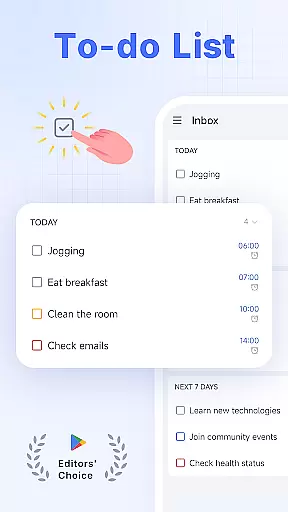
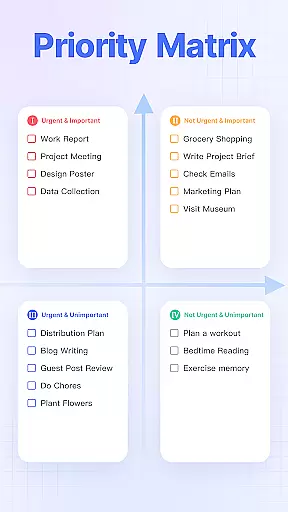
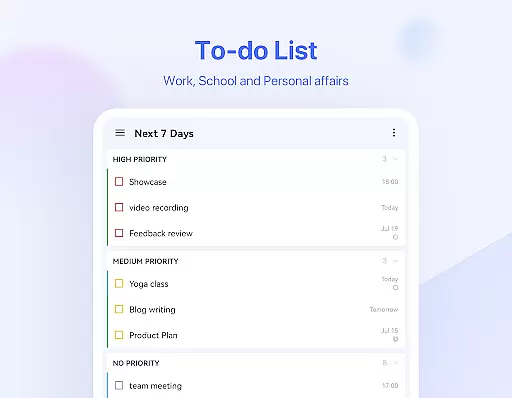
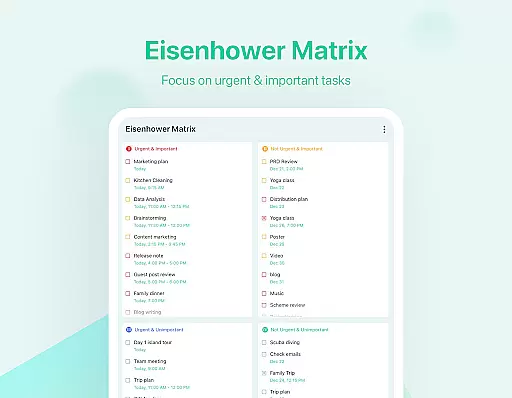
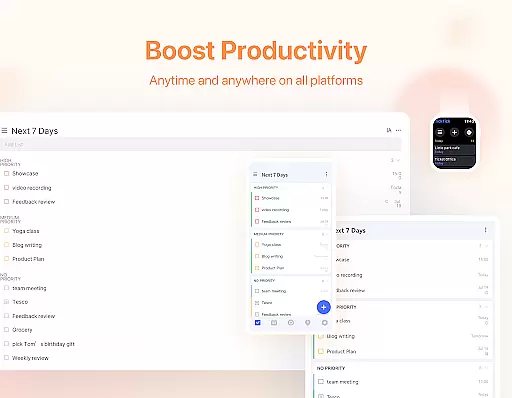
TickTick is a comprehensive productivity app designed to help users manage their tasks, schedules, and habits efficiently. As a multi-dimensional task manager, it consolidates to-do lists, reminders, and calendars into one intuitive platform, making it easier than ever to stay organized across different aspects of life.
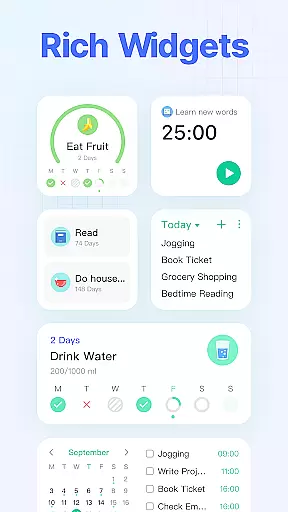
The app offers advanced features like Pomodoro timers for focus, habit trackers for personal development, and seamless cross-device syncing. Whether you're handling work projects, tracking personal goals, or sharing shopping lists with family, TickTick provides the tools to achieve your objectives while maintaining a sleek and user-friendly interface.
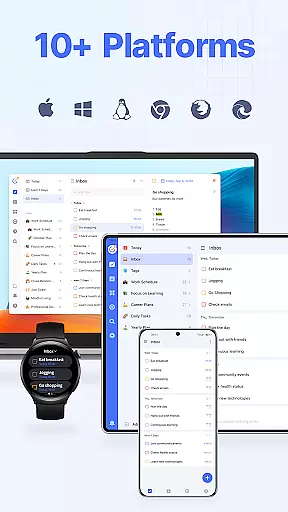
With its powerful functionality, TickTick is particularly useful for professionals and students who need to balance multiple responsibilities. The app's ability to sync across various platforms including Android, iOS, and web ensures that users can access their information anywhere, anytime, helping them make the most of every moment.
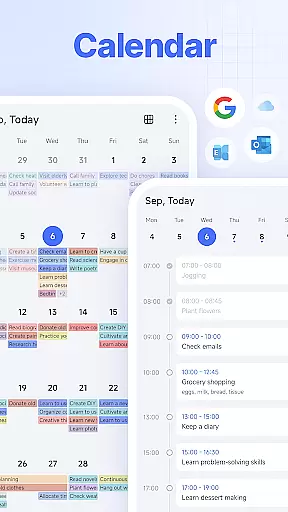
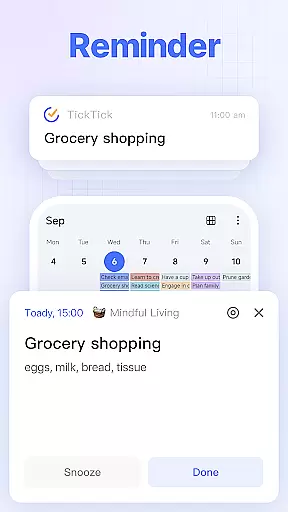
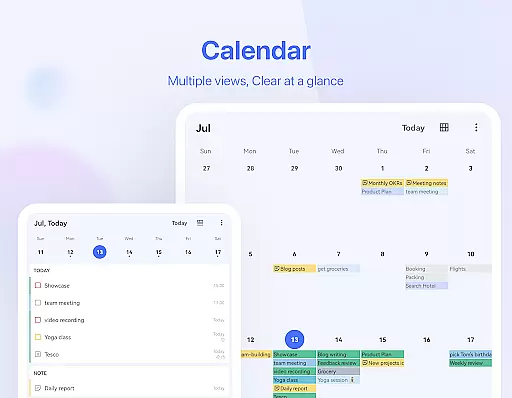
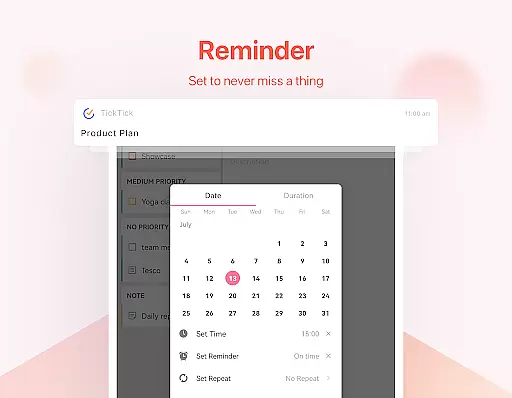
TickTick stands out through its diverse range of productivity-enhancing features. One of its core strengths is the Smart Date Parsing system, which automatically sets due dates and alarms based on user input, streamlining task management. This feature, combined with instant reminders and a clean calendar view, helps users maintain control over their schedules.
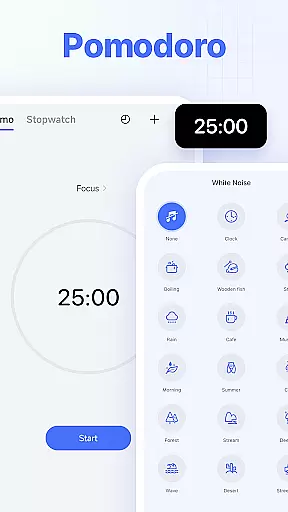
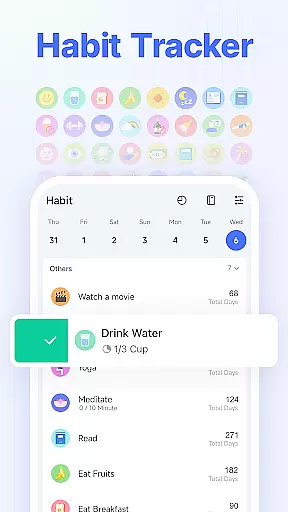
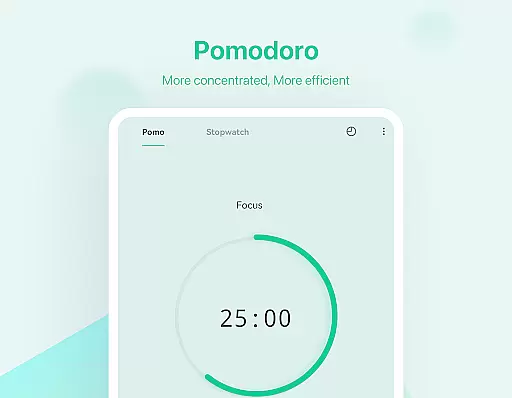
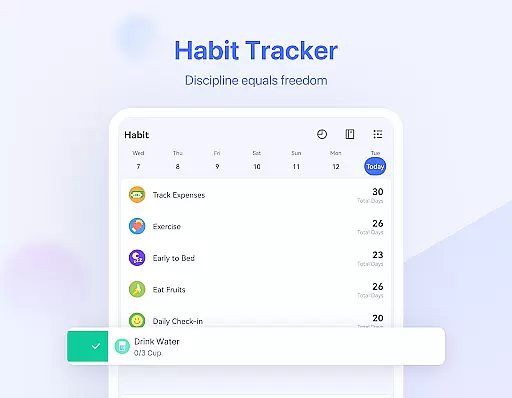
The app also includes specialized tools like the Pomodoro timer with white noise options for better focus, and a sophisticated habit tracker for building positive routines. These features are complemented by practical functions such as voice task creation, recurring task scheduling, and third-party calendar integration.
For team environments, TickTick offers seamless collaboration features, allowing users to share task lists and assign responsibilities to colleagues or family members. The premium version expands these capabilities with enhanced customization options, larger task limits, and advanced sharing features, making it a complete solution for both individual and group productivity needs.
Companion app integration is essential for users who rely on wearable devices to manage their tasks and productivity. TickTick excels in this area by offering seamless synchronization between its mobile app and Wear OS devices. This ensures that all your tasks, reminders, and notes are consistently updated across all platforms.
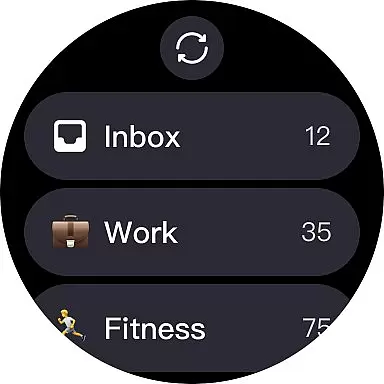
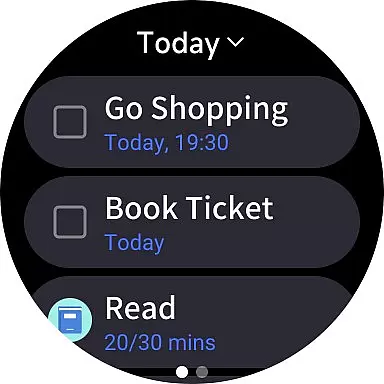
With TickTick's companion app integration, you can easily view and manage your to-do lists directly from your smartwatch. The app provides quick access to your most important tasks, allowing you to stay organized without needing to reach for your phone. This feature is particularly useful when you're engaged in activities where using a phone might be inconvenient.
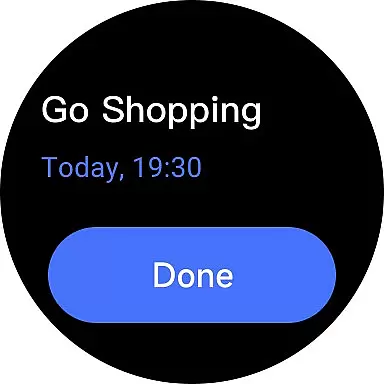
The real-time updates provided by TickTick ensure that any changes made on your mobile device are instantly reflected on your Wear OS watch. This includes adding new tasks, marking items as complete, or modifying due dates. Such immediate synchronization helps maintain accurate and up-to-date information at all times.
Ultimately, TickTick's robust companion app integration empowers users to manage their time effectively, regardless of the device they are using. By providing a unified experience across multiple platforms, it enhances productivity and ensures that you never miss an important deadline or task.
Wear OS and device compatibility is a crucial aspect for apps designed to work with wearable technology. TickTick offers extensive support for Wear OS devices, ensuring that users can take full advantage of their smartwatches for managing tasks and schedules. This compatibility extends to various models, providing a versatile solution for productivity enthusiasts.
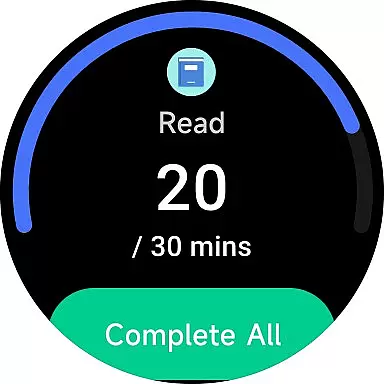
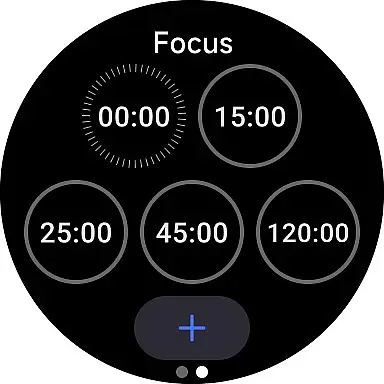
TickTick's compatibility with Wear OS ensures that users can enjoy a wide range of features directly on their smartwatches. From viewing tasks and setting reminders to tracking habits and using the Pomodoro timer, the app delivers a comprehensive set of tools tailored for wearable devices. This allows users to maintain their productivity routines without interruption, even when away from their phones or computers.
In addition to supporting Wear OS, TickTick also ensures smooth functionality across different Android devices and other platforms like iOS, Mac, and PC. This cross-device compatibility means that no matter which device you choose to use, you'll have consistent access to your data and features. Such versatility makes TickTick a reliable choice for individuals who use multiple devices throughout their day.
By prioritizing Wear OS and broader device compatibility, TickTick enhances user convenience and flexibility. Whether you're at home, in the office, or on the move, you can count on TickTick to keep you organized and efficient, leveraging the full potential of your wearable technology.
User-friendly interface
Cross-platform syncing
Powerful task management
Effective Pomodoro timer
Comprehensive habit tracker
Limited free features
Premium subscription cost
Occasional sync delays
Complexity for new users
Notification limitations

Christmas - Festive - Christmas Village - Winter - Christmas lights
 5.00
5.00
Christmas and New Year - Themed Watchface
4.5
Current temperature, weather hourly, weather radar by the weather forecast app
4.40
Deck out your Wear OS Watch face with a beautifully decorated pine wreath!
4.50
Stylish digital watch face for Wear OS devices with customizable features
4.3
Hyperlocal rain alerts by MyRadar using patent-pending technology, radar & more
4.80
The ultimate destination for kids ages 3-8 to explore the Marvel Universe!
4.30
Bold weather Digital watchface with forecast & optional animated background
4.40
Minimalistic design modern digital watch face.
4.1
Gym Log & Workout Tracker | Fitness Journal, Training & Weight Lifting Planner
4.90
A modern premium sporty hybrid watch face for Wear OS by Ballozi
4.70
Kia Access makes getting your vehicle information easier than ever
4.60
Find EV charging stations
4.30
Embrace the festive spirit with our Christmas Countdown watchface for Wear OS
4.10
The #1 source of faces for your smartwatch!
4.00
Watch the sharpness of the sky on your wrist..
3.70
A full-featured Amazon Alexa voice assistant that can show you things.
3.70
Watch face designed for Thanksgiving Day. 7 Background Styles included.
3.20
Precision analog watch face with 7 complications and style options
4.0


User Reviews