

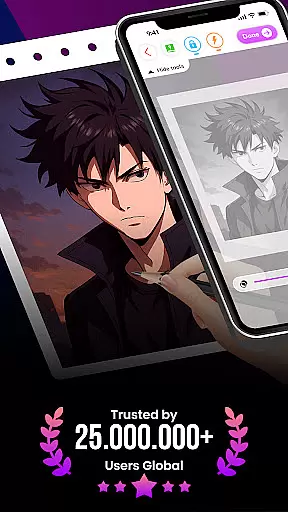
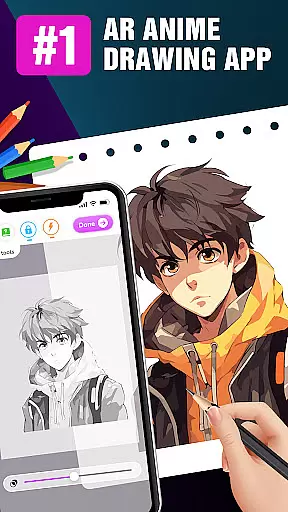
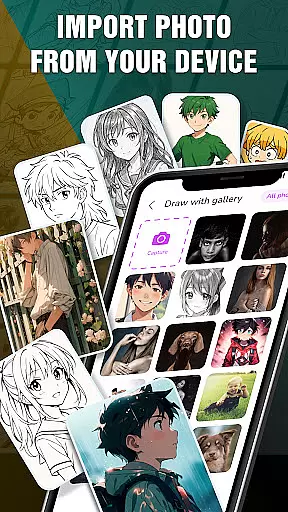
Draw Anime: AR Drawing Sketch is an innovative application that merges traditional anime drawing with augmented reality technology. Designed for both beginners and experienced artists, the app offers step-by-step tutorials to guide users through the process of creating stunning anime artwork.
A standout feature of this app is its ability to use the device's camera to infuse real-world elements into sketches, allowing users to blend their surroundings seamlessly with their imaginative creations. This makes it not only a learning tool but also a platform for creative expression.
Whether you're a teenager looking to learn anime drawing in a fun way or an artist seeking to enhance your skills, Draw Anime: AR Drawing Sketch provides the tools necessary to track your artistic journey, save your favorite works, and share your creations with friends.
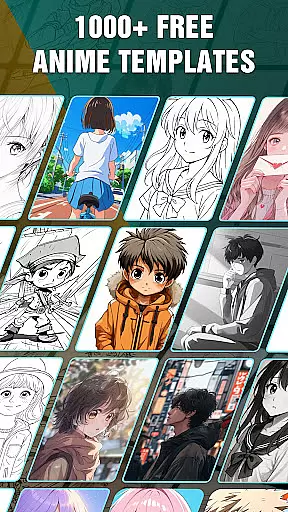
Draw Anime: AR Drawing Sketch stands out with its comprehensive set of features tailored for anime enthusiasts. The app includes step-by-step tutorials that break down complex drawing processes into manageable steps, making it accessible for users of all skill levels.
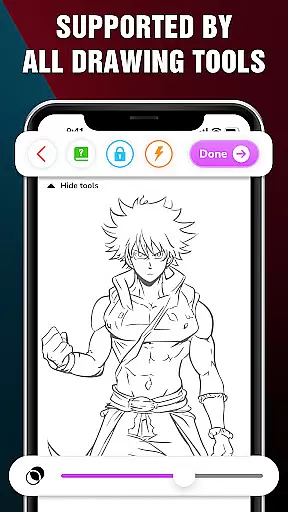
One of the key highlights is the AR Drawing feature, which allows users to incorporate real-world elements into their sketches. With advanced options such as Extend, Adjust Opacity, On/Off Flashlight, Lock, and Reset, users can fine-tune their sketches to perfection.
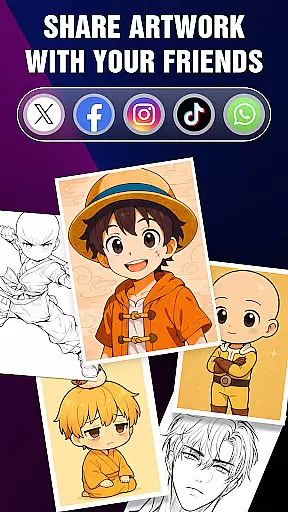
Additionally, the Artwork section helps users track their progress and achievements over time. Users can save their favorite characters, access them quickly, and even share their perfect AR drawings with friends, making it a complete tool for both learning and showcasing anime art.
In the realm of digital art, having a comprehensive set of creative tools is essential for artists to fully express their visions. The 'Draw Anime: AR Drawing Sketch' app rises to this occasion by offering an extensive suite of features tailored for anime art enthusiasts.
From step-by-step tutorials that break down complex drawing processes into manageable steps, to advanced options like adjusting opacity and utilizing a flashlight for those intricate sketches, the app ensures every artist has what they need to create stunning artwork.
Users can infuse real-world elements into their sketches using augmented reality, providing a seamless blend of imagination and reality. This feature not only enhances creativity but also offers a unique way to engage with one's surroundings while practicing art.
The ability to save or share perfect AR drawings with friends adds a social dimension to the artistic journey, allowing users to showcase their progress and achievements within the anime art community.
Flexibility in canvas and format options is crucial for artists who wish to explore different styles and dimensions in their work. The 'Draw Anime: AR Drawing Sketch' app embraces this need by providing versatile drawing functionalities that cater to both beginners and experienced artists.
Artists can trace anime using their device's camera, effectively merging real-world elements with their imaginative creations on a dynamic canvas. This approach supports various drawing techniques and encourages experimentation with different formats.
With features such as locking and resetting drawings, users have the freedom to iterate on their work without fear of losing progress. This fosters a creative environment where trial and error are encouraged, leading to growth and learning.
Furthermore, the app allows tracking of oneu2019s artistic journey through saved artworks, offering insights into individual progress and achievements within the expansive world of augmented reality art.
User-friendly interface
Step-by-step guidance
Augmented reality integration
Advanced drawing options
Progress tracking
Limited free content
Requires good device performance
In-app purchases needed
Occasional bugs
Learning curve for AR

Image/ Text to Video Generator
 4.40
4.40
Sketch, plan, take notes and illustrate on an infinite canvas.
4.20
See Color, Paint Color
4.90
Draw anime easily with AR guidance, sketch templates & trace tools!
3.10
Retouch photos. Create or edit images. Endless capabilities.
2.70
Create and Design Custom Logos in Seconds with AI-Powered Tools!
4.40
Draw, fidget, and spin glow art! Relax and express your creativity with a finger
4.60
How to draw anime step by step for beginner easily by AR drawing sketch & paint.
3.60
All-in-One art, logo & collage maker. Design photos and edit video backgrounds
4.80
Create stunning art with AI.
4.80
Logo Generator powered by AI: Create stunning logos effortlessly!
4.70
Your AI soulmate — meaningful chats, and unique emotional moments
4.70
Discover Cartoon Dream : Unleash Your Creativity with CuttingEdge AI
4.50
Share the joy of painting with ibis Paint! Drawing anime and manga art.
4.50
Customizable Outlined Fonts. Watch Face Format. Battery friendly Digital Clock.
4.20
Create sweet, cool and unique couple avatars easily, in just a few steps!
3.40
Create stunning video, photo & magic from text with FlixAI GPT video generator.
3.10
Art of Combination Wear OS Watch faces (for Wear OS 5+ devices)
3.00
Transform photos into amazing monochrome dither art with professional algorithms
4.4
User Reviews