

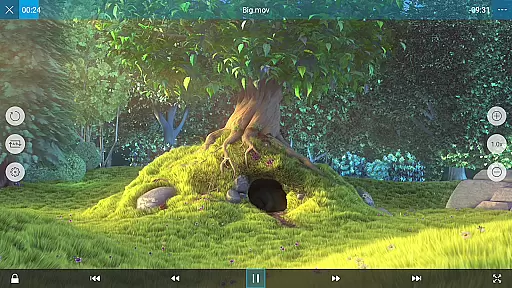
nPlayer is a versatile video player designed for seamless playback of various media formats without the need for prior conversion. Supporting an extensive range of video, audio, and subtitle files, it ensures you can enjoy your content on mobile devices with ease.
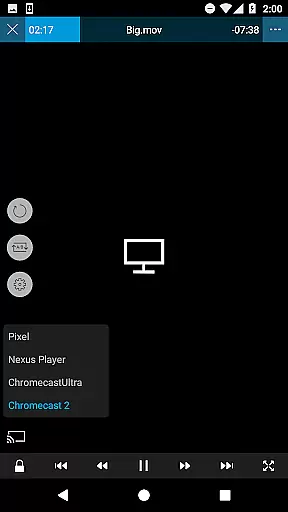
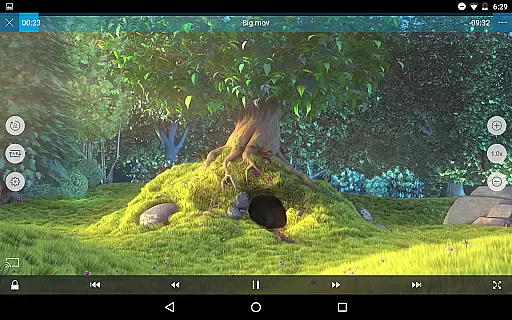
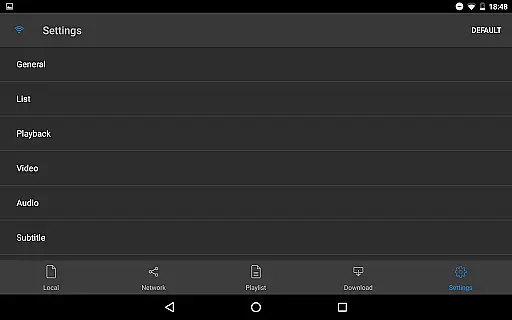
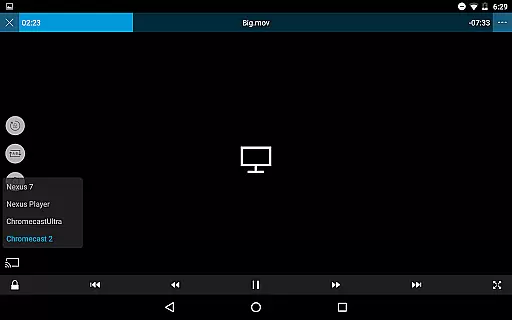
With intuitive touch controls, users can effortlessly adjust playback settings, manage subtitles, and control volume or brightness. nPlayer also offers advanced features such as pop-up play, casting to Smart TVs, and HDMI output, making it adaptable to multiple viewing preferences and environments.
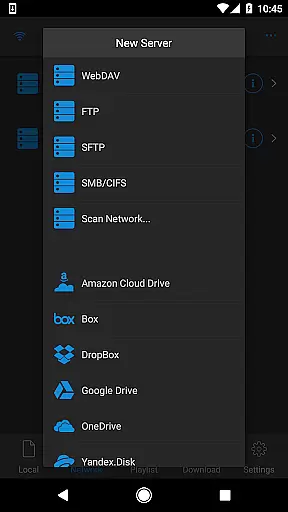
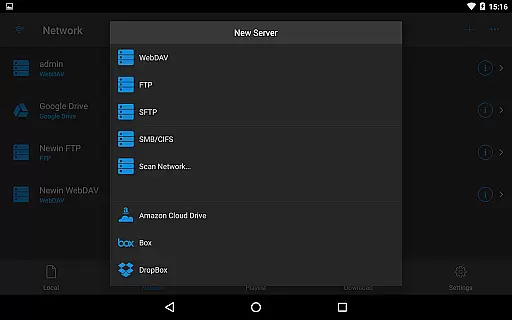
Ideal for users who require flexibility in media playback, nPlayer is perfect for streaming from cloud services, local storage, or network protocols like WebDAV and FTP. Its comprehensive codec support and customizable options provide a superior media experience across different platforms.
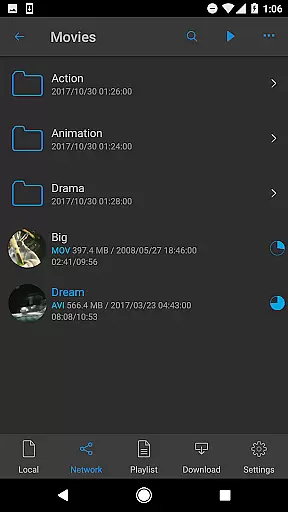
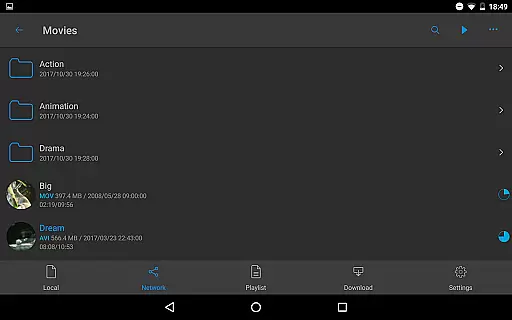
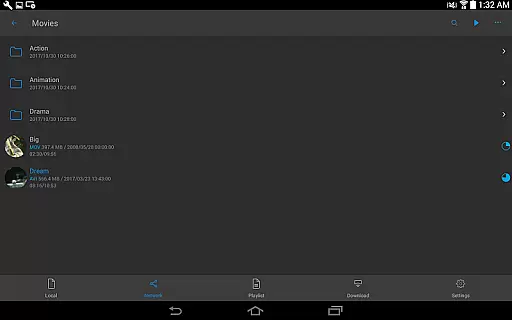
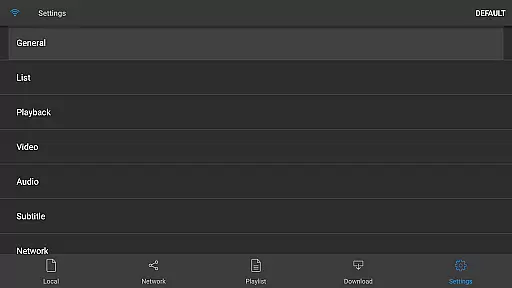
nPlayer stands out with its robust feature set tailored for diverse media consumption needs. The app supports device file playback and management, enabling users to organize and access their media library efficiently. With integrated download functionality, users can save content for offline viewing.
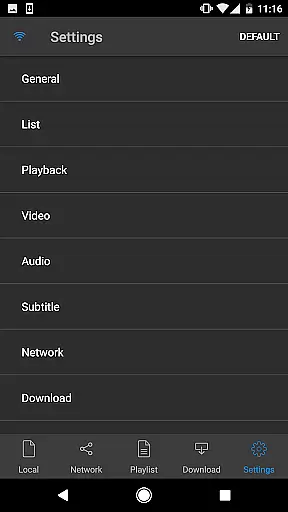
One of the key highlights is its official support for DTS audio codecs, including DTS HD, ensuring high-quality sound reproduction. Additionally, nPlayer facilitates multi-track audio and embedded or external subtitles, allowing precise customization of the audio-visual experience.
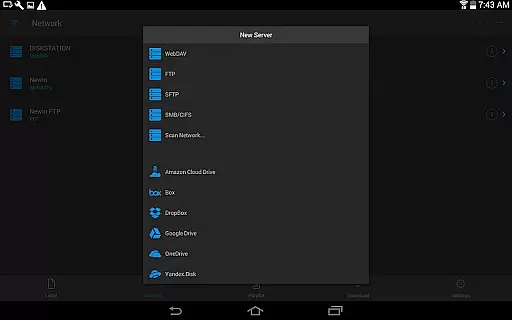
The app's compatibility with various streaming protocols like WebDAV, FTP, and cloud services such as Google Drive and Dropbox enhances accessibility. Users can cast videos to Smart TVs, use HDMI output, and browse all media files by granting necessary permissions, thus offering a complete solution for managing and enjoying digital content.
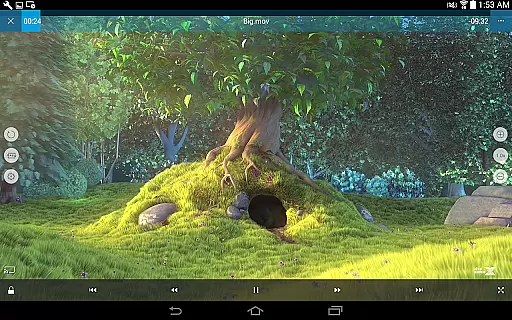
One of the standout features of nPlayer is its extensive video format compatibility, eliminating the need for users to convert files to MP4 for mobile playback. This app supports a wide array of formats including MP4, MOV, MKV, AVI, WMV, and many more, ensuring that users can play almost any video file type directly on their device.
The importance of this feature cannot be overstated, as it saves users significant time and effort by removing the often cumbersome and time-consuming process of file conversion. With nPlayer, you can seamlessly enjoy your media collection without worrying about format restrictions.
In practical terms, this means users can download or transfer videos from various sources and be confident that they will play smoothly on their mobile device. Whether you're watching movies, TV shows, or personal recordings, nPlayer's broad format support ensures an uninterrupted viewing experience.
Ultimately, nPlayer's video format compatibility stands out as a major advantage for users who value convenience and versatility in their media player. By supporting such a comprehensive range of formats, the app caters to diverse user needs and preferences, making it an excellent choice for anyone seeking a hassle-free video playback solution.
While nPlayer primarily focuses on video playback, it also offers some innovative AI-powered editing features that enhance the overall user experience. These tools leverage advanced algorithms to provide functionalities like automatic subtitle generation, smart audio boosting, and intelligent playlist creation based on user preferences.
The significance of these AI-driven capabilities lies in their ability to streamline common editing tasks while maintaining professional-quality results. For instance, the automatic subtitle generation feature uses speech recognition technology to create accurate subtitles, saving users considerable time compared to manual creation.
Users benefit from these smart editing tools by being able to quickly enhance their video content without requiring specialized technical knowledge. The audio boost function intelligently amplifies sound levels while maintaining clarity, while the smart playlist generator helps organize media collections efficiently.
These AI-powered editing features demonstrate nPlayer's commitment to providing not just basic playback functionality, but a comprehensive media management solution. By incorporating intelligent tools that simplify complex tasks, the app appeals to both casual viewers and more demanding media enthusiasts looking for advanced capabilities in their video player.
User-friendly interface
Wide format compatibility
Advanced playback options
Cloud service integration
Multi-track audio support
Premium version required
Complex for beginners
Limited free features
Occasional bugs
High system requirements

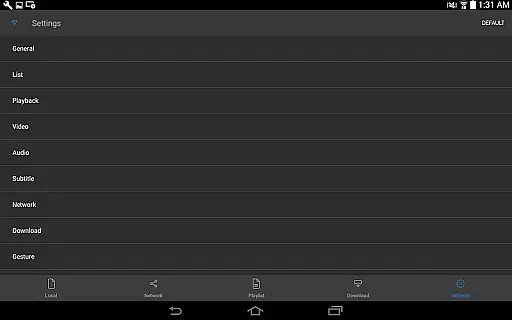
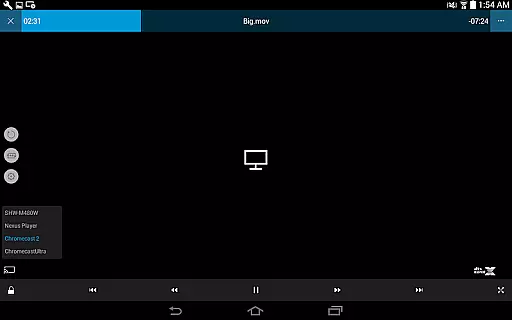
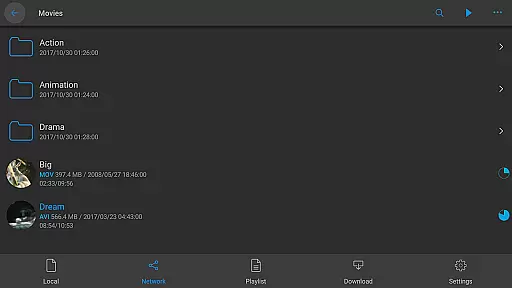
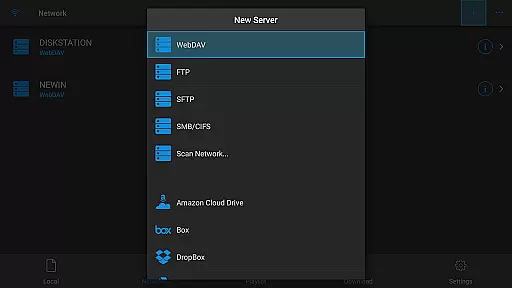

Tik & Story Saver-Download ALL social media videos, photos & reels no watermark.
 4.80
4.80
Search & download videos from net with all video downloader, auto-detect & safe.
4.60
All format media Player, no need video converter any more!
4.00
AirMirror Receiver - Screen mirroring/cast web videos to Android TV by AirPlay.
4.40
Explore the largest library of free GIFs, Stickers & Memes - or create your own!
3.90
An easy-to-use and all-round screen recorder with audio
4.80
Browser for Samsung TV to stream webvideos, online movies and livestreams in HD
4.10
Browser for Fire TV to stream webvideos, online movies, livestreams in HD
4.40
Cast movies, tv shows and live streams to Chromecast, Roku, DLNA, Fire TV & more
4.60
AI Video Editor with Music, Filter, Slideshow, Effect, Merge & Trim Video.
4.80
Play ALL formats in 4K & HD. Video downloader, MP3 player, Chromecast & more.
4.80
All in one HD video downloader & player for multiple formats with full privacy
4.70
Support 1000+ Video Format, Subtitle Download, mp3 & Background Play, Cast On TV
4.60
Fast & Private HD Video Downloader with Built-in Proxy Browser and Video Player.
4.50
Online Videos Player
3.90
Kodi media center, a free and open source cross-platform entertainment hub
3.60
Connect EasyCap or UVC devices for recording and broadcast video/audio stream
3.60
IPTV Player - Watch live TV from m3m & m3u8 playlist, stream IPTV on mobile
3.30
Play and download HD videos from all sources — fast, simple, and all-in-one.
4.0


User Reviews