

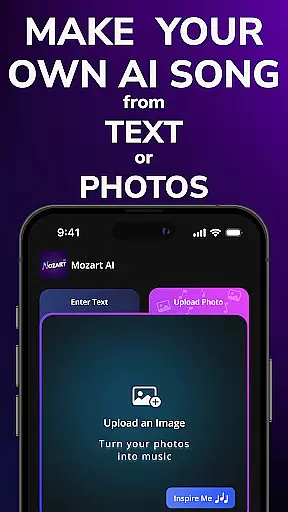
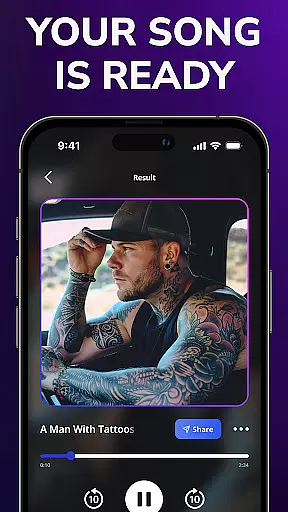
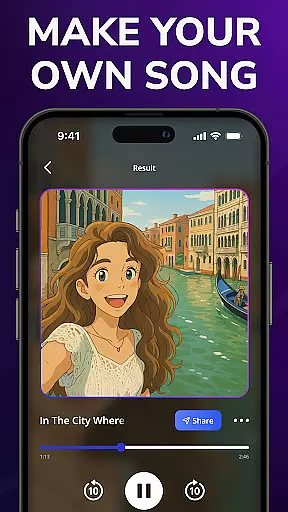
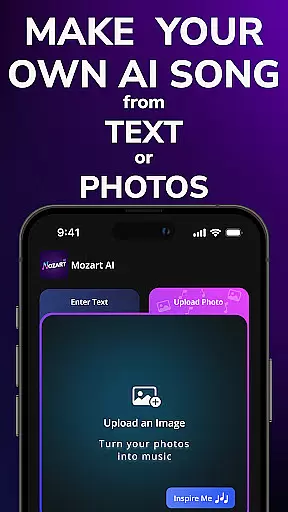
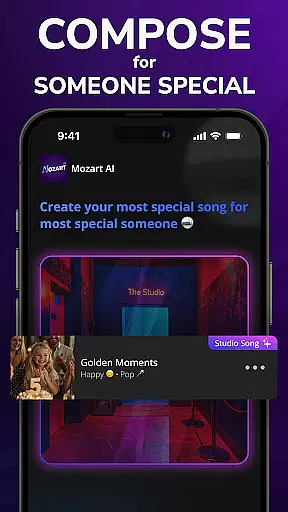
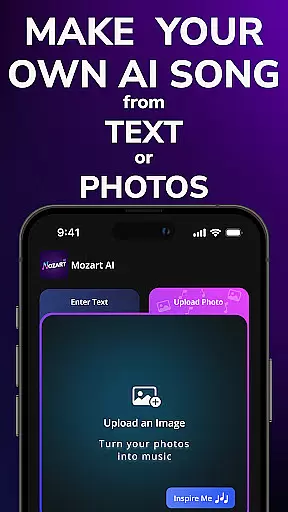
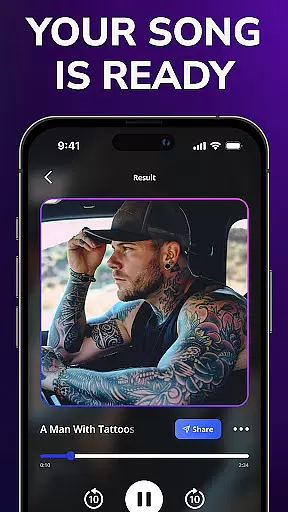
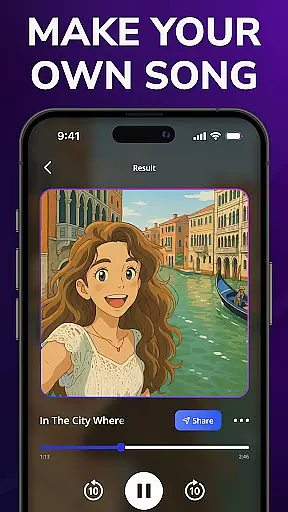
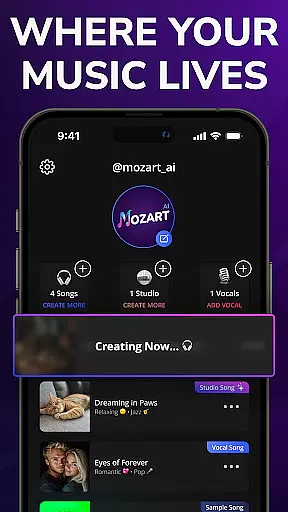
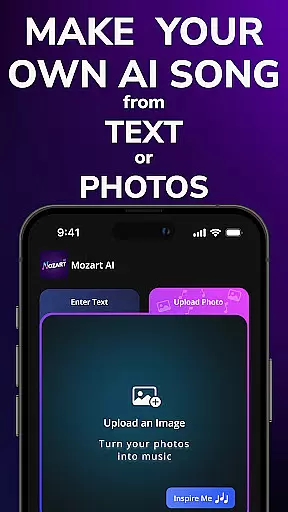
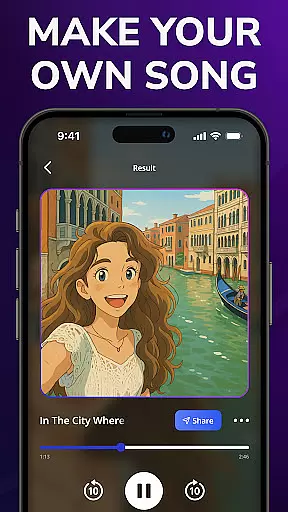
Mozart AI is a revolutionary music creation app that uses advanced artificial intelligence to transform ordinary photos into unique musical compositions. This innovative tool bridges the gap between visual art and auditory expression, allowing users to create professional-grade songs with minimal effort.
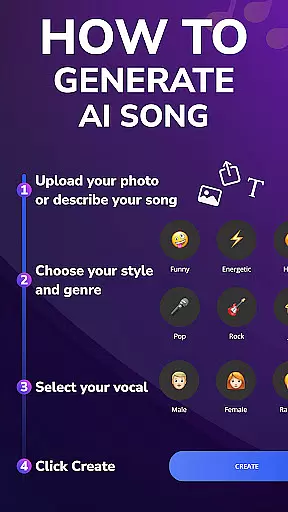
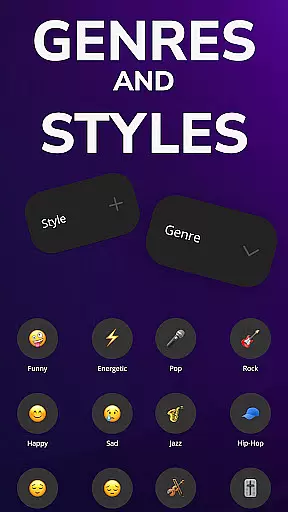
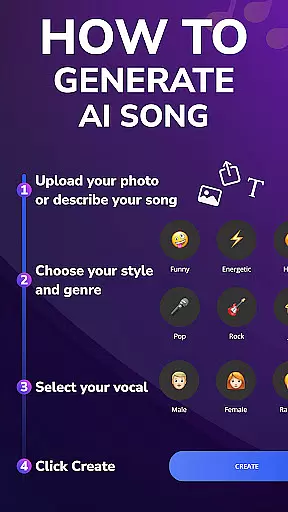
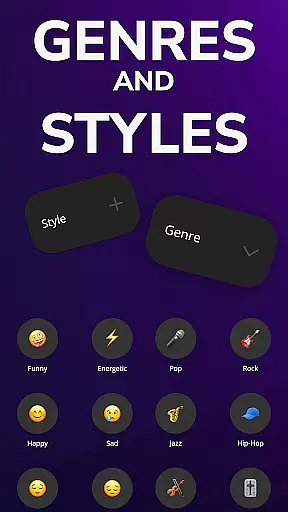
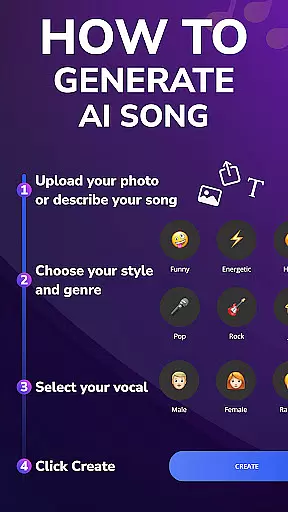
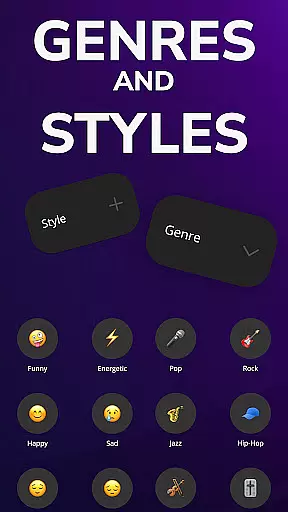
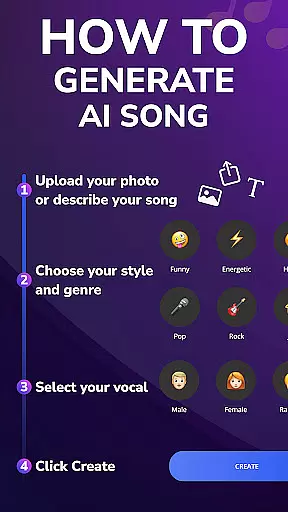
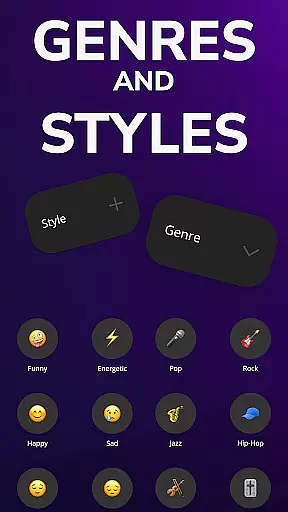
The app's core functionality lies in its ability to analyze images and generate corresponding musical elements including melody, rhythm, and lyrics. Users can choose from various music genres such as pop, rock, and hip-hop, while the AI handles the complex composition process. Whether you're an aspiring musician or simply looking to explore creative possibilities, Mozart AI offers an accessible platform for musical experimentation.
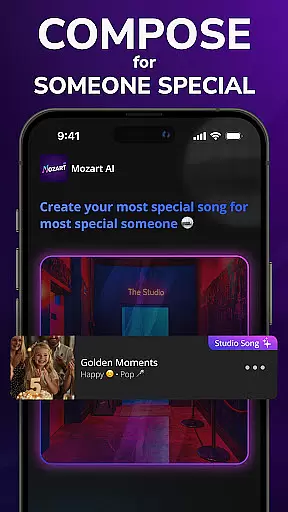
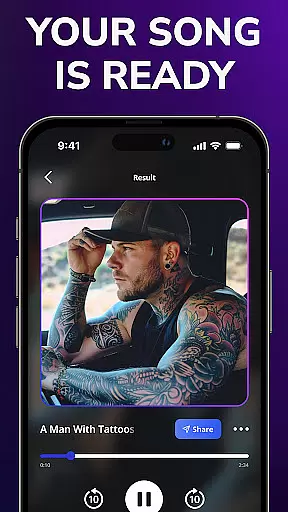
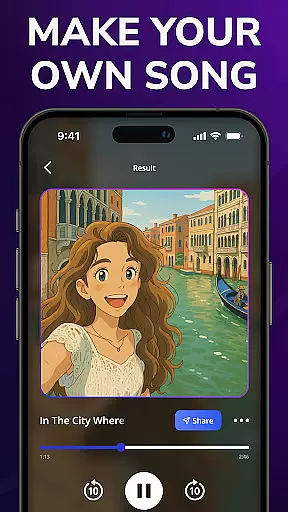
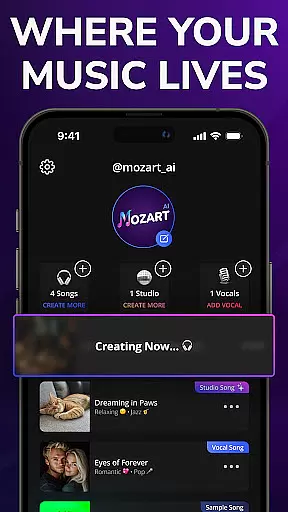
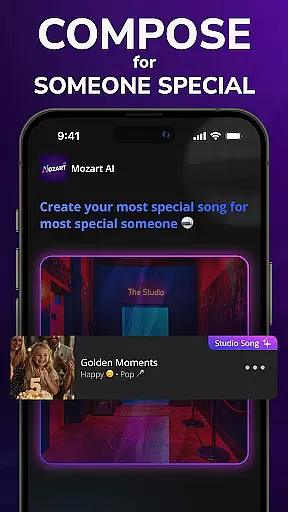
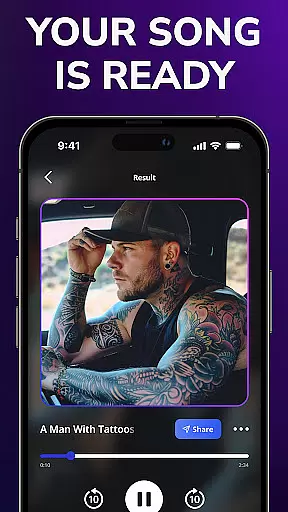
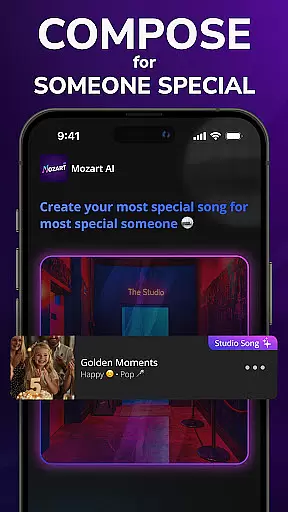
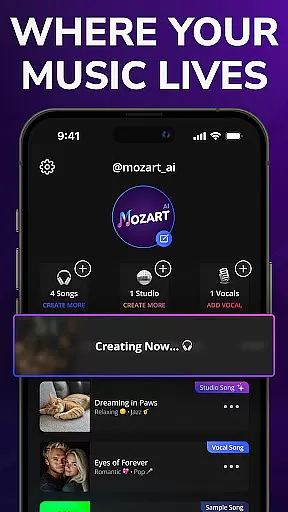
Perfect for content creators and artists seeking fresh inspiration, Mozart AI enables users to produce high-quality tracks that can be shared across social media platforms or used in personal projects. The app's intuitive interface makes music creation accessible to all skill levels, from beginners to professionals.
Mozart AI distinguishes itself through several key features that enhance the music creation experience. The app's Image-to-Music technology uses sophisticated algorithms to analyze visual elements and translate them into musical components, creating a seamless connection between imagery and sound.
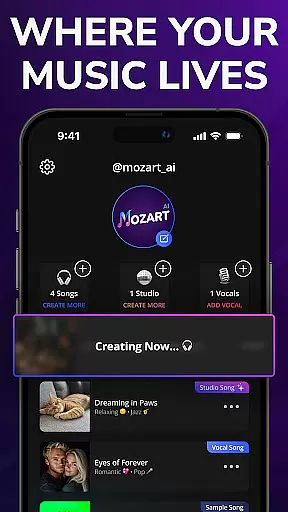
Users benefit from multiple customization options, including genre selection, style preferences, and lyric generation capabilities. The app's AI-powered engine generates both instrumental tracks and meaningful lyrics inspired by the uploaded images. Additionally, Mozart AI provides a user-friendly interface that simplifies the entire music production process, making it approachable for non-musicians while still offering depth for experienced creators.
The app also includes daily free song credits, allowing users to experiment with different creative combinations regularly. With its high-quality audio output and diverse musical styles, Mozart AI empowers users to produce professional-sounding tracks that can be used for various purposes, from social media content to personal artistic expression.
When it comes to music creation applications like Mozart AI, the size and variety of the music library play a crucial role in providing users with diverse options for their creative expression. The app boasts an extensive music library that caters to various genres including pop, rap, and rock, ensuring that users can experiment with different styles and find the perfect match for their images.
Copyright authenticity is another cornerstone of Mozart AI's offering. In the digital age, where content can easily be misappropriated, Mozart AI guarantees that all music produced through its platform is free from copyright infringement. This means that users can confidently create and share their AI-generated songs without legal concerns, knowing that each piece of music has been authenticated and is safe to use across multiple platforms.
The integration of advanced AI technology not only enhances the diversity of the music library but also ensures that every track generated maintains high standards of originality and quality. By leveraging complex algorithms, the app provides unique compositions that are tailored to the user's input, whether it's a photo or specific genre preference.
Ultimately, the combination of a vast music library and stringent copyright protocols empowers users to explore endless creative possibilities. With daily free music creation features, Mozart AI fosters an environment where innovation thrives, allowing creators to produce professional-grade songs that are both distinctive and legally sound.
Audio quality is paramount when evaluating music creation apps, and Mozart AI excels in delivering high-quality output that meets professional standards. The app offers various audio quality options, enabling users to generate tracks that are crisp, clear, and ready for distribution across different media platforms.
Mozart AI's commitment to superior audio quality is evident in its advanced AI-driven processes. These technologies ensure that every song produced isn't just unique but also maintains a consistent level of excellence. Whether you're an aspiring artist or a seasoned musician, the ability to produce broadcast-ready tracks directly from your mobile device is a game-changer.
In addition to standard audio formats, Mozart AI supports multiple quality settings, giving users the flexibility to choose the best option for their needs. This versatility is particularly beneficial for those looking to tailor their creations for specific uses, such as streaming services, live performances, or personal projects.
By focusing on delivering top-notch audio quality, Mozart AI sets itself apart in the realm of music and audio applications. Users can enjoy peace of mind knowing that their AI-generated songs will not only captivate listeners with their creativity but also impress with their sonic fidelity. This dedication to quality ensures that every piece of music created with Mozart AI is a true reflection of the user's artistic vision.
AI-powered music creation
User-friendly interface
Daily free song credits
Multiple genre options
Professional audio quality
Limited free features
Requires internet connection
Premium subscription needed
Occasional processing delays
Learning curve for beginners

Fun & Easy Voice Changer – Record, Edit & Add Hilarious Effects!
 4.50
4.50
Over 100 million tracks available for high quality streaming and download
4.60
A High-Precision Audio Spectrum Analysis App
4.20
The ultimate media player for Android devices
3.90
Ultimate Sonos Controller
4.70
Learn to play the piano using falling notes!
3.80
Let your Android device with the sound effects you want
4.50
Uninterrupted Tunes, Unmatched Vibes
3.90
Listen to offline music and sounds from all categories
4.70
Brian Eno and Peter Chilvers’ acclaimed music app Bloom, radically reinvented.
4.80
Taal player that lets you sing any Indian & Western song with Tabla & Tanpura
4.60
Bass Booster & Volume Equalizer Pro improves your music and video sound quality
4.60
Save hundreds of dollars for a physical strobe tuner and instead use this app.
4.50
DJ Music Mixer Pro is a real DJ controllers and DJ Music Studio to remix DJ.
4.40
Ringtone Maker is free app create ringtone from music files or your recording.
4.40
Master Salsa Rhythm quickly and with a lot of fun!
4.30
Network/Cloud Streaming, Visualization, Graphic Equalizer and Sound Effects.
4.20
MilkDrop for Android TV
3.00
Make music anywhere. Turn your device into an instrument.
4.0

User Reviews