

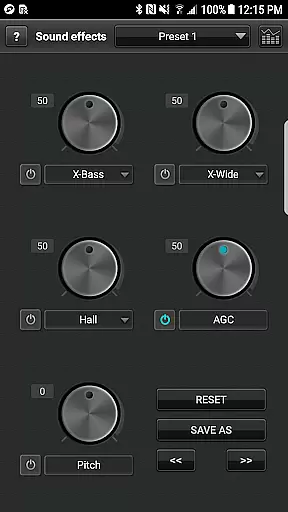
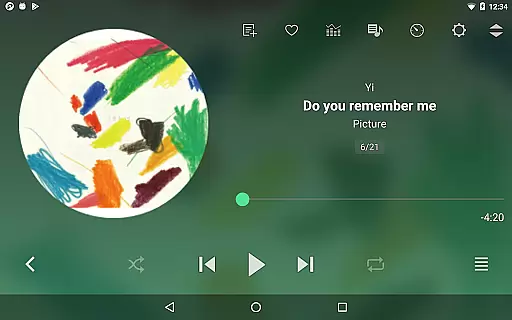
jetAudio+ Hi-Res Music Player is a premier media player offering an exceptional audio experience on Android devices. It supports a wide range of digital music formats and provides high-quality sound with various effects like Wide, Reverb, and X-Bass. The app includes 32 equalizer presets for diverse listening experiences and allows advanced playback functions such as speed control and crossfading.
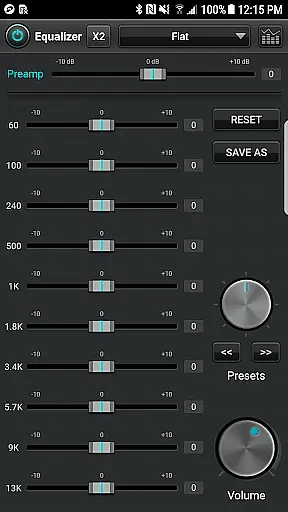
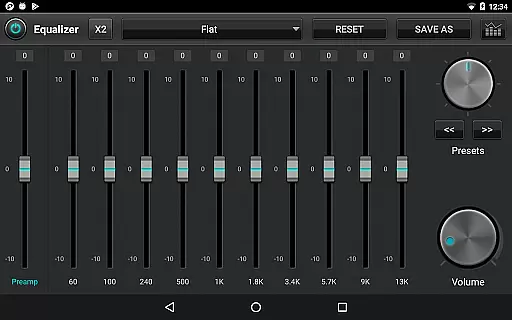
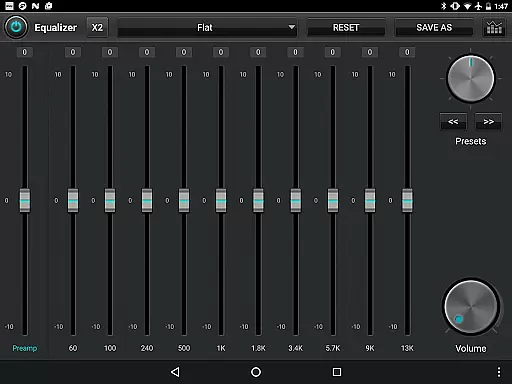
For audiophiles seeking customization, jetAudio offers a 20-band graphic equalizer and other sophisticated features exclusive to the Plus version. Stream music from local network shared folders or cloud services like Google Drive and Dropbox. With additional functionalities including MIDI playback and pitch shifter, it caters to users who demand full control over their music playback.
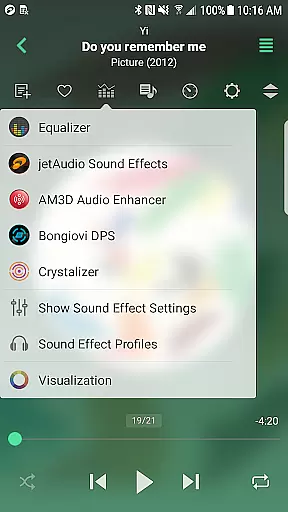
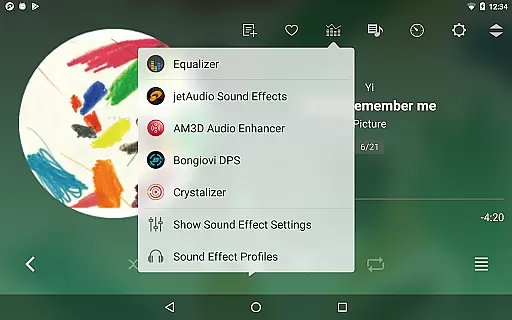
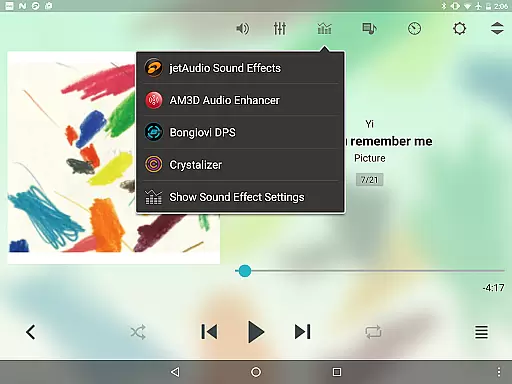
One of the standout features of jetAudio+ is its ability to play almost any type of digital music file, including but not limited to WAV, MP3, FLAC, and OGG. This versatility ensures that users can enjoy their entire music library without compatibility concerns. The inclusion of AM3D Audio Enhancer and Bongiovi DPS plugins further enriches the sound quality.
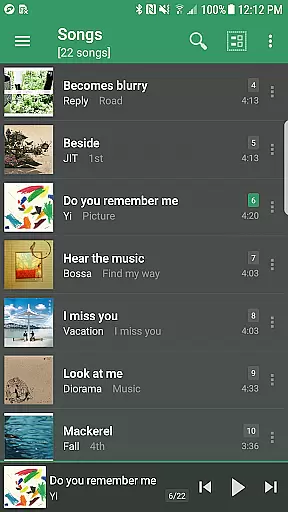
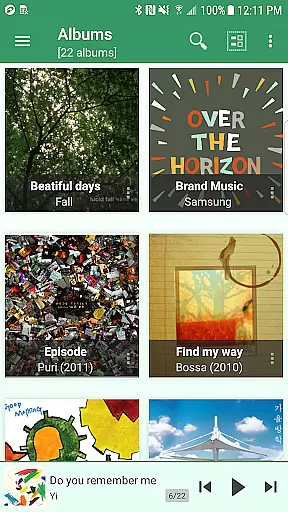
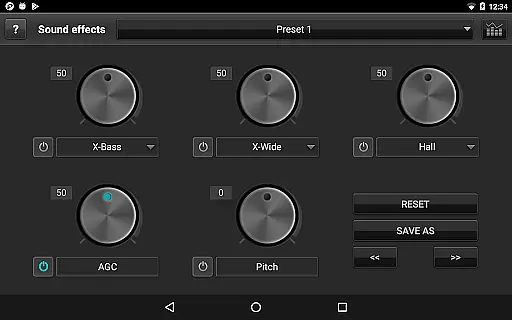
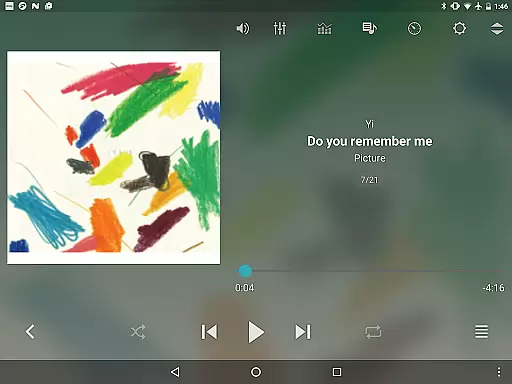
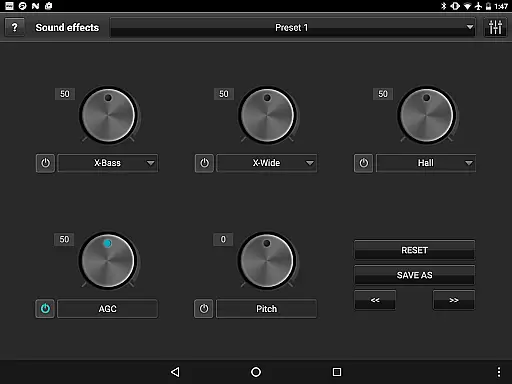
jetAudio+ goes beyond basic playback by offering advanced functionalities such as streaming music via Wi-Fi, grid mode browsing, and precise playback speed control. Users can also benefit from unique features like AGC to avoid volume fluctuations between tracks, crossfading for seamless transitions, and a sleep timer for convenience during nighttime listening sessions.
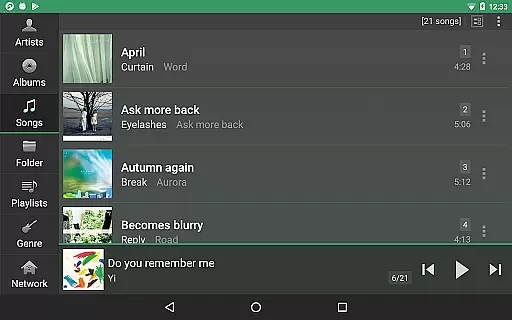
jetAudio+ Hi-Res Music Player offers an extensive music library that supports a wide range of audio formats including MP3, WAV, FLAC, and OGG. This ensures users have access to high-quality sound across various file types.
The application emphasizes copyright authenticity by enabling playback of legally purchased and downloaded music files. Users can manage their collections with confidence knowing the app respects intellectual property rights.
With support for cloud services like Google Drive and Dropbox, jetAudio allows seamless streaming of personal music libraries stored online. This feature enhances accessibility without compromising legal integrity.
Additionally, the inclusion of a Tag Editor for several formats empowers users to maintain accurate metadata, further supporting the legitimacy of their music files.
One of jetAudio's standout features is its superior audio quality options. The app provides a 20-band graphic equalizer in the Plus version, allowing precise sound customization tailored to individual preferences.
Enhancements such as Wide, Reverb, and X-Bass effects contribute to an immersive listening experience. These tools enable users to fine-tune audio output, ensuring rich and dynamic sound reproduction.
Playback speed control and pitch adjustment capabilities offer flexibility for different listening scenarios, from leisurely enjoyment to focused practice sessions. Such versatility underscores the app's commitment to delivering top-notch audio fidelity.
Furthermore, integration with advanced plugins like AM3D Audio Enhancer and Bongiovi DPS elevates the auditory experience, providing professional-grade enhancements directly within the app.
High-quality sound
Wide format support
Advanced equalizer
Customizable options
Cloud streaming
Paid version required
Some features locked
Advertisements in Basic
Complex for beginners
Occasional bugs

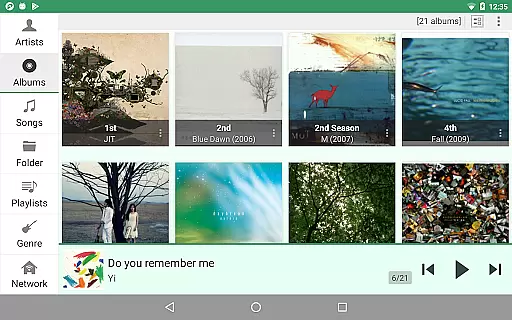
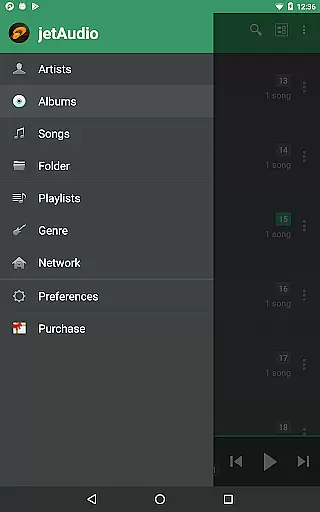
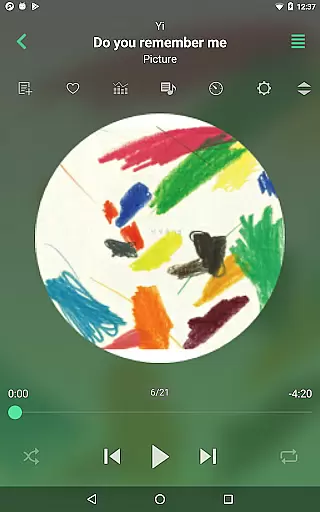
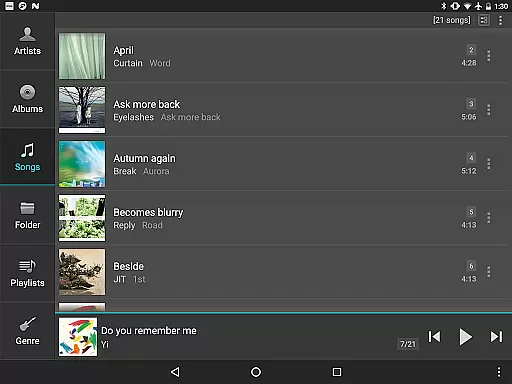
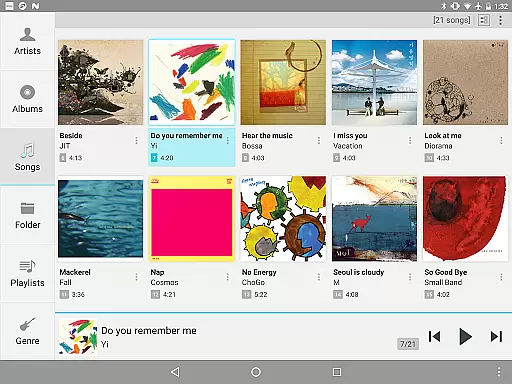

Make music anywhere. Turn your device into an instrument.
 4.0
4.0
Formerly known as Spotistats! View your top tracks, artists, albums and more!
4.40
A High-Precision Audio Spectrum Analysis App
4.20
Save hundreds of dollars for a physical strobe tuner and instead use this app.
4.50
USB audio recording and playback finally possible on Android 3.1 or higher!
3.90
A sleek, no-frills player designed for true music lovers.
4.20
The original SP-1200 experience on your iPad
4.20
Master Salsa Rhythm quickly and with a lot of fun!
4.30
Offline Tunes, Unlimited Vibes
3.90
Play your hearts out on TouchTunes jukeboxes & connect with fellow music lovers.
4.80
Responsive piano with great sounds, graphics, and songs
4.80
Gorgeous UI, Powerful music Search and Equalizer, the great choice for you!
4.70
Most Advanced AI Song Generator and Music Creator. Rap, Pop, Rock, Gospel & more
4.70
Over 100 million tracks available for high quality streaming and download
4.60
Enhance the sound quality of your devices, listen to what you want
4.50
Manage your Sonos system directly from your home-screen!
4.40
Offline and always ad-free - stream in the highest quality available.
4.10
Turn your Android phone into a professional audio analyser with up to 120 bands.
4.00
Slow music down without changing pitch.
3.70

User Reviews