

Qobuz is a premier music streaming and editorial platform that offers an unparalleled listening experience with over 100 million tracks in high-resolution and CD-quality audio. The app combines expertly curated playlists, exclusive editorial content, and recommendations from seasoned music experts to enrich your musical journey.
Available on all devices, Qobuz allows you to enjoy music offline and provides uninterrupted playback through its background player. Whether you're exploring new releases in Hi-Res quality or diving into deep editorial content, Qobuz caters to both casual listeners and audiophiles who demand authenticity and depth in their music experience.
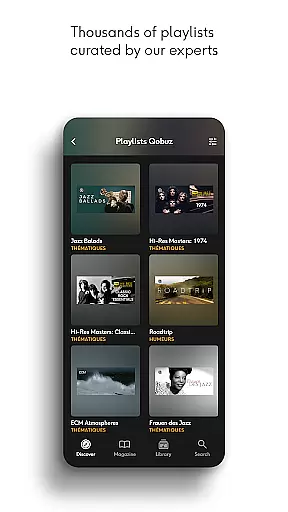
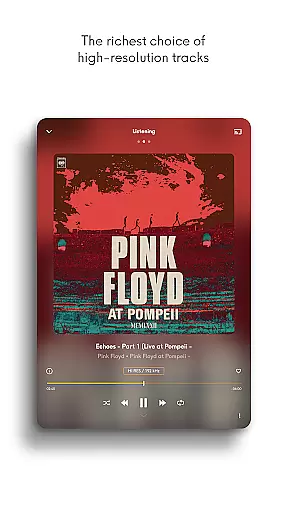
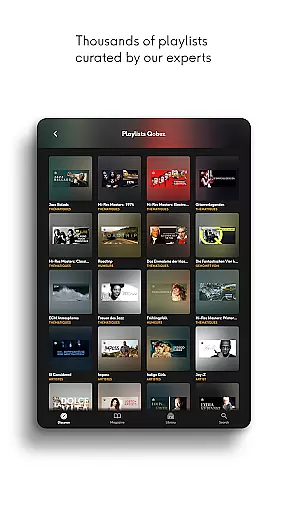
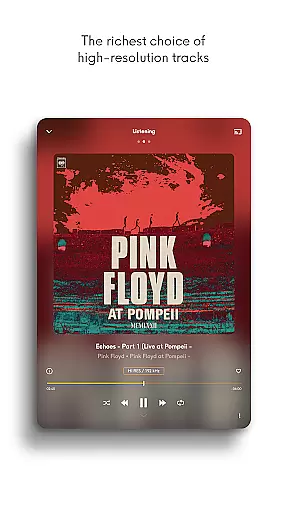
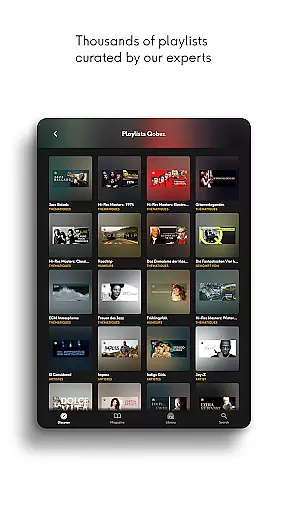
Qobuz stands out with its unique combination of high-fidelity audio and rich editorial content. The app streams music in lossless FLAC 16-Bit/44.1 kHz and Hi-Res 24-Bit formats up to 192 kHz, ensuring studio-quality sound. Additionally, users can explore thousands of human-curated playlists across various genres like rock, jazz, classical, and more.
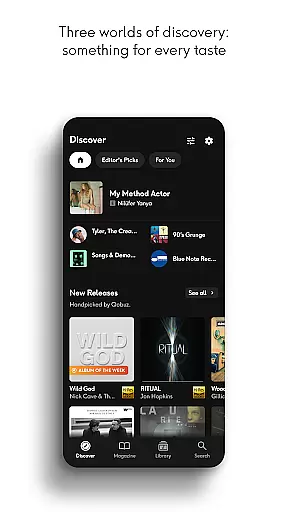
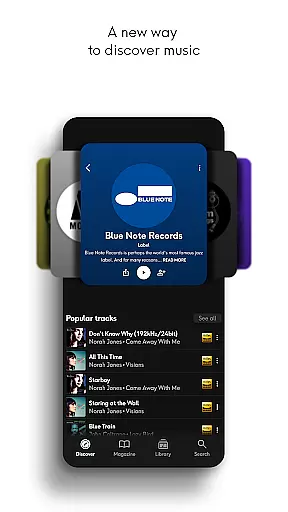
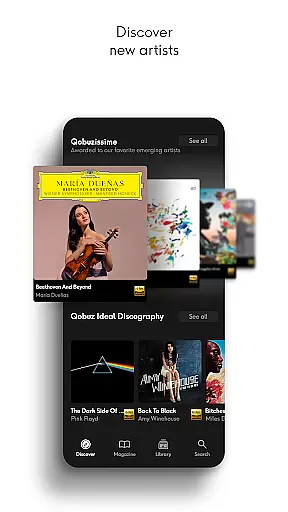
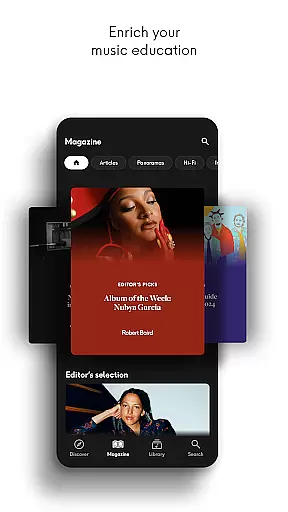
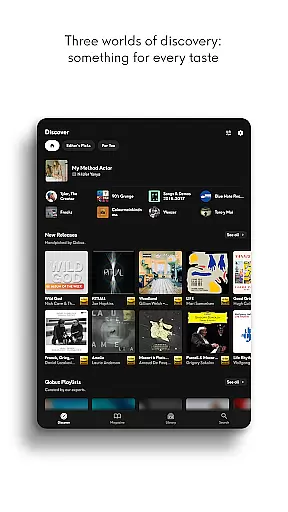
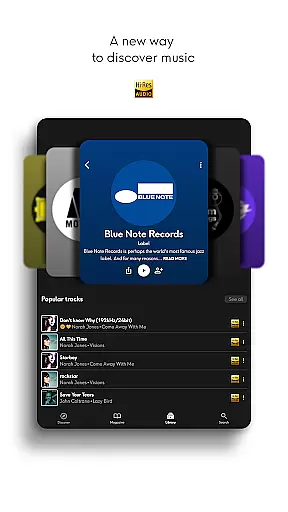
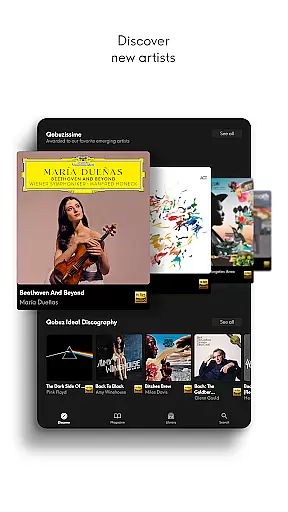
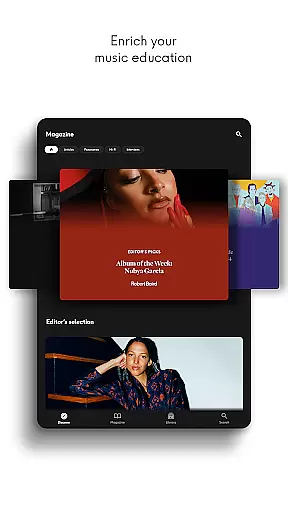
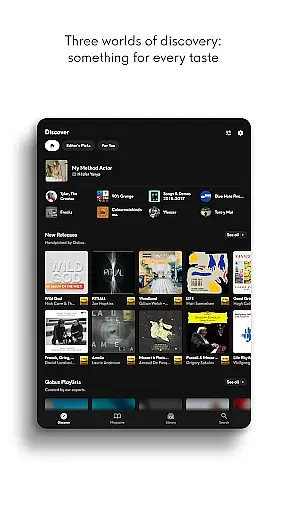
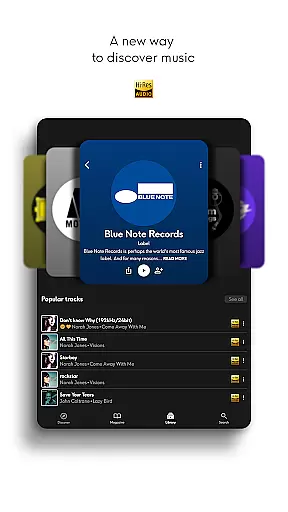
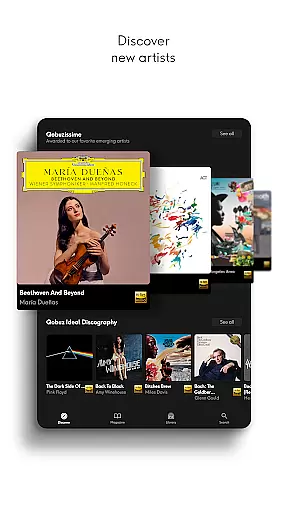
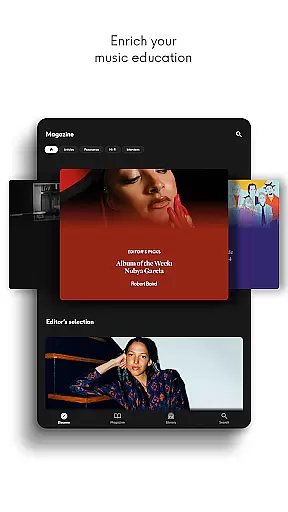
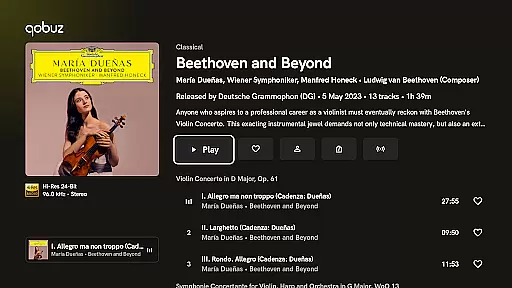
The Discover page simplifies music exploration with news articles, artist interviews, and detailed panoramas on specific genres or periods. With features like digital booklets, compatibility with major Hi-Fi equipment, and seamless playlist transfers from other platforms via Soundiiz, Qobuz ensures a comprehensive and engaging user experience.
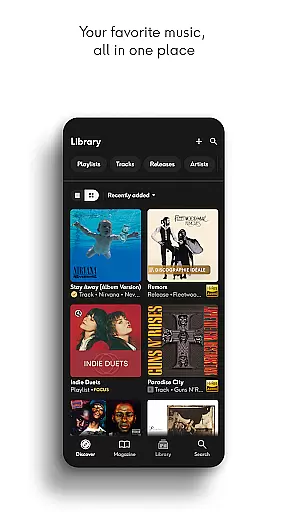
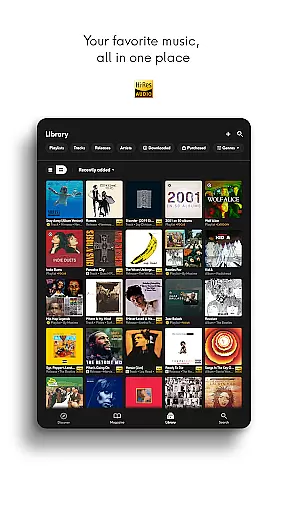
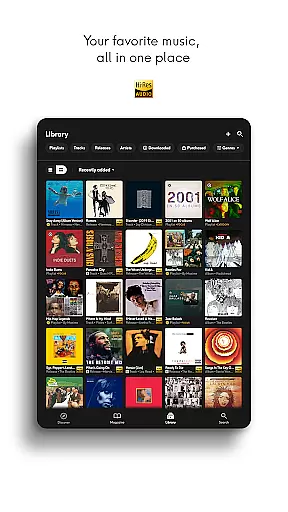
Qobuz offers an extensive music library with over 100 million tracks available in high resolution and CD quality. This vast collection ensures that users have access to a diverse range of music genres, from classical to contemporary hits.
The platform is committed to copyright authenticity, providing users with legally acquired music. By working directly with labels and artists, Qobuz guarantees that all tracks are legitimate and royalties are appropriately paid, supporting the music industry's sustainability.
With more than 500,000 original editorial articles written by experts, Qobuz enriches the user experience by offering authoritative content that enhances music discovery and education. These articles provide context and insights into albums, artists, and genres, making it a trusted source for music enthusiasts.
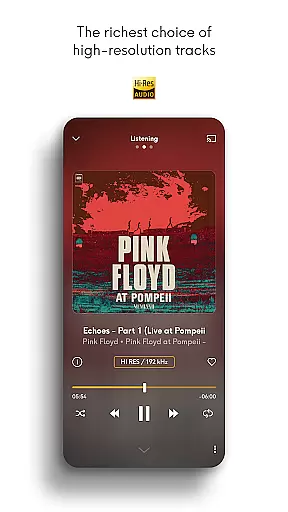
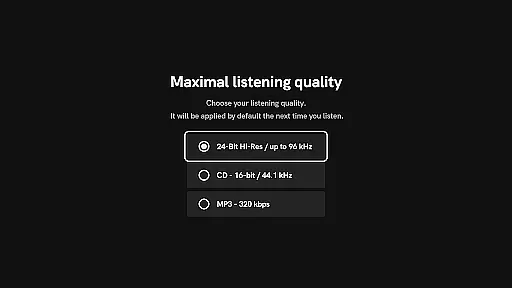
Qobuz stands out for its exceptional audio quality options, delivering an authentic sound experience straight from the studio. Users can enjoy new releases and reissues in lossless/CD quality (FLAC 16-Bit/44.1 kHz) and Hi-Res quality (24-Bit encoded sound up to 192 kHz).
This commitment to high-quality audio ensures that listeners experience every detail and nuance of their favorite tracks as intended by the artists. The superior sound quality caters to audiophiles who demand the best listening experience possible.
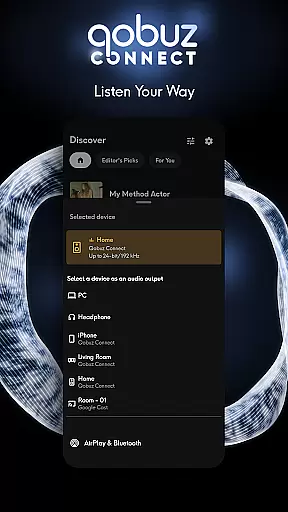
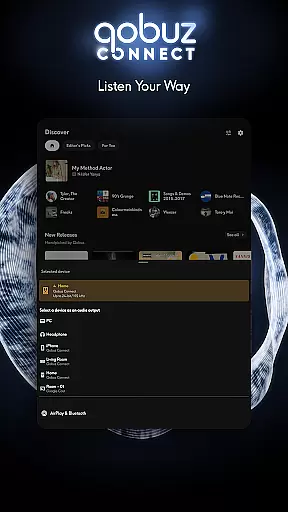
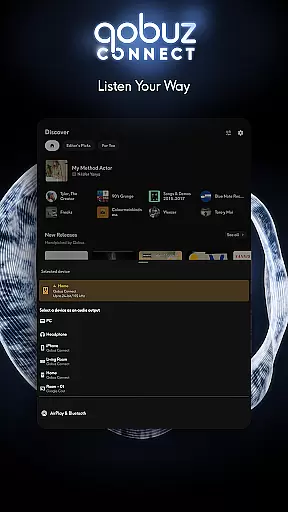
In addition to premium audio formats, Qobuz supports various playback devices, including wireless listening through Chromecast, Airplay, Roon, and more. Compatibility with prestigious Hi-Fi brands allows users to integrate Qobuz seamlessly into their existing audio setups without compromising on quality.
High-quality audio streaming
Extensive music library
Expert curation
Offline listening
Rich editorial content
Higher subscription cost
Limited free version
Complex interface
Fewer social features
Heavy data usage
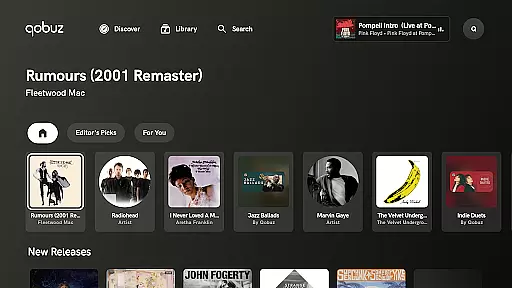

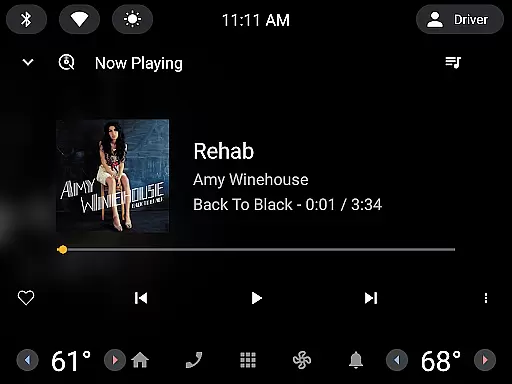
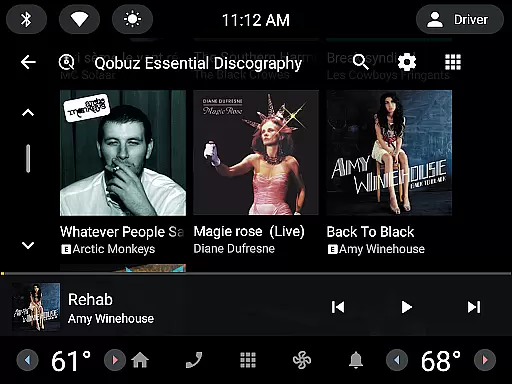
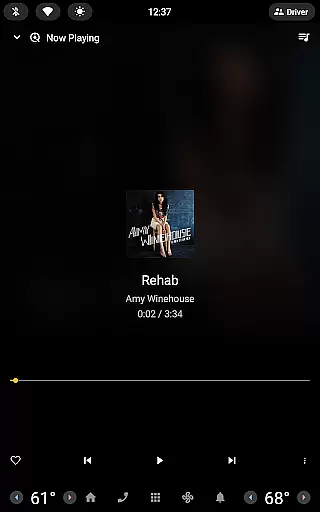
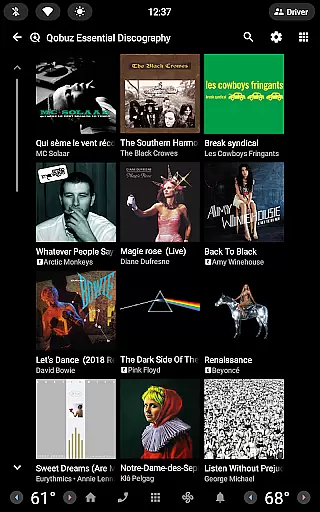

Powerful beat maker & DJ mixer to remix tracks, make music, & perform DJ mix
 3.70
3.70
Music Streaming suite for Ampache, Nextcloud Music and compatible backends.
4.0
USB audio recording and playback finally possible on Android 3.1 or higher!
3.90
24,000 free audio books and no ads!
4.90
A sleek, no-frills player designed for true music lovers.
4.20
Learn the notes on the guitar fretboard fast with this easy and fun app
4.60
Responsive piano with great sounds, graphics, and songs
4.80
Sing, record, and create music together — enhanced by smart voice tools.
4.00
Uninterrupted Tunes, Unmatched Vibes
3.90
More downloads than any other metronome. Includes drum machine & tempo trainer.
4.80 4.70
4.70
Recording studio w/ 10k beats, pro vocal FX and a network of 20M rappers & fans!
4.60
Save hundreds of dollars for a physical strobe tuner and instead use this app.
4.50
Guzheng Master supports many playing techniques as an acoustic Guzheng
4.50
Ringtone Maker is free app create ringtone from music files or your recording.
4.40
Full featured mp3 and audio player with Chromecast and Android Auto support.
4.40
Master Salsa Rhythm quickly and with a lot of fun!
4.30
A High-Precision Audio Spectrum Analysis App
4.20
The Cubase remote control app
3.60


User Reviews