

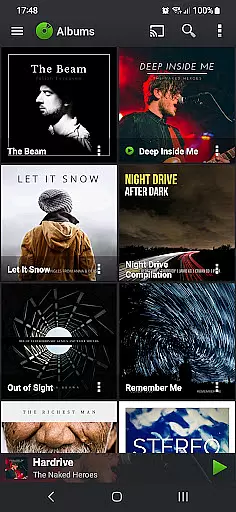
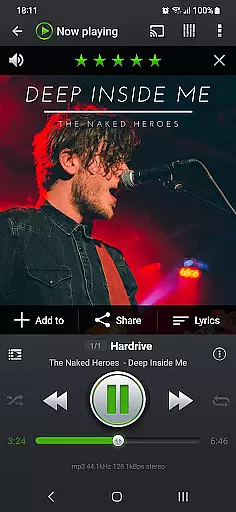
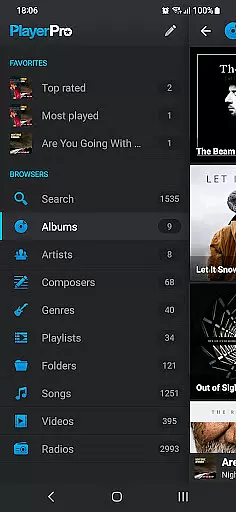
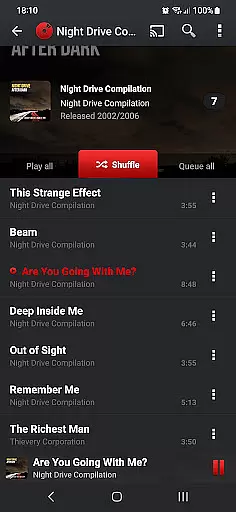
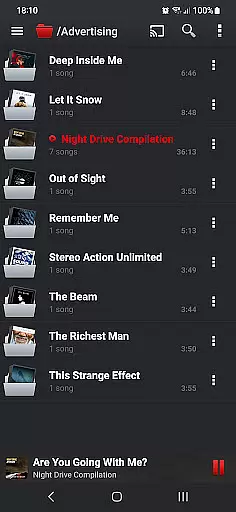
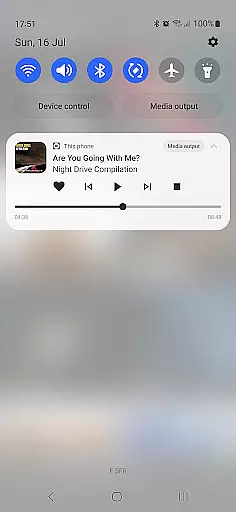
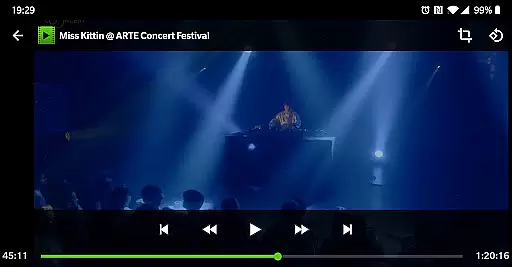
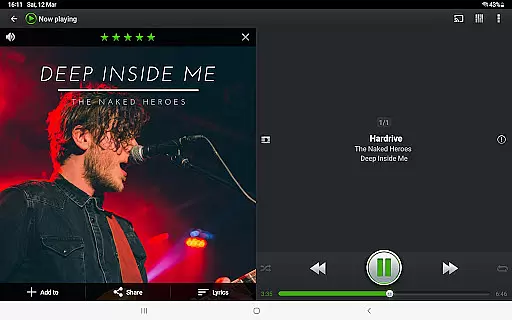
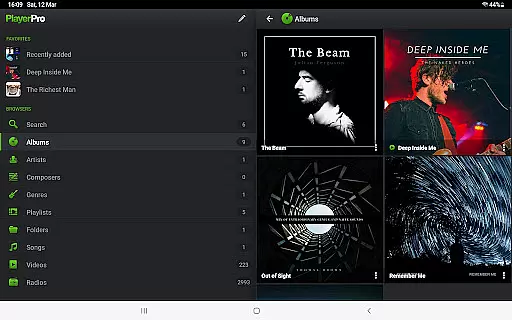
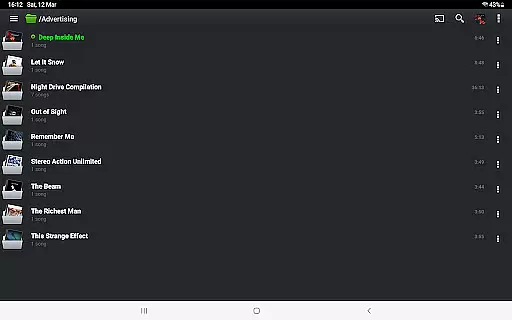
PlayerPro Music Player (Pro) is a premium music and video player for Android devices, offering an advanced audio experience with a sleek interface. It supports multiple browsing methods including albums, artists, genres, and playlists, while enabling Chromecast streaming and Android Auto integration.
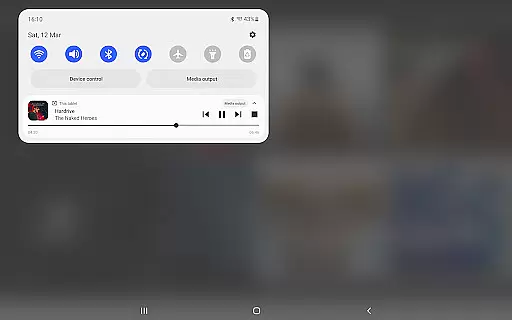
The app provides powerful customization options such as skins, grid/list views, and lock screen widgets. With professional DSP effects, ID3 tag editing, and smart playlists, it caters to audiophiles seeking high-quality playback and library management. Its intuitive design and comprehensive features make it ideal for both casual listeners and music enthusiasts.
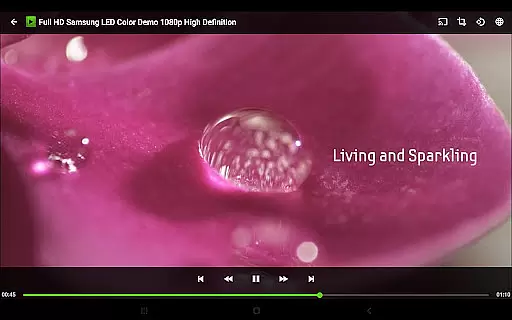
PlayerPro stands out with its robust feature set tailored for music aficionados. The app allows users to browse music by albums, artists, genres, and more, while supporting video playback and worldwide radio streaming. Advanced functionalities like Chromecast compatibility and Android Auto ensure seamless integration across devices.
Customization is at the core of PlayerPro's appeal. Users can personalize their experience with downloadable skins, five different home screen widgets, and two lock screen widget options. The app also includes professional DSP effects via a free plugin, 10-band equalizers, and batch ID3 tag editing, delivering studio-grade audio control.
Additional highlights include smart playlists, voice search, Google Drive backups, and social media sharing. These features collectively enhance user engagement, making PlayerPro a versatile tool for managing and enjoying digital media libraries with precision.
PlayerPro Music Player (Pro) offers an extensive music library that supports all known audio formats including Mp3 Mp4 Ogg Vorbis Flac Wav Aif Dsf Wma Opus and Speex This ensures a comprehensive inclusion of your personal music collection regardless of its format
Beyond just supporting various formats the app allows for detailed ID3 tag editing both in single or batch modes This feature supports up to 15 different tag fields including advanced ones like ratings groupings and BPMs ensuring accurate metadata management which is crucial for maintaining copyright authenticity
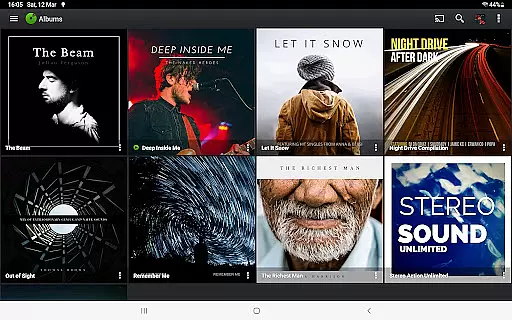
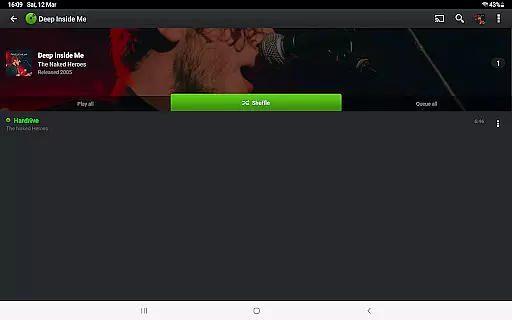
The app enhances your music browsing experience by integrating album artwork artist or composer pictures and genre illustrations These visuals can be sourced from ID3 tags SD card folders Gallery app or the Internet providing a rich visual context to your audio files
With the ability to import and export music history and ratings from your favorite desktop music player PlayerPro ensures that your listening habits and preferences are preserved and respected across different platforms
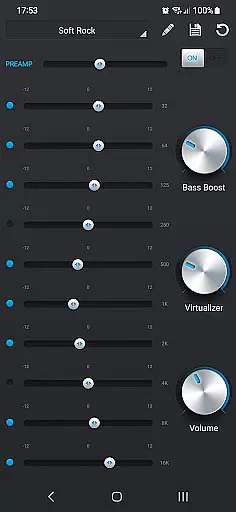
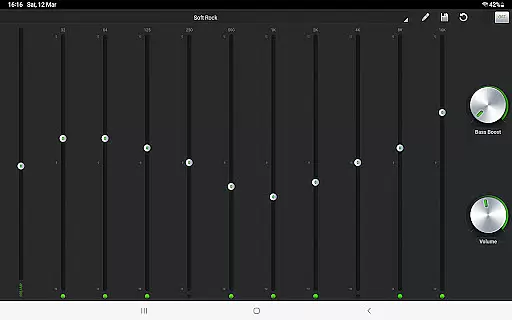
PlayerPro stands out with its robust audio configuration options designed to satisfy even the most discerning audiophiles The default mixable audio effects include a 5 band graphic equalizer with 15 default presets allowing users to fine tune their listening experience according to personal preferences or specific audio requirements
In addition to the standard equalizer settings PlayerPro offers advanced audio effects such as stereo widening reverb effects bass boost and volume control These features collectively contribute to a richer and more immersive sound quality
For those seeking professional grade audio enhancements PlayerPro provides a free DSP plugin This plugin supports High Res audio up to 32 bit 384kHz and includes a 10 band graphic equalizer Pre Amp control bass boost control stereo widening control and left right volume control among other features
PlayerPro also supports gapless playback and auto manual crossfade capabilities ensuring uninterrupted audio streams during playback transitions Moreover the Replay gain and Audio Limiter features help maintain consistent audio levels preventing sudden volume spikes or drops
Advanced audio controls
Highly customizable UI
Chromecast support
Smart playlist editor
Free DSP plugin
Paid app only
No iOS version
Complex for beginners
Occasional bugs
Heavy on storage

SqueezePlayer turns your Android phone or tablet into a SqueezeBox on its own!
 4.60
4.60
Your HD audio recorder on the go for music, meetings, ambience, animal sounds…
4.30
Equalizer, Bass Booster and Volume Booster (Eq & Bass) improve sound quality
4.30
The Skullcandy App Experience
3.20
Taal player that lets you sing any Indian & Western song with Tabla & Tanpura
4.60
Most Advanced AI Song Generator and Music Creator. Rap, Pop, Rock, Gospel & more
4.70
Your song collections with lyrics and chords on Android smartphones and tablets.
4.80
Visualize the guitar fretboard, master scales & play through changes like a pro!
4.50
Reverse your voice & songs instantly! Fun singing challenge with cool effects.
4.60
Offline Music Player & MP3 Player.Powerful equalizer, Lyrics, Themes, Tag Editor
4.80 4.70
4.70
DJ Music Mixer - DJ Remix: remix songs, make beat music & record mix of DJ.
4.40
The alternative folder based music player.
4.20
Permanently backup Now Playing. Maps, filters & listening stats.
4.00
Sing, record, and create music together — enhanced by smart voice tools.
4.00
Powerful beat maker & DJ mixer to remix tracks, make music, & perform DJ mix
3.70
Simple mp3 and mp4 player with advanced features.
3.40
MilkDrop for Android TV
3.00
Make music anywhere. Turn your device into an instrument.
4.3

User Reviews