

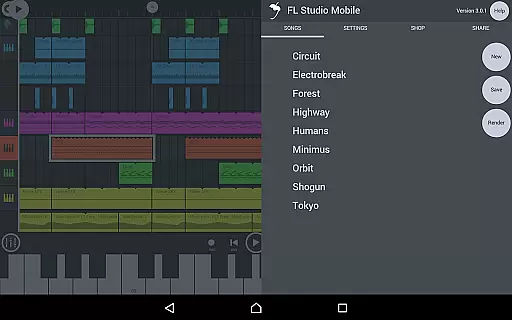
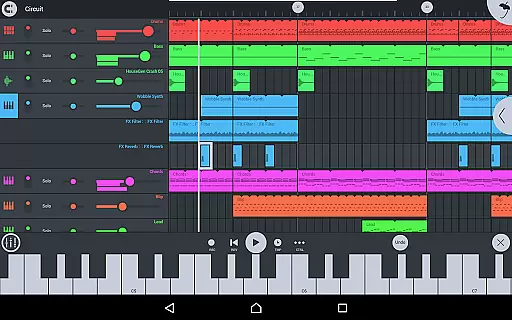
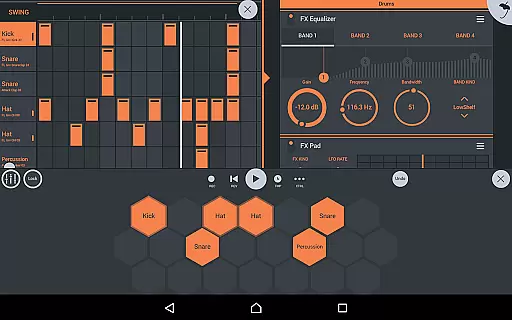
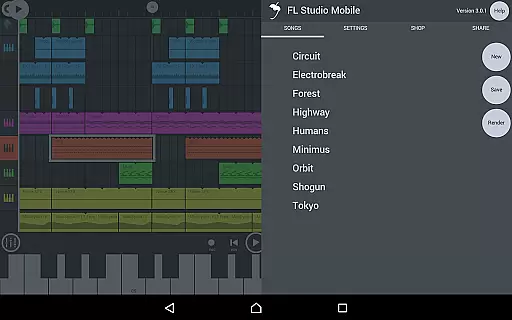
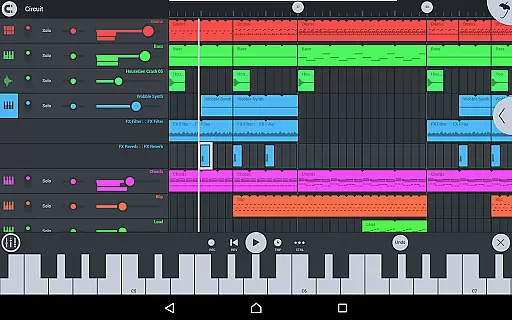
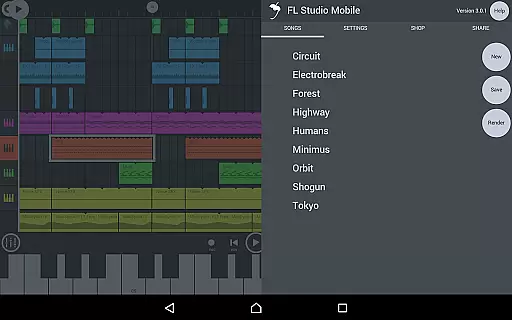
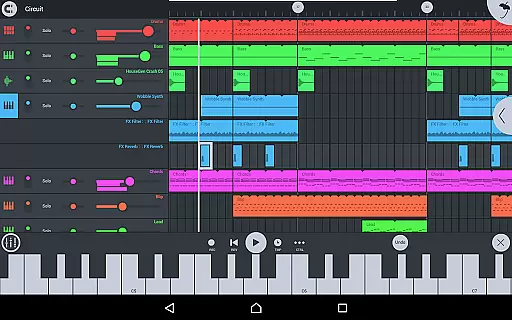
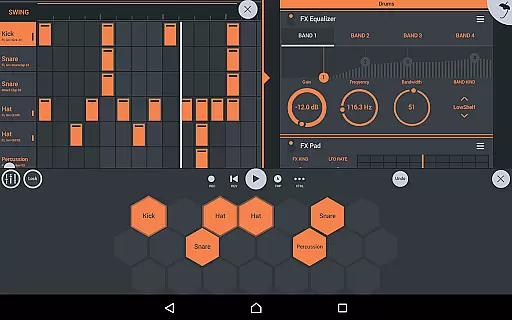
FL STUDIO MOBILE is a comprehensive music production app that allows users to create and save complete multi-track music projects on their mobile devices. It supports recording, sequencing, editing, mixing, and rendering of songs directly on your phone, tablet, or Chromebook.
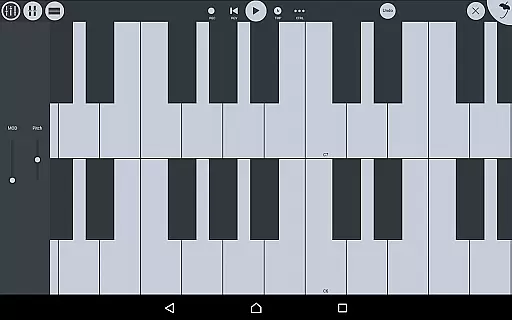
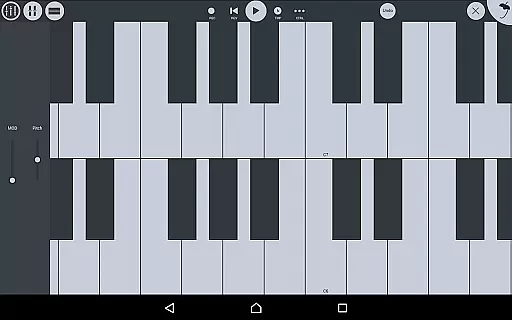
The app features high-quality synthesizers, samplers, drum kits, sliced-loop beats, and full-screen DeX & Chromebook support. With MIDI controller compatibility and automation support, it offers a versatile platform for both amateur and professional music producers.
Whether you're composing music on the go or working on detailed audio projects, FL STUDIO MOBILE provides an intuitive interface with configurable resolutions suitable for all screen sizes. Its integration with the desktop version through the FL Studio plugin ensures seamless project sharing and enhanced productivity.
FL STUDIO MOBILE stands out with its extensive feature set tailored for music enthusiasts. The app includes audio recording capabilities, track-length stem/wav import, and browsing samples with previews. These features enable users to experiment with different sounds and seamlessly integrate external audio files.
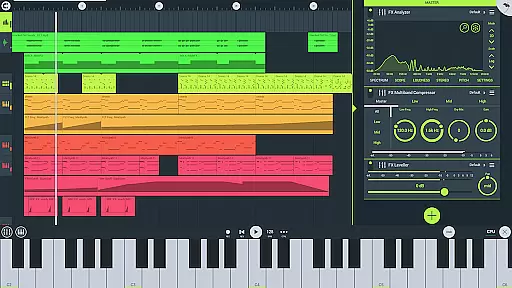
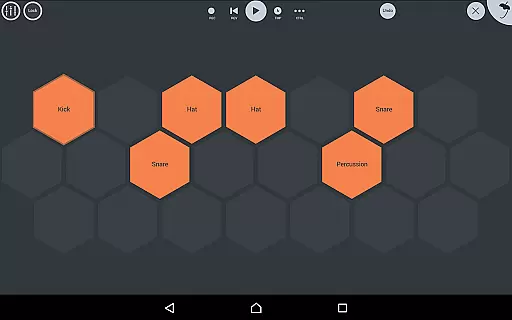
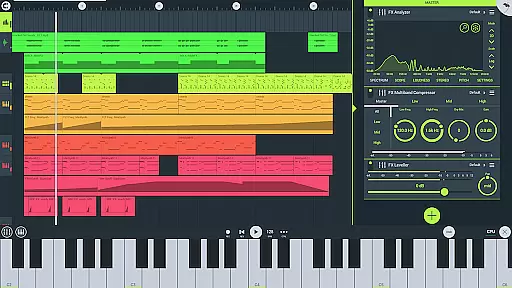
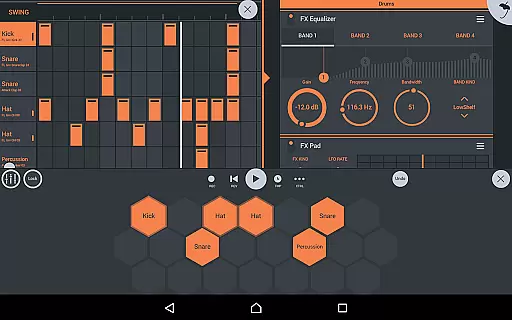
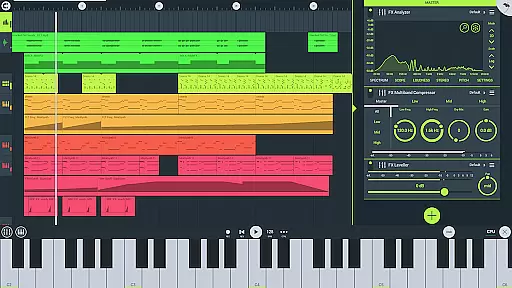
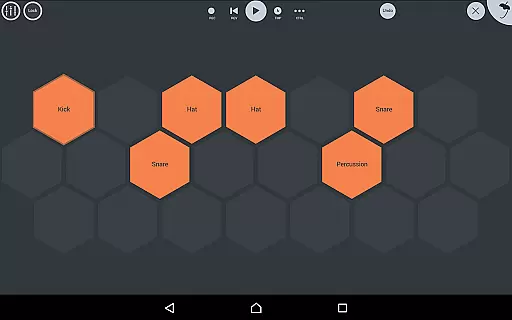
One of the key highlights is the inclusion of various instrument modules such as Drum Sampler, DirectWave Sample Player, GMS, Transistor Bass, MiniSynth, and SuperSaw. Additionally, the app comes equipped with numerous effect modules like Analyzer, Auto Ducker, Chorus, Compressor, and more, allowing for intricate sound manipulation.
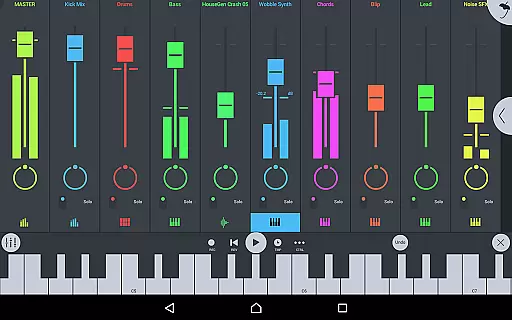
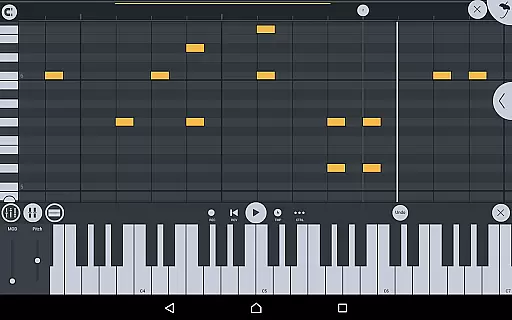
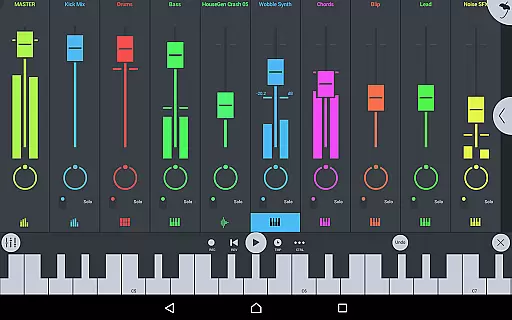
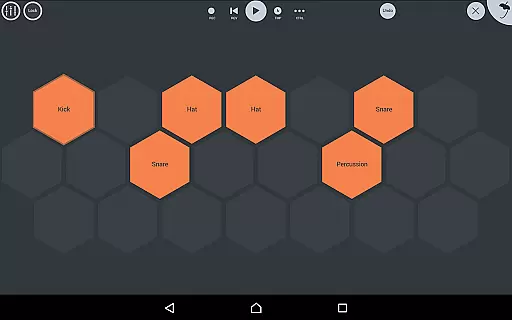
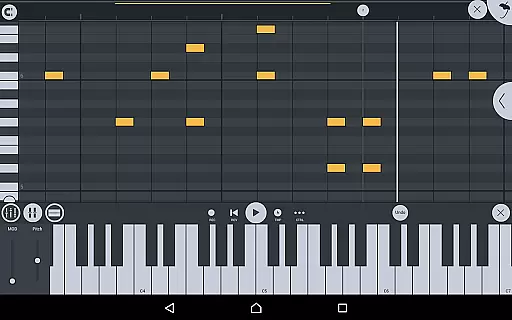
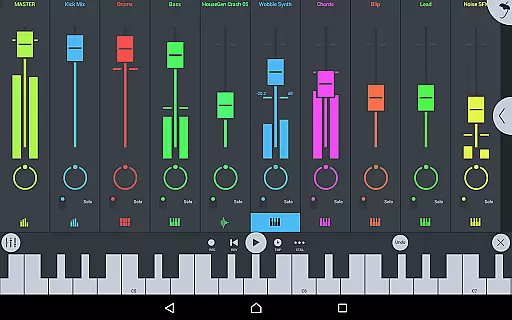
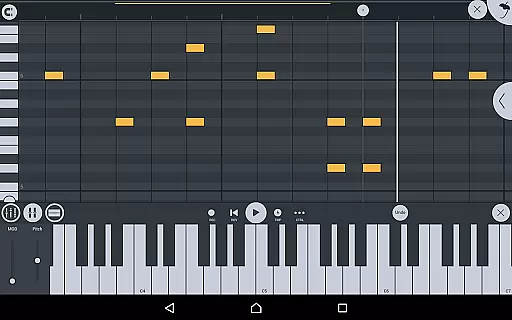
Users can also benefit from the step sequencer, piano roll for note editing, mixer functionalities for per-track adjustments, and the ability to save and load multiple audio formats. This robust combination of tools makes FL STUDIO MOBILE a powerful choice for creating complex musical compositions anytime, anywhere.
FL Studio Mobile offers an extensive music library that caters to a wide range of musical genres and preferences. The app includes high-quality synthesizers, drum kits, sliced-loop beats, and a variety of instrument modules such as the Drum Sampler, DirectWave Sample Player, and others. These features ensure that users have access to a diverse array of sounds and instruments.
Copyright authenticity is taken seriously within FL Studio Mobile. All included content, from drum samples to DirectWave instruments, is provided with proper licensing. This means musicians and producers can use these resources without concern for copyright infringement, allowing them to focus on their creative process.
The app also supports MIDI file import and export, enabling seamless integration with other music production software. Users can expand their sonic palette by importing custom samples or MIDI compositions, ensuring that their music remains unique and personalized while still benefiting from the vast array of built-in sounds.
FL Studio Mobile provides a multitude of audio quality options to suit various production needs. With support for high-quality audio formats like WAV, MP3, AAC, and FLAC, users can choose the best format for their projects. Whether it's recording live instruments or sequencing complex electronic music, the app ensures that audio fidelity is maintained throughout the production process.
Included effects modules enhance the audio quality further, offering tools like parametric equalizers, compressors, reverbs, and more. These professional-grade effects allow for detailed sound shaping and mixing, resulting in polished tracks ready for distribution. The ability to automate these effects adds another layer of control over the final sound output.
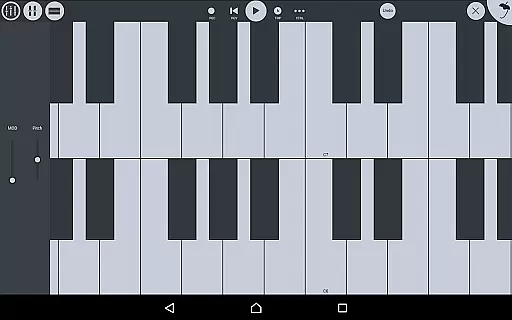
Moreover, the app's compatibility with external MIDI controllers and its automation support provide tactile control over virtual instruments and parameters. This hands-on approach not only improves workflow efficiency but also contributes to achieving superior audio results. By supporting both touch-based interaction and traditional hardware input methods, FL Studio Mobile delivers flexibility and precision in crafting high-quality music productions.
User-friendly interface
High-quality synthesizers
Extensive instrument library
Versatile effect modules
Seamless MIDI integration
Requires learning curve
In-app purchases needed
Bluetooth permission required
Custom ROMs unsupported
Limited free content

Turn your phone into a musical instrument from the future!
 3.90
3.90
Formerly known as Spotistats! View your top tracks, artists, albums and more!
4.40
10-Band Audio Equalizer, Sound / Bass Booster for Spotify Users & Music Players
4.40
Full-featured, High-Quality Groovebox Workstation, perfect for Live Performance!
4.80
Remove ads permanently from Music Visualizer
4.4
The only true audiophile music player with Hi-Fi audio rendering and DSP engine
3.90
Recording studio w/ 10k beats, pro vocal FX and a network of 20M rappers & fans!
4.60
Manage your Sonos system directly from your home-screen!
4.40
Customize Your Favorite Songs and Videos with booster.
4.70
Super Sound Editor, Song Maker & Mixer, Vocal Remover, Voice Recorder & Changer!
4.60
Fun & Easy Voice Changer – Record, Edit & Add Hilarious Effects!
4.50
DJ Music Mixer - DJ Remix: remix songs, make beat music & record mix of DJ.
4.40
The alternative folder based music player.
4.20
The official Sonos app
4.10
Turn your Android phone into a professional audio analyser with up to 120 bands.
4.00
Offline Tunes, Unlimited Vibes
3.90
Slow music down without changing pitch.
3.70
The iconic iOS metronome app is now on Android.
3.70
The Minimalistic Premium Music Player. Handmade with passion for music
2.20


User Reviews