

Frame Crop is a specialized application designed for Samsung Frame TV and Hisense CanvasTV owners who wish to enhance their viewing experience with personalized artwork. The app allows users to browse, crop, and download high-quality images from renowned libraries such as Smithsonian Open Access, Unsplash, and Wikimedia Commons. These images can be displayed on the borderless screens of Samsung Frame TVs or Hisense CanvasTVs, transforming them into digital art displays.
The core functionality of Frame Crop lies in its intuitive photo cropping tools, which ensure that images fit perfectly on the TV screen, whether it's mounted in portrait or landscape orientation. Users can match their home decor or mood by selecting from thousands of stunning, high-resolution images available within the app. With support for various image categories including art, landscapes, and animals, Frame Crop offers a versatile platform for personalizing your TV display.
Whether you want to showcase your favorite memories, professional artwork, or breathtaking landscapes, Frame Crop provides an effortless way to prepare and optimize these images for your TV. By integrating with the SmartThings app, users can easily switch out their displayed art, creating a dynamic and customized viewing experience that brings both convenience and aesthetic value to any living space.
Frame Crop stands out with its rich set of features tailored specifically for optimizing visual content on Samsung Frame TVs and Hisense CanvasTVs. One of the key highlights is its advanced photo cropping tool, which enables users to adjust images precisely to fit the unique borderless display of their TVs. This feature ensures that every piece of art looks professionally curated, regardless of the TV's orientation—be it portrait or landscape.
In addition to its powerful cropping capabilities, Frame Crop offers access to an extensive library of artwork sourced from prestigious institutions like the Smithsonian, as well as popular platforms such as Unsplash and Wikimedia Commons. This diverse collection includes everything from classic paintings to contemporary photography, catering to a wide range of tastes and preferences. Users can search through categories like animals, landscapes, and abstract art, finding the perfect image to complement their home decor or express their personal style.
Another notable feature is the seamless integration with the SmartThings app, allowing users to manage and update their displayed art effortlessly. This combination of intuitive design, vast image resources, and smart technology makes Frame Crop an indispensable tool for anyone looking to elevate their TV into a sophisticated art display, blending technology with aesthetics in a way that enhances any environment.
Real-time capture and preview functionality is essential for photography apps like Frame Crop. This feature allows users to see exactly how their selected artwork or photos will appear on their Samsung Frame TV or Hisense CanvasTV before finalizing the display.
Frame Crop excels in this area by providing intuitive cropping tools that enable users to adjust images precisely to fit the borderless display of their TVs. The app supports both landscape and portrait orientations, ensuring that every piece of art looks its best regardless of the TV's mounting.
Users benefit from the ability to instantly preview changes, which enhances the customization experience. By seeing a real-time preview, users can make informed decisions about which images to display, matching their mood or home decor effortlessly.
This feature not only improves user satisfaction but also encourages more frequent updates to the displayed art, keeping the viewing experience fresh and engaging. With real-time capture and preview, Frame Crop transforms the way users interact with digital art on their TVs.
AI beauty and enhancement features are crucial for photography apps aiming to provide a natural look. Frame Crop leverages advanced AI algorithms to enhance images while maintaining their authenticity, ensuring that every piece of art retains its original charm.
The app offers powerful tools to optimize images for display on Samsung Frame TVs and Hisense CanvasTVs. These tools include automatic adjustments for brightness, contrast, and color balance, all powered by AI to deliver stunning results without over-processing.
By focusing on natural enhancement, Frame Crop ensures that users can showcase their favorite memories, landscapes, and professional artwork with confidence. The AI enhancements are subtle yet effective, preserving the integrity of the original image while making it pop on the big screen.
This approach not only enhances the visual appeal of the displayed art but also respects the artistic intent behind each piece. Users can trust that their chosen images will look beautiful and true to life, enhancing their overall viewing experience.
User-friendly interface
Extensive art library
Precise cropping tools
SmartThings integration
Versatile display options
Limited to specific TV models
Requires internet connection
Premium content may cost extra
Portrait mode not universal
Dependent on third-party libraries
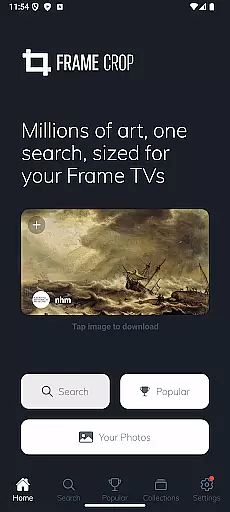
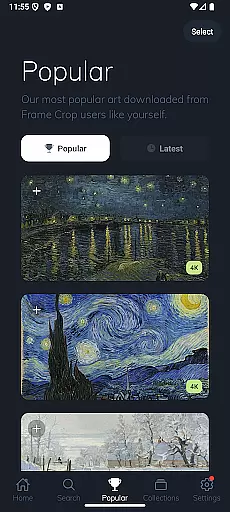
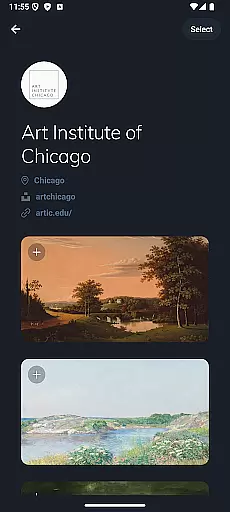
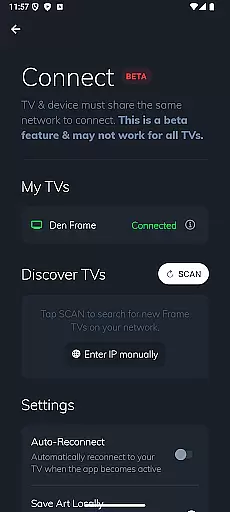
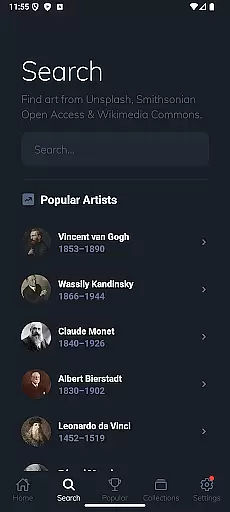
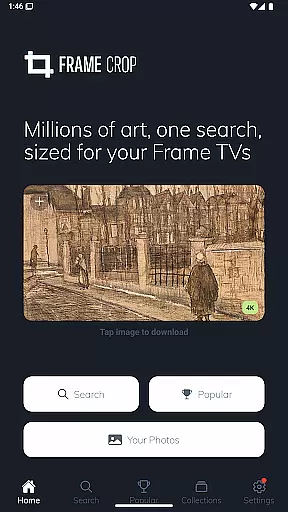
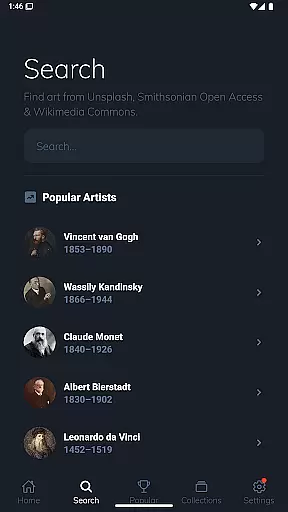
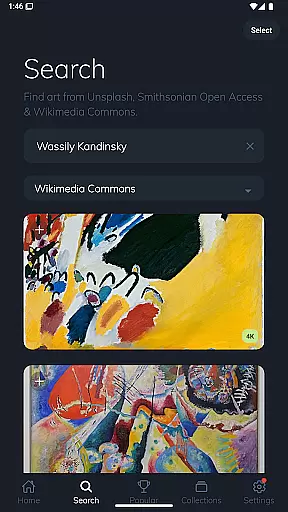
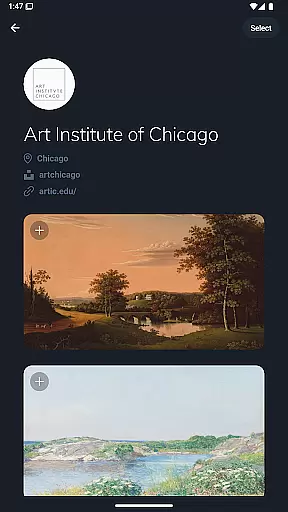
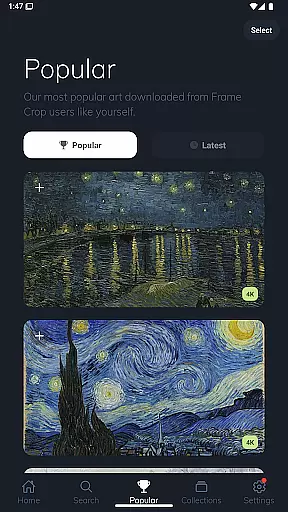
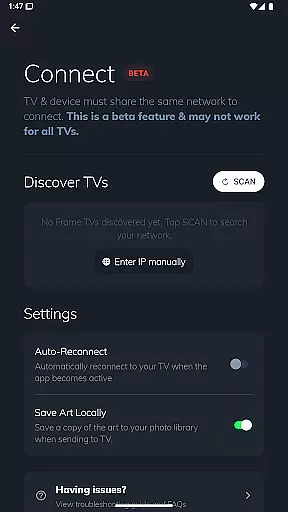

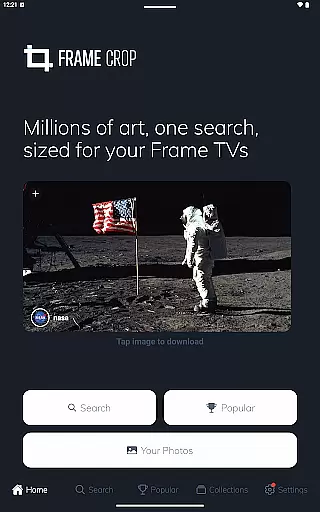
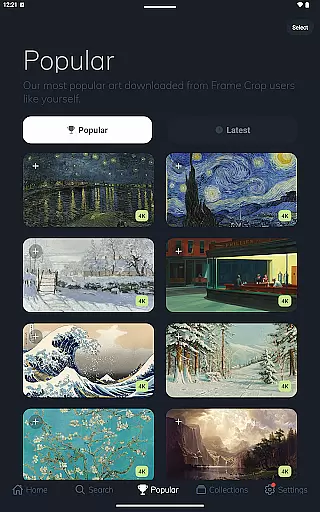
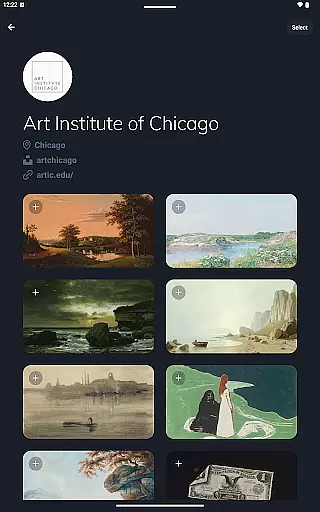
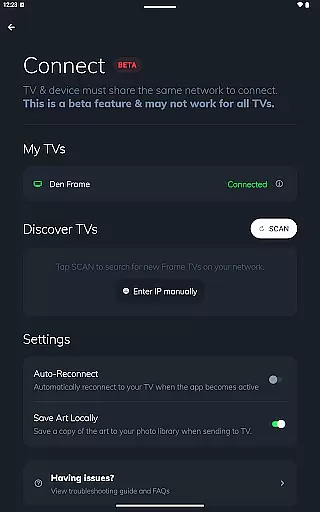
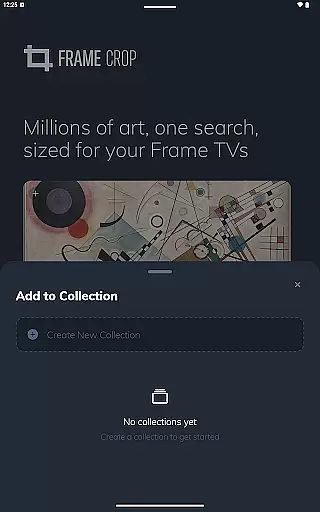
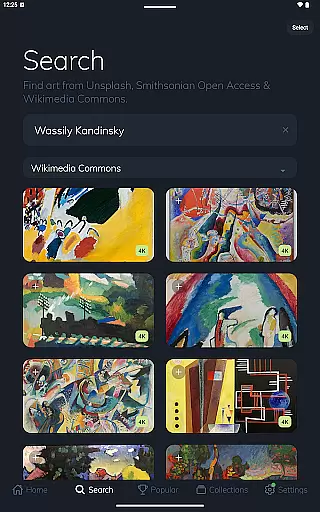

Photo editor: face & body editor, beauty cam, filters and quality enhancer.
 4.00
4.00
Safe & smart flight with Go Fly drone controller for 40+ drone camera, zone map
4.50
How old age camera Gender Swap App Face Shape Hairstyle App Hair Styler App fun!
4.00
Android Native system HD camera app. Never been so simple and faster.
4.70
Cartoon and artistic effects for your photos and videos
4.70
Create AI photos & videos with Enhancer; restore, fix, beautify, enhance photos
4.50
Enhance, retouch & create your story - Share the moment with Photoshop Express.
4.60
Hair color changer, AI haircut app, fun hair editor and buzz cut filter for all!
3.80
A unique animation app. Powerful, easy to use, and lots of fun.
4.30
The original Rarevision VHS look seen everywhere!
4.70
Unblur, enhance & restore photos with powerful AI photo enhancer tools.
4.60
RAW video capture with advanced controls
4.40
Natural Beauty, Selfie Retouch
4.30
Smart, light, and fast photo and video gallery
4.30
All-in-One Editor & AI Photo Enhancer, Beautify & Retouch, Collage, Cartoonify
4.20
A light meter for true photographers.
4.20
Catch sunlight, sunrise sunset times and sun phases with the AR sun tracker.
4.10
Photobooth mini FULL app will allow you to add more fun to your parties
4.00
Remote control the phone camera shutter from your smartwatch and take a picture
1.60


User Reviews