

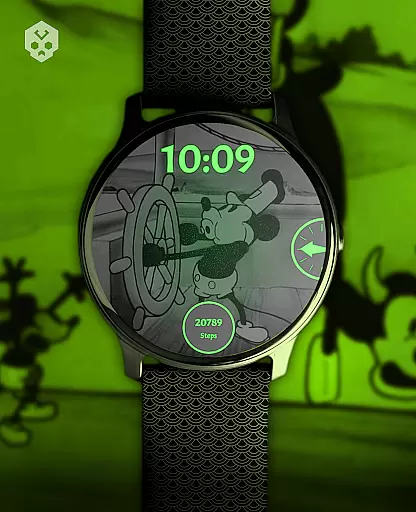
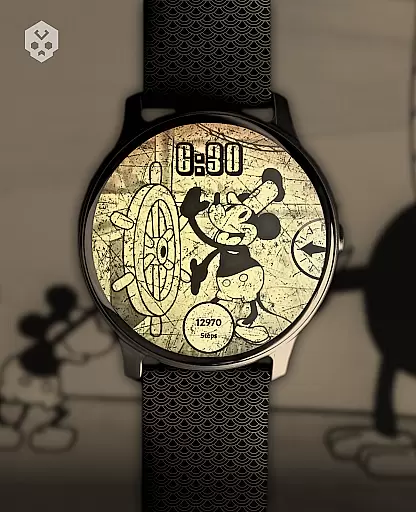
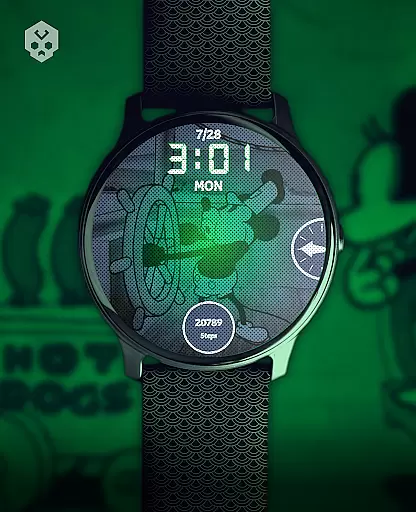
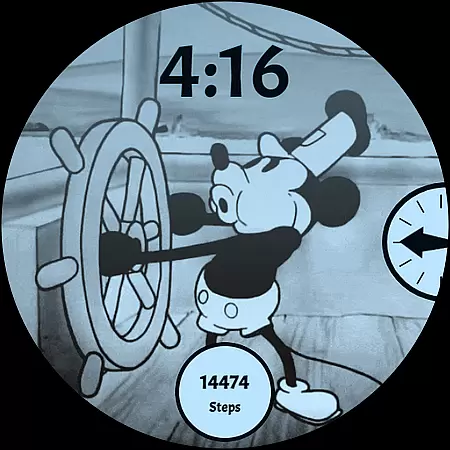
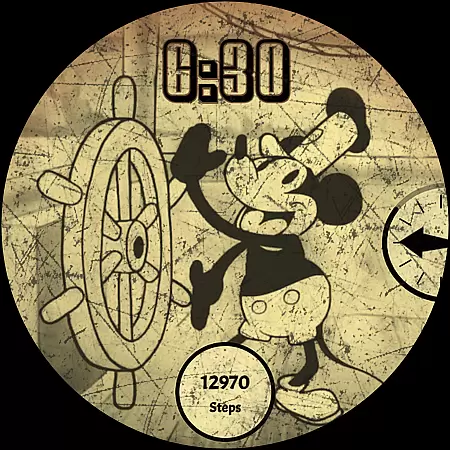
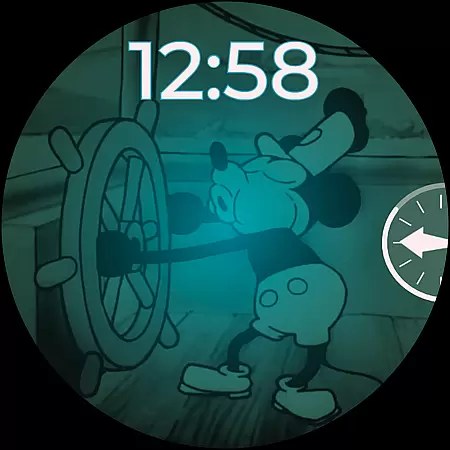
Steamboat Mouse Watch Face brings the iconic Steamboat Willie character to your smartwatch with a retro cartoon-inspired design. This highly customizable watch face is packed with features and information, making it both functional and stylish. Compatible with various Wear OS devices, it offers users a unique way to personalize their smartwatches while enjoying practical benefits like battery status tracking and customizable complications.
The design is now in the public domain, allowing for third-party use. With its handcrafted details and vibrant color schemes, this watch face stands out as a creative option for those looking to add a touch of nostalgia to their tech accessories.
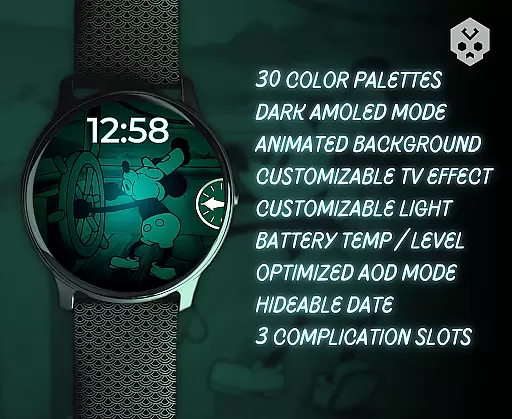
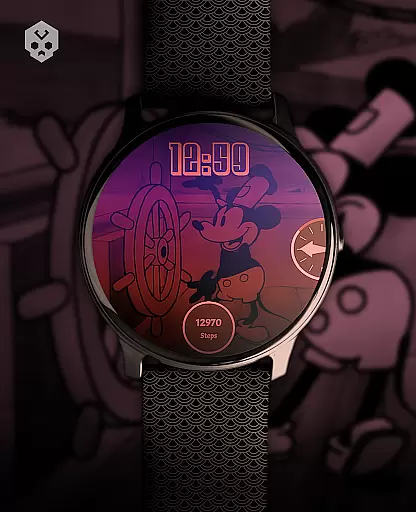
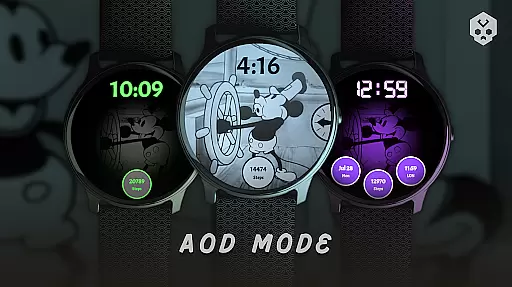
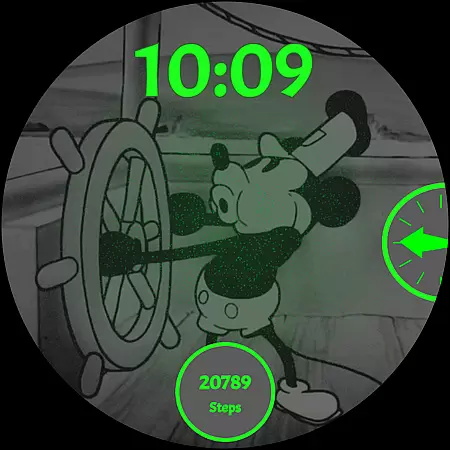
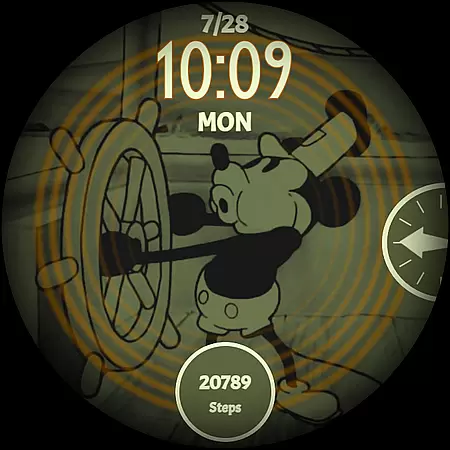
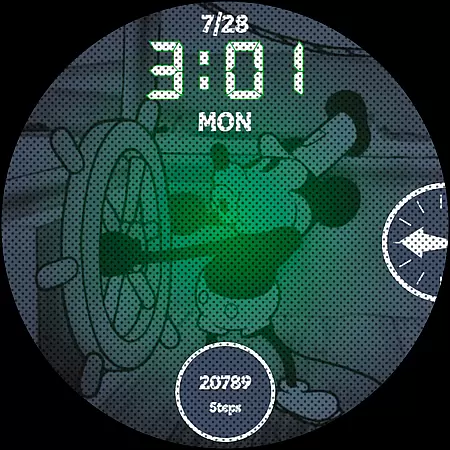
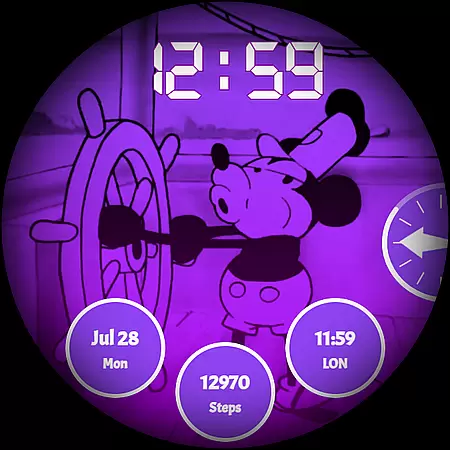
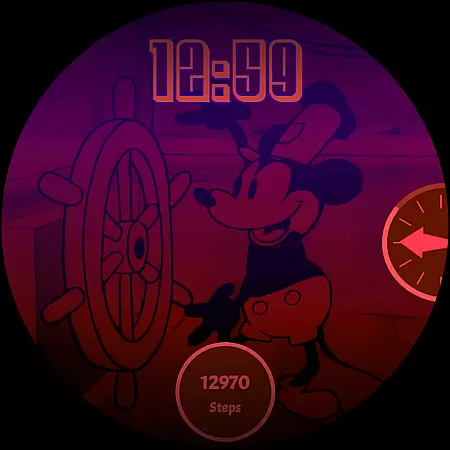
Steamboat Mouse Watch Face boasts an array of features designed to enhance user experience. It includes 30 color schemes, support for 12/24-hour formats, and customizable overlays and backgrounds. The high readability mode ensures clarity, while the minimal and vintage style adds aesthetic appeal.
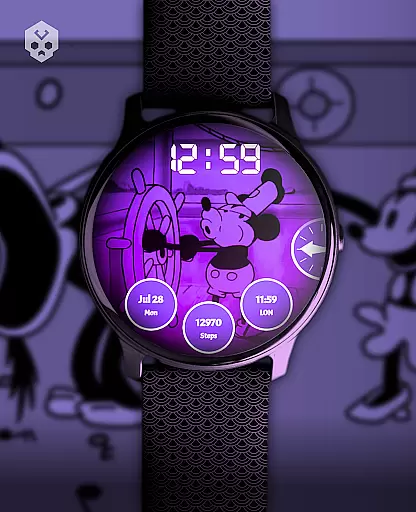
Additional functionalities include reactions to low battery levels, at-a-glance battery temperature and status, and three customizable complications. An easy-to-use companion app facilitates installation and management, providing users with a seamless way to enjoy these advanced features on their Wear OS devices.
Customization is at the heart of the Steamboat Mouse Watch Face, offering users a versatile and personalized experience on their smartwatches. With 30 distinct color schemes, users can tailor the appearance to match their personal style or mood. The inclusion of both 12 and 24-hour time formats ensures global usability, accommodating various timekeeping preferences.
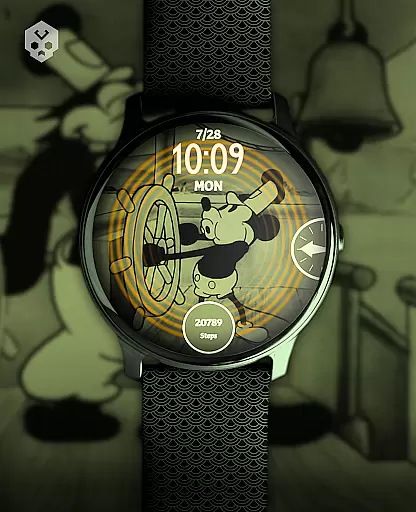
Beyond colors and time formats, the watch face provides customizable overlays and backgrounds, allowing for a unique look that stands out. Whether you prefer a minimalistic aesthetic or a vintage vibe, this feature caters to diverse tastes. Additionally, the high readability mode enhances user experience by ensuring clarity in all lighting conditions.
The ability to react to low battery situations and display battery temperature and status at a glance further enriches the customization options. These practical features not only add functionality but also empower users with critical information when they need it most. Overall, the extensive customization options make the Steamboat Mouse Watch Face a standout choice for those seeking a personalized smartwatch experience.
Theme compatibility is a crucial aspect of the Steamboat Mouse Watch Face, ensuring seamless integration across a wide range of Wear OS devices. This native, standalone watch face is meticulously crafted to be compatible with numerous smartwatches from brands like Samsung, Mobvoi Ticwatch, Fossil, Oppo, and the latest Xiaomi models. Such broad compatibility guarantees that users can enjoy a consistent and optimized experience regardless of their device.
The design takes full advantage of Wear OS capabilities, providing a stable and visually appealing interface. Users benefit from three customizable complications, which enhance the watch's utility without compromising its aesthetic appeal. Furthermore, an easy-to-use companion app simplifies the installation process while remaining uninstallable after setup, preserving system resources.
By prioritizing theme compatibility, the Steamboat Mouse Watch Face ensures that users receive a cohesive and engaging experience. Whether switching between devices or updating to a new model, the watch face maintains its functionality and charm, making it a reliable choice for tech-savvy individuals who value both form and function.
User-friendly interface
Highly customizable
Vibrant color schemes
Compatible with Wear OS
Unique retro design
Paid application
Requires Wear OS
Limited to smartwatches
No automatic updates
Initial setup complexity

Unique Android Launcher
 4.60
4.60
Turn text & photos into stunning AI videos, art, and creative visual stories.
4.50 4.50
4.50
Color phone with cool effects for call screen, flash alert & ringtones music
4.50
Organize and manage your photos and videos effortlessly with Photo Gallery
4.20
Handcrafted pixel art icons, widgets & wallpapers
4.60
200+ Material Inspired Widgets
4.50
Your home screen, just the way you like it.
4.30
A minimalist productivity launcher. One-hand-friendly. Zero ads.
4.70
Gun Chase - Let the chase begin.
4.80
One 8 icons glass color version
4.80
Classic analogue watch face. For wear os devices.
4.60
Make your phone look simple & luxury, like iDevice
4.60
Over 28,000 high quality icons to bring color & homogeneity to your phone.
4.60 4.50
4.50
AI-powered Copilot. Personalized keyboard with gifs, stickers & themes
4.40
Yandex Browser — stylish and secure, with voice search and data compression
4.40
Customizable flower power digital watch face for Wear OS watches.
4.00
Design your screen with unique, vibrant clocks
3.80

User Reviews