

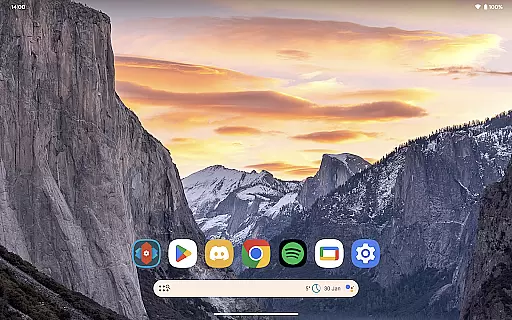
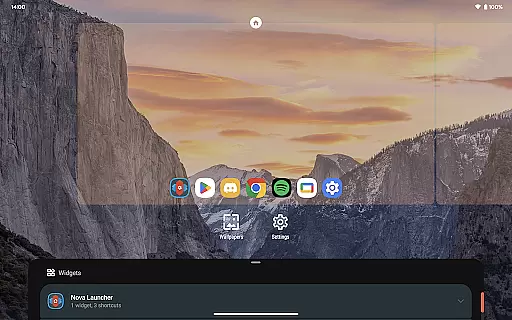
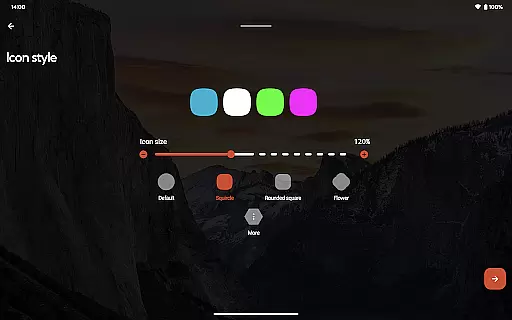
Nova Launcher Prime is a premium upgrade that unlocks the full potential of Nova Launcher, one of the most customizable home screen replacements for Android devices. Designed to enhance productivity and personalization, this app offers advanced features such as custom gestures, app drawer organization, and icon swipe actions.
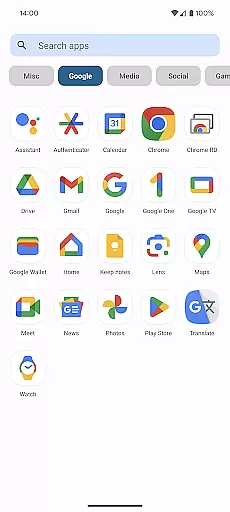
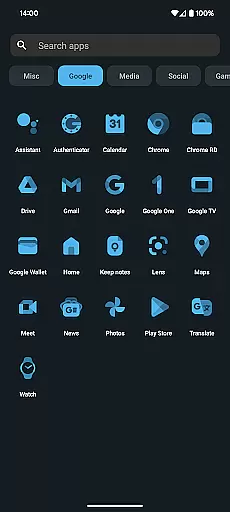
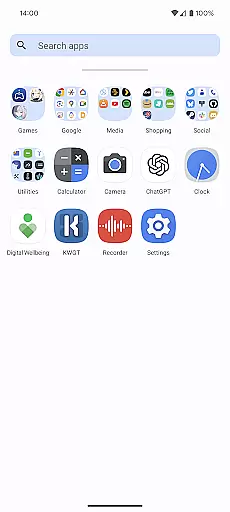
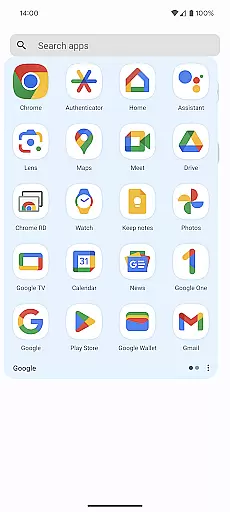
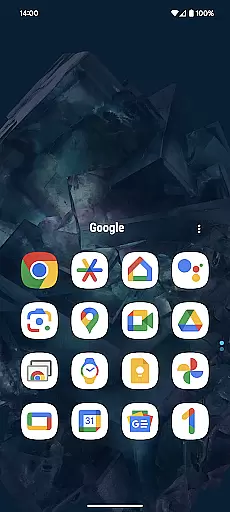
With Nova Launcher Prime, users can create a highly tailored mobile experience. The app allows you to organize apps into custom tabs or folders within the app drawer, hide unwanted apps, and use gestures like swiping and pinching on the home screen to execute commands. These features make it an ideal choice for power users who want complete control over their device's interface while maintaining a clean and organized layout.
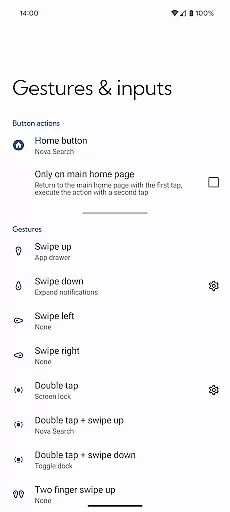
Nova Launcher Prime stands out with its extensive customization options. The app introduces powerful gesture controls, enabling users to perform actions such as swiping, pinching, or double-tapping on the home screen to trigger specific commands. This functionality streamlines navigation and boosts productivity without cluttering the interface.
Another notable feature is the ability to organize the app drawer with custom tabs and folders, giving users an unprecedented level of control over their app organization. Additionally, Nova Launcher Prime allows users to hide apps from the app drawer without uninstalling them, perfect for decluttering or privacy management. The custom icon swipe gestures further enhance usability by letting users access functions directly from their home screen icons.
These features collectively provide a seamless blend of aesthetics and functionality, making Nova Launcher Prime a top choice for those seeking a personalized and efficient Android experience.
Nova Launcher Prime offers an extensive range of customization options that allow users to tailor their Android home screen experience precisely to their liking. This includes the ability to create custom gestures, which enable users to execute commands such as launching apps or accessing settings through intuitive touch actions like swipes and pinches.
Moreover, the app drawer can be organized into custom tabs and folders, providing an unprecedented level of organization for those who have a multitude of apps installed on their device. Users also have the option to hide apps from the app drawer without uninstalling them, ensuring a clutter-free and personalized interface.
The inclusion of custom icon swipe gestures adds another layer of functionality, allowing users to perform actions such as opening shortcuts or toggling settings with simple swipes on icons. These features collectively ensure that Nova Launcher Prime delivers a highly customizable and productive user experience.
Theme compatibility is a crucial aspect of personalizing a mobile device, and Nova Launcher Prime excels in this area by offering seamless integration with various themes. Users can apply different visual styles across their entire home screen, ensuring a consistent look and feel that matches their personal aesthetic preferences.
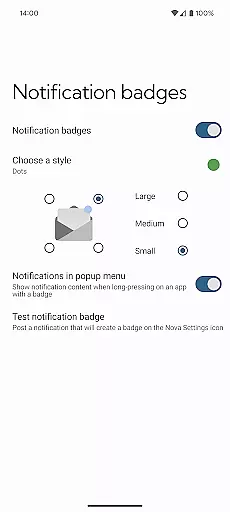
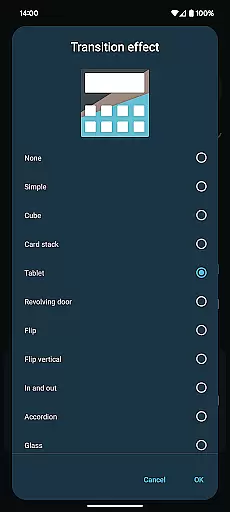
In addition to supporting third-party icon packs, Nova Launcher Prime allows for the use of notification badges and scrolling effects that complement the chosen theme. This ensures that not only do icons and widgets match the theme, but interactive elements like app notifications also blend seamlessly into the customized environment.
By working in tandem with the free version of Nova Launcher, Nova Launcher Prime unlocks these advanced theming capabilities, empowering users to craft a cohesive and visually appealing Android experience that remains true to their individual style while maintaining optimal usability.
Highly customizable
Intuitive gesture controls
Organized app drawer
Icon swipe functionality
Privacy-focused features
Requires separate app
Paid upgrade
Complex for beginners
Limited iOS support
No built-in icons

Only for Wear OS devices!
 4.90
4.90
Transfer your live wallpapers from Windows to Android using Wallpaper Engine!
4.00
Customize glowing edges, wallpapers, and caller screen with EdgeAura.
3.50 4.50
4.50
Adaptive Dot Style IconPack with Light & Dark Theme.
3.70
Choose your keyboard with RGB colors effect, themes, fonts, emojis.
4.60
Stylish Pink Cute Hippo keyboard with 10000+ customized keyboard themes!
4.60
Transform your device in a game console
4.40
350+ widgets with a premium glass-style finish, perfect for home & lock screens.
4.70
Wallpaper HD 4K Live - Thousands of high-quality Anime backgrounds for you.
4.80
Customizable Glass widgets. Over 360+ stunning widgets and more!
4.70
A retro cartoon style watch face and a punch right in the face of the copyright
4.60
Transform your phone with Launcher iOS 26 - Smooth & elegant iOS experience
4.50 4.50
4.50
AI-powered Copilot. Personalized keyboard with gifs, stickers & themes
4.40
The definitive Icon pack maker and editor
4.30
Romantic Kiss Stickers App. Start romantic messaging now!
4.30
Magic fluids wallpaper 4D: Relax with stunning fluid simulation wallpaper app
4.20 3.50
3.50

User Reviews