

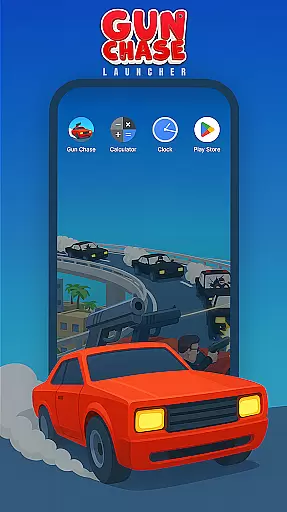
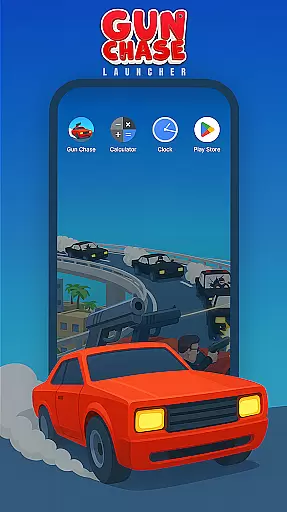
Gun Chase Launcher is a dynamic Android home screen app that combines the thrill of high-speed chases with personalized launcher features. Designed for gamers and customization enthusiasts, this app brings the adrenaline-pumping action of Gun Chase to your fingertips while offering tools to tailor your device's interface.
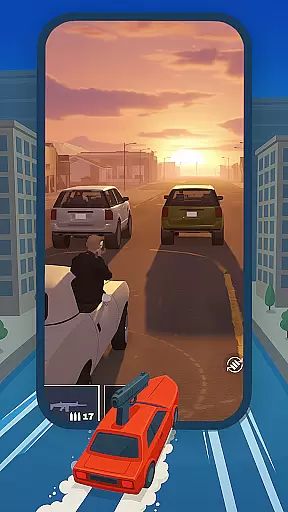
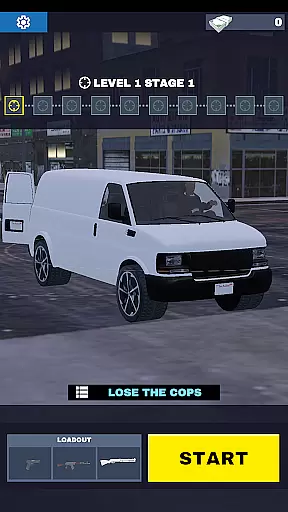
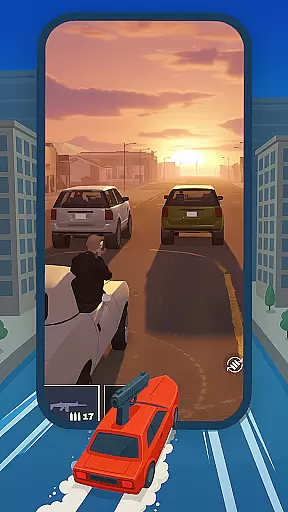
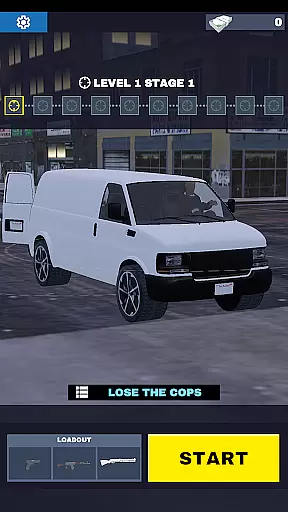
At its core, Gun Chase Launcher allows users to immerse themselves in an exciting chase game where they can unlock weapons, upgrade skills, and customize vehicles across diverse scenarios like cities and open seas. Beyond gaming, it enhances your home screen experience with themed backgrounds, gesture controls, adjustable themes (light or dark mode), and customizable icon shapes. These features ensure both functionality and personal style are seamlessly integrated into your daily mobile usage.
Whether you're a fan of fast-paced games or simply looking to refresh your device's appearance, Gun Chase Launcher provides a unique blend of entertainment and utility, making it a versatile choice for modern smartphone users.
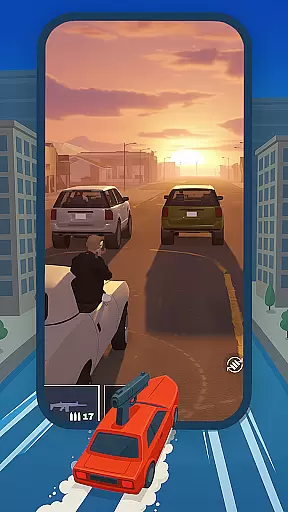
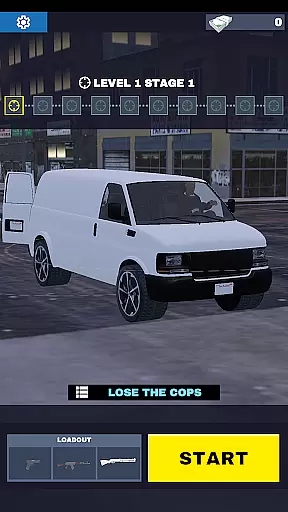
Gun Chase Launcher stands out with its innovative combination of gaming and personalization features. The app offers a thrilling chase game where players can navigate through various environments using motorcycles, cars, and boats, all while unlocking upgrades and customizing their experience. This integration of gameplay directly into the launcher creates a seamless transition between utility and entertainment.
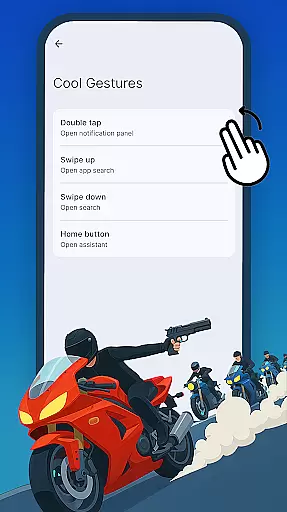
On the personalization side, Gun Chase Launcher includes advanced customization options such as themed backgrounds that reflect the game’s aesthetic, gesture controls for efficient navigation, and adjustable themes to suit individual preferences. Users can assign specific actions to swipes, taps, or double taps, streamlining access to frequently used apps. Additionally, the ability to modify icon shapes and styles ensures that every user's home screen is uniquely theirs.
These features collectively enhance both usability and visual appeal, providing a comprehensive solution for those seeking a personalized yet action-packed mobile experience.
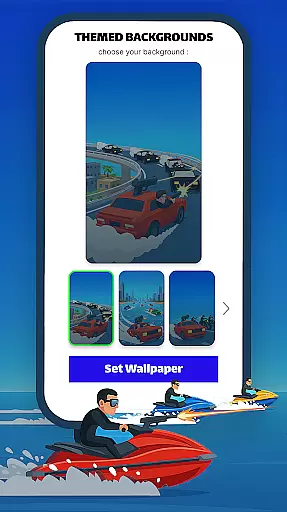
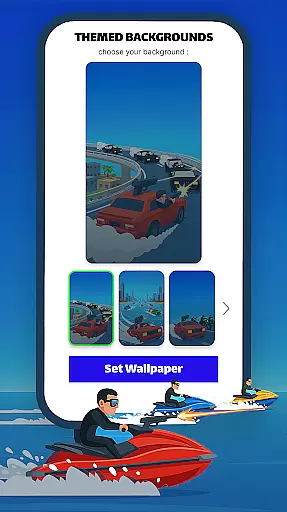
Gun Chase Launcher offers a wide array of customization options that allow users to tailor their home screen experience to their personal preferences. The app includes themed backgrounds that bring the thrilling chase aesthetic of the Gun Chase game directly to your Android device's home screen, creating an immersive environment that reflects the excitement of the game.
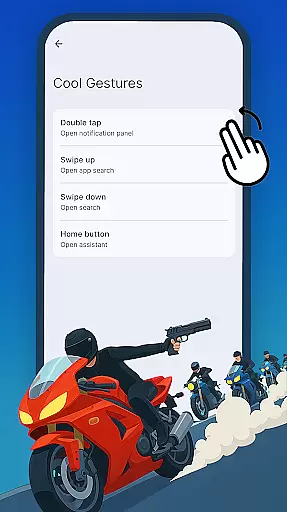
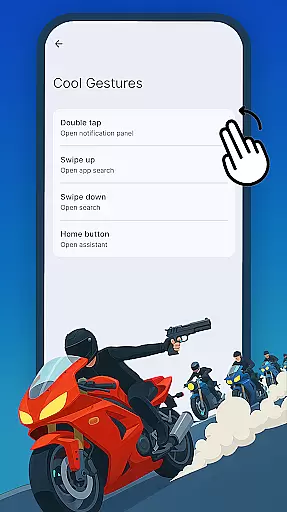
In addition to themed backgrounds, the launcher provides cool gesture controls which enhance user interaction by allowing swipes, taps, and double taps to be assigned for specific actions or shortcuts. This feature streamlines navigation and reduces the need to navigate through multiple menus, making daily tasks more efficient and enjoyable.
Users can also adjust icon shapes and styles, giving them control over the visual consistency of their home screen. With various shapes and styles available, you have the freedom to create a cohesive look that aligns with your individual taste. These extensive customization features ensure that every user can craft a unique interface that is both functional and expressive.
Theme compatibility in Gun Chase Launcher ensures that all elements of the home screen are visually harmonious and maintain a consistent style. Users can choose between bright or dark modes, adapting their interface to different lighting conditions or simply matching their current mood. This flexibility not only enhances aesthetics but also contributes to usability by reducing eye strain during prolonged use.
The launcher's support for themed backgrounds means that every visual aspect, from background images to icons, is designed to work seamlessly together. This creates a polished and professional appearance that elevates the overall user experience. Whether you're navigating through cityscapes or maritime adventures within the game-inspired themes, each element on your home screen will feel interconnected.
Furthermore, Gun Chase Launcher allows users to easily switch back to their previous setup if desired. Through the Default Home App setting on your device, you can revert changes and restore your original configuration without hassle. This safety net encourages experimentation with new themes and customizations while ensuring peace of mind for those who wish to preserve their familiar settings.
Unique gaming-integrated launcher
Highly customizable home screen
Intuitive gesture controls
Variety of themed backgrounds
Light and dark mode options
May reset existing layout
Limited default theme variety
Gameplay might distract from utility
Occasional performance lags
Not ideal for minimalists



A light in the dark, a unique style and an andless cutomization!
 4.30
4.30
Winter's Journey: digital watch face for Galaxy Watch & Wear OS
4.80
Adult video chat, dating, making friends, random matching
4.20
Try creating your own keyboard with "Keyboard theme for android" app now!
4.50
Transfer your live wallpapers from Windows to Android using Wallpaper Engine!
4.00
Turn text & photos into stunning AI videos, art, and creative visual stories.
4.50
Design your screen with unique, vibrant clocks
3.80
set a new experience for the Android mobile phone
4.20
Amazing letter fonts in your messages and social statuses
4.70
Sparkle your screen with Glitter Wallpapers For Girls and Cute Backgrounds!
4.80
Wallpaper HD 4K Live - Thousands of high-quality Anime backgrounds for you.
4.80
Enjoy a variety of amazing live wallpapers and colorful EDGE lighting borders!
4.80
Vertically oriented rectangular icons
4.70
350+ widgets with a premium glass-style finish, perfect for home & lock screens.
4.70
Want to make your phone more special than ever?
4.60
Ultimate Gallery Lock App - Hide Pictures, Videos and Lock Apps Instantly!
4.60
Choose your keyboard with RGB colors effect, themes, fonts, emojis.
4.60
Romantic Kiss Stickers App. Start romantic messaging now!
4.30
Organize and manage your photos and videos effortlessly with Photo Gallery
4.20

User Reviews