

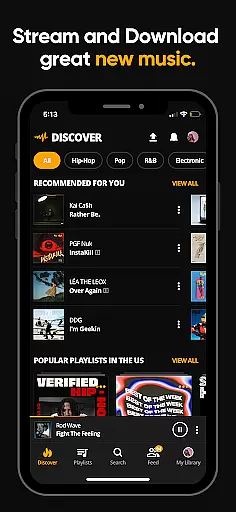
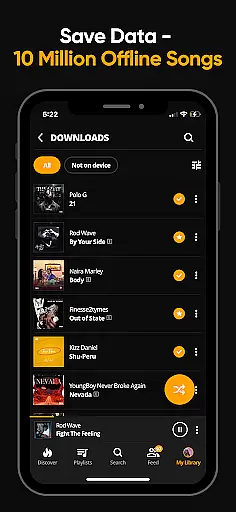
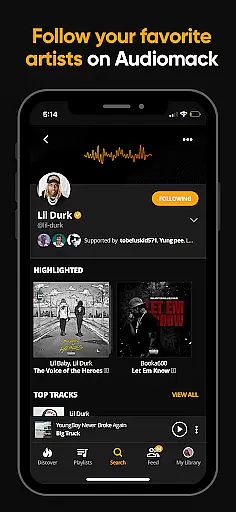
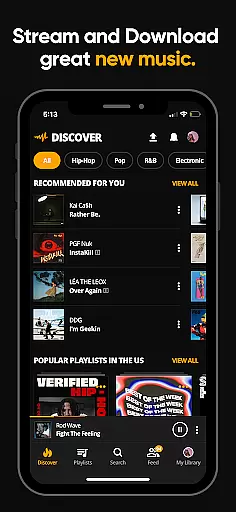
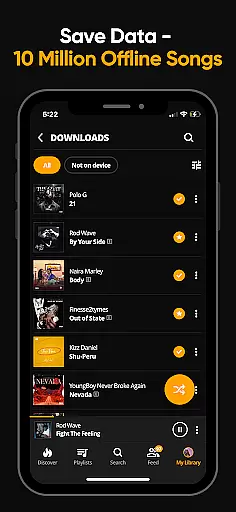
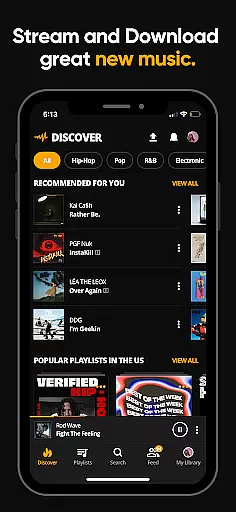
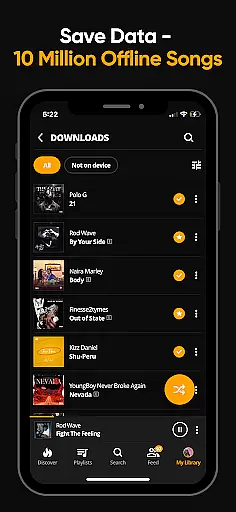
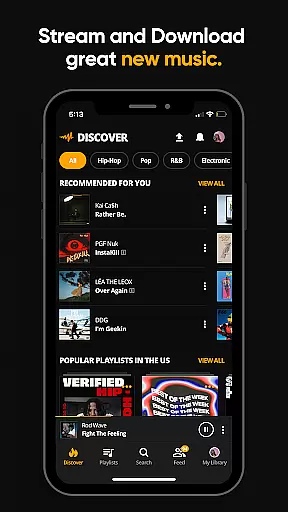
Audiomack is a premier music streaming and download app tailored for Android Wear users. It offers unlimited access to trending full tracks across genres like Hip-Hop, Rap, R&B, EDM, Afropop, and Reggae. The app allows offline downloads, enabling data-free listening, and supports local file playback of MP3s, WAV, M4A, AAC formats.
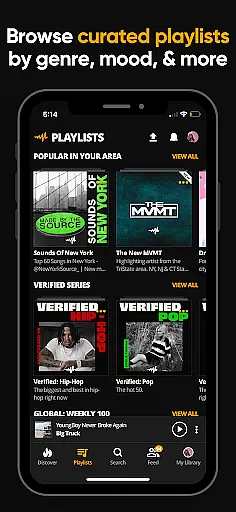
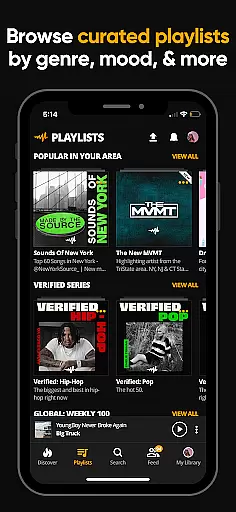
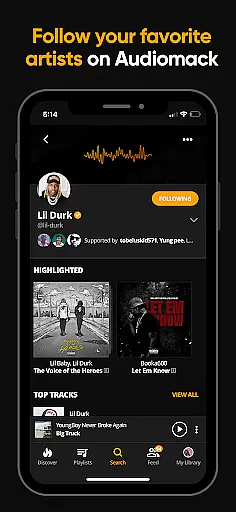
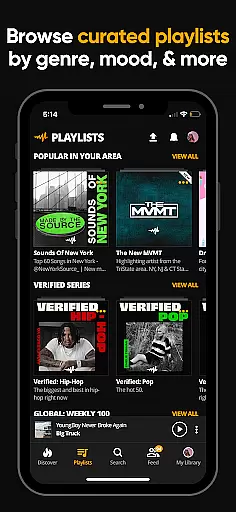
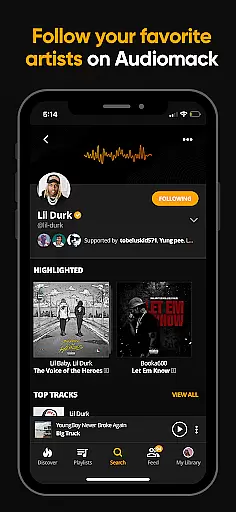
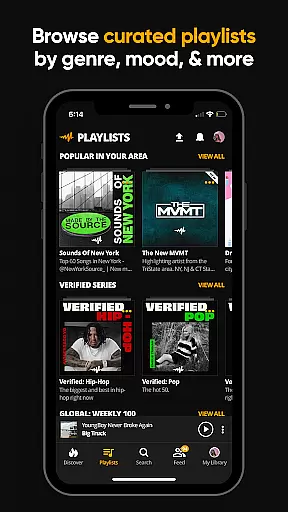
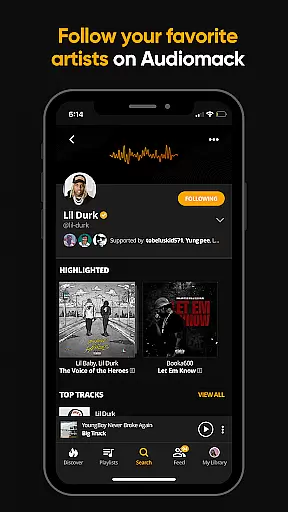
With curated playlists by mood and genre, Audiomack ensures personalized music discovery. Users can create unlimited playlists, follow top artists, and enjoy seamless integration with Wear OS and Android Auto. For $4.99/month, users can go ad-free while enjoying high-quality music streams.
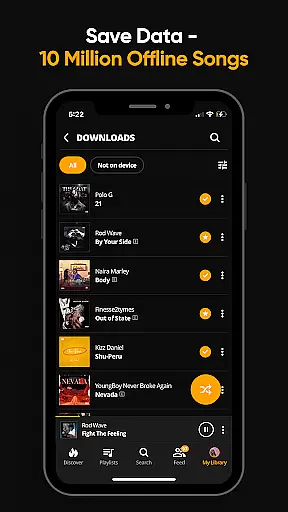
Audiomack stands out with its robust feature set designed for music enthusiasts. The app provides unlimited streaming of new and trending tracks, ensuring users stay ahead in music trends. Its offline mode lets you download albums and songs without needing Wi-Fi, perfect for on-the-go listening.
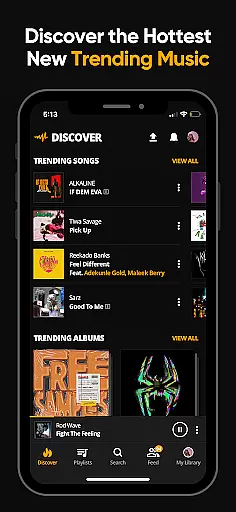
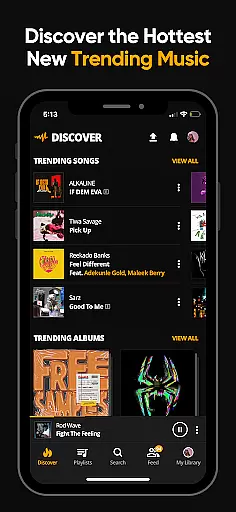
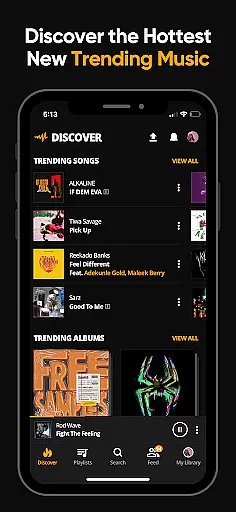
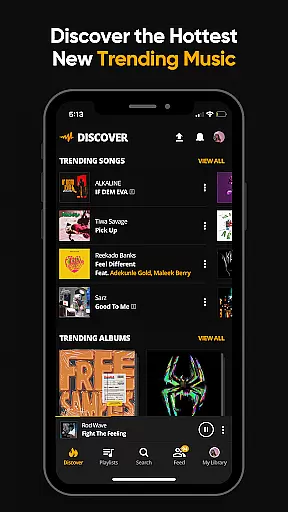
Users can favorite tracks, albums, and playlists, making it easy to manage their music library. Integration with Wear OS and Android Auto enhances user experience, allowing music control from multiple devices. Additionally, Audiomack's "Trending" section highlights popular albums and tracks, keeping users updated with the latest hits.
For Audiomack users, the seamless integration between the main app and its Wear OS counterpart enhances the overall music experience. This connection allows for effortless synchronization of your favorite playlists, albums, and tracks across devices.
With this integration, you can easily control your music playback from your wearable device. Whether you're going for a run or commuting to work, managing your music is simplified, keeping your favorite tunes accessible no matter where you are.
The Audiomack app ensures that all your preferences, including likes, shares, and download history, are mirrored on all linked devices. This means you can start listening on your phone and continue on your smartwatch without missing a beat.
This companion app feature not only extends convenience but also enriches user engagement by providing a cohesive ecosystem where music discovery and management become second nature.
Audiomack's compatibility with Wear OS and other Android devices ensures that users can enjoy their music library wherever they go. The app supports a wide range of devices, making it versatile for different user preferences and tech ecosystems.
Whether you're using a smartwatch or another Android-powered gadget, Audiomack provides a consistent experience. This compatibility ensures that whether you're at the gym or traveling, your music is always with you in high quality.
By supporting various devices, Audiomack caters to audiophiles who demand flexibility and performance. Users can switch between devices effortlessly, enjoying full tracks and curated playlists tailored to their listening habits.
This broad compatibility highlights Audiomack's commitment to accessibility and user-centric design, ensuring that every music lover finds their perfect match within the Audiomack ecosystem.
User-friendly interface
Offline listening mode
Wide music genre support
Curated playlists
Seamless device integration
Limited free version
Occasional ads
Premium subscription cost
High storage usage
Dependent on internet for updates


Calming & relaxing sounds for sleeping and stress relief. Stay focused all day!
 4.20
4.20
Christmas and New Year - Themed Watchface
4.3
Easy Voice Recorder is your everyday companion to record important moments.
4.70
Digital watch face. For Wear OS devices.
4.40
sleep, alarm, snoring, stress, healing, focus, sound therapy, circadian rhythm
4.10
The #1 source of faces for your smartwatch!
4.00
Period, ovulation & pregnancy tracker. Fertility insights & menstrual calendar.
4.90
Animated video-game inspired “secret agent” simulation, right on your wrist!
4.20
Control your Samsung Smart TVs, appliances, and SmartThings-compatible devices
4.60
The Chevron App allows you to pay for fuel from the comfort of your car!
4.80
Highly customizable hybrid watch face for Wear OS, perfect for everyday use.
4.60
Kia Access makes getting your vehicle information easier than ever
4.60
Nutrition, Macro tracker: Food, fitness & healthy diet tracking for weight loss
4.60
Gym & home workout plans with strength training, exercise tracking, HIIT & more.
4.60
Deck out your Wear OS Watch face with a beautifully decorated pine wreath!
4.50
Ideal for surviving in the wasteland left after nuclear fallout
4.50
The ultimate destination for kids ages 3-8 to explore the Marvel Universe!
4.30
Wear Os Watch Face - Animated Snow - Sesonal for Christmas & Winter
4.0
Contemporary digital watch face with five complications
4.2


User Reviews