

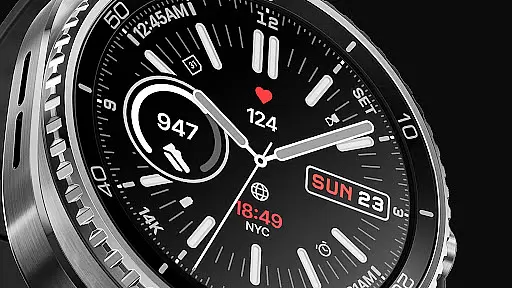
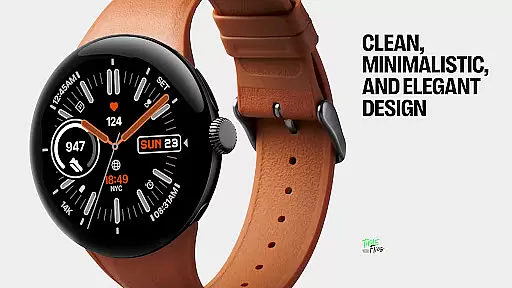
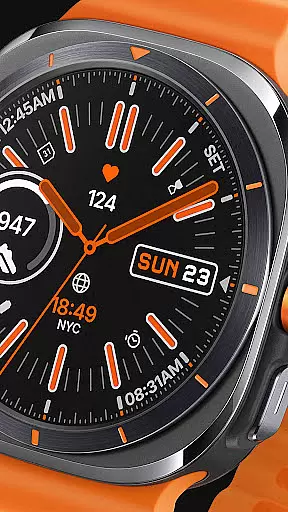
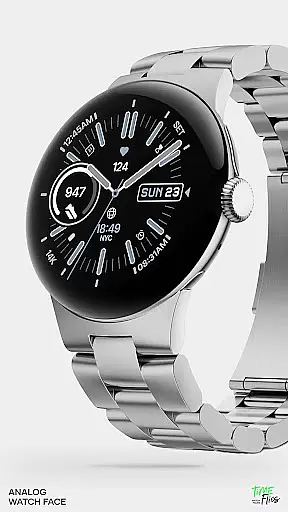
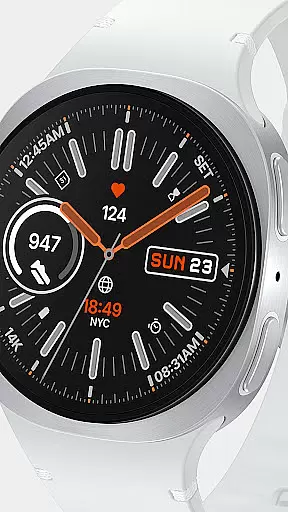
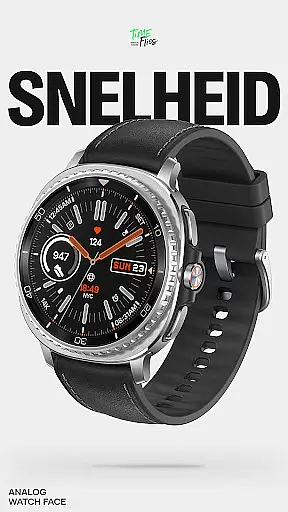
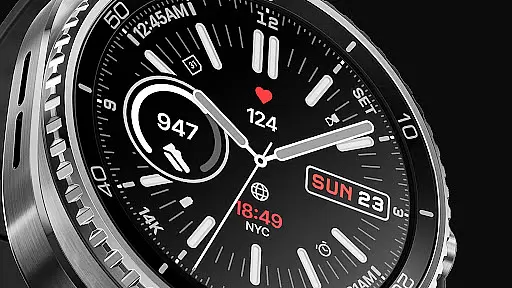
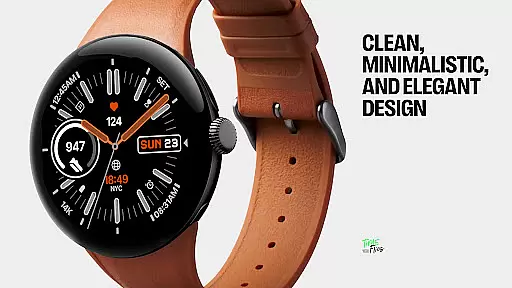
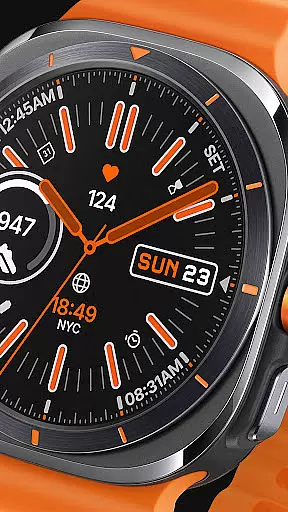
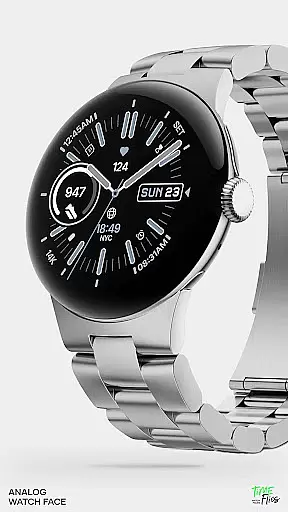
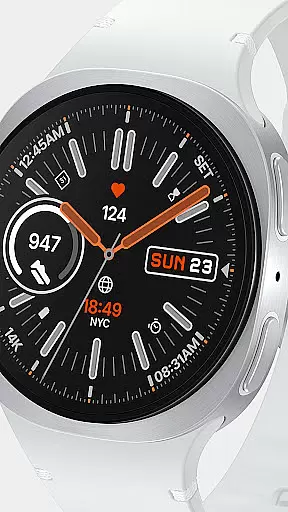
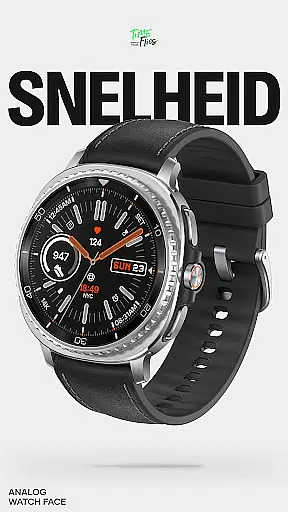
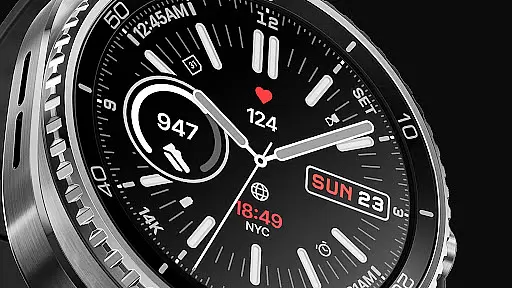
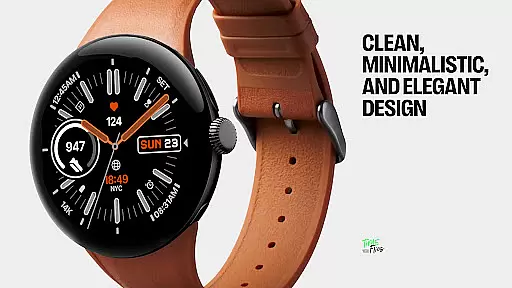
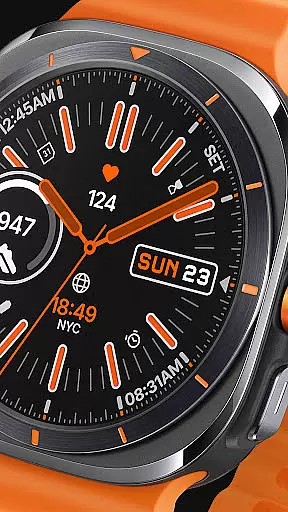
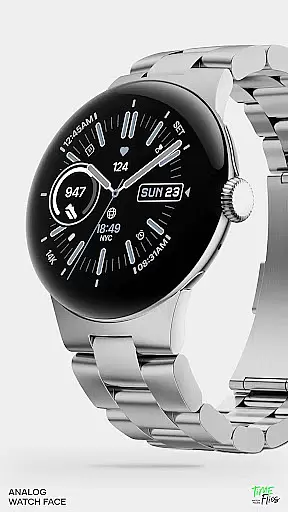
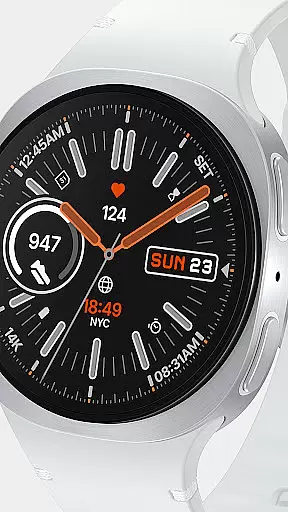
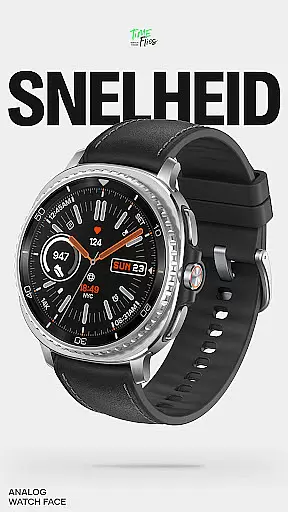
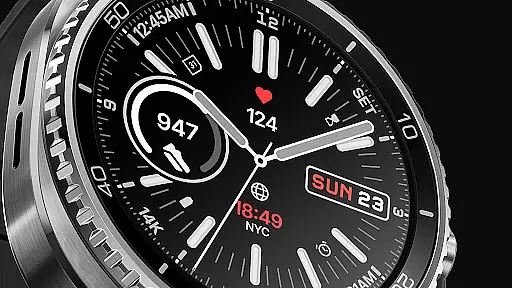
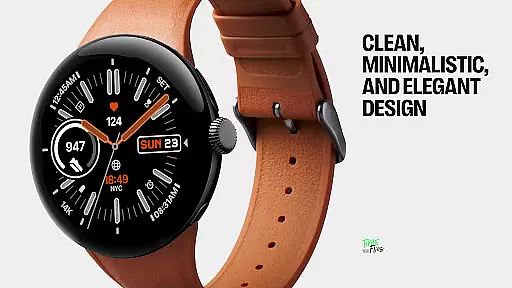
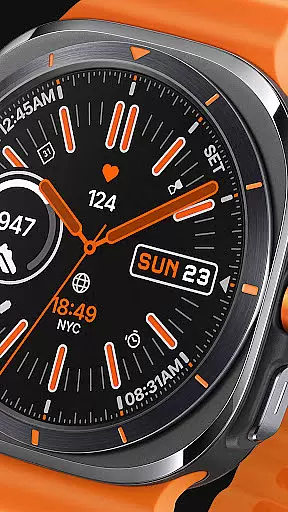
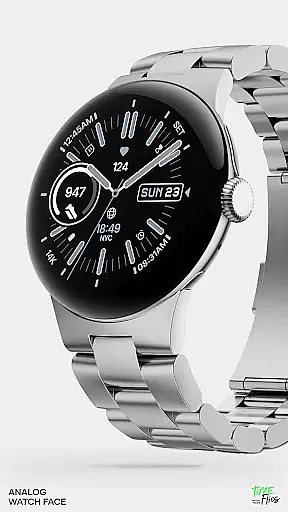
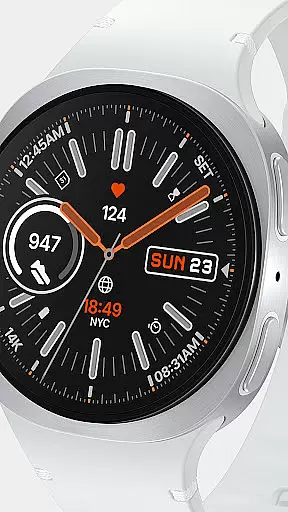
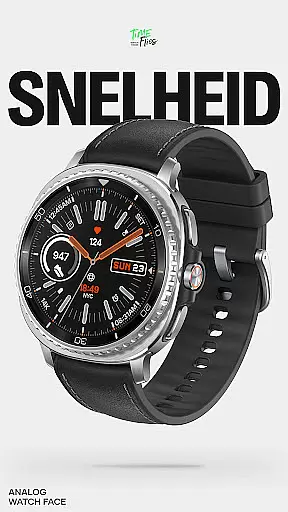
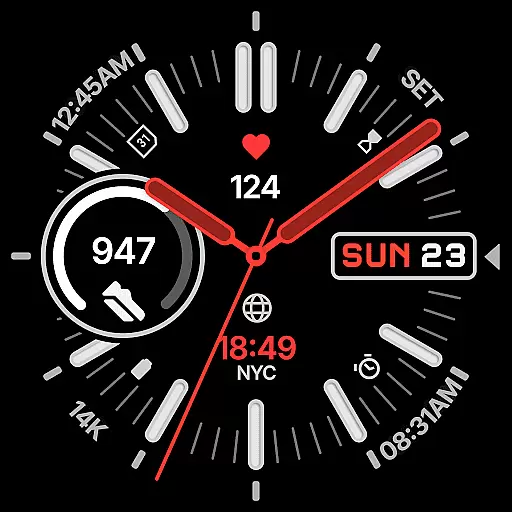
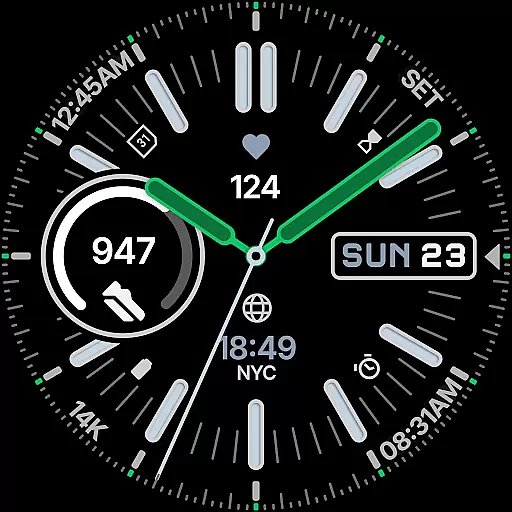
Snelheid Analog Watch Face is a premium Wear OS watch face that combines motorsport-inspired design with modern smartwatch functionality. The interface features bold indices, dashboard-style typography, and vibrant accents, creating a dynamic yet elegant timepiece suitable for both professional and active lifestyles.
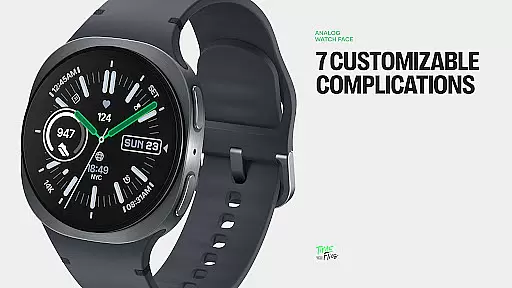
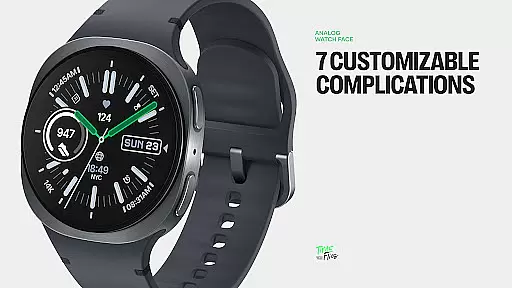
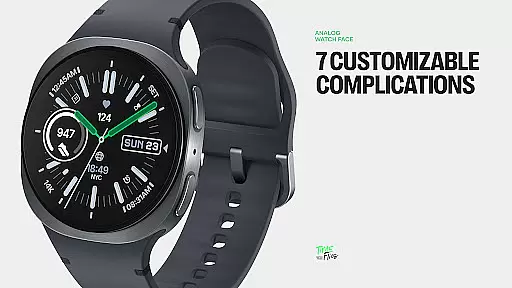
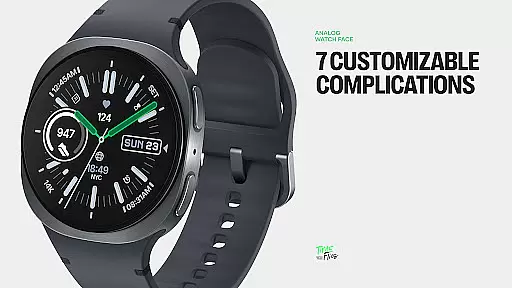
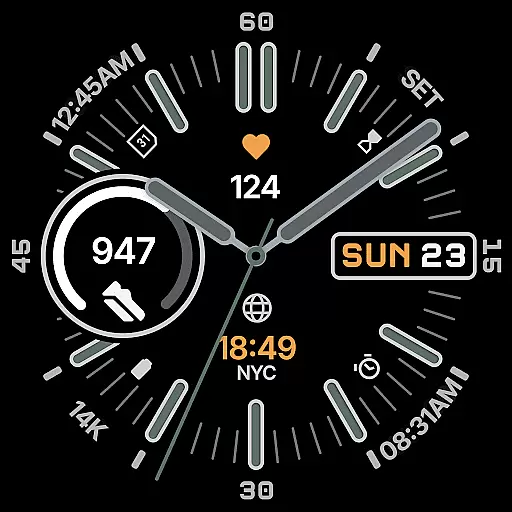
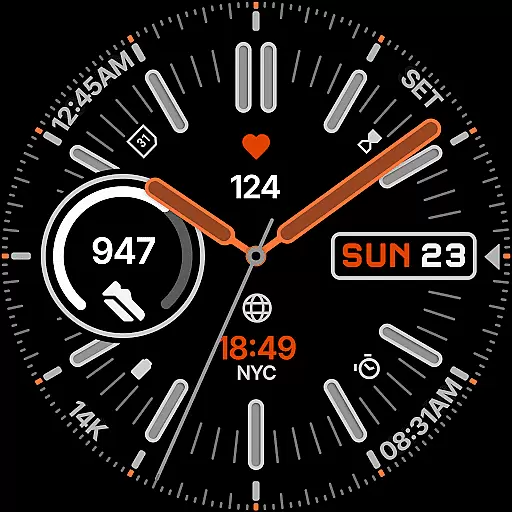
With seven customizable complications, users can access essential data such as health metrics, weather updates, and activity tracking directly from the dial. The design ensures optimal readability while offering 30 curated color schemes, multiple index styles, and battery-efficient Always-on Display modes. Whether for everyday use or outdoor adventures, Snelheid adapts seamlessly to various scenarios.
This watch face bridges analog aesthetics with digital intelligence, making it an ideal choice for users seeking both style and utility on their smartwatches.
Snelheid Analog Watch Face stands out with its fusion of analog and digital elements. The watch face incorporates seven fully customizable complications, enabling users to personalize their display with preferred data points like activity stats, weather forecasts, or world time zones.
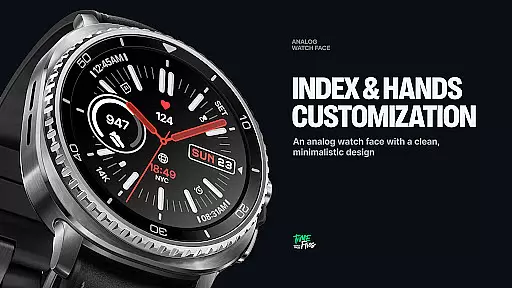
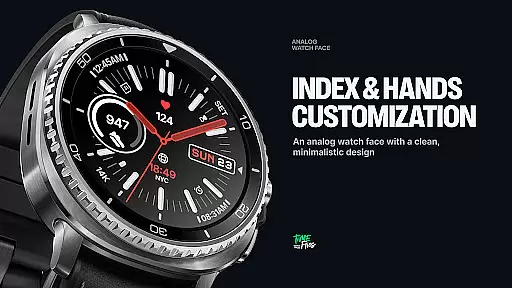
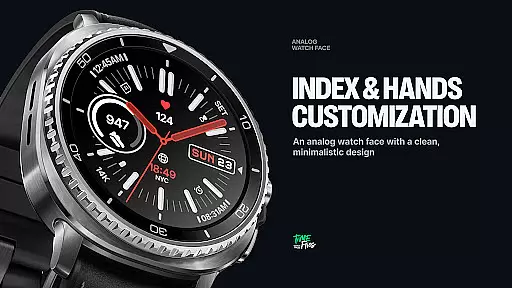
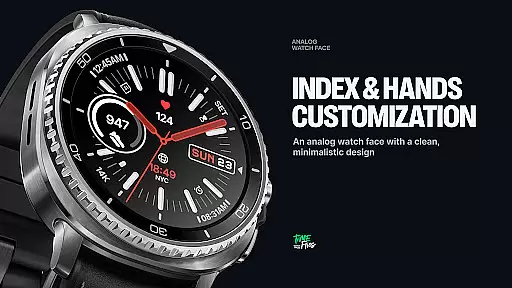
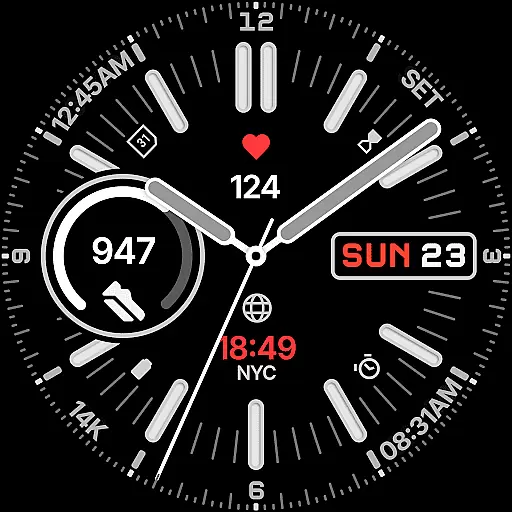
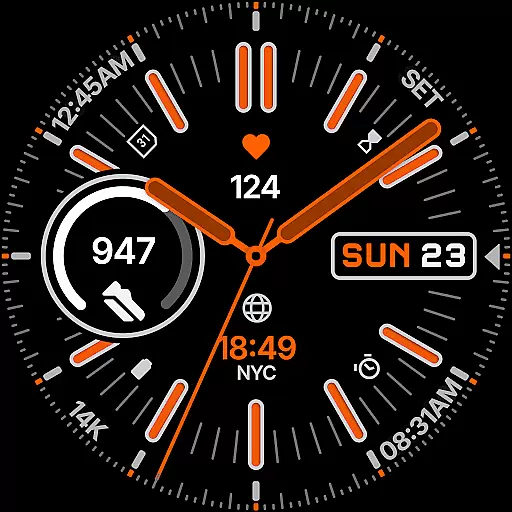
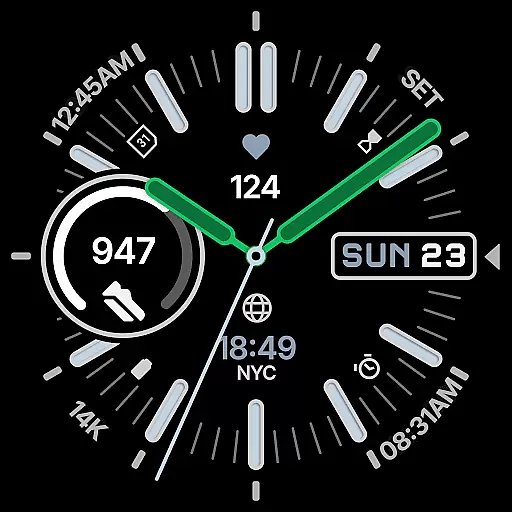
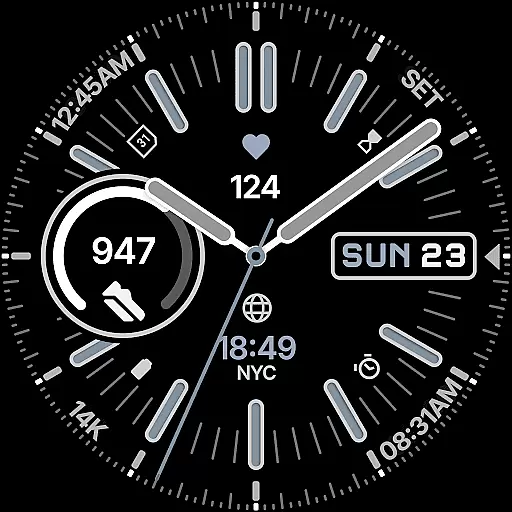
The design emphasizes versatility through 30 curated color schemes, multiple index styles, and adaptable dial options. These features ensure the watch face suits diverse preferences, from minimalist designs to vibrant, sporty aesthetics. Additionally, its Clean Always-on Display mode balances visual appeal with battery efficiency, ensuring prolonged usability without compromising performance.
For added convenience, an optional Android companion app simplifies customization by allowing users to configure settings directly from their smartphones. This combination of precision design, extensive personalization, and practical functionality makes Snelheid a standout choice in the Wear OS ecosystem.
Companion app integration is essential for users who want seamless control over their smartwatch settings from their mobile device. Snelheid offers an optional Android companion app that simplifies the setup and customization process significantly.
The companion app allows users to adjust various aspects of the watch face directly from their phone. This includes selecting from 30 curated color schemes, choosing index styles, dial options, and configuring up to seven customizable complications. Such comprehensive control ensures that users can tailor the watch face to match their personal preferences or specific needs without needing to interact with the watch interface directly.
This level of integration enhances user convenience by providing a user-friendly interface on the go. Users can quickly switch between different configurations or update settings based on changing environments or activities, ensuring their smartwatch remains both functional and stylish at all times.
Ensuring broad compatibility with Wear OS devices and maintaining optimal performance across different hardware is crucial for any watch face application. Snelheid excels in this area by offering extensive support for various smartwatch models and display types.
The design of Snelheid integrates seamlessly with both steel-bezel smartwatches and minimalist curved displays. This adaptability ensures that regardless of the device, users will experience consistent quality and functionality. The bold indices, dashboard-inspired typography, and vibrant accents are optimized to look sharp on any screen, preserving the aesthetic appeal and readability.
Additionally, Snelheid supports Clean Always-on Display modes, which help extend battery life without compromising on style or information accessibility. By balancing visual elements for at-a-glance clarity and adapting to different screen technologies, Snelheid provides a versatile and reliable solution for users seeking a high-performance analog watch face on their Wear OS devices.
Customizable complications
Vibrant design accents
Battery-efficient modes
Companion app support
30 color schemes
Limited to Wear OS
Premium cost likely
Complex setup process
Fewer features without app
Design may not suit all

Bold, Modern Hybrid Watch Face for Wear OS. 10 Colors, Rich Info Display.
 4.30
4.30
Hyperlocal rain alerts by MyRadar using patent-pending technology, radar & more
4.80
Find EV charging stations
4.30
Gym & home workout plans with strength training, exercise tracking, HIIT & more.
4.60
Get helpful reminders, take progress photos and find answers to your questions.
3.90
Minimalistic design modern digital watch face.
4.5
Hyper-Realistic Airplane Dashboard Watch Face With 10 Skins and Custom AOD
4.00
Your local weather forecast, storm tracker, radar maps & live weather news
3.40
Track airplanes and follow flights with our real-time flight tracker
4.50
Period, ovulation & pregnancy tracker. Fertility insights & menstrual calendar.
4.90
Your second brain for organizing your life: to-do, calendar, reminder.
4.70
MyNISSAN® lets you remotely control your car from your phone.*
4.50
Ideal for surviving in the wasteland left after nuclear fallout
4.50
Christmas watch face. For Wear OS devices.
4.30
Animated video-game inspired “secret agent” simulation, right on your wrist!
4.20
Daily Weather forecast with 15 weather images for Day & Night plus Big Bold time
4.10
A digital watch face that celebrates Christmas.
4.00
Artistic Digital Watchface
4.0
3 Complications. All shadow on/off. 30 Themes color palette...
4.3

User Reviews