

Stop Motion Studio Pro is the ultimate app for stop motion enthusiasts, offering a complete suite of tools to create professional-quality animations. With its intuitive interface and robust feature set, the app makes it easy to produce stunning stop motion movies.
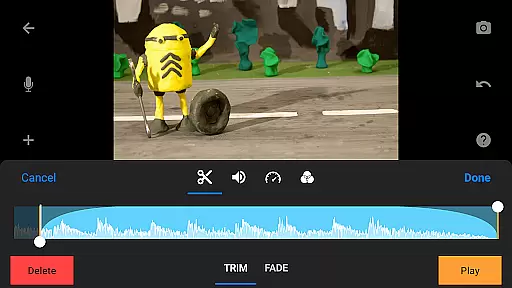
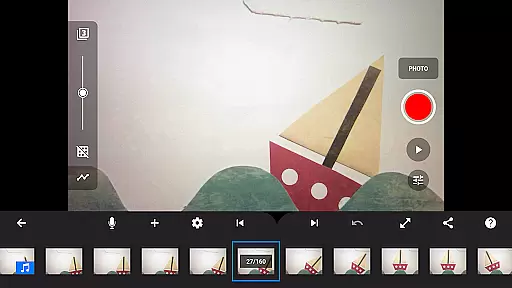
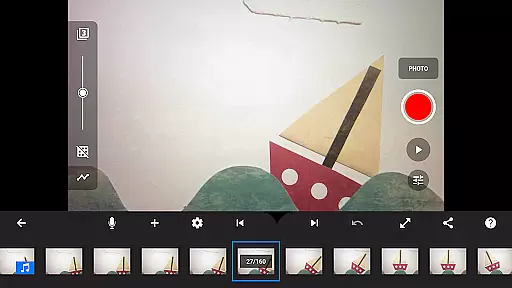
The app provides advanced functionalities such as overlay mode, animation guides, and an interactive timeline, ensuring smooth workflow even with complex projects. Whether you're crafting unique titles, applying video filters, or adding soundtracks, Stop Motion Studio Pro has everything needed to bring creative visions to life.
Ideal for both beginners and experienced animators, this app supports capturing with adjustable time intervals and full camera control. Users can also leverage powerful editing tools and seamless sharing options, making it perfect for creating and distributing captivating animations across various platforms.
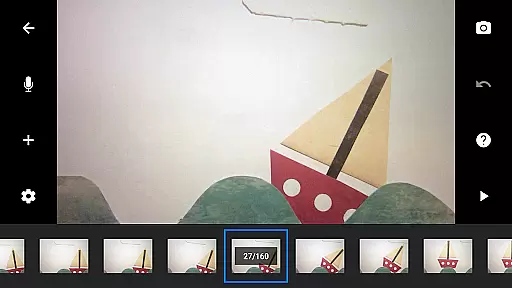
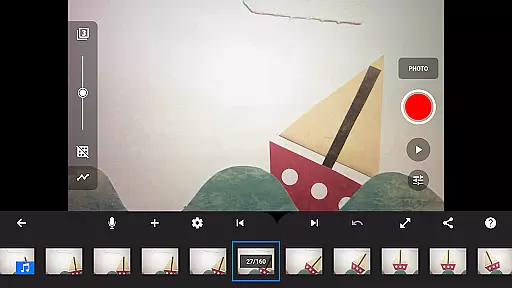
Stop Motion Studio Pro stands out with its comprehensive features tailored for stop motion animation. The app includes overlay mode, which highlights differences between frames, and animation guides that simplify object positioning. These tools ensure precise control over every movement in your animation.
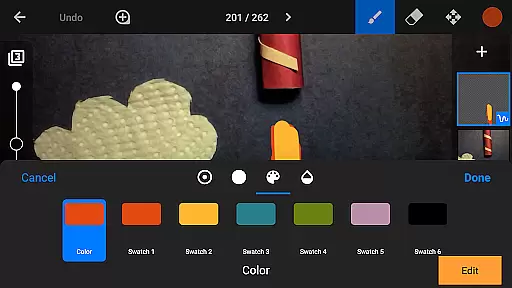
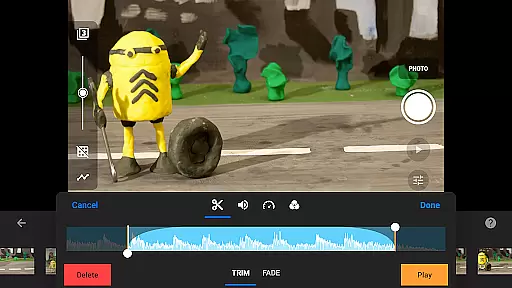
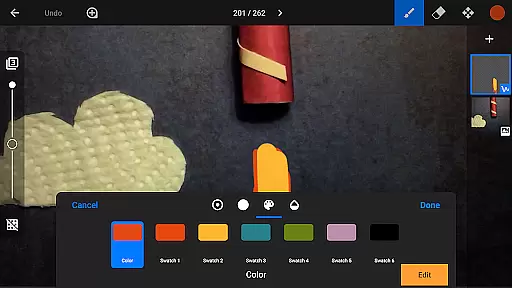
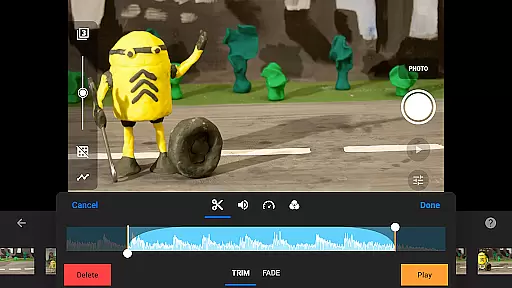
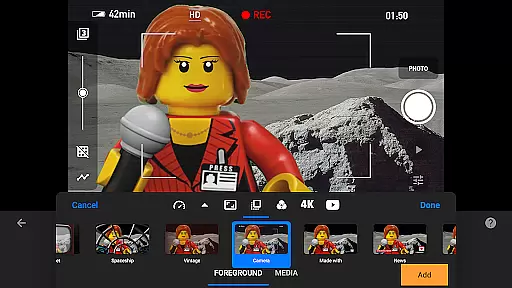
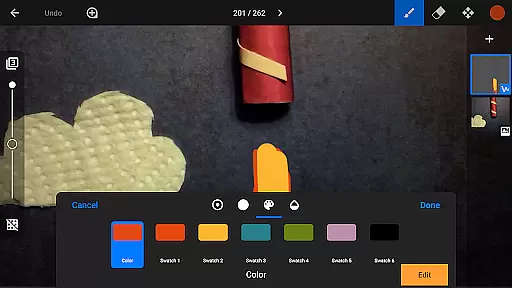
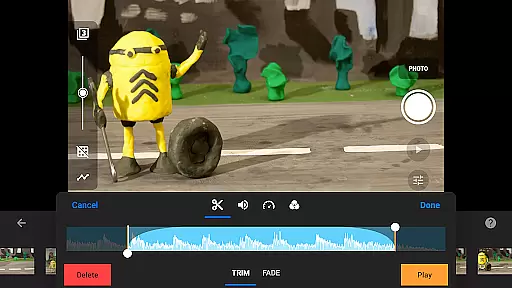
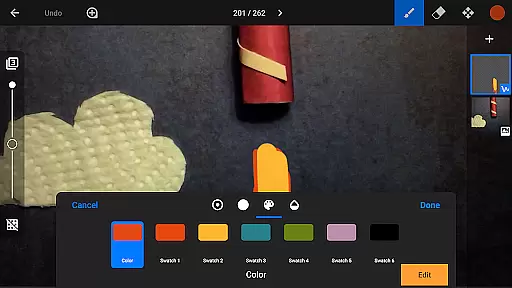
Editing capabilities are extensive, allowing users to copy, paste, cut, and insert frames effortlessly. The interactive timeline keeps projects organized, even with hundreds of frames. Additionally, the app offers a built-in image editor for adding text, speech bubbles, and enhancing images with various effects.
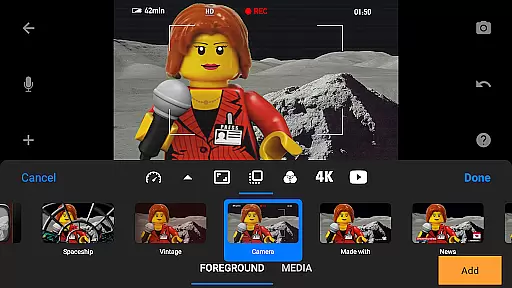
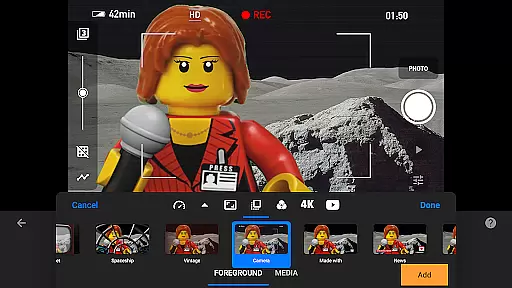
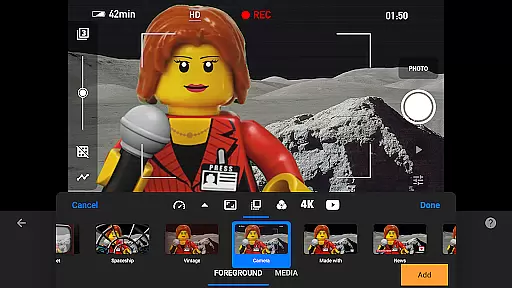
Sharing your creations is straightforward, with options to save to your photo library, export as animated GIFs, or upload to YouTube in 4K or 1080p. Integration with Dropbox and Google Drive enables easy project transfer between devices, ensuring continuity whether working on mobile or desktop.
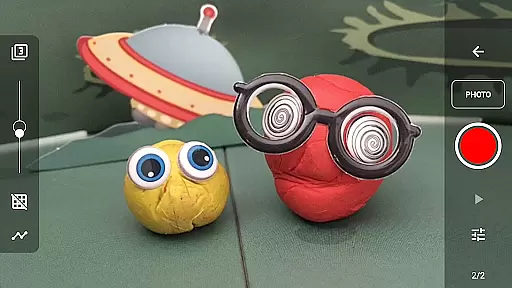
Real-time capture and preview functionality is essential for ensuring that every frame of your stop motion animation is exactly as you envision it. Stop Motion Studio Pro offers a robust set of tools to enhance this process.
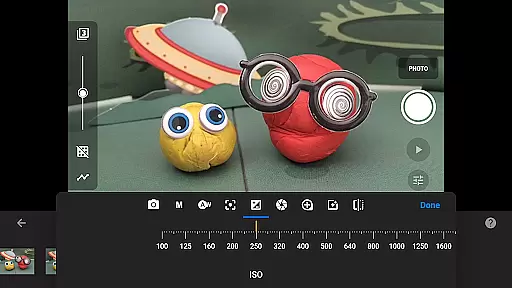
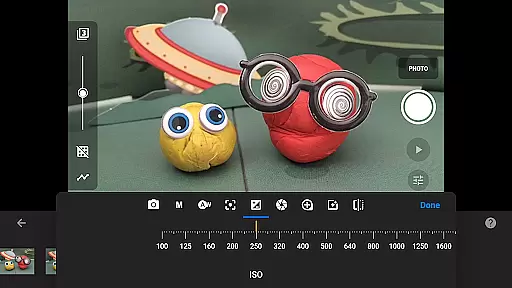
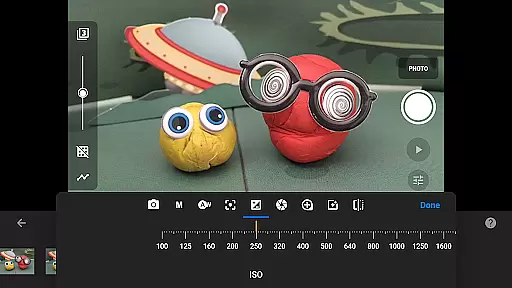
The app provides full camera control, allowing users to adjust settings such as white balance, focus, exposure, ISO, and shutter speed manually or automatically. This ensures that each shot is captured with the desired clarity and lighting, which is crucial for creating smooth and professional animations.
In addition to manual controls, the app features an adjustable time interval capture option, enabling animators to automate the shooting process while maintaining precision. The ability to use a second device as a remote camera further expands creative possibilities and streamlines workflow.
With these real-time capture capabilities, users can see immediate results, make necessary adjustments on the fly, and ensure their animations flow seamlessly from one frame to the next, enhancing both efficiency and final output quality.
While Stop Motion Studio Pro does not explicitly market itself as having AI beauty and enhancement features, its powerful image editing tools offer functionalities that enhance the naturalness and visual appeal of animations.
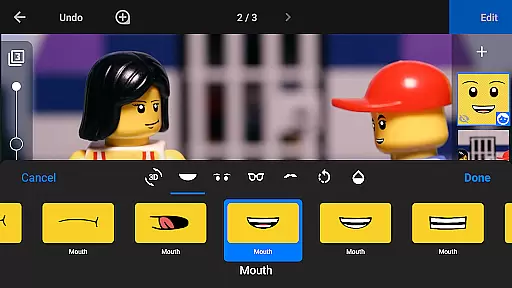
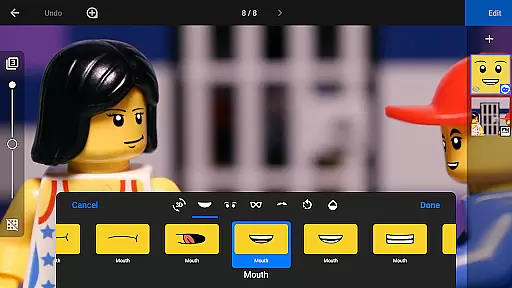
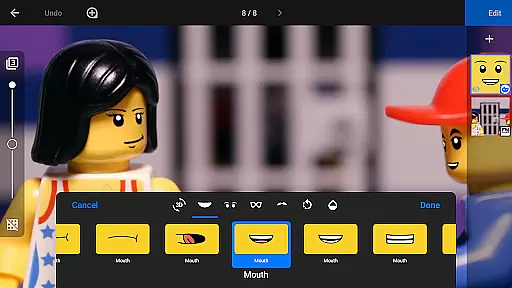
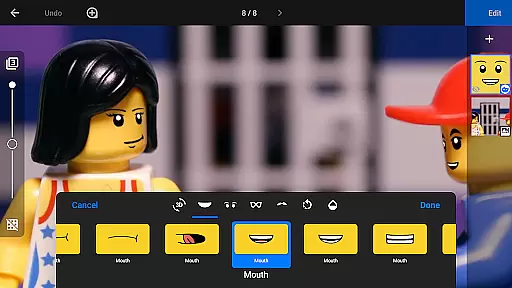
The layer-based image editor allows creators to add text, speech bubbles, titles, and even facial expressions to figures. These enhancements contribute to more engaging storytelling without compromising the authenticity of the stop motion style.
Tools like the eraser enable users to remove unwanted objects from frames, ensuring clean and uncluttered visuals. Additionally, features such as rotoscoping and green screen effects allow for creative manipulation of scenes, making characters appear anywhere imaginable while maintaining a realistic look.
By providing these comprehensive editing options, Stop Motion Studio Pro empowers animators to produce high-quality, visually appealing content that retains the charm and uniqueness inherent to stop motion filmmaking.
User-friendly interface
Advanced editing tools
Comprehensive sharing options
Interactive timeline
Professional-quality output
Steep learning curve
High cost for casual users
Limited free version
Resource-intensive
Occasional bugs

Long exposure camera with computational photography
 2.60
2.60
Shooting photos and records video easily and efficient with professional Camera
4.30
Trendy TikTok time warp scan funny filter app brings you unique photos & videos.
4.40
How old age camera Gender Swap App Face Shape Hairstyle App Hair Styler App fun!
4.00
Create collages easily! Nice pic collage maker & background eraser for Instagram
4.50
AI photo editor with hair editor, retouch tools, hair color changer & filters!
4.50
A must-have app for landscape photographers
4.60
Pro version: AR sun/moon tracker for any date. Tool for photographers & planners
4.90
live datamoshing
4.00
Photo prints, cards, & gifts at Walgreens. Easy ordering & fast local pickup !
4.80
Android Native system HD camera app. Never been so simple and faster.
4.70
Amazing Photo Effects - The most fun you can have with your photos!
4.70
Light-weight Media Gallery app for Android made with Jetpack Compose
4.60
Create Business Headshots, Polaroid Filter, Retake Photos,Profile Pics,AI Photos
4.50
HD Camera Pro with HD Video shooting, Panorama, Photo editor , Beauty Camera.
4.50
Future baby face generator: AI kids generator, kid face! What my baby look like?
4.40
USB Storage Access for Photos, Videos, Music and Documents
3.80
Hair color changer, AI haircut app, fun hair editor and buzz cut filter for all!
3.80
Remote control of the phone camera from your Wear OS smartwatch
3.70


User Reviews