
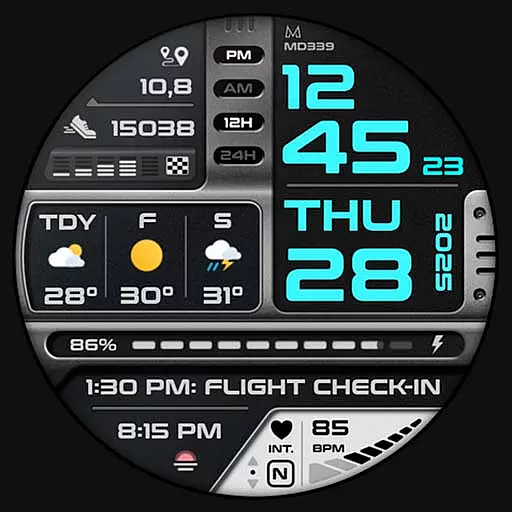
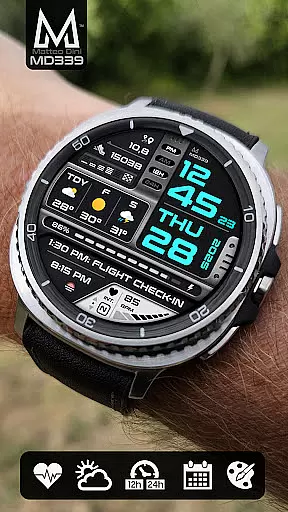
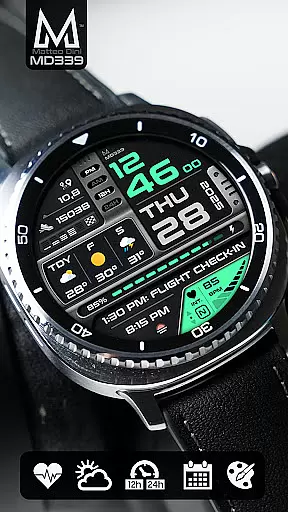
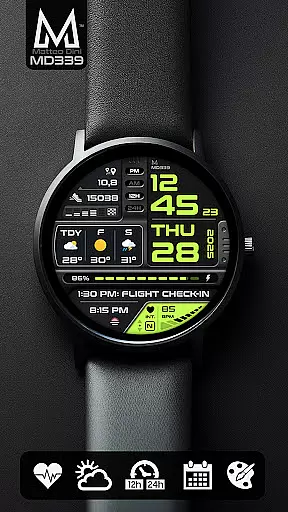
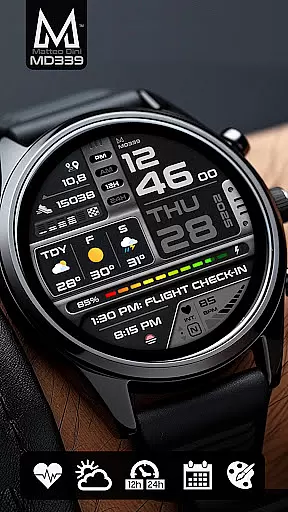
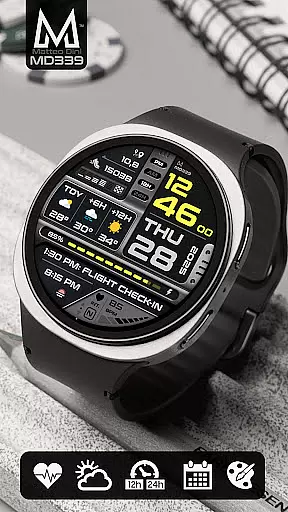
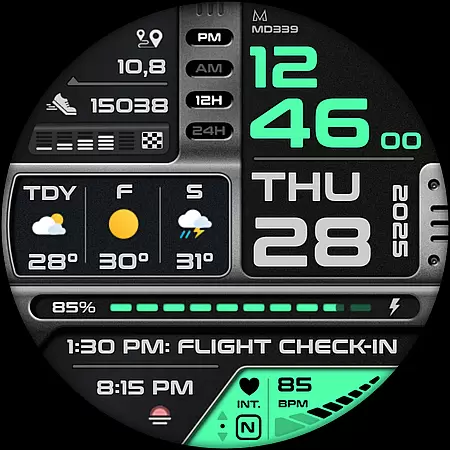
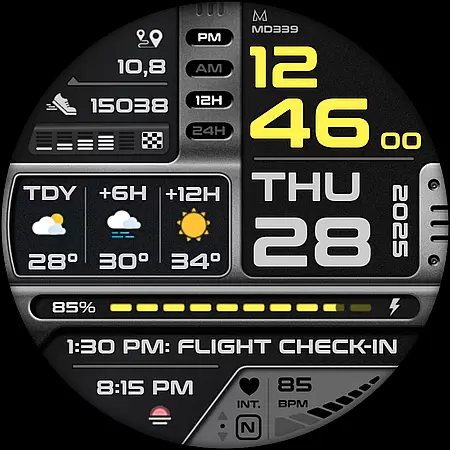
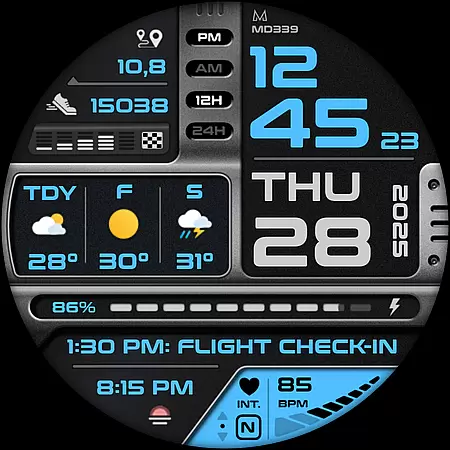
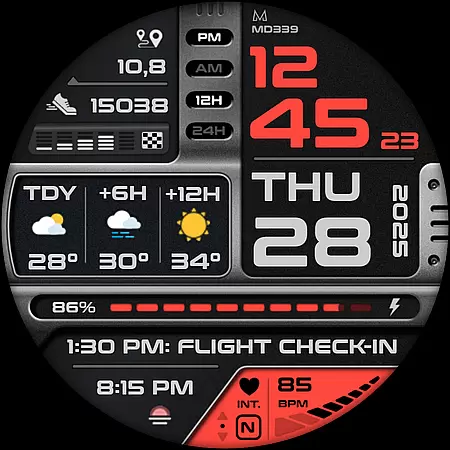
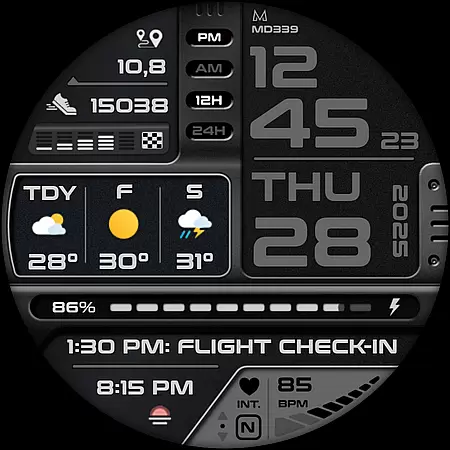
MD339 Digital watch face is a cutting-edge Android Wear application designed to enhance your smartwatch experience. This advanced watch face adheres to the latest format standards required by Google Play, ensuring optimal performance and compatibility with modern devices.
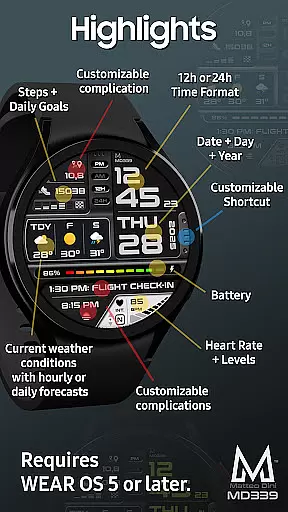
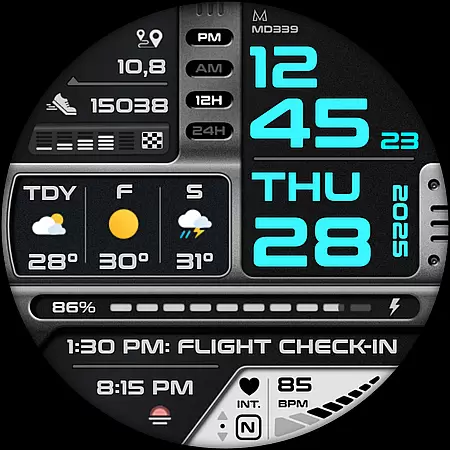
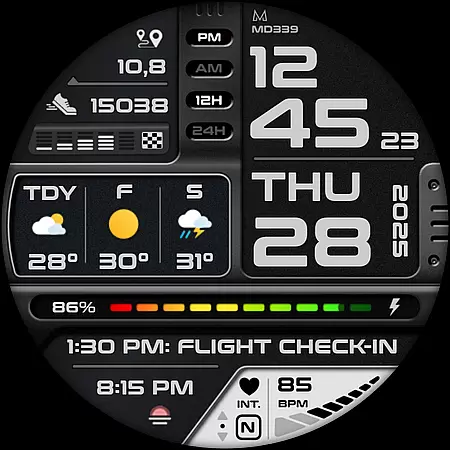
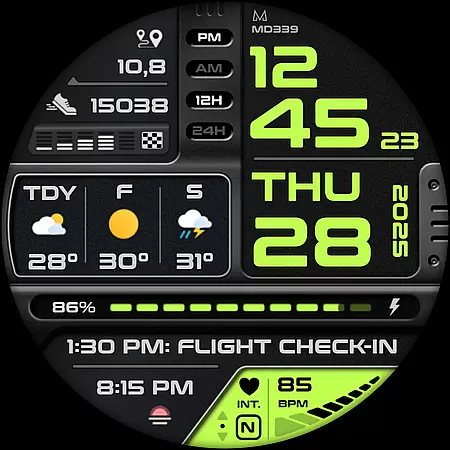
The watch face offers an array of customizable features including 6 preset app shortcuts, 1 customizable shortcut, and 3 customizable complications that allow users to display preferred data such as barometer readings, distance walked, calories burned, UV index, and weather forecasts. With support for both 12/24hr time formats, heart rate monitoring, step tracking, and more, it provides comprehensive functionality tailored to your needs.
Designed for devices with API Level 34+ (Wear OS 5 and later versions), MD339 is compatible with Samsung Galaxy Watch series, Pixel Watch, and other Wear OS devices. Its intuitive customization options and always-on display modes make it a versatile choice for users seeking both style and utility on their smartwatches.
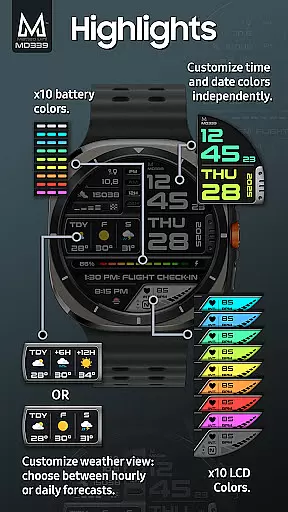
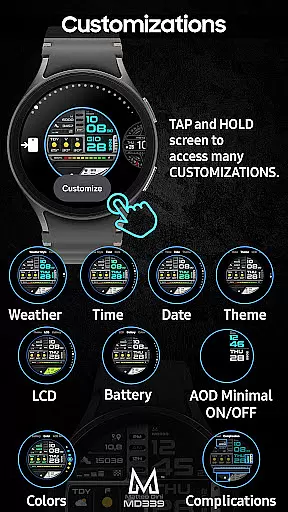
MD339 Digital watch face stands out with its rich feature set tailored for tech-savvy users. One of the key highlights is its extensive customization capabilities. Users can personalize time/date colors, complication fonts, battery indicator color, heart rate LCD color, and choose between light or dark themes.
The application supports up to three customizable complications which can display various health metrics like calories burned or distance walked. Additionally, it integrates seamlessly with your watch's built-in weather provider to offer daily or hourly forecasts. The temperature unit automatically syncs with your phone settings, providing convenience and accuracy.
Another notable feature is the Always On Display Mode which includes minimal and full modes, ensuring essential information remains accessible at a glance without compromising battery life. With six preset app shortcuts including Calendar, Battery status, Heart Rate measurement, Alarm setting, Steps tracking, and Weather updates, MD339 ensures quick access to frequently used functions right from your wrist.
Companion app integration is essential for a seamless smartwatch experience. The MD339 Digital watch face ensures smooth synchronization between your wearable and smartphone, allowing you to effortlessly manage notifications, weather updates, and health metrics.
This advanced watch face adheres to the latest format required by Google Play, ensuring compatibility with both Android and Wear OS devices. It supports all Wear OS devices with API Level 34+ (Wear OS 5 and later versions), including Samsung Galaxy Watch 4-8, Ultra, and Pixel Watch models.
Users benefit from real-time data syncing, enabling features like heart rate monitoring, step tracking, and customizable complications that display preferred data such as barometer readings or UV index. This integration enhances user convenience by centralizing control over various functions directly from their wrist.
The ability to customize shortcuts and complications through the companion app adds another layer of personalization, making it easier than ever to tailor your watch face to fit your lifestyle needs.
Ensuring broad device compatibility is crucial for maximizing user accessibility. The MD339 Digital watch face is designed to work seamlessly across a wide range of Wear OS devices, supporting all models with API Level 34+ (Wear OS 5 and later versions).
This includes popular devices like the Samsung Galaxy Watch series (4-8, Ultra) and Pixel Watch, providing users with a consistent experience regardless of their chosen hardware. Advanced features such as customizable complications and weather forecasts are optimized for these platforms.
However, older models like Galaxy Watch 4 or 5 might encounter customization issues due to less recent hardware. To address potential problems, comprehensive support is available at support@mdwatchfaces.com, ensuring users can enjoy a fully functional and visually appealing watch face.
By focusing on compatibility and offering extensive customization options, this watch face guarantees an enhanced user experience while maintaining performance standards across different devices.
Highly customizable
Modern design
Weather integration
Health tracking
User-friendly interface
Old device issues
Weather dependency
Complication limits
No internal apps
Limited support

Walking app for weight loss: walk & step tracker, pedometer, indoor treadmill
 4.60
4.60
Christmas watch face. For Wear OS devices.
4.30
Christmas and New Year - Themed Watchface
4.2
A Wintery Snow Globe on Your Wrist; now celebrating Christmas!
4.1
Digital, flexibly customizable watch face. For Wear OS 5.0, API 34+ and later.
5.00
Get helpful reminders, take progress photos and find answers to your questions.
3.90
Real-time results, stats, schedules and player profiles for all leagues
4.60
Retro digital watch face with customizable colors and a unique lighting effect
4.60
Fast and smart typing with Emojis, GIFs, and more
4.50
WTW M17 is a premium and luxurious hybrid watch face
4.70
A modern premium sporty hybrid watch face for Wear OS by Ballozi
4.70
The most customizable minimal watch face. For Wear OS 5.0, API 34+ and later
4.70
Deck out your Wear OS Watch face with a beautifully decorated pine wreath!
4.50
Current temperature, weather hourly, weather radar by the weather forecast app
4.40
Reliable phone calls with spam protection, caller ID and more helpful features
4.40
Premium hybrid watch face with many customizations for Wear OS devices.
4.40
Find EV charging stations
4.30
Animated video-game inspired “secret agent” simulation, right on your wrist!
4.20
an Analog Watch Face for winter season with freeze winter background for Wear OS
4.3

User Reviews