

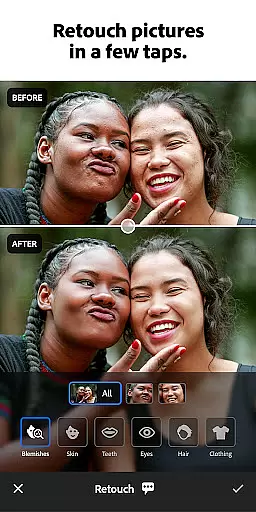
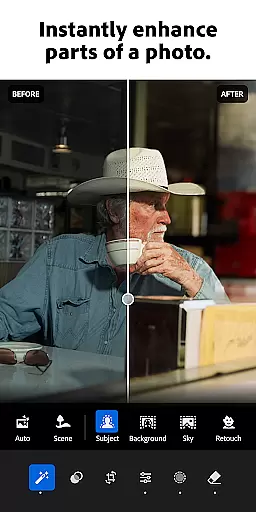
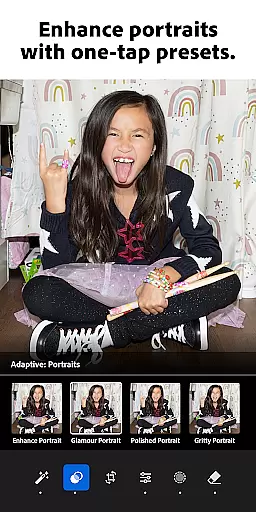
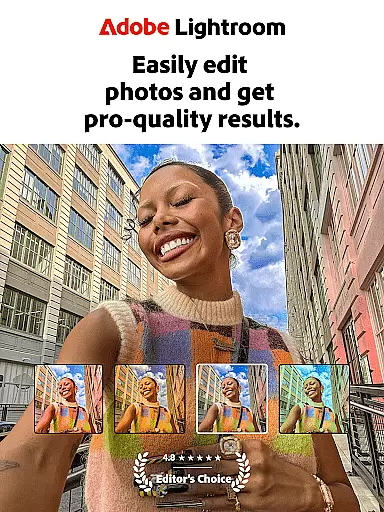
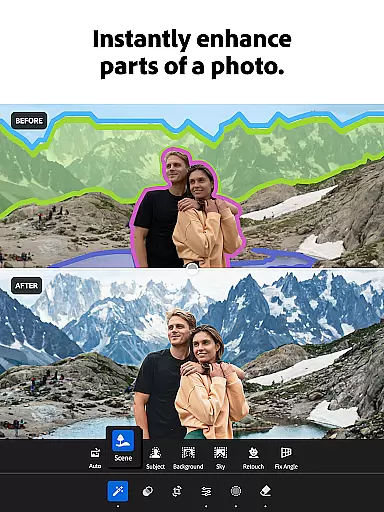
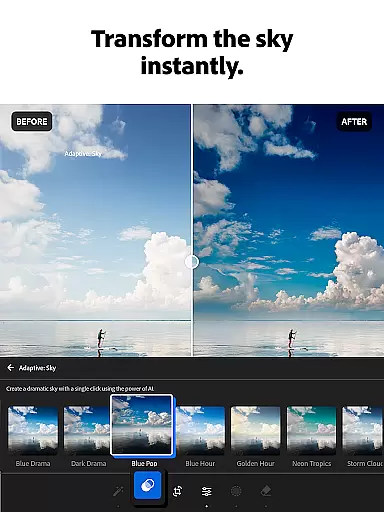
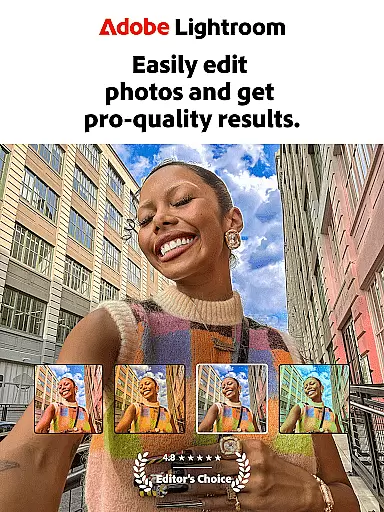
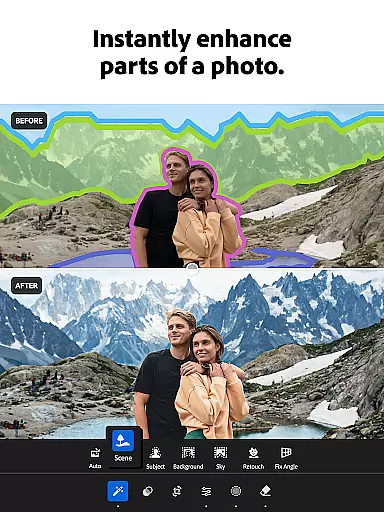
Adobe Lightroom is a comprehensive photo and video editing application designed for both amateur and professional photographers. This powerful photo editor allows users to enhance their images with ease, offering advanced retouching tools, one-tap enhancement features, and customizable presets. Whether you're adjusting lighting, applying color grading, or experimenting with blur effects, Lightroom provides all the necessary tools to create stunning visuals.
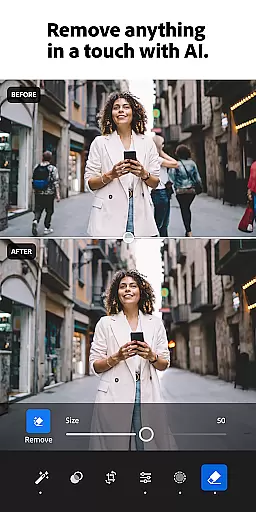
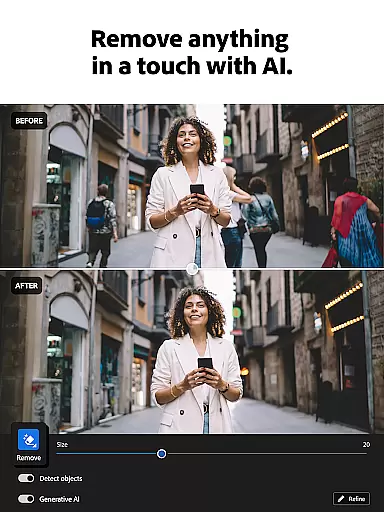
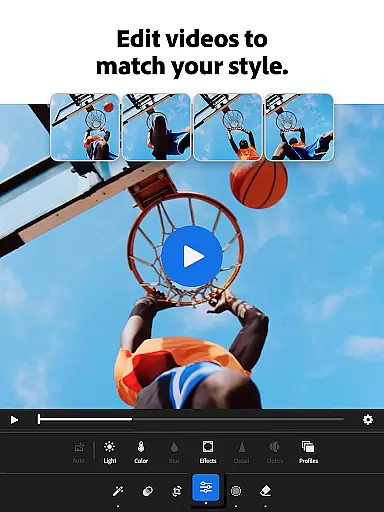
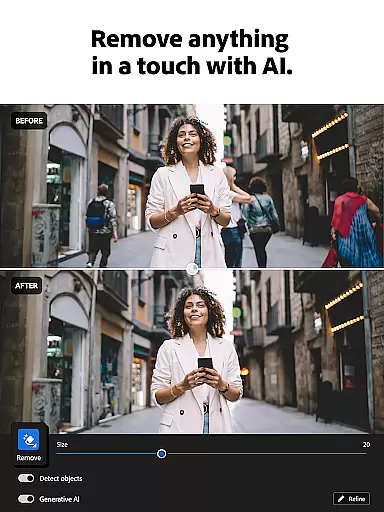
One of the standout features of Lightroom is its AI-powered editing capabilities. The app suggests optimal edits for your photos, ensuring high-quality results without requiring extensive editing experience. Additionally, it supports video editing, enabling users to apply similar enhancements to their video content. With options like batch editing and Generative Remove, which helps eliminate unwanted objects from photos, Lightroom ensures a seamless editing process across multiple media types.
Lightroom is particularly beneficial for social media enthusiasts and professionals who need to curate visually appealing feeds. Its intuitive interface and robust feature set make it an ideal choice for anyone looking to elevate their photography and videography projects.
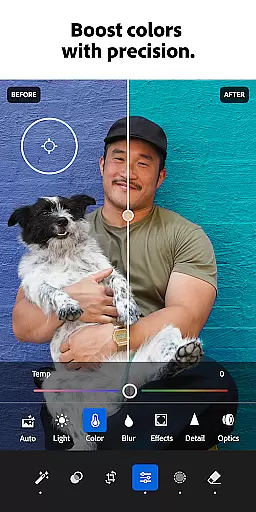
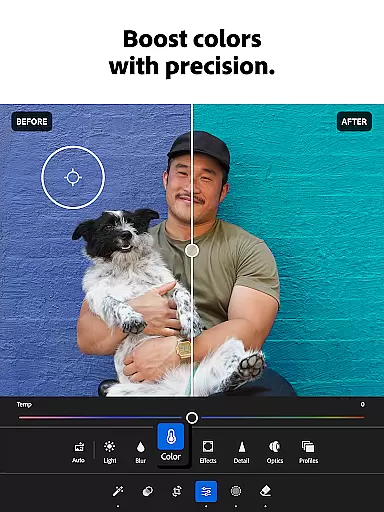
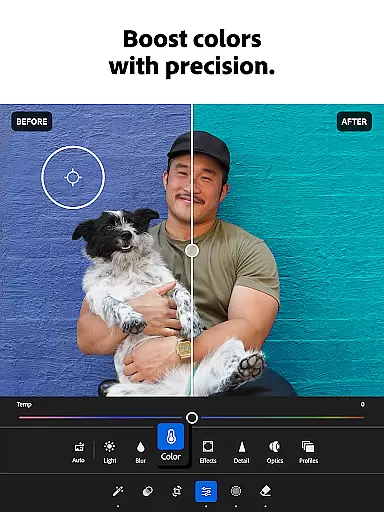
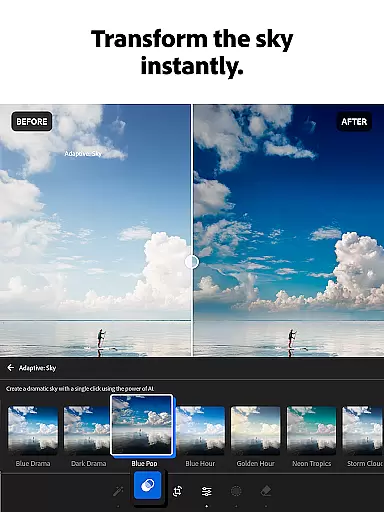
Adobe Lightroom offers a wide array of features that cater to various editing needs. One of its core strengths lies in its state-of-the-art photo retouching tools. Users can easily adjust exposure, highlights, shadows, and apply sophisticated color grading techniques. The inclusion of AI-driven suggestions enhances the editing process, allowing even beginners to achieve professional-grade results with minimal effort.
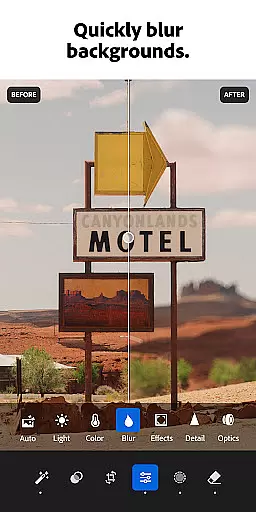
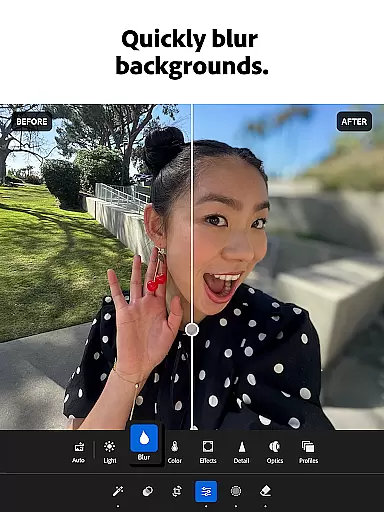
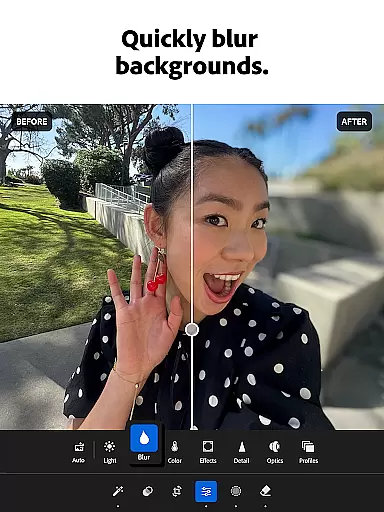
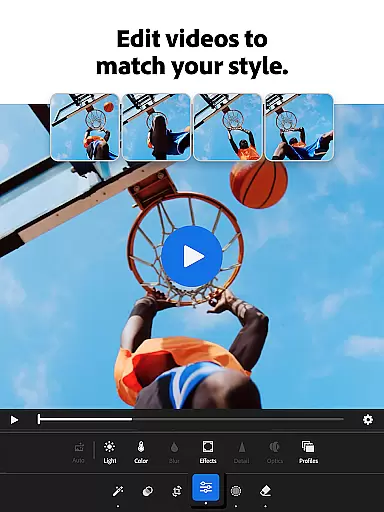
In addition to photo editing, Lightroom extends its capabilities to video editing. Users can utilize the same powerful tools to enhance their videos, applying presets, adjusting light and color settings, and achieving consistent aesthetics across different media formats. The app also includes innovative features such as Generative Remove, which simplifies the process of removing unwanted elements from photos, and background blurring for a polished finish.
Another notable feature is the ability to batch edit photos. This functionality enables users to apply the same set of edits across multiple images, ensuring uniformity and saving significant time. Furthermore, the community-driven aspect of Lightroom allows users to explore and utilize presets shared by other photography enthusiasts worldwide, fostering creativity and inspiration.
Real-time capture and preview functionality is essential for photographers who need to ensure their shots are perfect before they even take them. With Lightroom Photo & Video Editor, users can see exactly how their photo will look with applied adjustments before capturing it. This feature allows for precise control over the final image, ensuring that every shot meets professional standards.
The app provides a live view of changes made to exposure, contrast, highlights, and shadows, enabling photographers to tweak settings on-the-fly. This immediate feedback loop enhances the creative process by allowing users to experiment with different looks without committing to any one style until they're satisfied with the preview.
For those who value efficiency in their workflow, this real-time functionality streamlines the editing process. By previewing edits beforehand, photographers save time that would otherwise be spent on post-processing. The ability to visualize the outcome instantly not only boosts productivity but also empowers creators to push the boundaries of their art with confidence.
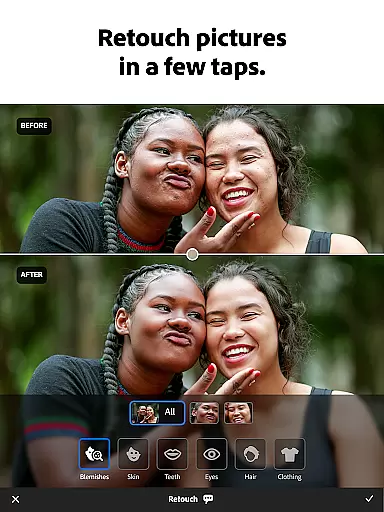
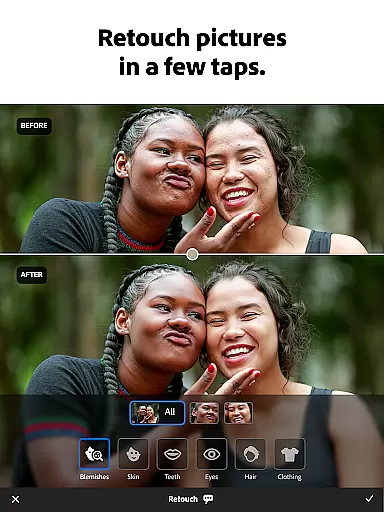
AI beauty and enhancement features have become increasingly popular among mobile photography enthusiasts. Lightroom Photo & Video Editor leverages advanced AI technology to offer natural-looking enhancements that preserve the authenticity of the original image. This ensures that skin tones remain true while imperfections are subtly smoothed out, providing a polished yet realistic result.
The AI-driven tools within the app intelligently adjust facial features, lighting, and colors to enhance portraits without making them appear overly processed. Users can rely on these smart adjustments to bring out the best in their subjects, whether they're shooting professional headshots or casual selfies. The balance between enhancement and realism is carefully maintained, offering a professional touch to every photo.
Moreover, the AI capabilities extend beyond just beautification; they assist in overall photo improvement. From sharpening details to optimizing brightness levels, the AI works seamlessly to elevate the quality of each picture. Photographers can trust that their images will retain a natural aesthetic while benefiting from sophisticated enhancements that make their work stand out.
User-friendly interface
Advanced AI editing tools
Comprehensive video editing
Batch editing capabilities
Vibrant user community
Subscription fees required
Steep learning curve
Limited free features
High system requirements
Occasional bugs


Create funny photos and videos with the popular Time Warp Scan filter.
 4.90
4.90
Android Native system HD camera app. Never been so simple and faster.
4.70
Photo prints, cards, & gifts at Walgreens. Easy ordering & fast local pickup !
4.80
Create collages easily! Nice pic collage maker & background eraser for Instagram
4.50
Create AI Photos, Improve and restore quality of blurry, old or damaged pics.
4.20
Superimpose one photo on top of another using the original Superimpose app!
3.20
Enhance, retouch & create your story - Share the moment with Photoshop Express.
4.60
AI-powered video creator by MiniMax - Where ideas meet cinema
4.20
Welcome to ProShot, the most powerful camera app on Android.
4.20
A collection of tools and reference tables for DPs, ACs, DITs and Operators.
4.70
Amazing Photo Effects - The most fun you can have with your photos!
4.70
Your personal guide to the sun and moon. Plan ahead, visualize and predict!
4.70
The original Rarevision VHS look seen everywhere!
4.70
Enhance, upscale, and transform your images — on your device, without limits
4.70
Cut and paste photo editor & eraser to customize photos easy and swap faces fun
4.50
Smart, light, and fast photo and video gallery
4.30
Gallery Slideshow is slideshow maker app for slideshow from your gallery photos.
3.90
GCamera allows all GCam features on all phone models! Better photos with GCamera
3.30
Raw Image Viewer. Gallery with support of raw images (.cr3, .cr2, .nef, .raf).
2.00


User Reviews