

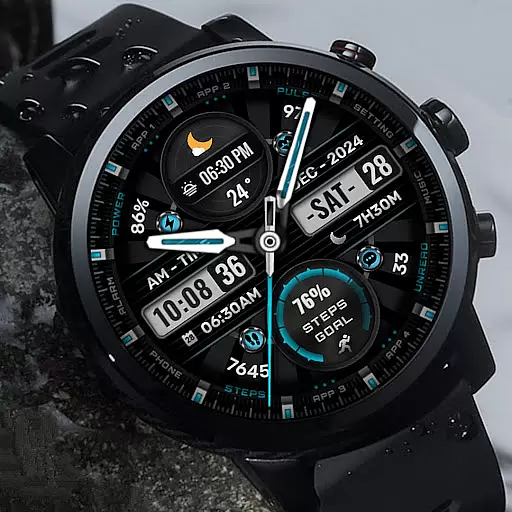
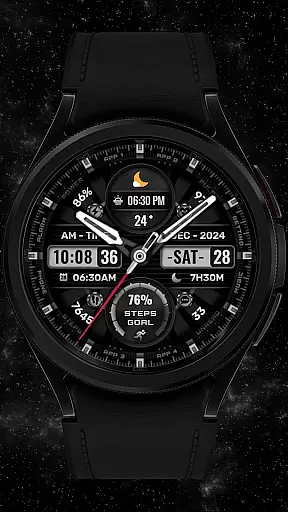
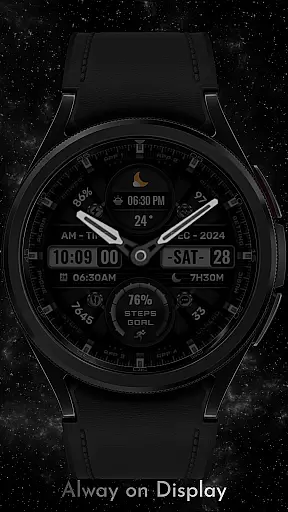
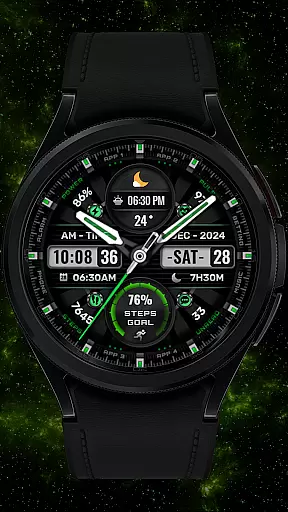
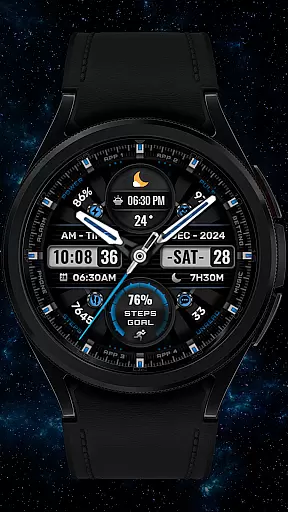
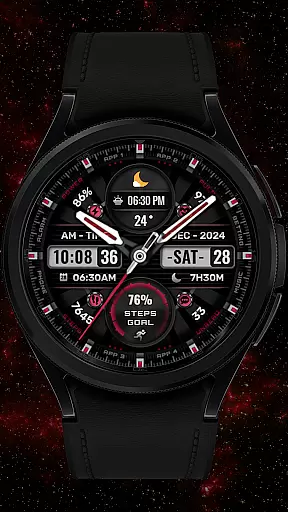
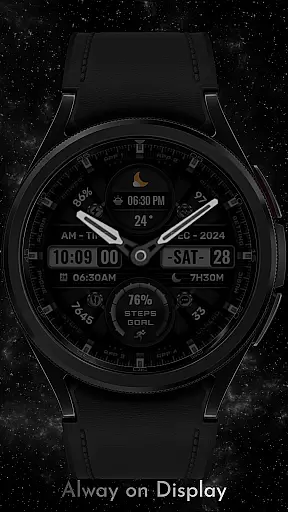
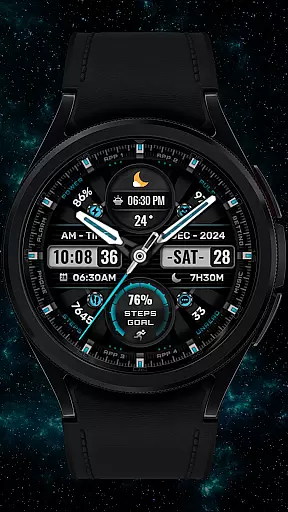
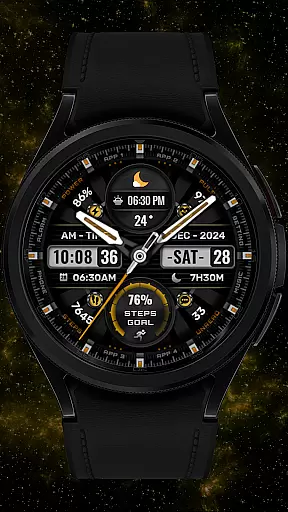
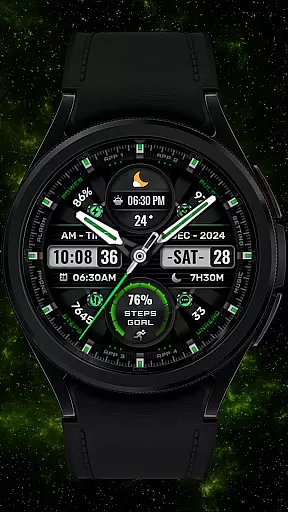
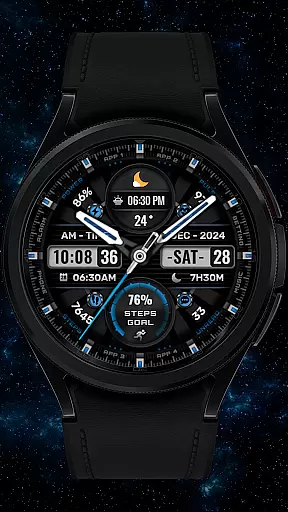
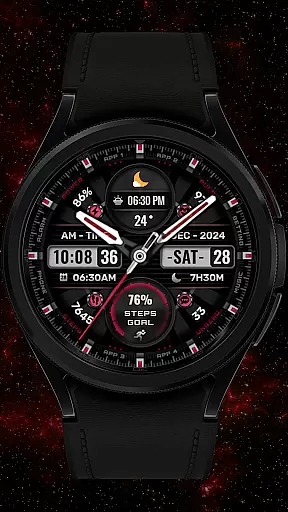
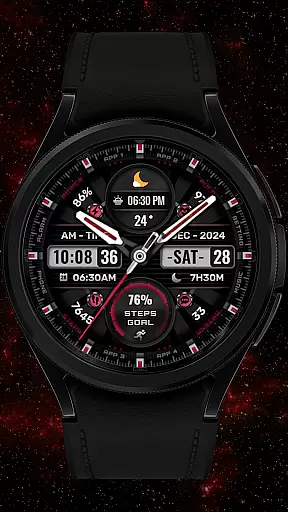
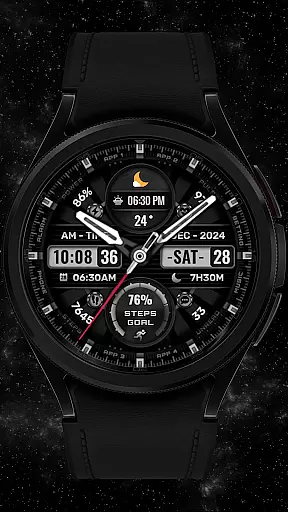
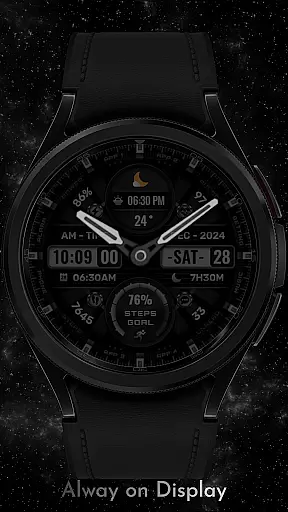
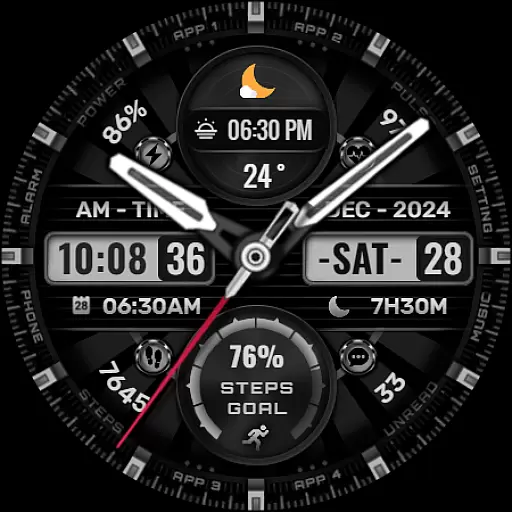
SHINE is a feature-rich watch face designed specifically for Wear OS devices, offering users a customizable and functional experience on their smartwatches. With compatibility for API level 30+ devices such as Google Pixel and Galaxy Watch series, this app provides an array of useful features including date, day of the week, and month displays.
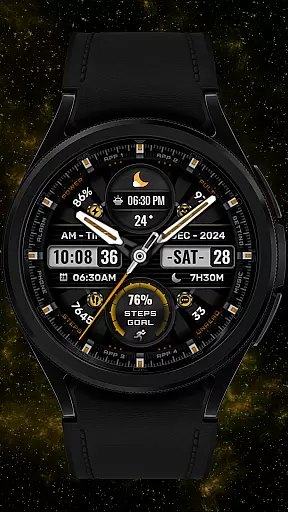
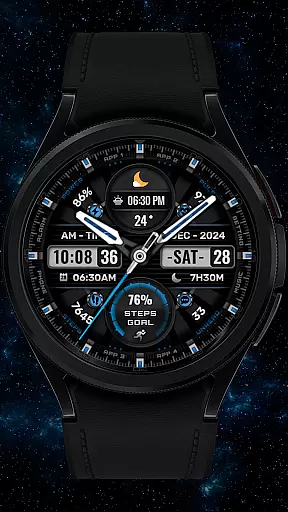
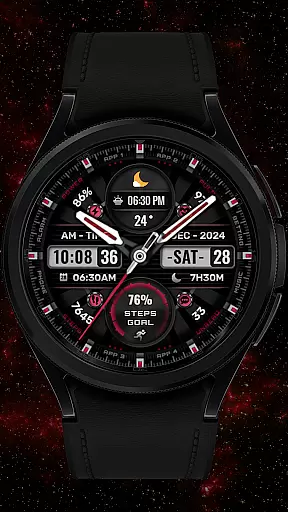
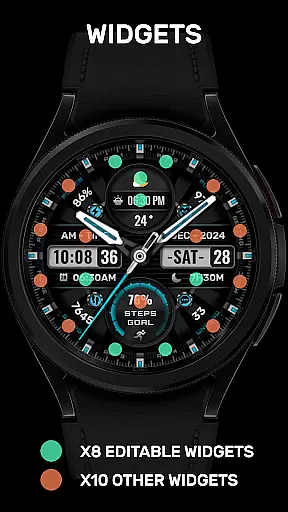
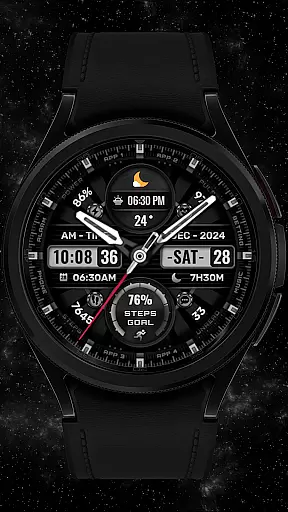
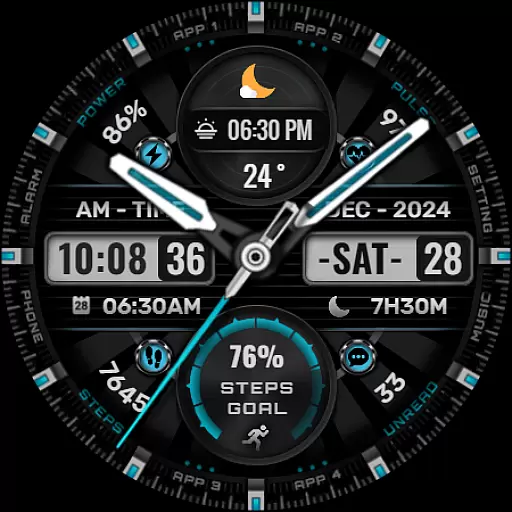
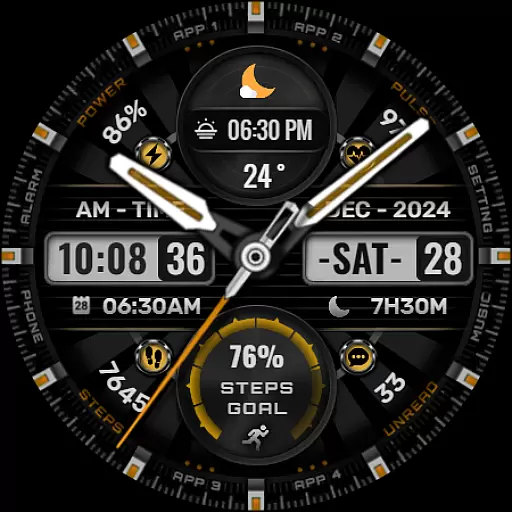
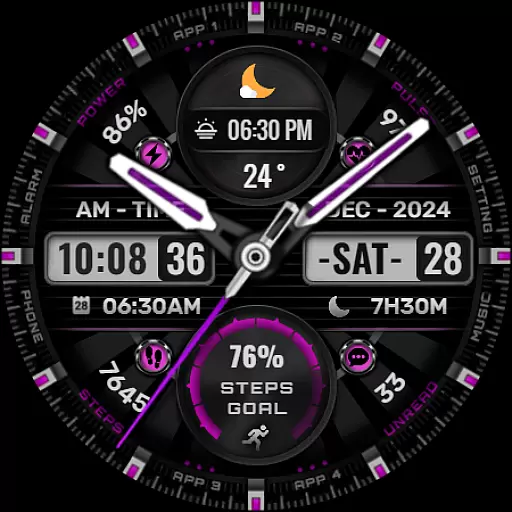
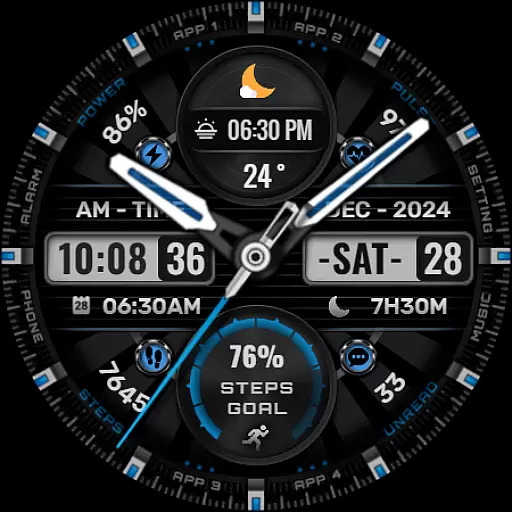
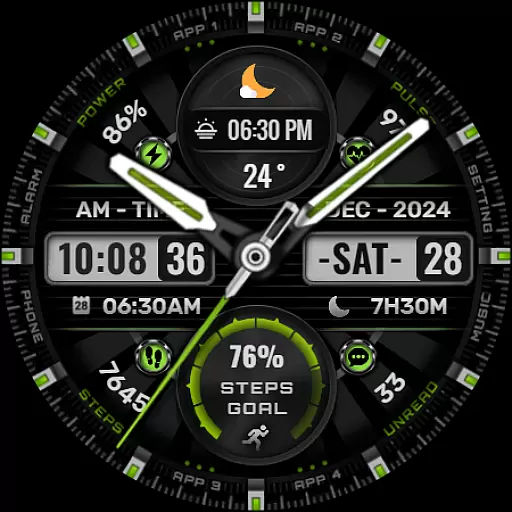
One of the standout aspects of SHINE is its support for up to eight editable complications, allowing users to tailor their watch face with various data points like weather, heart rate, battery level, and more. The app also offers customization options for background colors, analog hands, and step progress indicators, making it both versatile and visually appealing.
This application is particularly beneficial for users who want both style and functionality on their smartwatch. Whether you're tracking daily steps, monitoring heart rate during workouts, or simply appreciating a hybrid-style watch face, SHINE delivers a comprehensive solution that enhances your wearable tech experience.
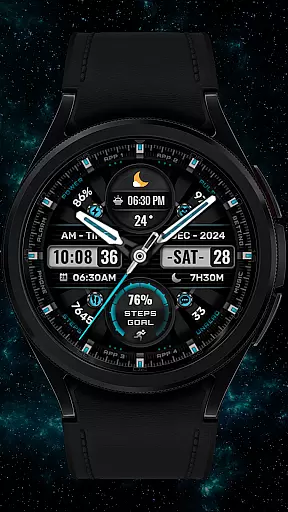
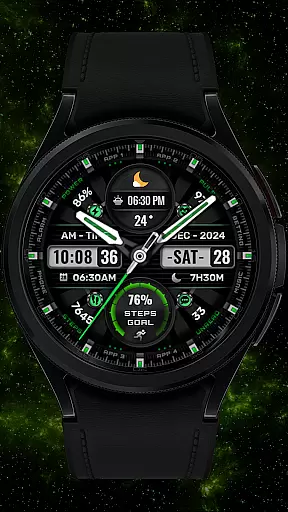
SHINE stands out in the Art & Design category due to its extensive customization capabilities. Users can choose from eight different color backgrounds and personalize analog hands and step progress indicators. This flexibility ensures that each user can create a unique look that suits their personal style while maintaining essential functionalities.
The app includes eight customizable complications, which allow users to display a wide range of information directly on their watch face. From practical details like calendar events and unread message counts to lifestyle metrics such as sunrise and sunset times, SHINE covers all bases. Additionally, features like heart rate monitoring and battery level indicators provide real-time updates crucial for everyday use.
Another notable feature is the ease of installation and setup. By following simple instructions available via a linked YouTube video, users can quickly install and configure the watch face on compatible devices. Although some advanced features may not be available on all watches, the core functionalities ensure a robust and satisfying user experience across supported models.
In the realm of digital art and design, having a comprehensive suite of creative tools is essential for unleashing an artist's full potential. The [KNA002] SHINE watch face for Wear OS devices stands out with its versatile customization options. This application provides users with hybrid styles that blend digital and analog elements seamlessly, offering a unique visual experience on compatible smartwatches.
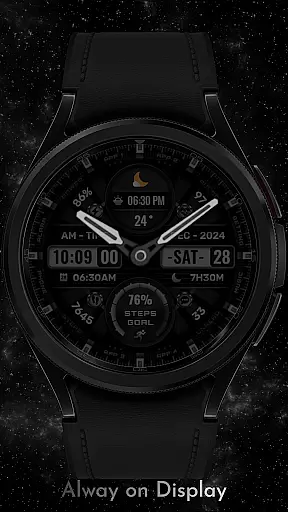
With features such as displaying the date, day of the week, and month, alongside eight editable complications, this app ensures that users have all necessary information at their fingertips while maintaining aesthetic appeal. Additionally, it offers various colors for backgrounds, analog hands, and step progress indicators, allowing personalization according to individual preferences or outfit coordination.
The true power lies in its ability to integrate health and lifestyle data directly into the watch face through these complications. Users can monitor their steps count, heart rate, battery level, calendar events, sunrise & sunset times, and unread message counts without needing to navigate away from the main screen. Such integration not only enhances convenience but also motivates users by keeping track of important metrics right on their wrist.
Flexibility in canvas size and format options is crucial when designing digital artwork, especially for wearable technology where space is limited yet functionality remains paramount. The [KNA002] SHINE watch face excels in providing designers and end-users alike with remarkable adaptability across different Wear OS devices. Compatible with API level 30+ models including Google Pixel watches and Galaxy Watch series 4, 5, 6 among others, this application guarantees broad device support.
One standout feature is its customizable complications which allow users to tailor what kind of data they wish to see displayed on their watch face. Whether tracking weather conditions, setting up world clocks, monitoring barometric pressure changes, or even noting down daily tasks, thereu2019s virtually no limit to how one might configure these elements. This level of personalization empowers individuals to create a truly bespoke timepiece that reflects both their practical needs and stylistic tastes.
Moreover, despite some advanced functionalities potentially being unavailable on certain models due to hardware limitations, overall compatibility remains robust. By ensuring wide-ranging applicability while preserving core features like touch-and-hold display adjustments and extensive color choices, [KNA002] SHINE delivers a balanced approach between innovation and accessibility within the realm of smartwatch aesthetics.
User-friendly interface
Highly customizable design
Wide range of complications
Versatile compatibility
Comprehensive support options
Limited to Wear OS
Some features unavailable
Requires latest Android
No automatic application
Potential compatibility issues












The ultimate tool for creating animations
 4.60
4.60
Customizable Outlined Fonts. Watch Face Format. Battery friendly Digital Clock.
4.20
AI Face Swap, Video Effects Editor, Realtime Morph, Funny Video FX,AI Filters
3.70
See Color, Paint Color
4.90
Create stunning art with AI.
4.80
Get an overview over all your embroidery threads, projects and more.
4.60
Just trace a projected picture on paper and color! Draw & Paint with AR drawing
4.40
Draw, make movies & animate cartoons easily with our 2D animation maker app
4.40
An intuitive, high-performance painting app that lets you focus on creating
4.40
Mobile pixel art editor. Simple. Fast. Portable.
4.80
Draw Trace image sketch by, AR art projector app, Easy to trace any image.
4.50
Painting, drawing, & sketching
4.50
Kling AI is an image and video generation and editing studio powered by AI.
4.50
Stylish letters, Stylish Keyboard, Symbols, Emojis, Cool nickname
4.40
Create and Design Custom Logos in Seconds with AI-Powered Tools!
4.40
Unleash Your Creativity with Draw Cartoon - AR Drawing App
4.10
Floor Plan Creator lets you create, edit and share floor plans.
4.00
Experience next-gen icons with a modern liquid glass look.
3.60
A luxurious gold watch face for an elegant and refined look.
4.5

User Reviews