

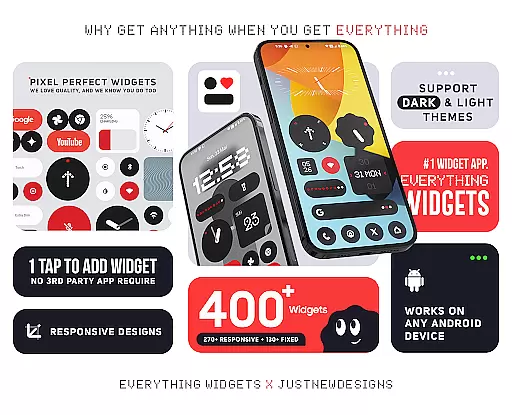
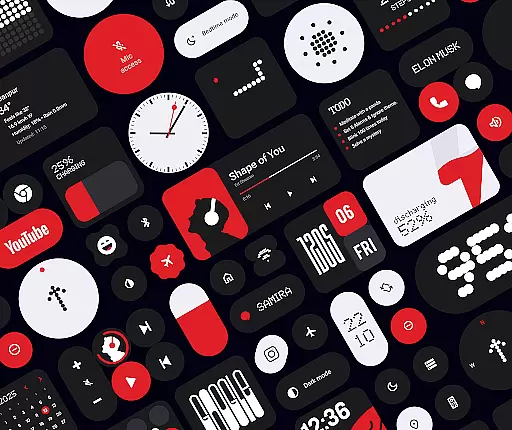
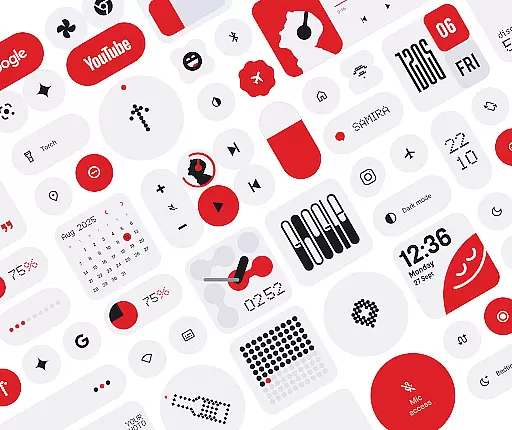
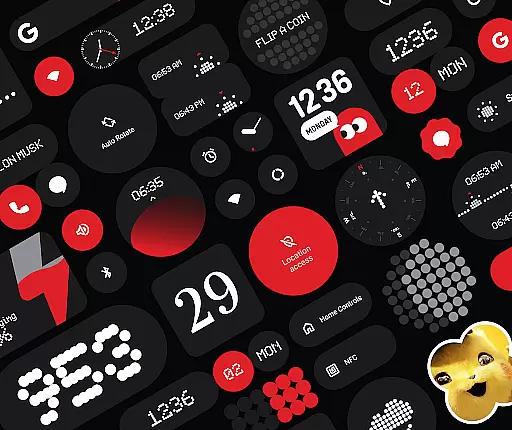
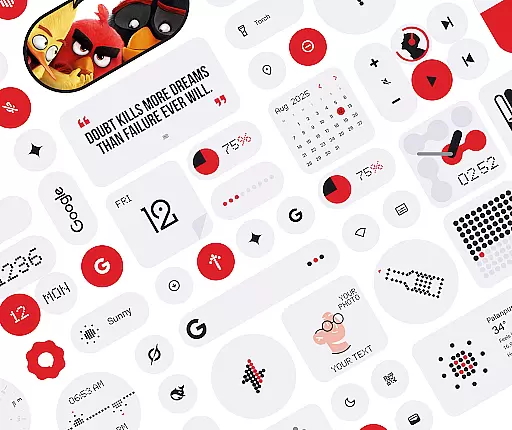
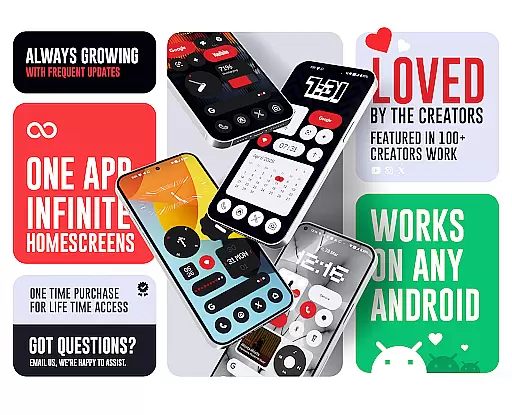
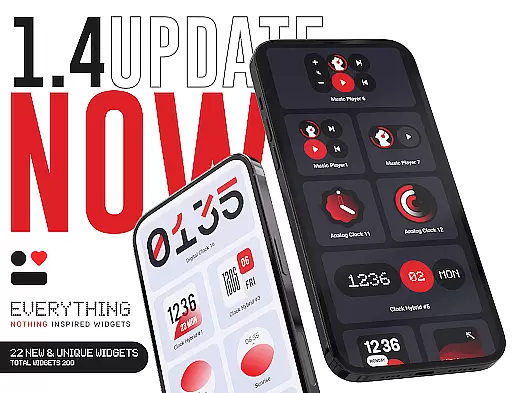
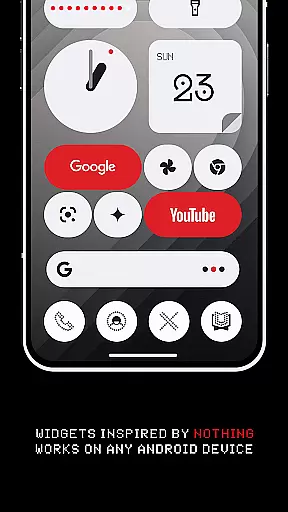
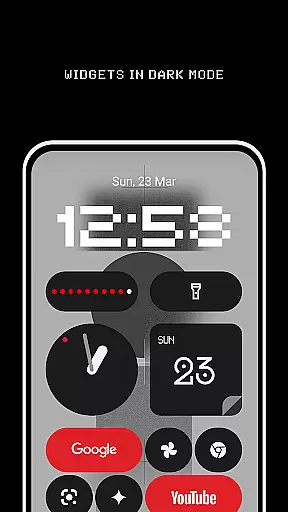
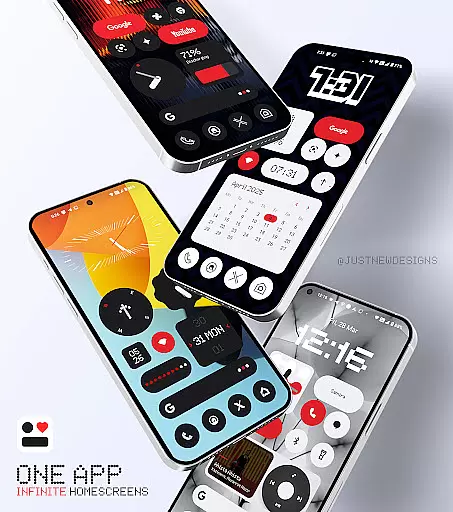
Everything Widgets is a comprehensive widget pack designed to enhance your Android home screen with over 400 beautifully crafted widgets. Inspired by the Nothing OS aesthetic, it offers a wide range of functional and stylish options.
The app provides resizable widgets for clocks, calendars, weather, battery monitoring, quick settings, and more, all without requiring additional apps. With regular updates focused on quality, Everything Widgets ensures a personalized and efficient user experience.
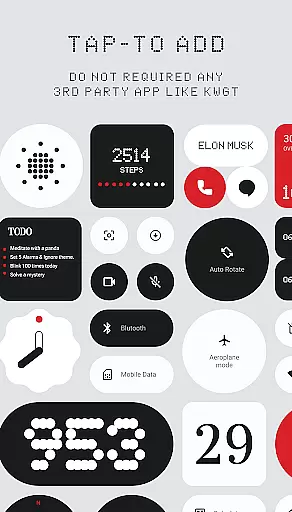
Everything Widgets stands out with its native functionality, eliminating the need for third-party apps like KWGT. Users can simply tap to add widgets and customize their home screens instantly.
Key features include fully resizable widgets, elegant clock and calendar displays, battery indicators, weather forecasts, and quick setting toggles. The app also offers unique additions like game widgets and productivity tools, alongside matching wallpapers for a cohesive look.
Customization is at the heart of Everything Widgets, offering users an extensive array of options to truly personalize their device's home screen. With over 400 widgets available, this app provides a rich diversity of customization choices that cater to different preferences and needs.
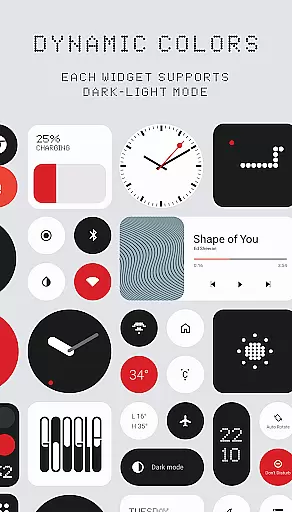
The app includes clock and calendar widgets, battery indicators, weather forecasts, quick settings toggles, contact shortcuts, photo displays, Google app integrations, utility tools, productivity enhancers, and even game widgets. This vast selection ensures that users can tailor their home screens to reflect their personal style while also enhancing functionality.
Users benefit from the ability to adjust widget sizes, making it possible to fit them perfectly onto any home screen layout. The resizable feature allows for flexibility in design, whether one prefers a minimalist setup or a more information-dense interface. Such versatility empowers users to create a unique and functional environment that suits their individual workflow and aesthetic desires.
By providing such a wide variety of customization options, Everything Widgets not only enhances the visual appeal of a user's home screen but also improves the overall usability of their device. Users can enjoy both form and function, with each widget serving as a potential time-saver or source of inspiration throughout their day.
Theme compatibility is a crucial aspect of the Everything Widgets experience, ensuring that all widgets are designed to work seamlessly within the Nothing OS aesthetic. This attention to design coherence means that users can expect a consistent look and feel across their entire home screen setup.
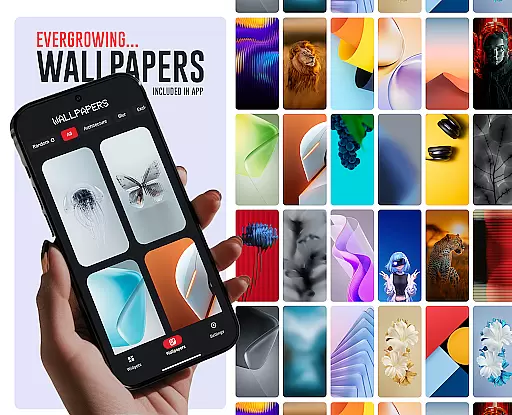
Everything Widgets offers matching wallpapers alongside its suite of customizable widgets, which further enhances theme consistency. With over 100 exclusive wallpaper designs included, users have the opportunity to complete their personalized home screen with visuals that complement the widget styles.
The native integration of these widgets without the need for third-party apps like KWGT underlines the commitment to maintaining high standards of theme compatibility. Users can be confident that each widget will display correctly and maintain visual harmony with other elements on their screen.
This dedication to theme compatibility ensures that whether you're looking at a clock widget or interacting with quick settings, the transition between different parts of your home screen feels intuitive and visually pleasing. It's this level of detail that makes Everything Widgets stand out as a tool for creating a cohesive digital environment.
User-friendly interface
Versatile widget options
No extra apps required
Frequent quality updates
Stylish design inspired by Nothing OS
Limited to Android devices
Some advanced features may require updates
Design style may not appeal to everyone
Refund policy has time restrictions
Initial learning curve for new users

Stunningly Different look with Line Icons and Neon Colors
 4.60
4.60
Ultra realistic high quality analog watch face for Wear OS.
4.60
A retro cartoon style watch face and a punch right in the face of the copyright
4.60
Choose your keyboard with RGB colors effect, themes, fonts, emojis.
4.60
Yandex Browser — stylish and secure, with voice search and data compression
4.40
Adorable pets roam and play right on your phone screen!
3.30
Enjoy a variety of amazing live wallpapers and colorful EDGE lighting borders!
4.80
A minimalist productivity launcher. One-hand-friendly. Zero ads.
4.70
Transform your phone with stunning video wallpapers and a unique, personal touch
3.80
Only for Wear OS devices!
4.90
Winter's Journey: digital watch face for Galaxy Watch & Wear OS
4.80
Sparkle your screen with Glitter Wallpapers For Girls and Cute Backgrounds!
4.80
Customize your home screen with stunning themes, blur, widgets & icons.
4.60
Ultra realistic gold analog watch face with lots of customization options.
4.50
Transform your phone with Launcher iOS 26 - Smooth & elegant iOS experience
4.50
200+ Material Inspired Widgets
4.50
Emoji Maker app - Design custom emojis and effortlessly blend them with Mixer
3.80
HappyLighting is a Bluetooth lamp control software.
3.40
Turn your lock screen into fun with smile live wallpapers & animated wallpapers!
2.50

User Reviews