

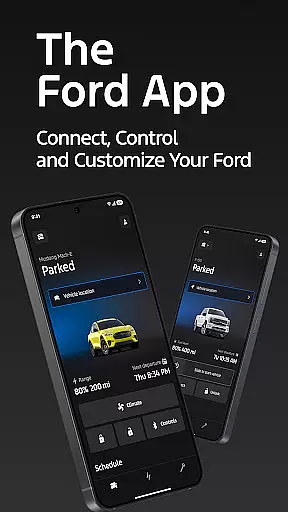
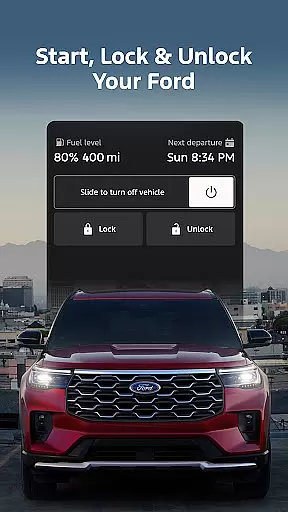
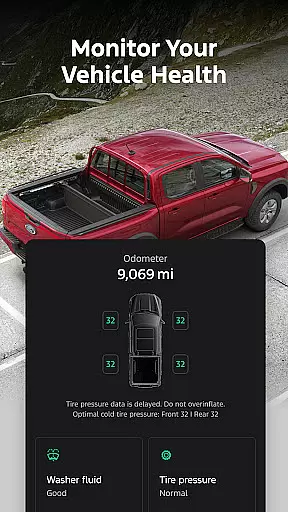
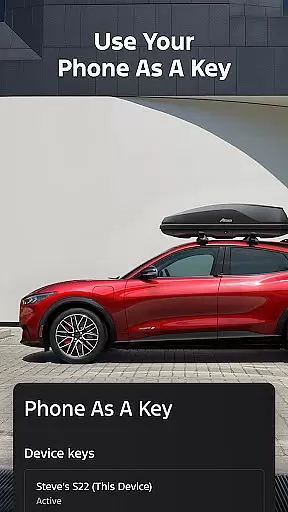
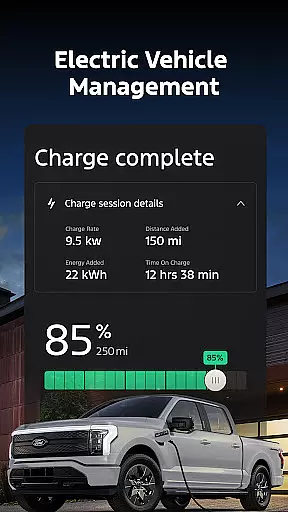
The Ford app is a comprehensive tool designed to enhance your Ford vehicle experience. It offers remote control features such as start, lock, and unlock, alongside vehicle management tools that allow you to monitor fuel levels, stats, and even use your phone as a key. The app also supports scheduling service appointments and provides electric vehicle owners with essential features like charge level monitoring and public charging station info.
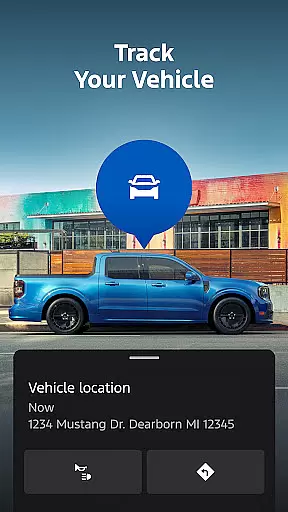
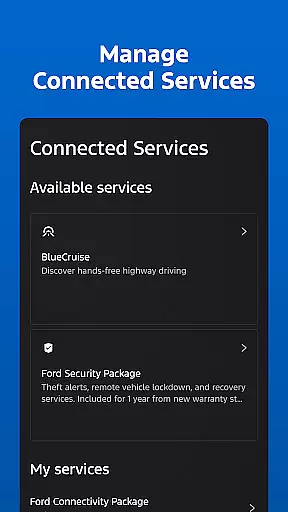
With GPS tracking, users can locate their vehicles easily, while connected services enable activation of trials or purchase plans for advanced functionalities. Regular updates ensure access to the latest features, and integration with Wear OS allows for wrist-based commands. Compatible with select smartphones, this app transforms how you interact with your Ford vehicle.
The Ford app stands out with its extensive feature set tailored for modern vehicle owners. Remote features give users unprecedented control over their vehicles, allowing them to start, lock, unlock, and more directly from their smartphones. This functionality is complemented by vehicle management capabilities, including fuel monitoring and using the phone as a key, streamlining daily vehicle interactions.
For electric vehicle drivers, the app provides crucial information at a glance, such as charge levels and nearby charging stations. Service scheduling simplifies maintenance, ensuring vehicles remain in top condition. Integration with wearable technology through Wear OS enhances accessibility, enabling users to send commands from their wrists. These features collectively offer a seamless blend of convenience, security, and connectivity.
Companion app integration is essential for users who want seamless connectivity between their smartphones and wearable devices. The Ford app excels in this area by offering a comprehensive suite of features that sync effortlessly with Wear OS smartwatches.
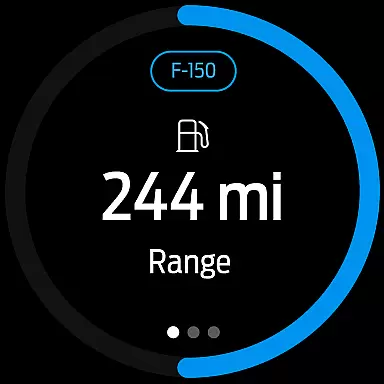
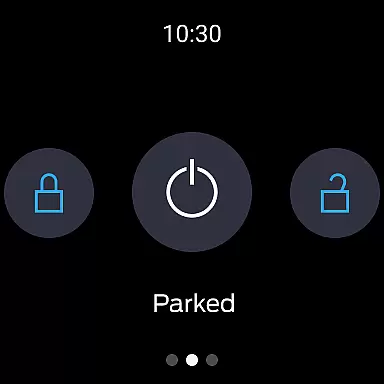
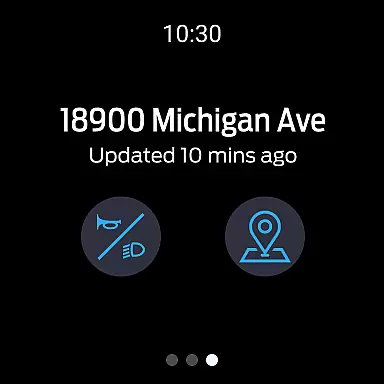
Through the Ford app, users can send commands and check their vehicle status directly from their wrists. This includes remote start, lock and unlock features, and real-time vehicle stats, all accessible via a Wear OS smartwatch. Such integration ensures that users have control over their vehicles without needing to reach for their phones.
The benefits of this integration are numerous. Users can enjoy the convenience of managing their Ford vehicles on the go, whether they're walking to their car or monitoring it from a distance. This seamless connection enhances the overall user experience by providing quick access to critical vehicle functions.
Ultimately, the Ford app's companion app integration exemplifies how modern technology can simplify daily tasks. By extending its functionality to wearable devices, Ford ensures that users remain connected to their vehicles, enjoying both convenience and peace of mind.
Device compatibility is crucial for ensuring that applications function correctly across various platforms. The Ford app supports a wide range of devices, particularly those running on Wear OS, enhancing its accessibility and user engagement.
Ford has optimized its app to work seamlessly with Wear OS smartwatches, allowing users to utilize key features such as remote start, lock and unlock, and vehicle status checks. This compatibility extends the app's utility beyond smartphones, catering to tech-savvy individuals who rely on their smartwatches for everyday tasks.
By supporting Wear OS, Ford ensures that its users can interact with their vehicles conveniently, regardless of the device they are using. This broad compatibility not only increases user satisfaction but also positions the Ford app as a versatile tool in the realm of connected vehicles.
In conclusion, the Ford app's compatibility with Wear OS devices highlights its commitment to innovation and user-centric design. This feature allows users to enjoy a cohesive experience across multiple devices, reinforcing Ford's reputation as a leader in automotive technology.
User-friendly interface
Comprehensive vehicle control
Regular feature updates
Electric vehicle support
Wear OS compatibility
Limited to newer models
Requires data connection
Potential extra costs
Varied feature availability
Dependent on smartphone

Precision analog watch face with 7 complications and style options
 4.0
4.0
A watch face that fuses motorsport precision with contemporary smartwatch design
4.1
Beautiful, colorful and practical watch face. For Wear OS devices.
5.00
Be an elegant and classy secret agent, with this carefully detailed watch face
4.70
Nutrition, Macro tracker: Food, fitness & healthy diet tracking for weight loss
4.60
Stylish, Energizing and Modern Watch Face crafted by Dominus Mathias.
4.50
A digital watch face that celebrates Christmas.
4.00
Your local weather forecast, storm tracker, radar maps & live weather news
3.40
Back up your contacts & access them anywhere
4.30
The most customizable hybrid watch face. For Wear OS 5.0, API 34+ and later
4.70
WTW M17 is a premium and luxurious hybrid watch face
4.70
Hybrid watch face for Wear OS with customizable complications by Matteo Dini MD
4.70
Kia Access makes getting your vehicle information easier than ever
4.60
Gym & home workout plans with strength training, exercise tracking, HIIT & more.
4.60
To-Do List: daily schedule planner, task organizer, to do reminder app, calendar
4.60
sleep, alarm, snoring, stress, healing, focus, sound therapy, circadian rhythm
4.10
Authentic military-tactical design with ZULU time! Realistic and functional!
3.80
Artistic Digital Watchface
4.1
Sleek, highly customizable watch face inspired by Galaxy Watch Circle Dashboard.
4.3


User Reviews