

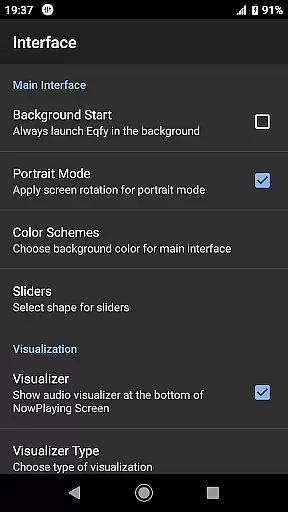
Eqfy Equalizer for Spotify is a powerful audio enhancement tool designed to elevate your music listening experience. This app works seamlessly with Spotify and other music applications on Android, providing users with clear bass and treble adjustments that significantly improve sound quality.
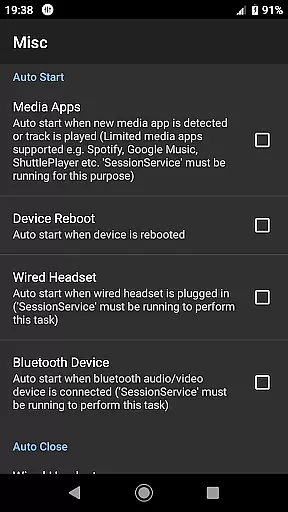
The app features an advanced 'RE Equalizer' engine with a user-friendly interface, making it accessible for all users. Whether you're a casual listener or an audiophile, Eqfy offers a dedicated audio engine, global output support, and optimized audio effects such as compressor, amplifier, and deep bass enhancements. These features ensure you get the best sound quality from your music and audio apps.
Perfect for anyone looking to customize their audio experience, Eqfy is ideal for enhancing your favorite tracks on Spotify or other platforms. With its powerful capabilities, this app stands out as a primary choice for those seeking superior sound quality.
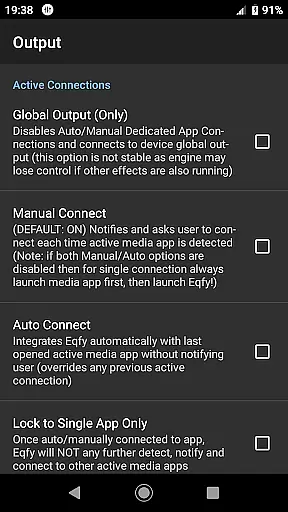
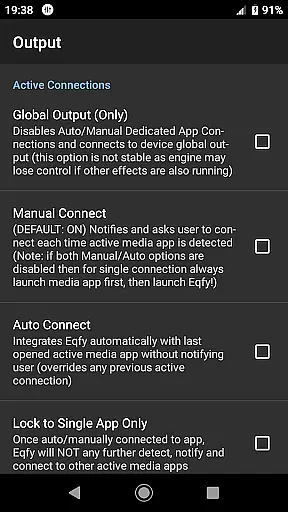
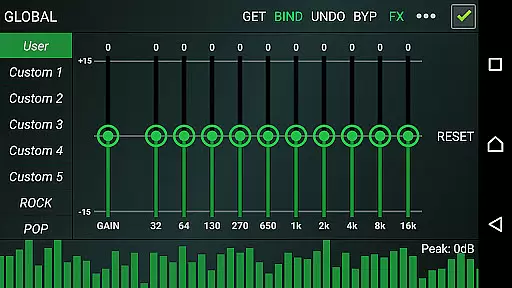
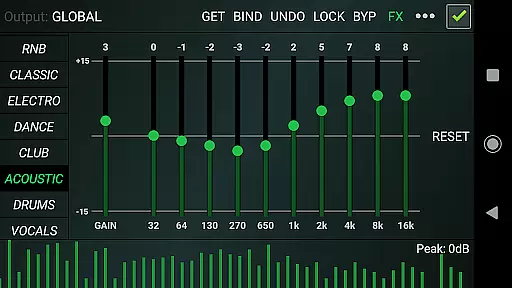
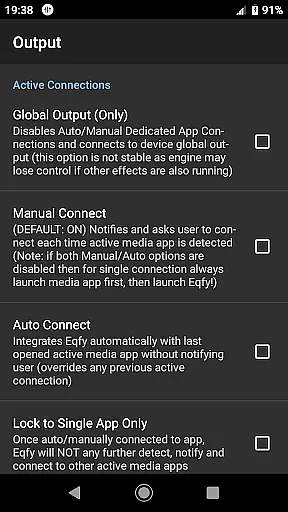
Eqfy Equalizer boasts a comprehensive set of features that cater to both basic and advanced audio needs. The app includes a dedicated audio engine that supports various music players, ensuring compatibility with Spotify, YouTube Music, and more. Its global output functionality allows users to apply equalizer settings across different apps, creating a consistent audio experience.
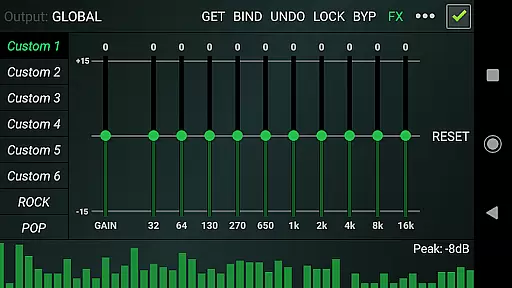
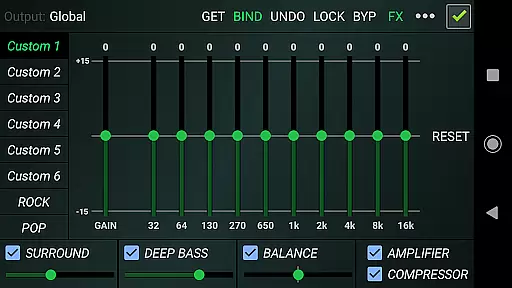
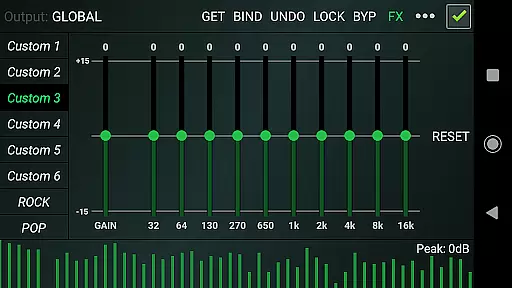
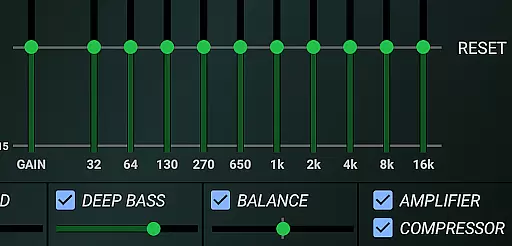
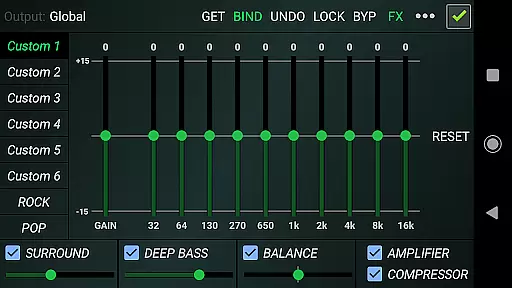
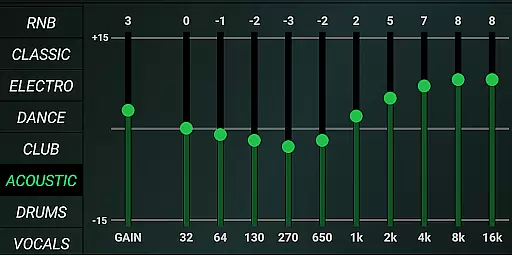
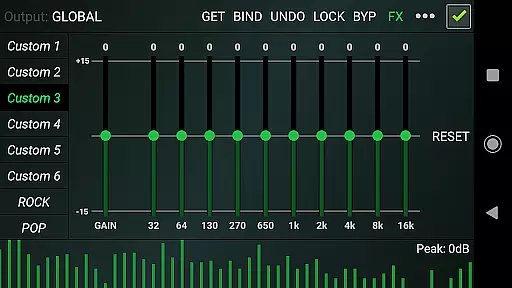
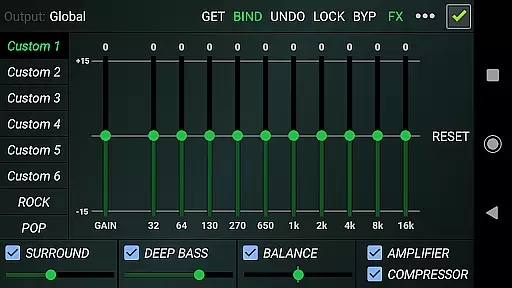
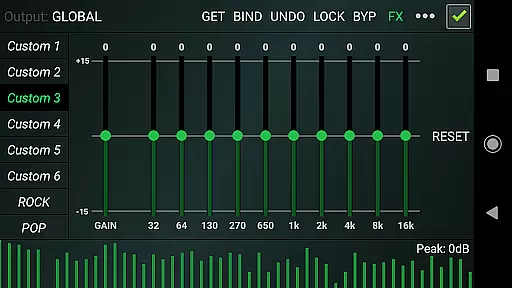
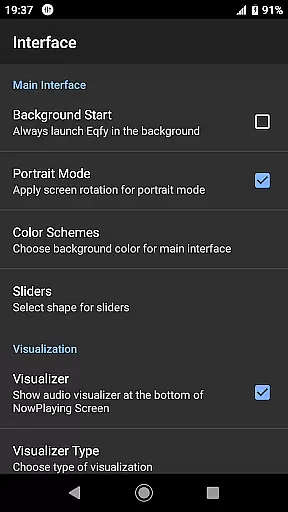
One of the standout features is the 10-band equalizer with a powerful pre-amp gain, enabling users to boost volume and enhance loudness. Additionally, Eqfy provides optimized audio effects like compressor, amplifier, and deep bass boosts, alongside a music visualizer with peak values. Users can choose from 21 configurable presets, including factory settings like Rock, Pop, and Classic, or create custom presets tailored to their preferences.
With its quick, responsive interface and ability to save/read presets as files, Eqfy ensures a seamless and personalized audio experience. Whether you want to adjust stereo balance or enjoy virtual surround sound, this app delivers exceptional results.
When it comes to music applications, the size and authenticity of the music library are crucial factors. Eqfy Equalizer for Spotify may not host its own music library but works in tandem with your existing music apps like Spotify and YouTube Music. This means you can enjoy an extensive range of tracks that these platforms offer, ensuring a vast selection of songs across various genres.
The application respects copyright laws by functioning as a third-party equalizer without infringing on the content hosted by services such as Spotify. It enhances your listening experience without compromising the legal integrity of the music being played, providing peace of mind while enjoying high-quality sound.
Users benefit from this collaboration as they can access their favorite tunes legally through their subscribed music streaming services, enriched by Eqfy's superior audio processing capabilities. The app ensures that every note is heard as the artist intended, respecting both intellectual property rights and listener enjoyment.
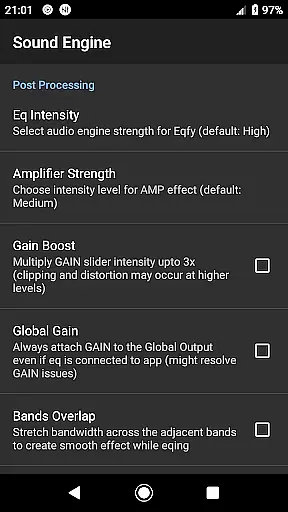
Audio quality options are at the forefront of what makes Eqfy Equalizer for Spotify stand out. With a dedicated audio engine, it supports a wide array of music players and provides global output compatibility with Android music and audio apps including Spotify, thus elevating the standard listening experience to new heights.
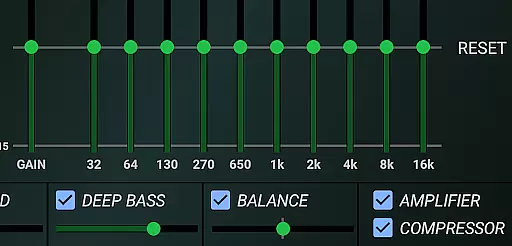
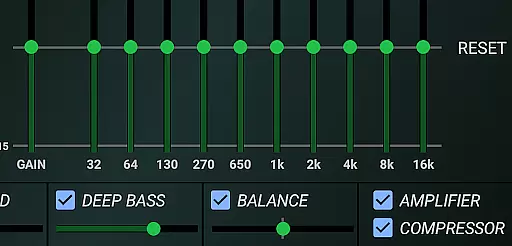
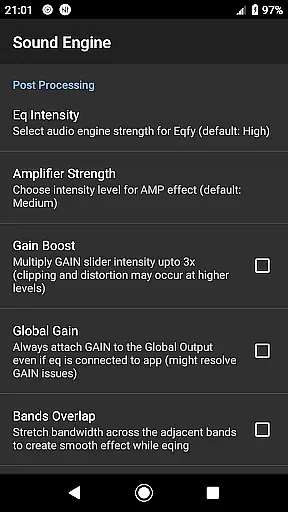
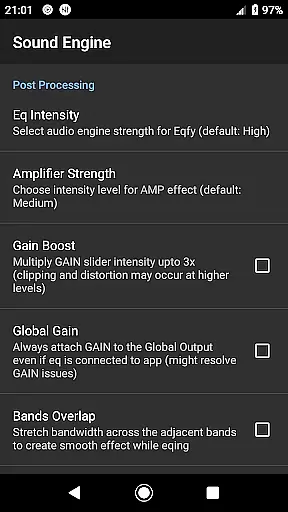
This powerful tool features an updated multi 10-Band equalizer complete with a pre-amp Gain which acts as a Loudness Enhancer or volume boost. Users can also take advantage of optimized audio effects such as Compressor, Amplifier effects, Deep Bass (Bass Boost), Surround (Virtualizer), and Sound Balance for adjusting stereo channels.
With these advanced settings, listeners have control over how they experience their music down to the minutest detail. Whether it's enhancing bass for electronic dance tracks or fine-tuning treble for classical symphonies, Eqfy places the power of premium sound personalization into the hands of its users.
Enhances sound quality
User-friendly interface
Wide app compatibility
Customizable presets
Powerful audio engine
Not part of Spotify
Advanced features may overwhelm
Interface could be more modern
Occasional bugs reported
Preset saving requires technical know-how


Offline and always ad-free - stream in the highest quality available.
 4.10
4.10
Gorgeous UI, Powerful music Search and Equalizer, the great choice for you!
4.70
The best music and audio player, with beautiful UI, music search and equalizer.
4.60
The alternative folder based music player.
4.20
Learn to play the piano using falling notes!
3.80
No wifi music app. Mp3 offline. Tuner radio, young radio music. Music downloader
4.20
Music, News & Sports Radio Tuner App. Tune in Live FM & AM Radio Stations.
4.80
Travel To The Music Universe
3.40
Get alarms that fit your lifestyle and wake up to the sounds you love.
4.80
Offline Music Player & MP3 Player.Powerful equalizer, Lyrics, Themes, Tag Editor
4.80
Responsive piano with great sounds, graphics, and songs
4.80
AI Music Maker: Generate And Compose AI Tunes & AI Songs & AI Music & AI Melody!
4.60
Learn the notes on the guitar fretboard fast with this easy and fun app
4.60
Save hundreds of dollars for a physical strobe tuner and instead use this app.
4.50
Formerly known as Spotistats! View your top tracks, artists, albums and more!
4.40
Network/Cloud Streaming, Visualization, Graphic Equalizer and Sound Effects.
4.20
A sleek, no-frills player designed for true music lovers.
4.20
The only true audiophile music player with Hi-Fi audio rendering and DSP engine
3.90
Simple mp3 and mp4 player with advanced features.
3.40

User Reviews