

Media player 11 is a versatile multimedia application designed for Android users who seek a comprehensive solution for playing both video and audio files. This cross-platform player supports an extensive range of file formats including MKV, MP4, AVI, FLAC, and more, ensuring compatibility with most media types. It also features advanced functionalities such as network streaming, DVD ISO playback, and support for subtitles, making it a powerful tool for enjoying multimedia content on the go.
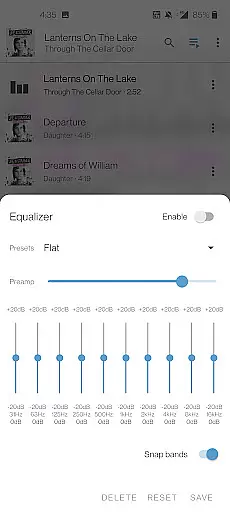
Beyond basic playback, Media player 11 offers a complete audio library with equalizer settings and filters to enhance your listening experience. The app's user-friendly interface allows easy navigation through folders and files, while its support for multi-track audio and subtitles caters to diverse user preferences. With no ads or in-app purchases, this open-source project is developed by passionate volunteers, providing a transparent and community-driven media solution.
One of the standout features of Media player 11 is its ability to handle various multimedia formats without requiring additional codec downloads. Whether you're looking to play local files or stream content over the network, this app delivers seamless performance. It supports adaptive streaming and includes advanced options like Teletext and Closed Captions, ensuring accessibility for all users.
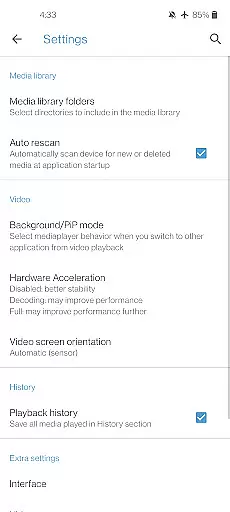
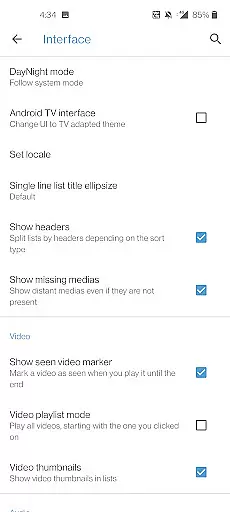
The app provides intuitive controls for managing playback, including gestures to adjust volume, brightness, and seeking. Its media library organizes both audio and video files efficiently, allowing users to browse their collections effortlessly. Additionally, Media player 11 includes practical widgets for audio control and supports external devices like audio headsets, enhancing convenience during use.
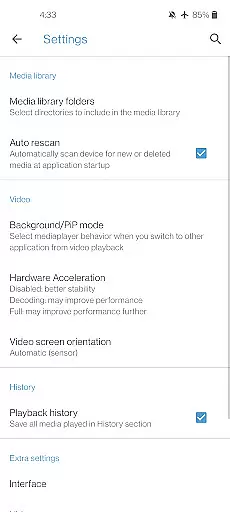
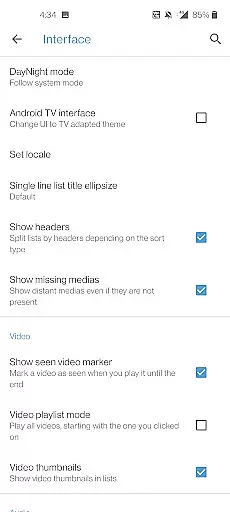
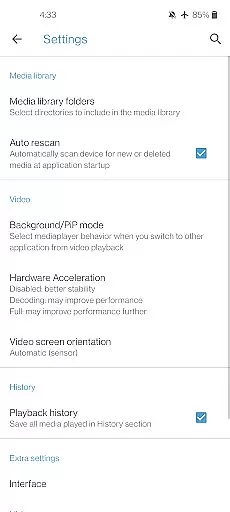
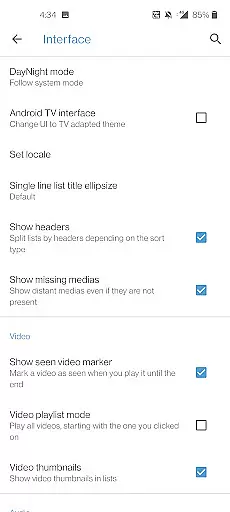
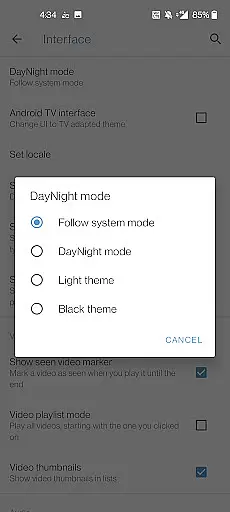
For those who value customization, Media player 11 offers adjustable aspect ratios and auto-rotation features. These capabilities ensure optimal viewing experiences across different devices and orientations. Furthermore, the app integrates essential permissions that facilitate smooth operation, such as network access for streaming and storage access for managing media files.
When it comes to music players, the size and authenticity of the music library are crucial factors for users. Media player 11 offers an extensive audio database that supports a wide range of formats including FLAC, MP3, AAC, and more. This ensures that users can access their music collection without compatibility issues.
The application is designed to handle all types of audio files, even those less common ones, making it a versatile choice for audiophiles. With its comprehensive library support, users can enjoy high-quality playback of both mainstream and rare audio tracks.
Moreover, Media player 11 guarantees copyright authenticity by supporting legitimate file formats and ensuring that all codecs are included within the app. There's no need for additional downloads, which not only simplifies the user experience but also respects intellectual property rights.
By providing a robust and authentic music library, Media player 11 caters to the needs of users who value both the breadth of their music collection and the legality of their digital content.
Audio quality is paramount for any music enthusiast, and Media player 11 addresses this by offering various audio quality options. The player includes advanced features such as an equalizer and filters, allowing users to customize their listening experience according to personal preferences or to optimize sound output based on the genre of music being played.
In addition to standard playback capabilities, Media player 11 supports high-definition audio formats, delivering crystal-clear sound that captures every detail of the original recording. This feature is particularly beneficial for users with high-end audio equipment who demand the best possible sound reproduction.
Furthermore, the app provides seamless integration with audio headsets and control widgets, enhancing the overall user experience. Whether you're using basic earbuds or premium headphones, Media player 11 ensures that you get the most out of your hardware with tailored audio settings.
Ultimately, Media player 11 stands out in the realm of music players by prioritizing audio fidelity and customization, thus empowering users to enjoy their favorite tunes exactly as intended by the artists.
User-friendly interface
Wide format support
No ads or in-app purchases
Advanced playback options
Open-source development
Limited customer support
Occasional bugs reported
Interface may feel outdated
Requires manual updates
Heavy on system resources
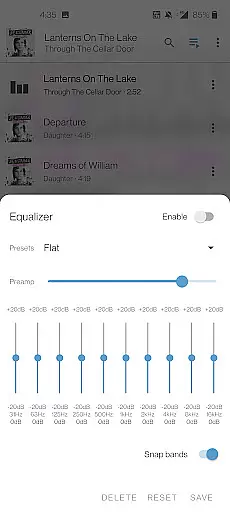
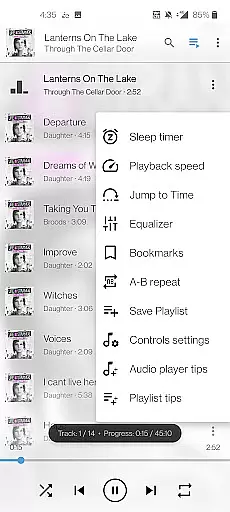
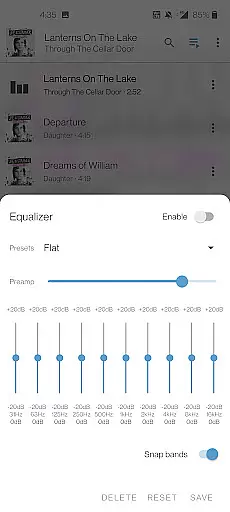
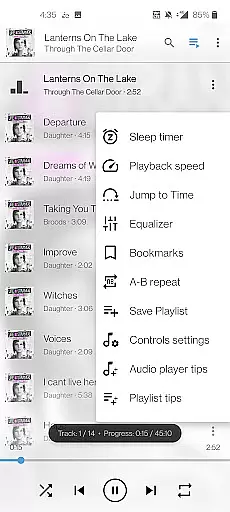
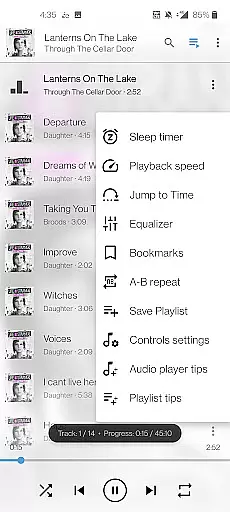
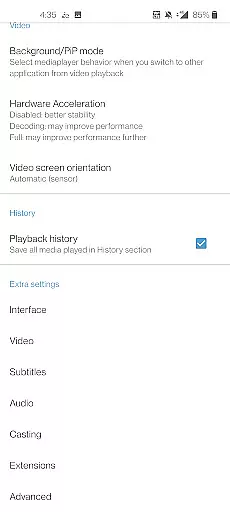
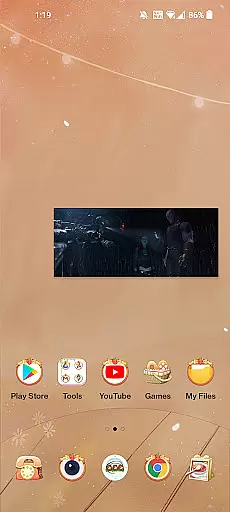
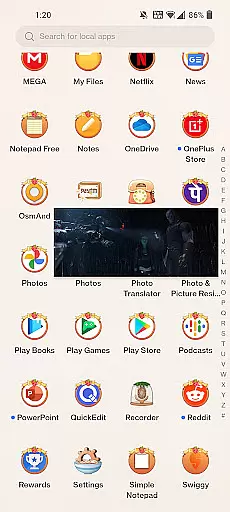

Equalizer, Bass Booster and Volume Booster (Eq & Bass) improve sound quality
 4.30
4.30
The Music Journey in Your Hands
4.30
Walkout Song DJ is the most intuitive app to manage your sports music.
4.70
Advanced 10-Band Audio Graphic Equalizer Sound Booster Pro
4.30
The best music and audio player, with beautiful UI, music search and equalizer.
4.60
Learn to play the piano using falling notes!
3.80
The Minimalistic Premium Music Player. Handmade with passion for music
2.20
Manage your Sonos system directly from your home-screen!
4.40
Melody Beat: Great for travel, workouts, offline vibes, play your tunes anytime.
4.10
Tune in to the greatest hits on UK Radio | The home of Capital, Smooth & Heart.
4.90
Your song collections with lyrics and chords on Android smartphones and tablets.
4.80
Music, News & Sports Radio Tuner App. Tune in Live FM & AM Radio Stations.
4.80
Most Advanced AI Song Generator and Music Creator. Rap, Pop, Rock, Gospel & more
4.70
Play KORG’s revolutionary touch-based instrument on a variety of devices.
4.40
The alternative folder based music player.
4.20
VB-AUDIO Software / VBAN-Receptor allows listening to any VBAN Streams
4.10
Sheet music reader, piano & music note player. Play music score & learn to read.
3.90
Slow music down without changing pitch.
3.70
Make music anywhere. Turn your device into an instrument.
4.1

User Reviews