

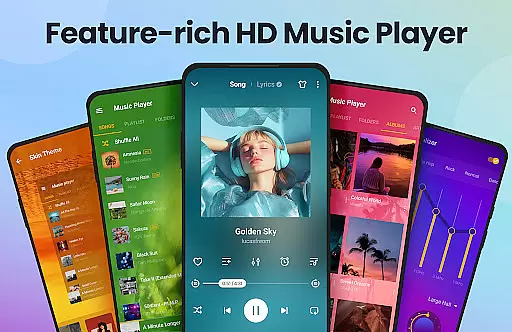
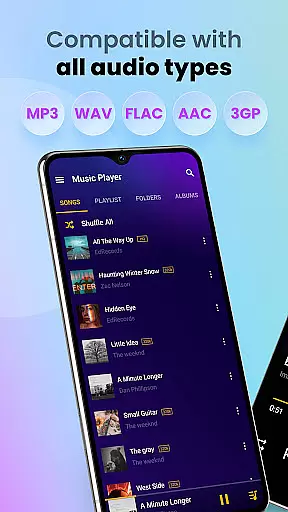
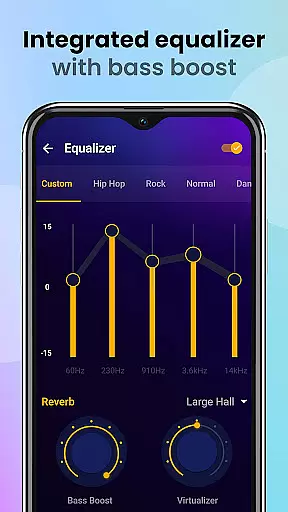
Music Player & MP3 Player is a feature-rich audio player designed for Android users who appreciate high-quality sound and an intuitive interface. This app supports all major audio formats including MP3, MIDI, WAV, FLAC, AAC, and APE, ensuring compatibility with any music library. The built-in equalizer, complete with bass boost and reverb effects, enhances the listening experience by allowing users to customize their sound profiles.
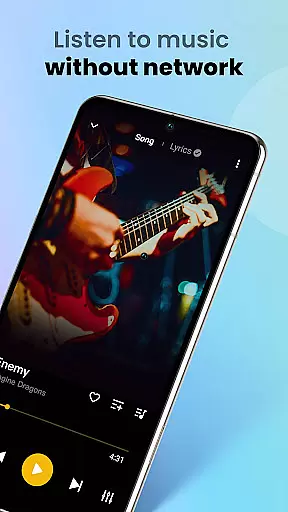
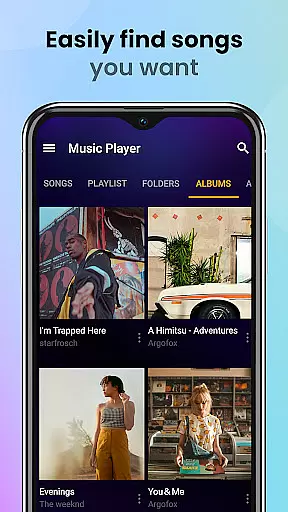
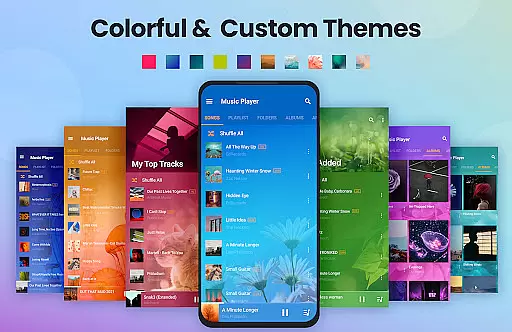
In addition to its core playback capabilities, Music Player offers practical features like offline playback, customizable playlists, and sleep timer functionality. Users can browse their music collection by songs, artists, albums, or folders, and even search tracks using keywords. The sleek user interface comes with multiple themes and color options, providing both style and usability. Whether you're at home or on-the-go, this app delivers a seamless music experience.
One of the standout features of Music Player & MP3 Player is its powerful equalizer that allows users to fine-tune their audio experience. With options like bass boost and reverb effects, listeners can adjust settings to match their preferences or the genre of music they are playing. The app also supports high-quality playback of all major audio formats, making it versatile for audiophiles with diverse music libraries.
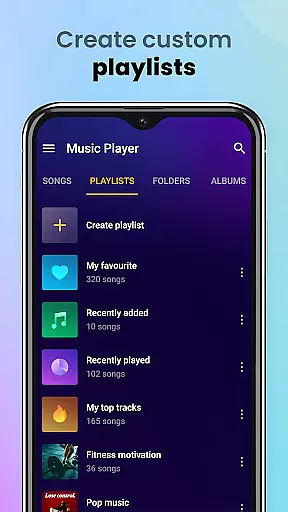
Another key aspect is its robust file management system. Music Player automatically scans and organizes all audio files on your device, presenting them in an easy-to-navigate interface. Users can create custom playlists, mark favorite songs, and share music effortlessly. Additional functionalities such as lock screen controls, widget support, and the ability to set songs as ringtones further enhance its utility. These features collectively ensure a comprehensive and enjoyable music management experience.
Music Player & MP3 Player offers an extensive music library that supports all major audio formats including MP3, MIDI, WAV, FLAC, AAC, and APE. This ensures that users can enjoy a vast range of music without worrying about format compatibility.
The application focuses on playing local music files, which means users have full control over their music sources and copyrights. By not providing a built-in downloader, it encourages users to manage their own music collections responsibly.
With the ability to scan and organize all audio files automatically, this app makes it easy for users to access their entire music library. The high-quality playback ensures that listeners experience their music just as the artists intended.
Users can customize playlists, favorite songs, and even set tracks as ringtones, enhancing personalization while respecting copyright laws. This combination of features makes Music Player & MP3 Player a reliable choice for managing and enjoying your music collection.
One of the standout features of Music Player & MP3 Player is its powerful equalizer, which includes bass boost and reverb effects. These tools allow users to fine-tune their listening experience according to their preferences and audio equipment capabilities.
The app supports high-quality audio playback for all supported formats, ensuring that listeners enjoy crystal-clear sound regardless of the source file type. Whether you're using high-end headphones or standard speakers, the audio quality remains consistently impressive.
In addition to the equalizer settings, users can choose from various player themes and color schemes. This customization extends to the overall user interface, allowing individuals to tailor both the visual and auditory aspects of their music player experience.
Furthermore, the app provides lock screen controls and notification bar playback options, making it convenient to adjust audio settings on the go. With these comprehensive audio quality options, Music Player & MP3 Player delivers a premium listening experience tailored to each user's unique tastes.
User-friendly interface
High-quality audio playback
Extensive format support
Customizable equalizer settings
Offline playback capability
No built-in music downloader
Limited advanced editing tools
Occasional ads in free version
Basic widget options
Equalizer presets could be expanded

 4.70
4.70
Powerful beat maker & DJ mixer to remix tracks, make music, & perform DJ mix
3.70
Your song collections with lyrics and chords on Android smartphones and tablets.
4.80
Bass Booster Pro takes auto-equalizing to the next level!
4.30
Bass Booster & Volume Equalizer Pro improves your music and video sound quality
4.60
Listen radio AM / FM Stations. Live AM / FM Radio App Station. Radio Com.
4.70
The original SP-1200 experience on your iPad
4.20
Simple mp3 and mp4 player with advanced features.
3.40
Reverse your voice & songs instantly! Fun singing challenge with cool effects.
4.60
Make songs with AI! Any genre, custom lyric, song generator for music creation!
4.80
A complete sound package for the sound engineer or enthusiast
4.60
Learn the notes on the guitar fretboard fast with this easy and fun app
4.60
Save hundreds of dollars for a physical strobe tuner and instead use this app.
4.50
Help you quickly get started with Shokz headphones
4.40
Your HD audio recorder on the go for music, meetings, ambience, animal sounds…
4.30
The alternative folder based music player.
4.20
Sing, record, and create music together — enhanced by smart voice tools.
4.00
Slow music down without changing pitch.
3.70
Remove ads permanently from Music Visualizer
4.5

User Reviews