

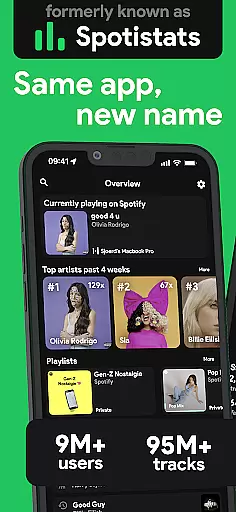
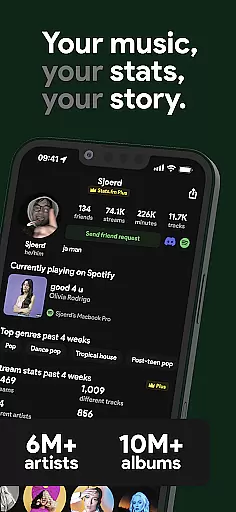
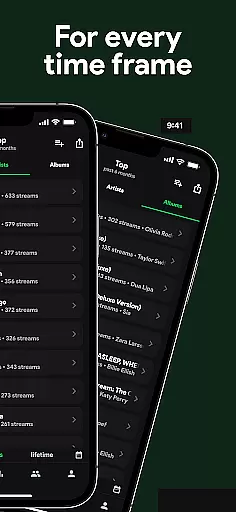
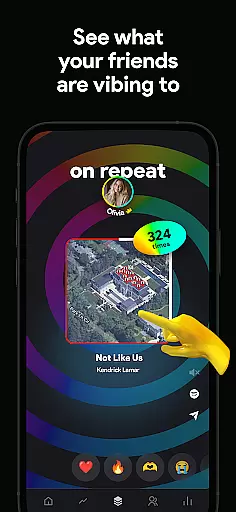
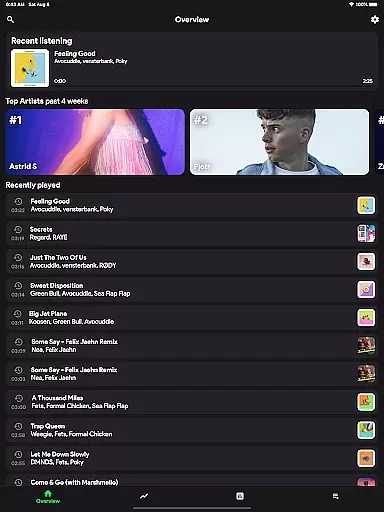
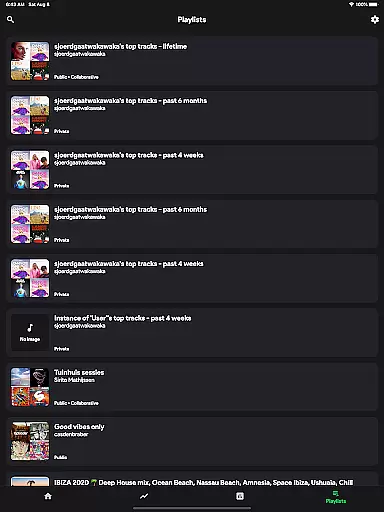
stats.fm for Spotify is a comprehensive music analytics app that provides users with detailed insights into their listening habits. With over 10 million users globally, the app offers statistics on 100 million tracks, 14 million albums, and 6 million artists. It allows you to explore your most listened songs and artists across various time periods.
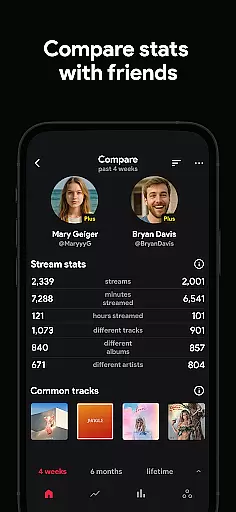
The app goes beyond yearly summaries by providing real-time data and customizable stats. You can view play counts, streaming durations, and even analyze the type of music you prefer. Additionally, it enables social interactions by letting you compare your stats with friends, making it an essential companion for any Spotify user.
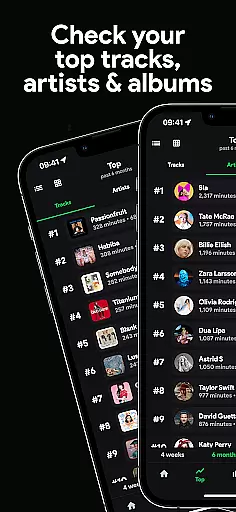
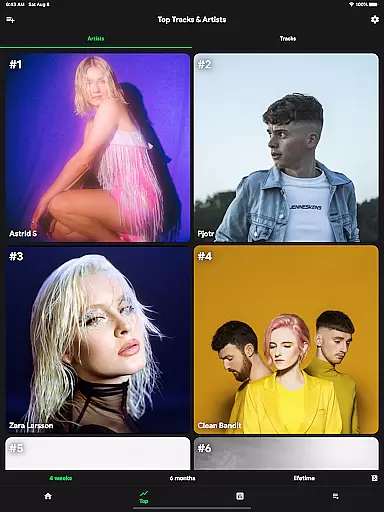
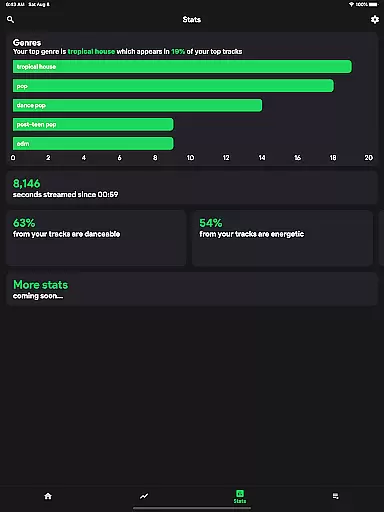
One of the standout features of stats.fm is its ability to display extensive listening history in one place. Users can access their top tracks, artists, albums, and genres. The app also provides a listening clock feature, showing when and how much you listen, along with metrics like minutes or hours streamed.
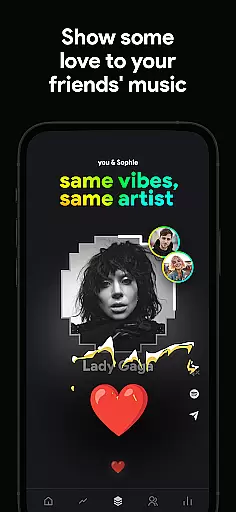
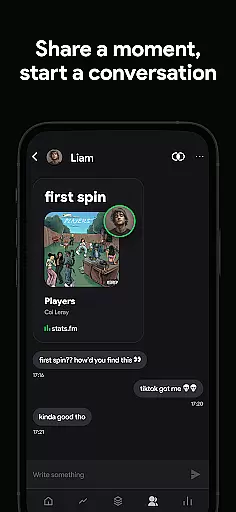
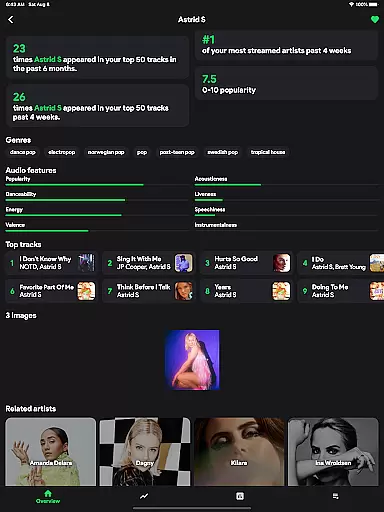
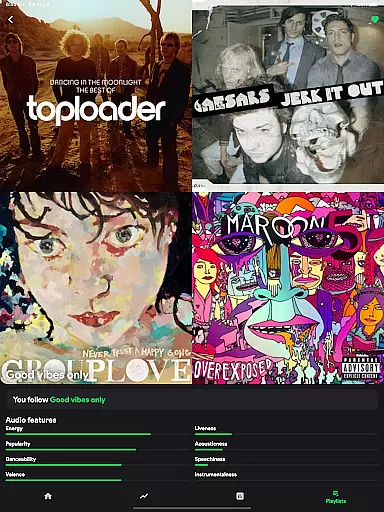
Beyond individual stats, the app offers comparative tools. You can search for friends, add them, and compare your musical tastes and listening behaviors. Detailed analytics include play counts, popularity metrics on Spotify, and characteristics of music such as liveliness and energy. This makes stats.fm not just a personal tool but also a social platform for music enthusiasts.
stats.fm for Spotify offers an extensive music library that includes over 14 million albums and 6 million artists, ensuring users have access to a vast array of music. This wide-ranging collection allows listeners to explore their favorite tracks as well as discover new content tailored to their tastes.
The app's integration with Spotify guarantees the authenticity of its music library, as it pulls directly from one of the most reputable sources in the industry. Users can trust that they are engaging with legitimate content that respects copyright laws and artist rights.
With stats.fm, not only do you get access to this expansive catalog but also detailed insights into your listening habits across these millions of songs. The ability to analyze your musical journey through accurate data representation is invaluable for any music enthusiast looking to understand their preferences better.
While stats.fm does not directly control audio quality since it works alongside Spotify, it enhances user experience by providing comprehensive statistics about playback without compromising sound integrity. It ensures that all analytics provided are based on high-quality streams from Spotify itself.
Users can view how many times they've listened to their favorite songs along with minute counts, which indirectly speaks volumes about the consistent quality delivered during each play session. This feature empowers users who care deeply about both quantity and quality when consuming digital media.
Moreover, while enjoying top-notch audio fidelity via Spotify, stats.fm enriches this auditory adventure by adding layers of statistical depthu2014offering insights such as popularity metrics within personal libraries or among broader audiencesu2014all while maintaining focus on delivering pristine sound experiences.
User-friendly interface
Comprehensive music stats
Real-time data updates
Social comparison features
Detailed analytics reports
Premium features require payment
Initial data import needed
Limited without Spotify account
Some features may overwhelm new users
Third-party app risks


Taal player that lets you sing any Indian & Western song with Tabla & Tanpura
 4.60
4.60
Remove ads permanently from Music Visualizer
4.5
The ultimate media player for Android devices
3.90
Music Streaming suite for Ampache, Nextcloud Music and compatible backends.
4.4
Unleash your creativity! Turn simple prompts into full fledged songs.
4.70
Listen radio AM / FM Stations. Live AM / FM Radio App Station. Radio Com.
4.70
Make songs with AI! Any genre, custom lyric, song generator for music creation!
4.80
Turn your Android phone into a professional audio analyser with up to 120 bands.
4.00
Reverse your voice & songs instantly! Fun singing challenge with cool effects.
4.60
Voice recorder - Audio recorder. Best recorder for recording
4.90
Full-featured, High-Quality Groovebox Workstation, perfect for Live Performance!
4.80
Brian Eno and Peter Chilvers’ acclaimed music app Bloom, radically reinvented.
4.80
Play your hearts out on TouchTunes jukeboxes & connect with fellow music lovers.
4.80
SqueezePlayer turns your Android phone or tablet into a SqueezeBox on its own!
4.60
Over 100 million tracks available for high quality streaming and download
4.60
Save hundreds of dollars for a physical strobe tuner and instead use this app.
4.50
Enjoy singing any song, no matter how high or low it is
4.30
Smart piano keyboard, Classical to Pop, Real-time multiplayer connection!
4.20
The Skullcandy App Experience
3.20


User Reviews