
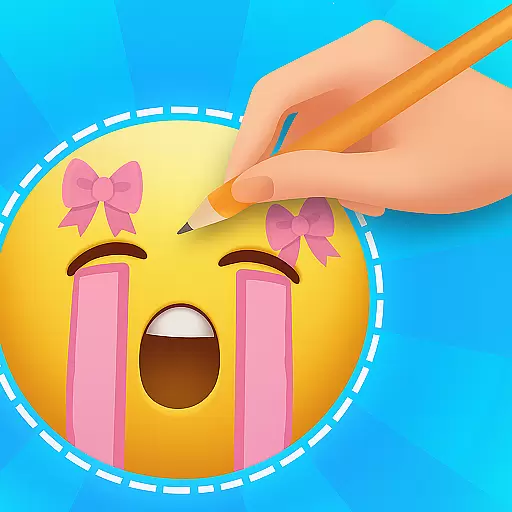
Emoji Up is a creative emoji maker app that allows users to design custom emojis and stickers. With a wide range of customization options, you can mix various emoji bases, eyes, mouths, and more to create unique designs. The app also features an engaging 'Emoji Puzzle Blitz Game' where you solve emoji puzzles to win rewards like Mystery Emoji Packs.
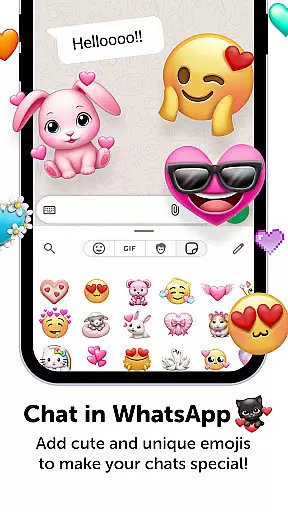
This personalization app offers endless possibilities for creativity. You can export your creations and use them on popular social networks such as TikTok, Instagram, and WhatsApp. Whether you want to become an emoji artist or simply enjoy some fun games, Emoji Up provides an exciting platform for both.
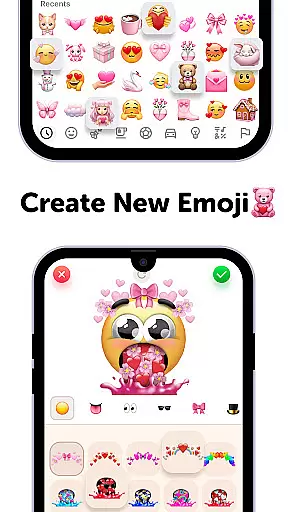
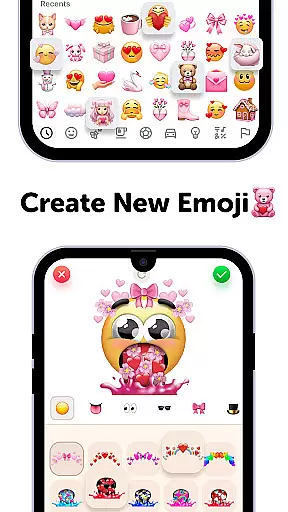
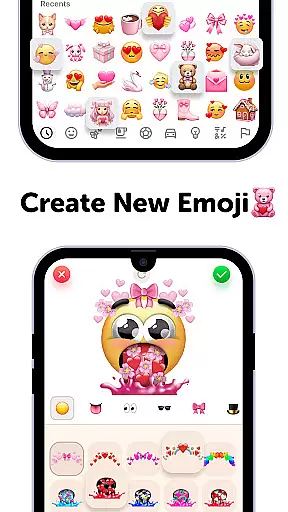
Emoji Up stands out with its comprehensive emoji maker tool that lets you draw and paint emojis like a true artist. The app includes numerous customization options, making it similar to an emoji kitchen where you can whip up new emojis effortlessly.
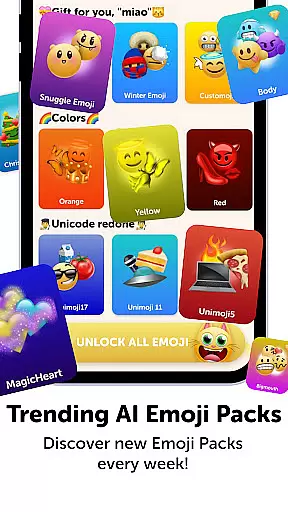
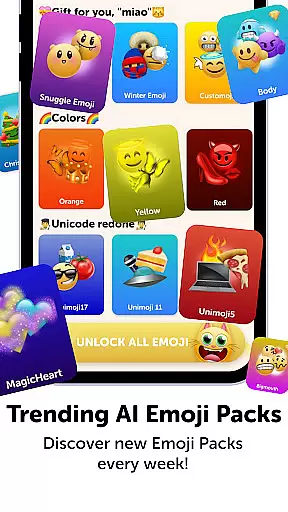
Besides the emoji maker, Emoji Up features 'Emoji Puzzle Blitz Game,' an IQ game where matching three emojis helps you collect coveted prizes such as cute emojis, stickers, keyboards, GIFs, themes, fonts, and wallpapers. These elements make the app more engaging than just a simple creative tool.
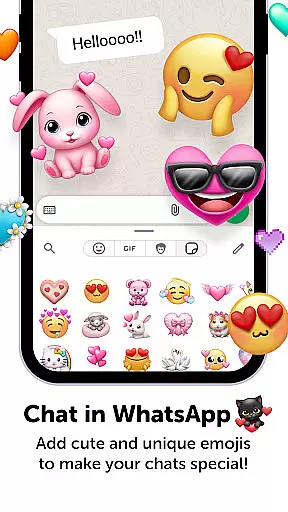
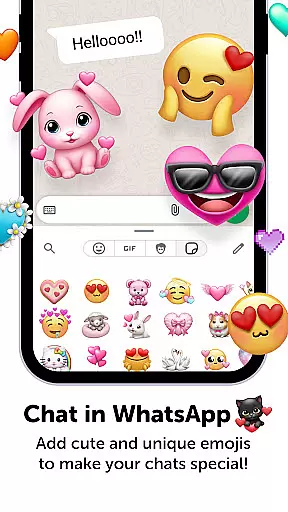
Additionally, Emoji Up allows you to export and share your custom emojis and stickers on favorite social platforms like TikTok, Instagram, and WhatsApp. This feature ensures that your creations reach a wider audience, showcasing your skills as an emoji master.
Customization is at the heart of Emoji Up, offering users a rich palette to express their creativity. The app provides an extensive range of options for creating unique emojis and stickers, allowing users to mix various elements such as bases, eyes, and mouths.
This emoji maker feature functions like a digital kitchen where users can whip up new emojis with ease. It encourages artistic exploration by enabling drawing and painting of emojis, making each user feel like a true emoji artist.
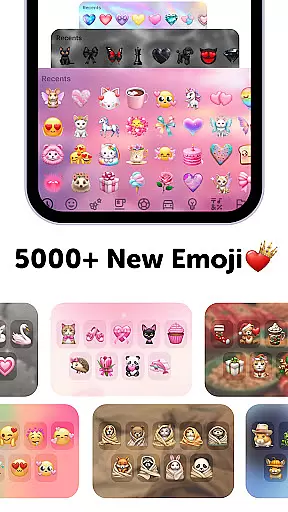
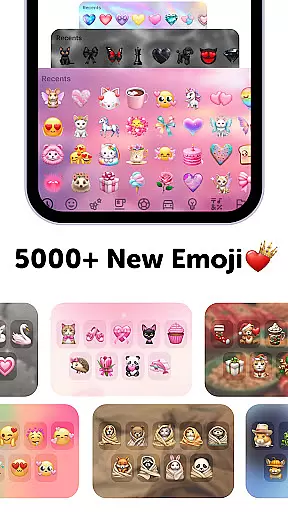
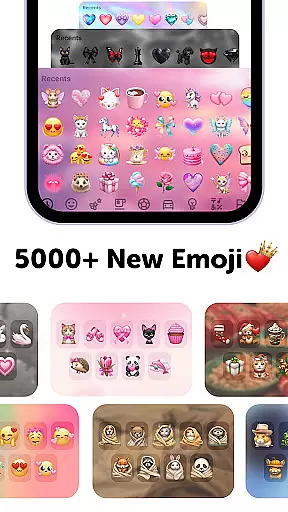
With more customization choices than one could imagine, Emoji Up ensures that your emojis are anything but ordinary. This vast selection empowers users to craft cool and cute designs that stand out in the crowded world of digital expression.
Emoji Up excels in theme compatibility, ensuring that all custom emojis and stickers seamlessly integrate into various digital environments. Whether it's social media platforms or messaging apps, these personalized creations maintain their quality and style.
The app supports exporting emojis and stickers for use on popular social networks like TikTok, Instagram, and WhatsApp. This cross-platform functionality allows users to showcase their emoji mastery across different channels without losing visual fidelity.
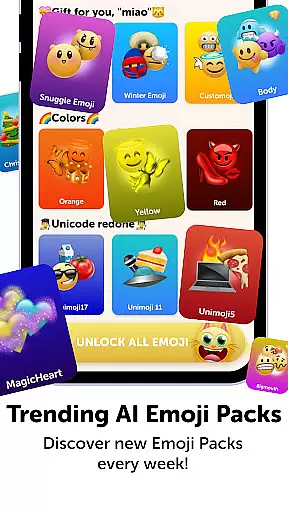
While offering free access to its features, Emoji Up includes premium diamond emojis available through subscription or in-app purchases. These additional options enhance theme compatibility while providing users with even more ways to personalize their digital communication experience.
User-friendly interface
Variety of customization options
Engaging puzzle game
Rewarding achievements
Social sharing capabilities
In-app purchases required
Limited free content
Ads may interrupt gameplay
Subscription needed for full access
Some features locked initially

Glass style colourful icons with a One UI look and feel
 4.60
4.60
Ultra realistic high quality analog watch face for Wear OS.
4.60
Transform your phone with Launcher iOS 26 - Smooth & elegant iOS experience
4.50
Sparkle your screen with Glitter Wallpapers For Girls and Cute Backgrounds!
4.80
Turn your lock screen into fun with smile live wallpapers & animated wallpapers!
2.50
Want to make your phone more special than ever?
4.60 4.10
4.10
Customize your home screen with stunning themes, blur, widgets & icons.
4.60
Unleash Your Creativity and Connect with Loved Ones with Lockscreen Drawing!
4.20
350+ widgets with a premium glass-style finish, perfect for home & lock screens.
4.70
A minimalist productivity launcher. One-hand-friendly. Zero ads.
4.70
Icons made of colorful linear lines
4.60
Vibrant Adaptive Icons with Material You and Enhanced Monet Colors.
4.50
The definitive Icon pack maker and editor
4.30
Unique Fonts, typefaces and stylish text. Fonts for Instagram, Whatsapp & others
4.20
More than 3000+ themes and 9000+ wallpapers for everybody!
4.10
Transfer your live wallpapers from Windows to Android using Wallpaper Engine!
4.00
Struggling to find apps? Use this app to locate and open any app on your phone!
2.20
Modern Glass Icon Pack with glossy icons, clean minimal theme & aesthetic style
4.5

User Reviews