

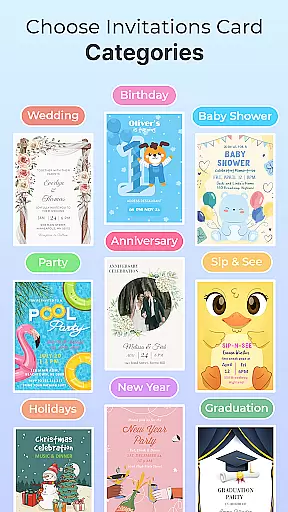
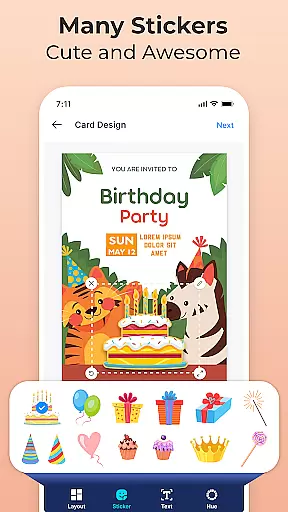
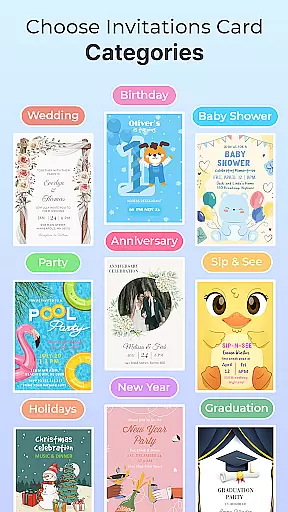
Invitation Maker & Card Design is a comprehensive app for creating personalized invitation cards and digital invitations. With an extensive collection of professionally designed templates, the app caters to various occasions including weddings, birthdays, baby showers, and more. Its intuitive design tools allow users to customize colors, fonts, images, and even add personal photos, making each invitation unique.
The app stands out with its user-friendly interface and accessibility on all Android devices. Whether you're planning a casual get-together or a formal event, Invitation Maker & Card Design ensures your invitations reflect your personal style. The seamless sharing options via email, social networks, or messaging apps make it easy to connect with guests, ensuring your celebrations begin with a memorable first impression.
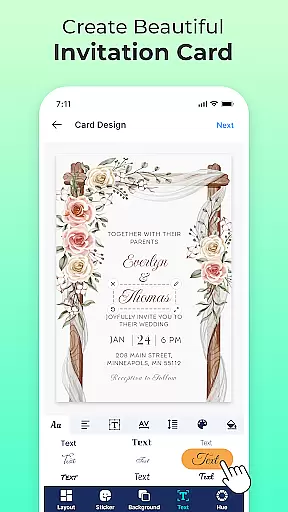
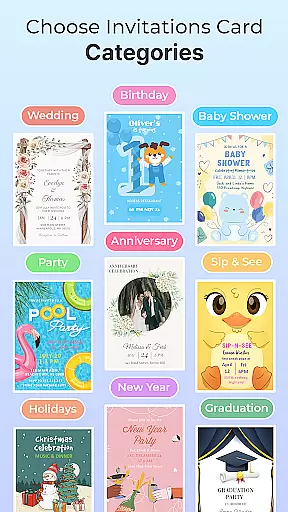
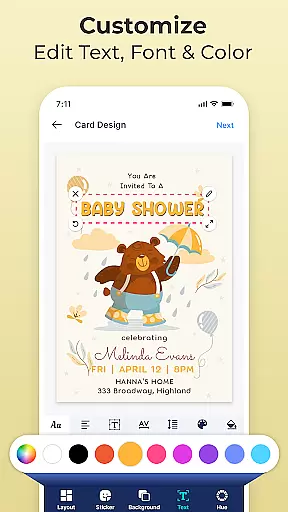
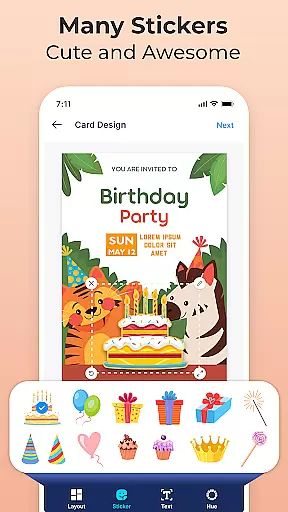
Invitation Maker & Card Design offers a rich set of features that simplify the invitation creation process. The app provides a wide selection of beautifully crafted templates suitable for any occasion. Users can choose from greeting cards, party invites, wedding announcements, and more, each customizable with just a few taps. The ability to modify colors, fonts, and images ensures every invitation matches the creator's vision.
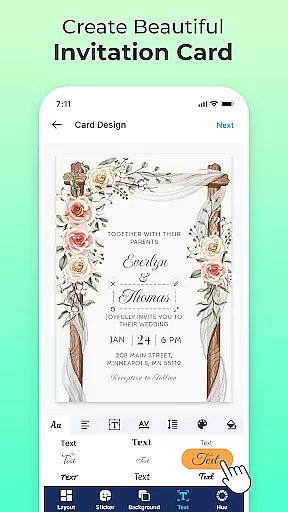
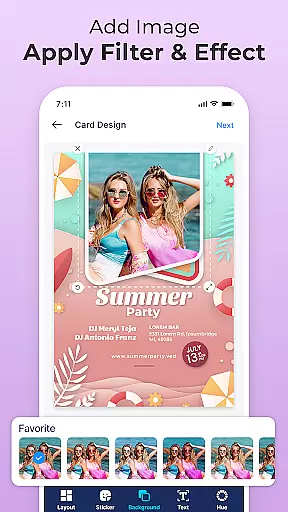
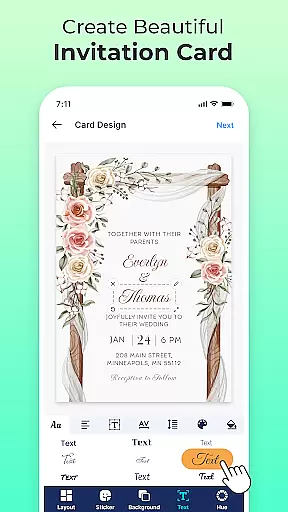
Beyond templates, the app allows incorporating personal photos, adding gradients and shadows to text, and changing font styles and sizes. These advanced customization options bring designs to life in 3D, enhancing visual appeal. Additionally, the effortless sharing functionality enables direct distribution through multiple channels, streamlining the invitation process while maintaining creative control.
In the realm of digital creativity, having a comprehensive suite of tools is essential for bringing artistic visions to life. Invitation Maker & Card Design stands out by offering an extensive array of design features that cater to both novice and experienced designers. The app provides users with professionally crafted templates covering a wide range of occasions, from birthday celebrations to wedding announcements.
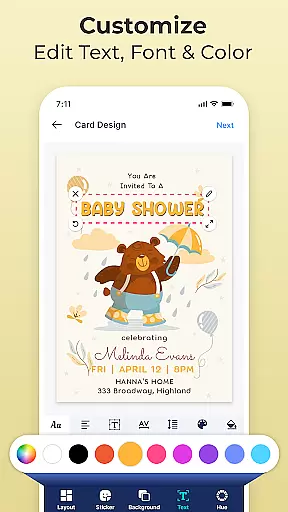
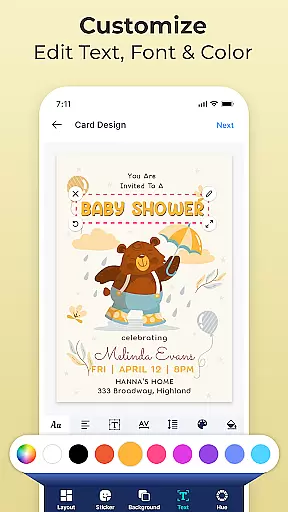
One of the key strengths of this application is its custom design options. Users can effortlessly modify colors, fonts, and images with simple taps, allowing for complete personalization of each invitation. This flexibility ensures that every creation is not only unique but also a true reflection of the user's personal style and the event's theme.
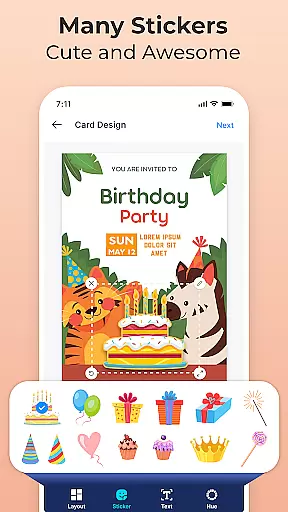
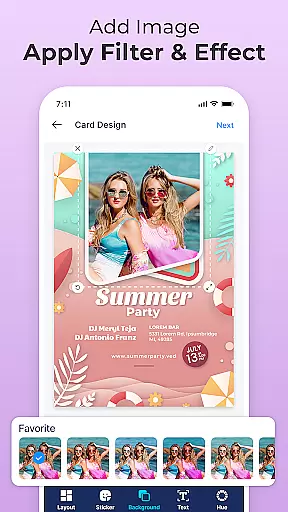
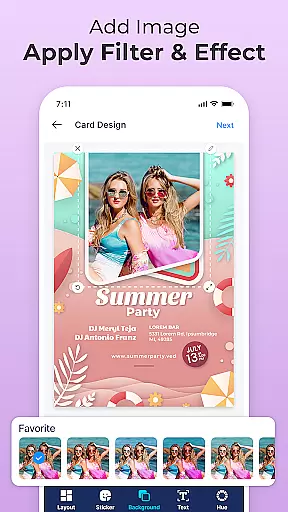
Beyond static elements, Invitation Maker & Card Design enables creators to incorporate their own photos and images into designs. This feature adds a personal touch to invitations, transforming them into memorable keepsakes that capture the essence of special moments. With such robust creative tools at their disposal, users are empowered to produce professional-quality invitations without needing advanced graphic design skills.
The ability to adapt and modify the canvas or format is crucial for creating tailored designs that meet specific needs. Invitation Maker & Card Design excels in providing users with the flexibility to customize their projects extensively. Whether it's adjusting dimensions, changing orientations, or selecting from various preset formats, the app ensures that every detail aligns perfectly with the creatoru2019s vision.
This level of adaptability extends to the integration of multimedia elements as well. Users can seamlessly add gradients, shadows, and even 3D effects to text within their designs. Such capabilities allow for the production of visually striking invitations that stand out and leave lasting impressions on recipients. Moreover, these enhancements do not require specialized knowledge, making sophisticated design techniques accessible to everyone.
By prioritizing canvas and format flexibility, Invitation Maker & Card Design democratizes the creative process. It removes barriers typically associated with traditional design software, enabling individuals across all Android devices to engage in meaningful artistic expression. As a result, whether planning intimate gatherings or large-scale events, users can rely on this app to deliver personalized, high-quality outputs every time.
User-friendly interface
Extensive template library
Advanced customization options
Seamless sharing capabilities
Accessible on all Android devices
Limited to Android platform
No offline support mentioned
Potential learning curve for beginners
Design options may overwhelm some users
Dependent on third-party content




Easy 3D drawing design maker & creator. Model designing, Sculpting. Create&paint
 4.00
4.00
AI Assistant, powered by ChatGPT GPT-4 & GPT-4o. Your intelligent companion.
3.50
Logo Generator powered by AI: Create stunning logos effortlessly!
4.70
Digital, Abstract, Classic - all types of color wheels in one app!
4.60
Draw glowing spinners, relax, and spin your creative art
4.60
Your AI soulmate — meaningful chats, and unique emotional moments
4.70
Retouch photos. Create or edit images. Endless capabilities.
2.70
Create cute cat emojis & PFPs! Fun, custom avatars for cat lovers.
3.70
Kling AI is an image and video generation and editing studio powered by AI.
4.50
Passport size photo maker, create ID photo and visa photo in seconds
4.80
Draw on screen: FP sDraw is a simple and lightweight drawing app
4.70
Minecraft & Roblox Clothes
4.70
Share the joy of painting with ibis Paint! Drawing anime and manga art.
4.50
AI generated images & photos, turn your words into drawing, painting & pictures.
4.30
Nano Banana AI Image Generator, Anime Filter, AI Portrait, AI Photo Generator
4.30
Design your dream room with AI. Get decor ideas & plan home interiors
3.90
Inky runs Inkscape on Android devices and Chromebooks
2.90
Premium version of Shimeji-ee app with no ads & no limit active shimeji
4.5
Android 14 style widgets and wallpapers app.
4.1


User Reviews