

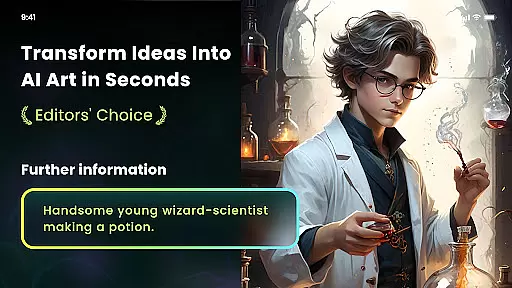
Nano Banana AI Image is an innovative app in the Art & Design category that allows users to transform their creative ideas into visually stunning images. By leveraging advanced AI technology, including Gemini 2.5 Flash Image AI, this app supports both text-to-image and image-to-image generation with remarkable clarity and realism.
The app offers a range of powerful features such as natural language photo editing, artistic style filters, and even NFT minting capabilities. Whether you're looking to create anime-style portraits, lifelike paintings, or professional-grade designs, Nano Banana provides all the tools necessary for effortless image creation and transformation.
Perfect for artists, designers, and hobbyists alike, Nano Banana AI Image helps bring your imagination to life while offering practical applications like high-definition printing support for T-shirts, wallpapers, and more.
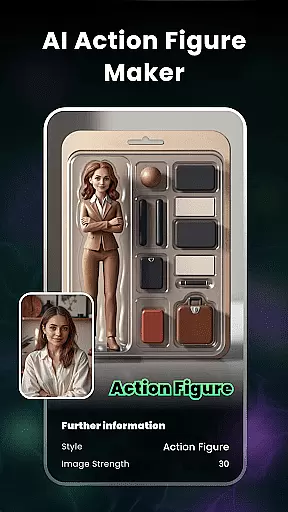
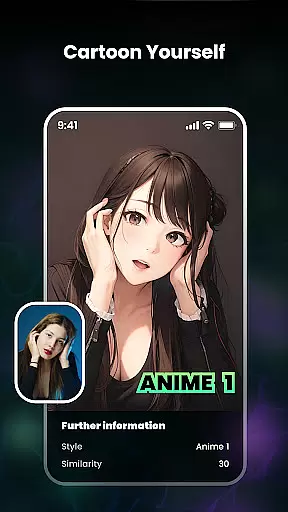
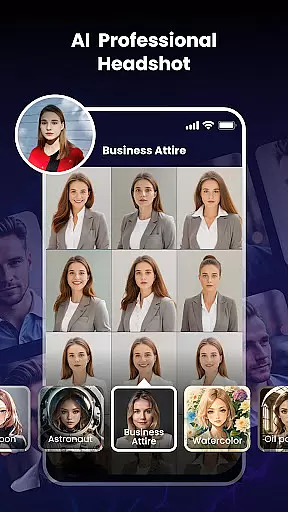
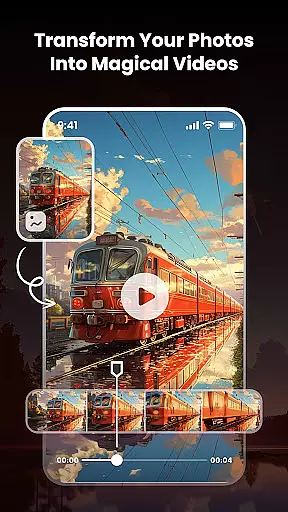
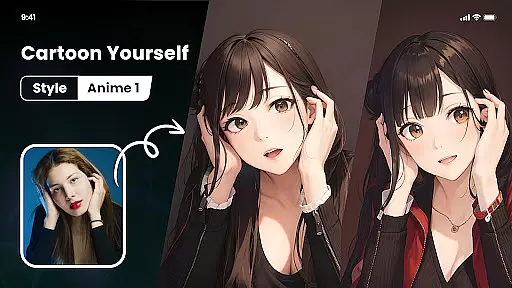
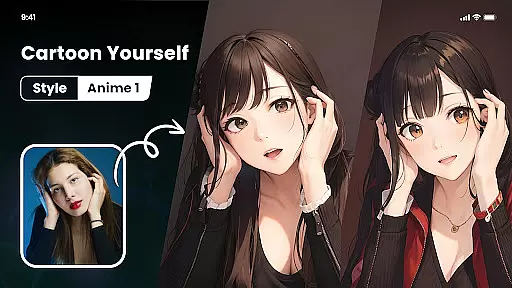
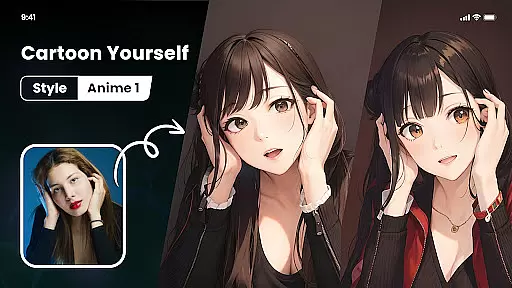
Nano Banana AI Image stands out with its diverse set of creative tools designed to cater to various artistic needs. One of its key highlights is the Photo Cartoonizer feature, which lets users convert regular photos into cartoon avatars with just one click. This functionality extends beyond portraits, supporting pets, landscapes, food, and other types of imagery.
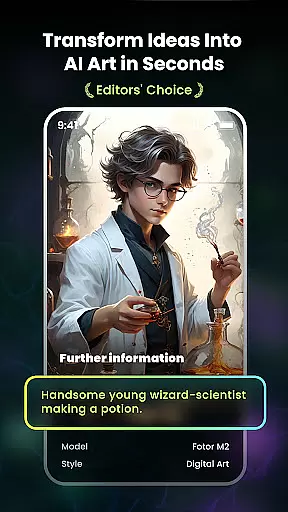
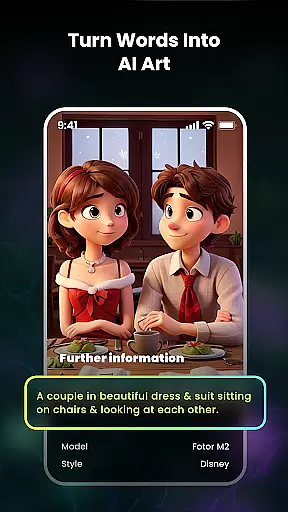
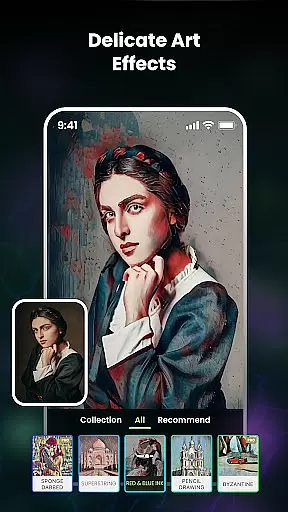
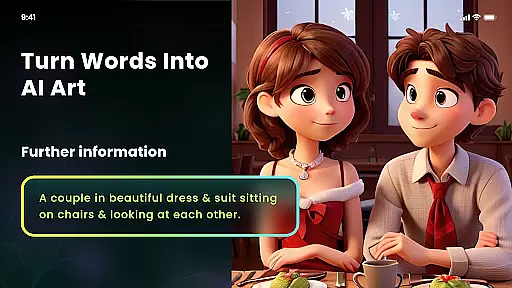
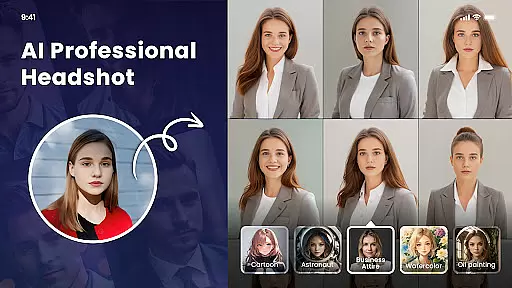
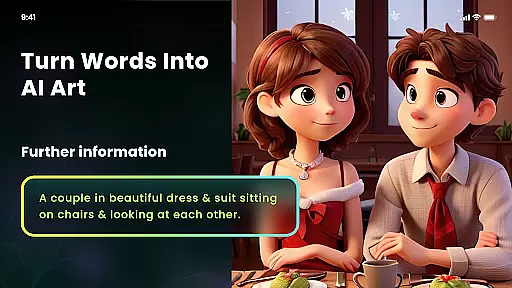
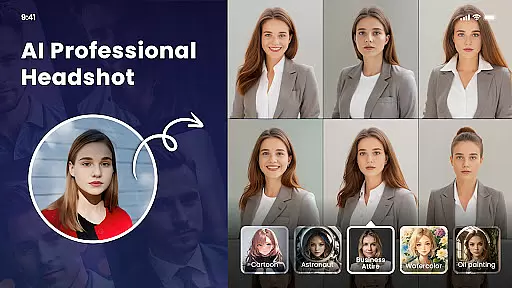
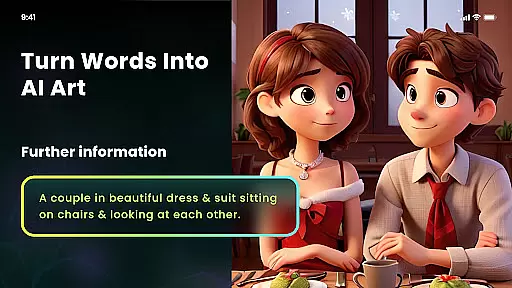
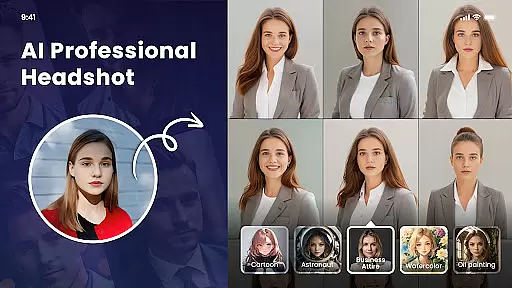
Another standout feature is the AI Art Generator From Text, where users can input simple text prompts to produce unique artworks in styles ranging from cyberpunk to impressionism. Additionally, the Multiple Artistic Style Filters provide options like Van Gogh, ukiyo-e, and anime filters, enabling users to apply distinctive artistic effects to their photos.
For those interested in digital art trading, the Mint NFT feature allows users to turn their creations into encrypted NFTs ready for market trading. With intuitive controls, automatic background removal, and HD export capabilities, Nano Banana ensures both ease of use and professional-quality results.
In the realm of digital artistry, having a comprehensive suite of creative tools is paramount. Nano Banana AI Image offers an extensive array of features that cater to both amateur artists and professional designers. The application leverages advanced AI technology, such as Gemini 2.5 Flash Image AI, to provide sharp, context-aware image generation and transformation capabilities.
Users can explore various artistic expressions through multiple functionalities including Photo Cartoonizer, AI Art From Text, and an assortment of artistic style filters. Each tool is designed not only to be powerful but also intuitive, allowing users to effortlessly bring their ideas to life. Whether it's turning selfies into cartoon avatars or generating unique paintings from textual descriptions, Nano Banana ensures every creative vision can be realized with precision.
The inclusion of specialized tools like AI Cutout for background removal and one-click artistic transformations elevates the user experience by simplifying complex processes. This democratization of design enables anyone to produce high-quality artwork without needing extensive technical knowledge or skills.
Ultimately, Nano Banana empowers its users by providing all the necessary instruments within a single platform. From creating Japanese anime-style images to minting NFTs, this app stands out in the Art & Design category due to its commitment to offering complete and versatile creative solutions.
Flexibility in canvas and format options is crucial for unleashing creativity without constraints. Nano Banana AI Image excels in this aspect by supporting a wide range of image formats and resolutions, ensuring that users can work with their preferred specifications. Whether you're designing for digital platforms or planning to print your artwork, the app accommodates various needs seamlessly.
One notable feature is the ability to export high-definition pictures with up to 8 megapixels. This capability allows artists to create detailed and vibrant images suitable for large-scale printing on mediums like T-shirts, wallpapers, or photo portfolios. Such flexibility enhances the practical applications of generated artworks beyond mere digital consumption.
Moreover, Nano Banana provides customizable canvas sizes and adaptable templates which cater to different project requirements. Users have the freedom to adjust dimensions according to specific use cases, whether they are working on social media graphics, posters, or intricate illustrations. This adaptability ensures that no creative idea is limited by predefined settings.
By prioritizing canvas and format flexibility, Nano Banana positions itself as a go-to solution for diverse artistic endeavors. Artists can focus on their creative process while the app handles technical considerations, resulting in a seamless and satisfying user experience across all forms of visual expression.
User-friendly interface
Advanced AI technology
Versatile artistic filters
One-click NFT minting
High-definition output
Premium subscription required
Limited free features
Occasional processing delays
Steep learning curve
Export restrictions on free plan
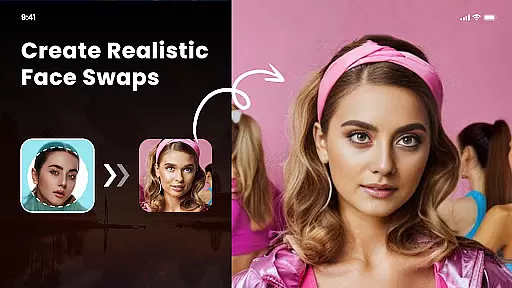
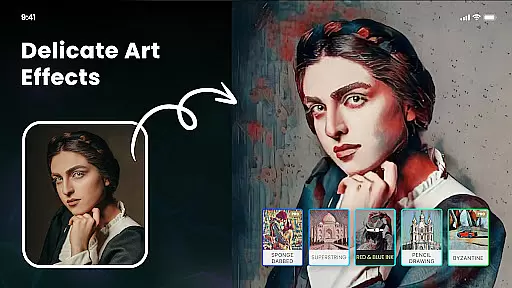
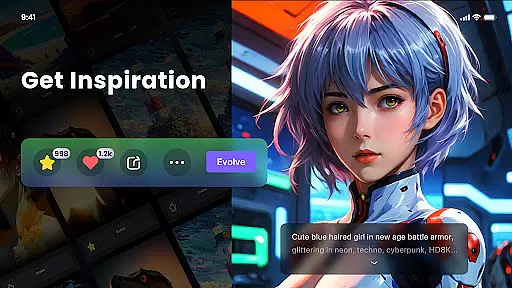
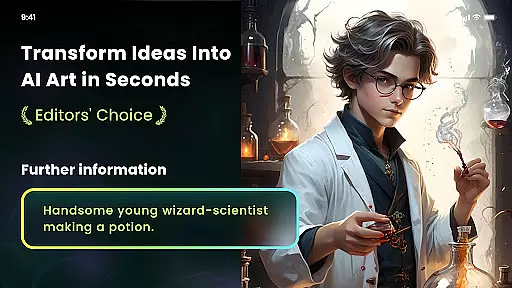
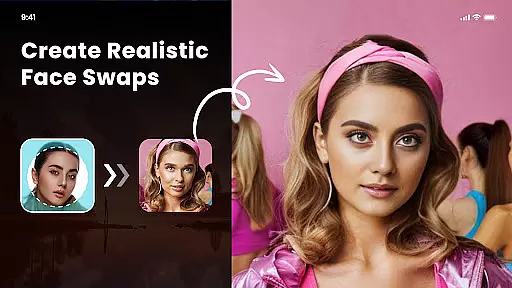
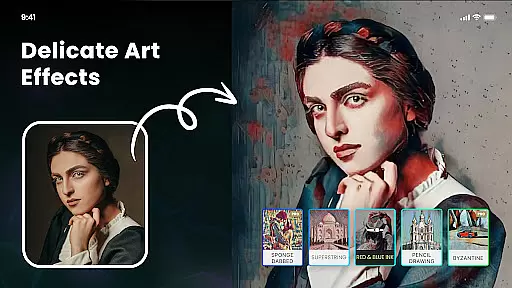
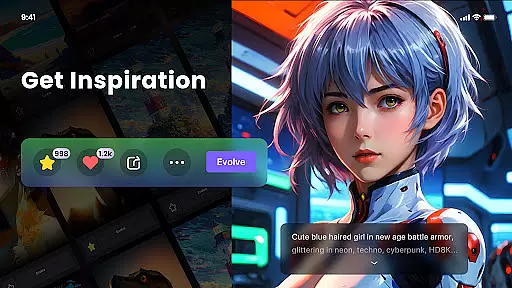
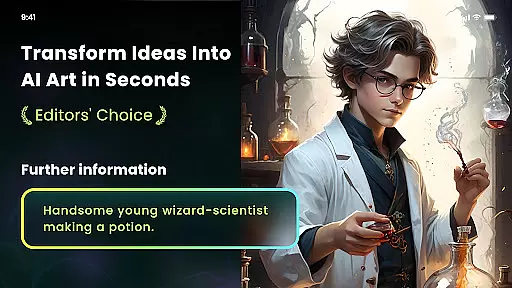
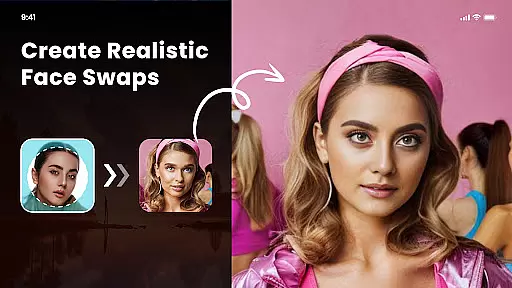
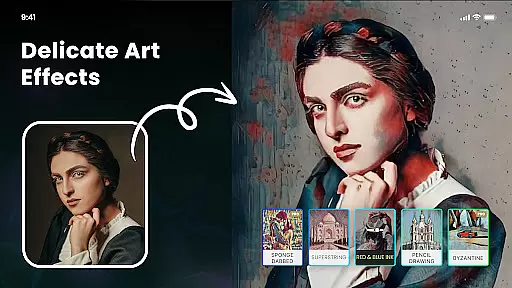
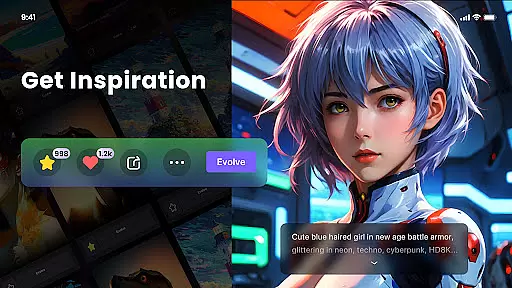

Transform photos into amazing monochrome dither art with professional algorithms
 4.1
4.1
Draw anime & manga drawing, art with templates to create stunning picture!
4.50
Digital illustration drawing & painting pad app to paint Anime and Manga art
4.50
Passport size photo maker, create ID photo and visa photo in seconds
4.80
AI Art Generator transforms your words into AI generated art & paintings.
3.70
Beauty Camera - Selfie Camera is the ultimate beauty camera and selfie app
4.30
An intuitive, high-performance painting app that lets you focus on creating
4.40
Multiplayer Drawing game, Coloring, Painting・Sketch, Handwriting・Paint, draw
4.30
AI-powered photo & video creation—fast, fun, and effortless with Quick Actions
4.60
Learn how to draw with step-by-step tutorials, fun lessons & multiplayer drawing
4.70
Logo Generator powered by AI: Create stunning logos effortlessly!
4.70
Convert image to JPG PNG HEIC PDF, support almost all kinds of image formats
4.70
Draw beautiful mandala's very easily
4.60
Draw, fidget, and spin glow art! Relax and express your creativity with a finger
4.60
Custom Character Creator & PFP Maker!
4.20
OneUI 8.5 icons ✨ Smooth, modern & based on the latest Play Store design ??
4.10
AR Anime Drawing: How to draw anime with AR drawing & sketching apps!
4.00
Get creative and make art with your Sesame Friends!
4.00
Design your dream room with AI. Get decor ideas & plan home interiors
3.90


User Reviews