
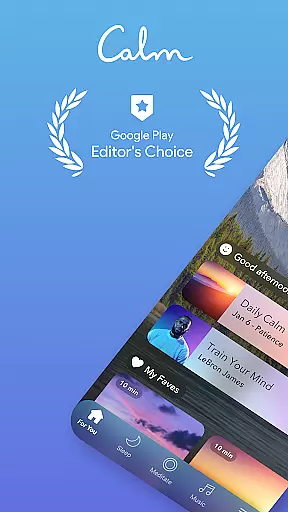
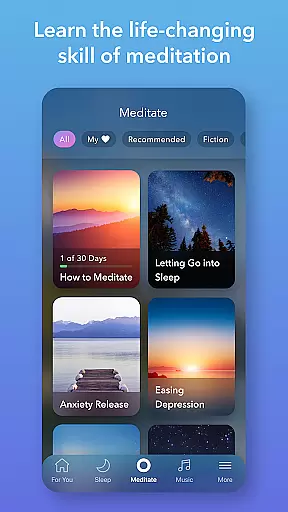
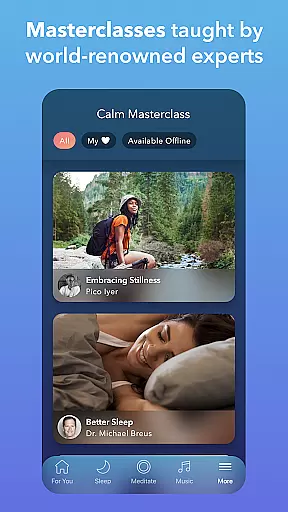
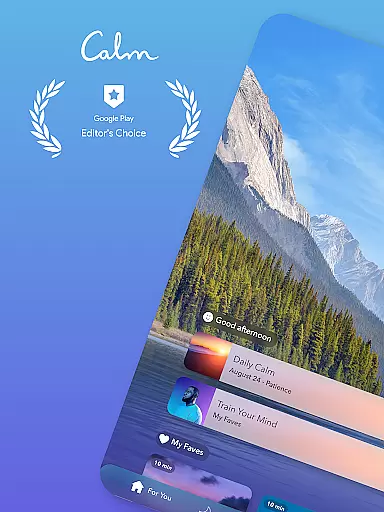
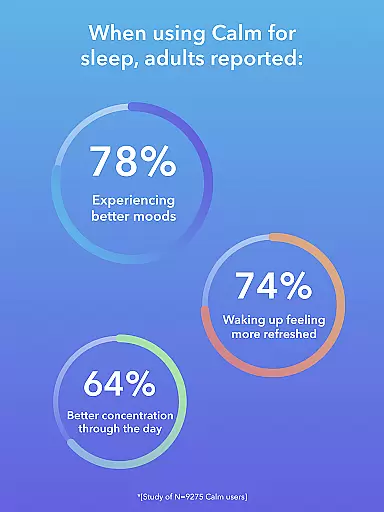
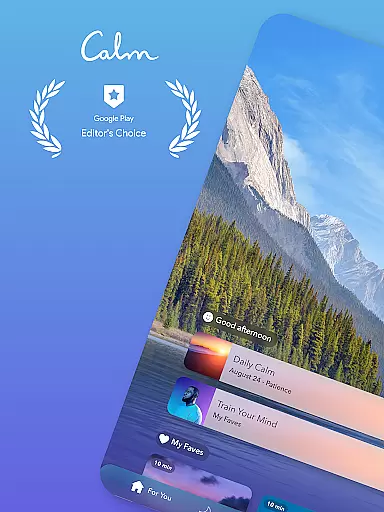
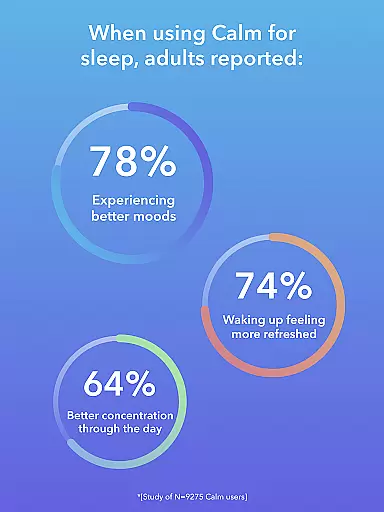
Calm is the leading application for sleep enhancement, meditation, and relaxation, designed to help users manage stress, stabilize their moods, improve sleep quality, and refocus attention. The app offers a rich library filled with guided meditations, Sleep Stories, soundscapes, breathwork, and stretching exercises.
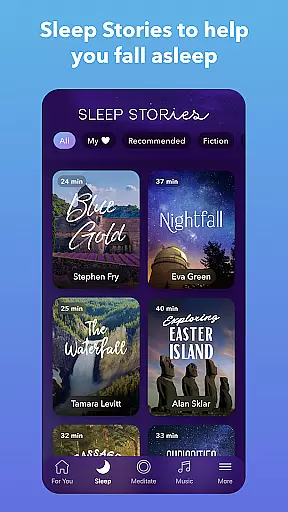
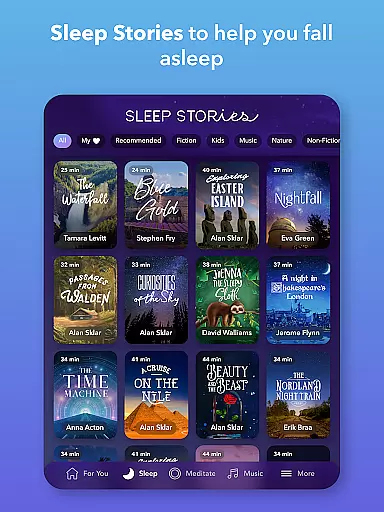
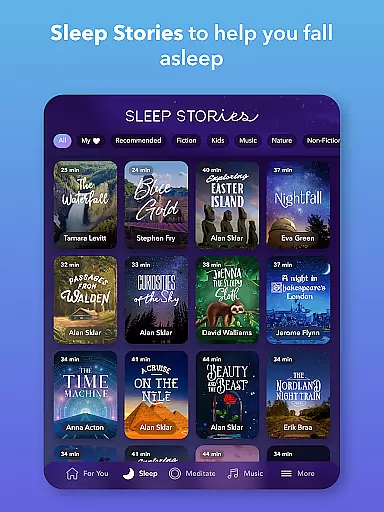
Whether you're new to meditation or an experienced practitioner, Calm provides tailored sessions that fit into any schedule, promoting mindfulness and breathing techniques in daily routines. With over 100 exclusive Sleep Stories narrated by well-known voices, such as Cillian Murphy and Rosé, users can enjoy restful slumber and mood balance.
The app's comprehensive approach supports mental health through daily programs like the Daily Calm and Daily Trip, alongside features like emotion tracking and mindful movement exercises. Available on Android Wear, Calm ensures easy access to essential relaxation tools, making it invaluable for anyone seeking better sleep and reduced everyday stress.
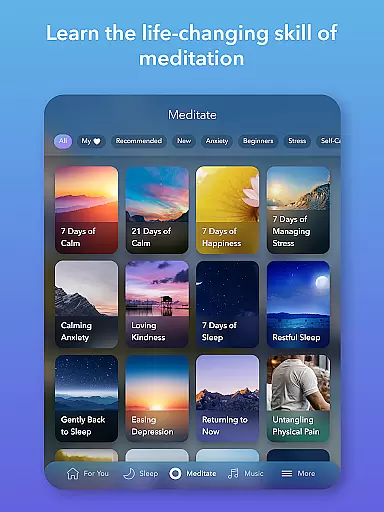
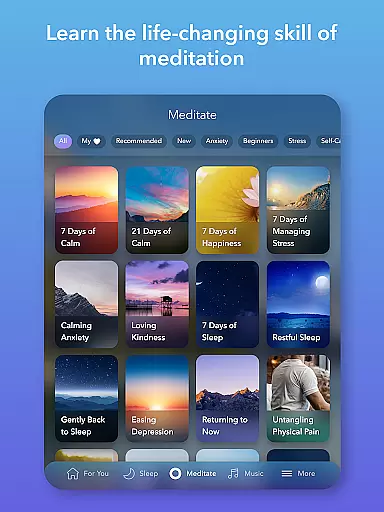
Calm boasts an array of robust features aimed at fostering mindfulness and relaxation. Its meditation and mindfulness section caters to all experience levels, offering specialized content on deep sleep, anxiety reduction, focus enhancement, and habit-breaking strategies.
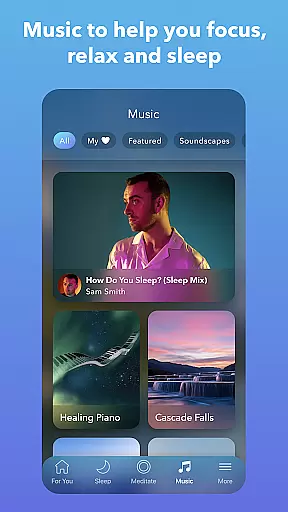
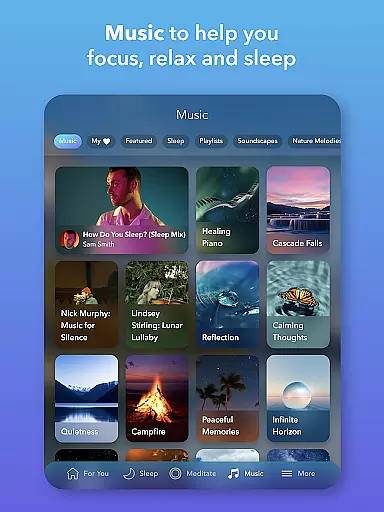
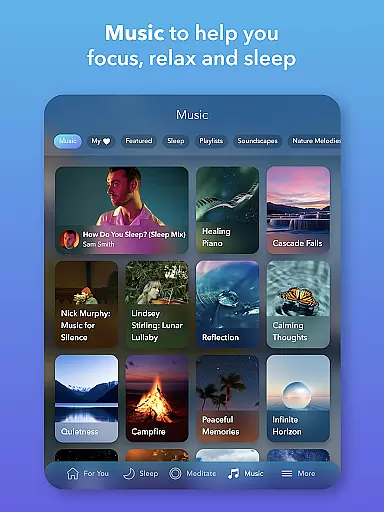
The app excels in its Sleep Stories, relaxing music, and soundscape offerings. These include bedtime stories for adults and children, calming tunes, and full soundscapes designed to tackle insomnia and promote self-care. New music from top artists is added weekly, ensuring fresh and engaging content.
Calm also addresses anxiety relief and relaxation through daily meditation and breathing exercises. Programs like the Daily Calm and Daily Trip provide structured, short sessions that reduce anxiety and inspire personal growth. Additional features include emotion tracking, nature soundscapes, and breathing exercises, all aimed at enhancing mental well-being and concentration.
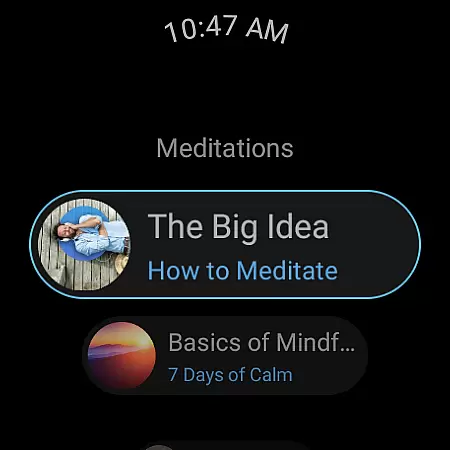
Companion app integration is a crucial feature for Android Wear applications like Calm. This functionality ensures seamless synchronization between the main mobile application and its wearable counterpart. For users, this means that their meditation sessions, sleep stories, and relaxation content can be easily accessed and controlled from their smartwatch.
Calm's Android Wear app offers specialized tiles that allow users to start breathing exercises with a single tap. This streamlined integration provides immediate access to essential features without needing to reach for the phone. The ability to control playback, adjust settings, and track progress directly from the watch face significantly enhances user convenience.
The companion app integration extends beyond basic controls. Calm's implementation includes complications that display meditation streaks and mindful minutes, helping users maintain consistency in their practice. These wearable-specific features are designed to keep users engaged throughout the day, promoting better mental health management through constant awareness of their mindfulness journey.
This level of integration demonstrates how Calm has optimized its Android Wear presence. By providing essential features directly on the wearable device, users can maintain their mental wellness routine without interruption, making the Calm experience more accessible and effective across devices.
Wear OS and device compatibility represents a fundamental aspect of Calm's Android Wear offering. As a leading application in the mental health space, Calm ensures its services are accessible across various Wear OS devices, maintaining consistent performance and user experience regardless of the specific smartwatch model.
The application's compatibility extends to multiple generations of Wear OS devices, accommodating different screen sizes and hardware capabilities. This broad support enables users to access Calm's features whether they're using the latest smartwatch models or older devices. The development team has optimized the interface to adapt to various display resolutions while maintaining touch responsiveness and visual clarity.
Calm's technical implementation addresses potential limitations of different devices. The application efficiently manages battery consumption during meditation sessions and sleep tracking, ensuring that users can utilize their wearable's mindfulness features without significant impact on device performance. This optimization demonstrates the company's commitment to delivering reliable service across all compatible devices.
By maintaining wide-ranging device compatibility, Calm maximizes its reach within the Wear OS ecosystem. Users benefit from having their mental wellness tools available on their preferred wearable technology, regardless of their specific device choice, creating a more inclusive and accessible mindfulness solution.
User-friendly interface
Extensive library of content
Daily motivational programs
High-quality narration
Integration with wearables
Premium subscription required
Limited free content
Occasional app glitches
High cost for full access
Internet connection needed



MyNISSAN® lets you remotely control your car from your phone.*
 4.50
4.50
Fitness interactive virtual pet super fighter boy watch face
4.4
Kia Access makes getting your vehicle information easier than ever
4.60
Hyperlocal rain alerts by MyRadar using patent-pending technology, radar & more
4.80
Gym & home workout plans with strength training, exercise tracking, HIIT & more.
4.60
The Chevron App allows you to pay for fuel from the comfort of your car!
4.80
Hybrid Vibrant Health Watch Face for Wear OS
4.2
Your local weather forecast, storm tracker, radar maps & live weather news
3.40
Start and succeed with PAP
4.10
Digital, flexibly customizable watch face. For Wear OS 5.0, API 34+ and later.
5.00
Nutrition, Macro tracker: Food, fitness & healthy diet tracking for weight loss
4.60
Retro digital watch face with customizable colors and a unique lighting effect
4.60
Fast and smart typing with Emojis, GIFs, and more
4.50
Beautiful artistic animated digital watch face, with a customizable layout!
4.40
A white realistic classic analog watch face with many customization options.
4.40
Calming & relaxing sounds for sleeping and stress relief. Stay focused all day!
4.20
Animated Watch Face and Customizable with 24 Backgrounds. Perfect for Christmas!
3.90
Wear Os Watch Face - Animated Snow - Sesonal for Christmas & Winter
4.1
3 Complications. All shadow on/off. 30 Themes color palette...
4.5


User Reviews