

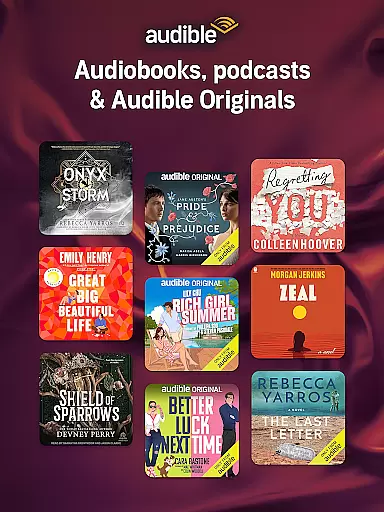
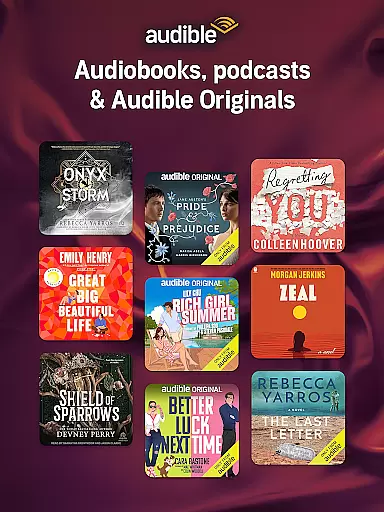
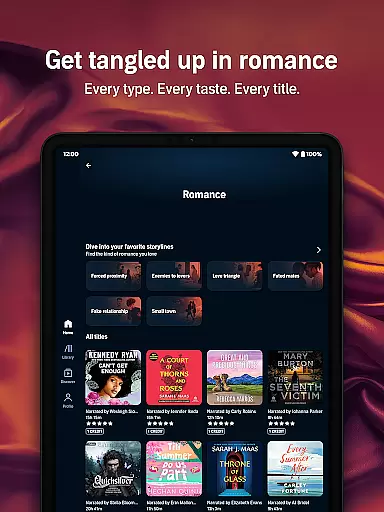
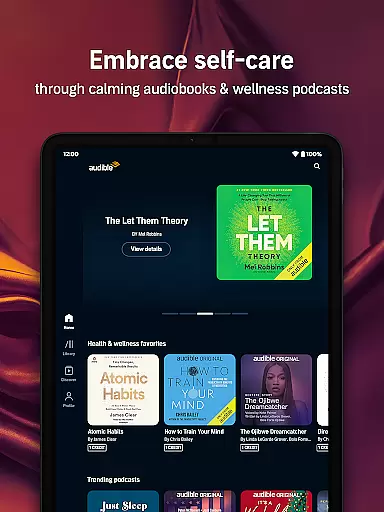
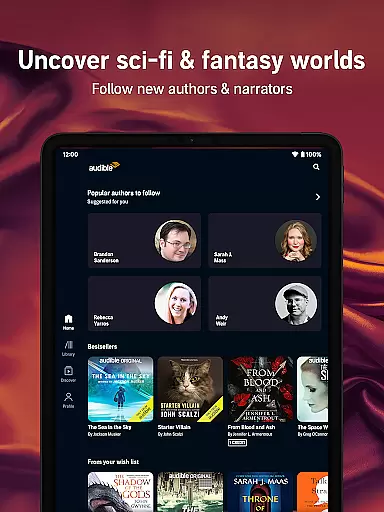
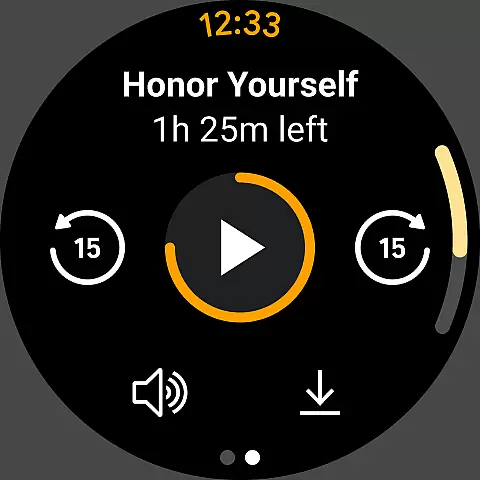
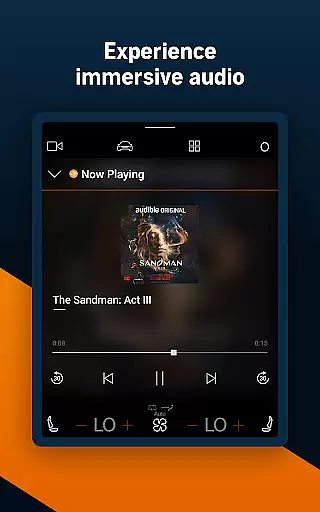
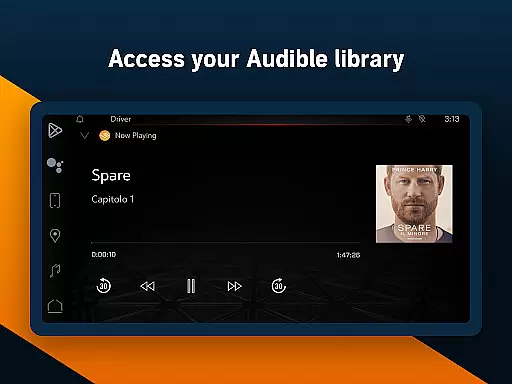
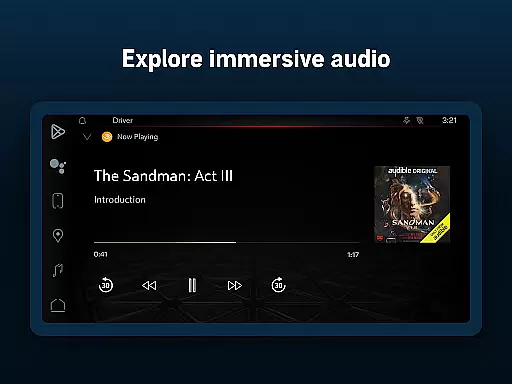
Audible is the premier destination for immersive audio content, offering a vast library of audiobooks, exclusive podcasts, and Audible Originals. Designed for Android Wear, it allows users to enjoy their favorite stories on the go with features like offline downloads, adjustable narration speed, and Car Mode.
Whether you're commuting, working out, or relaxing at home, Audible transforms your routine into an engaging listening experience. With its Plus Catalog and Premium Plus membership options, users can access thousands of titles across every genre, ensuring there's something for everyone.
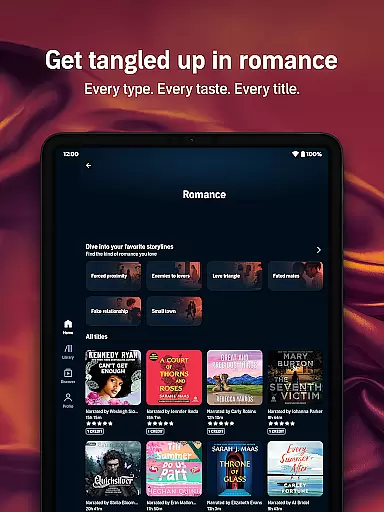
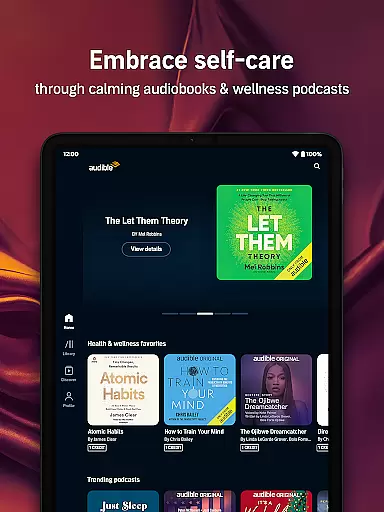
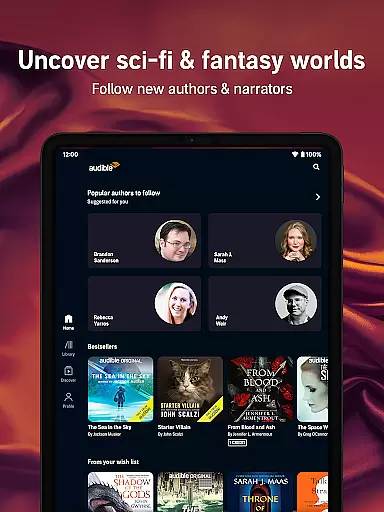
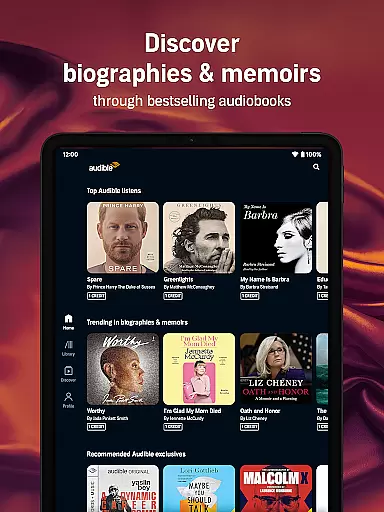
Audible stands out with its extensive range of features tailored for avid listeners. The app offers a Plus Catalog filled with exclusive content, including Originals and bestsellers, all available for download without needing credits.
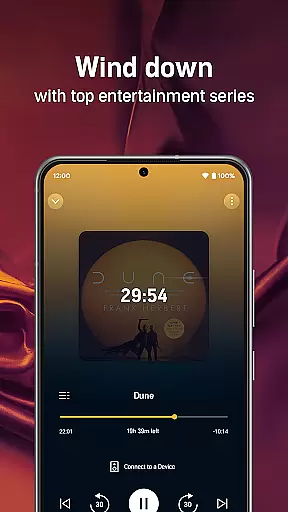
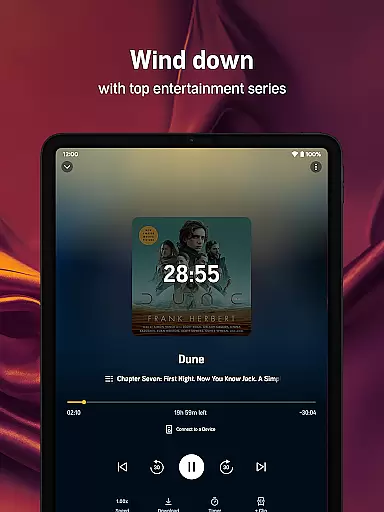
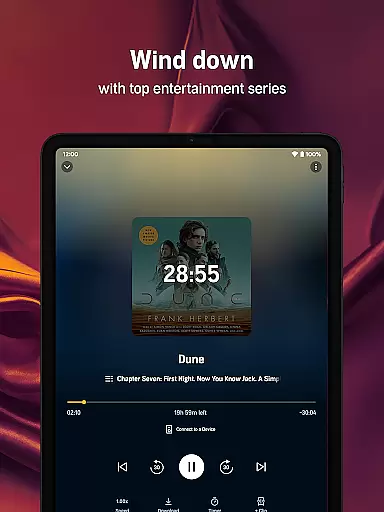
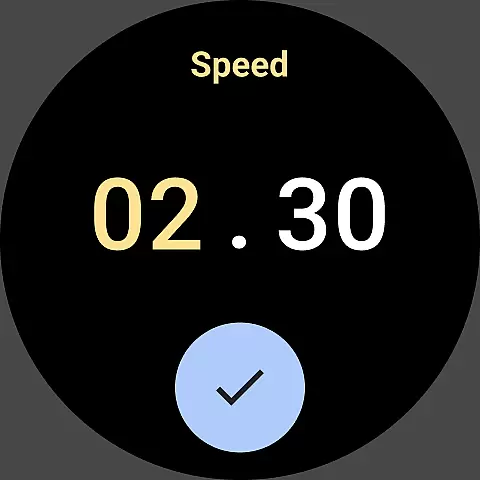
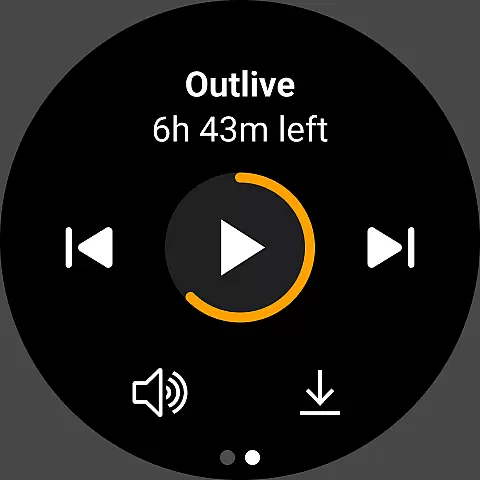
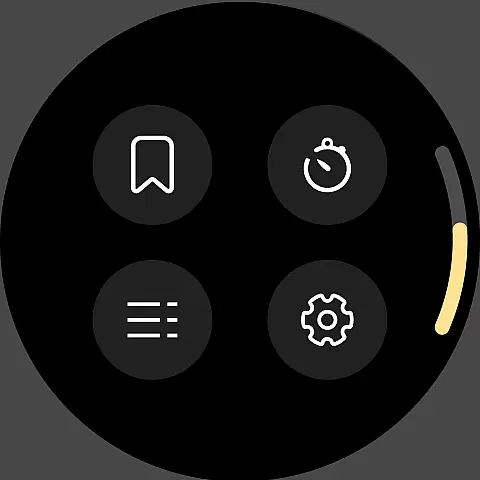
Users can personalize their experience with adjustable narration speeds, sleep timers, and bookmarks. Whether streaming or downloading, Audible ensures seamless playback on Android Wear devices, making it easy to enjoy audiobooks and podcasts anytime, anywhere.
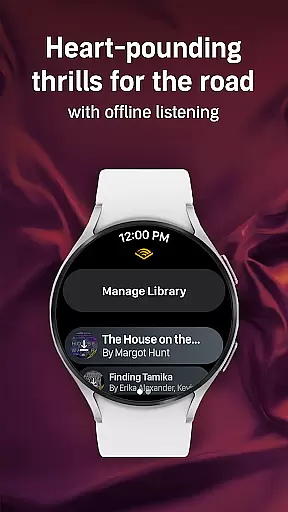
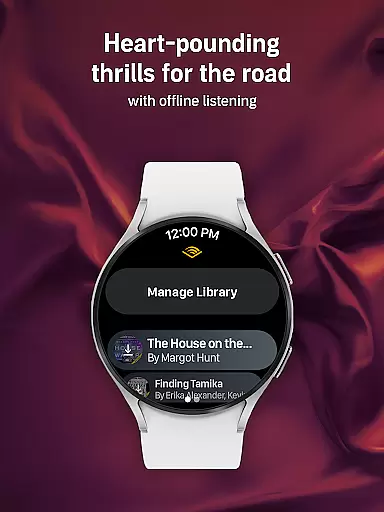
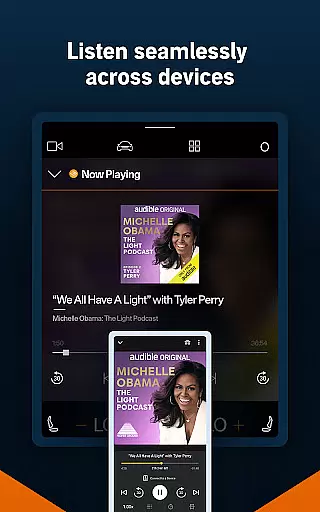
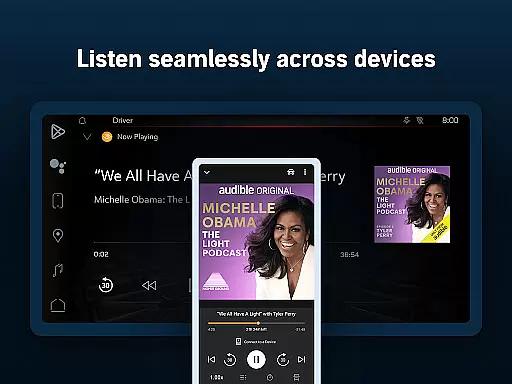
For Audible users, the seamless integration between the main Audible app and its Wear OS counterpart is a significant advantage. This companion app functionality ensures that your audiobooks and podcasts are synchronized across all devices, allowing you to transition smoothly from listening on your phone to your smartwatch without losing your place.
The Audible app achieves this by maintaining constant data sharing between devices. Whether you're streaming content or downloading it for offline use, the synchronization process ensures that every title, bookmark, and playlist is updated in real-time. This means you can start listening to an audiobook at home on your phone and continue exactly where you left off when you step out with only your Wear OS device.
This level of integration offers immense value to users who lead busy lifestyles. With the ability to switch devices effortlessly, you can maximize your listening opportunities throughout the day. Whether commuting, working out, or doing chores, Audible's companion app integration ensures that your stories are always within reach, providing a truly uninterrupted listening experience.
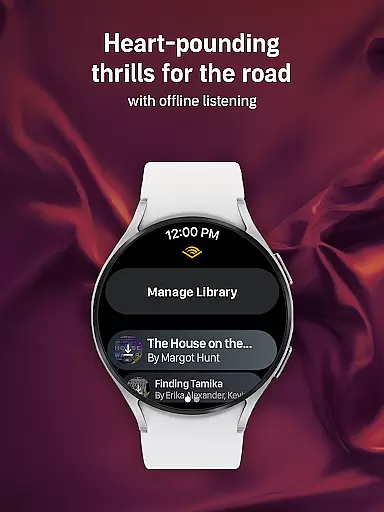
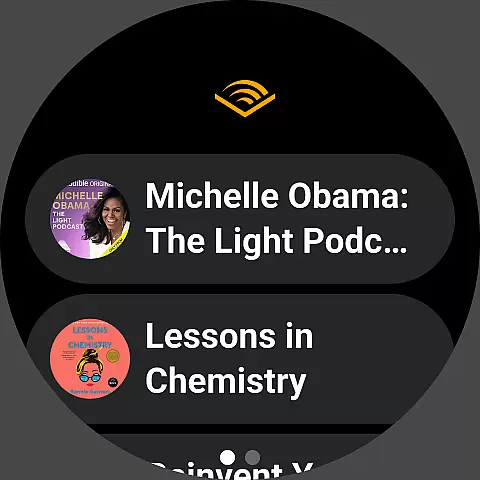
Audible's compatibility with Wear OS devices highlights its adaptability to various smartwatches, ensuring that users can enjoy their favorite audiobooks and podcasts directly from their wrists. This compatibility extends the app's functionality beyond smartphones, making it accessible in more contexts and enhancing user convenience.
The app supports a wide range of Wear OS devices, guaranteeing that whether you own a newer model or an older version, you can still access Audible's extensive library. By optimizing its performance for different screen sizes and hardware capabilities, Audible delivers a consistent and high-quality listening experience across devices.
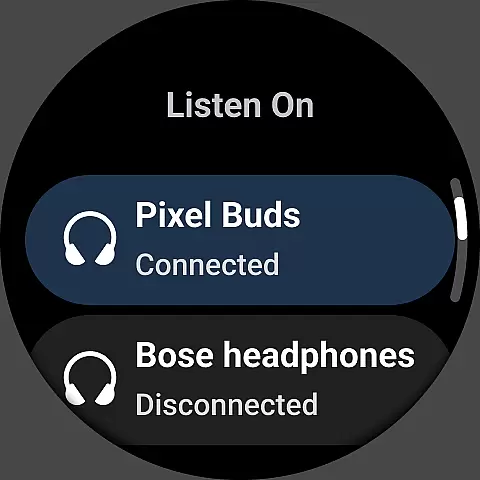
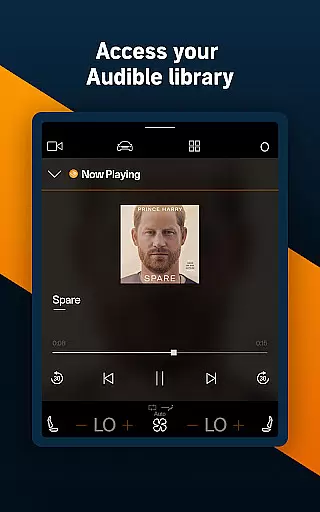
This broad compatibility not only increases accessibility but also enriches the user experience. Listeners can take advantage of features like Car Mode for hands-free playback during drives or use Bluetooth-enabled devices for a wireless experience. The assurance that Audible functions reliably on any Wear OS device encourages users to incorporate audiobooks into more aspects of their daily routines, knowing they can depend on uninterrupted service regardless of their chosen device.
User-friendly interface
Extensive audiobook library
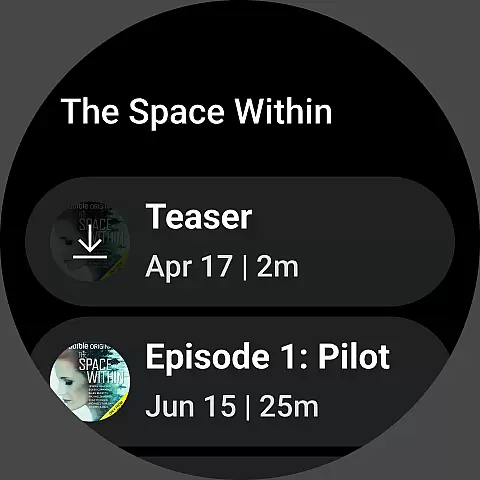
Offline listening capability
Customizable narration speed
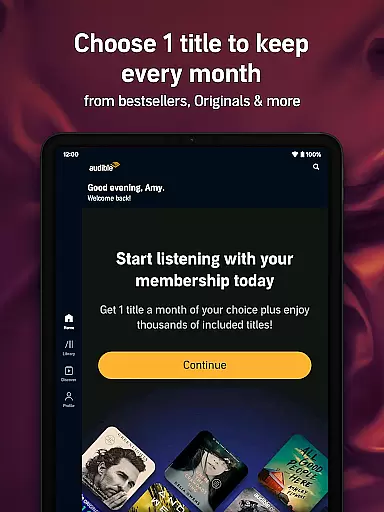
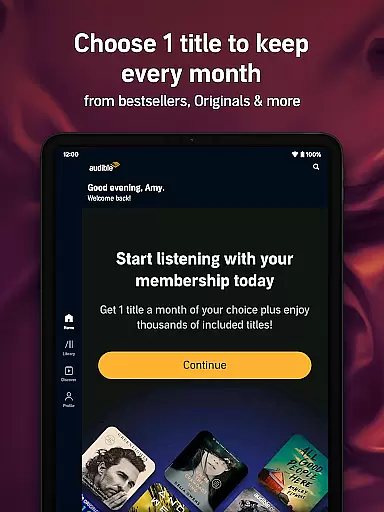
Premium membership benefits
Membership fees required
Limited free content
Occasional connectivity issues
Some features locked behind paywall
Interface may feel cluttered




WTW M17 is a premium and luxurious hybrid watch face
 4.70
4.70
Beautiful artistic animated digital watch face, with a customizable layout!
4.40
A watch face that fuses motorsport precision with contemporary smartwatch design
4.0
Stunning modern digital watch face with 7 complications and strong contrast
4.1
Connect to your Bluelink equipped Hyundai vehicle from your smartphone.
4.50
Period, ovulation & pregnancy tracker. Fertility insights & menstrual calendar.
4.90
Get helpful reminders, take progress photos and find answers to your questions.
3.90
A digital watch face that celebrates Christmas.
4.00
Simple, helpful messaging by Google
4.60
Your second brain for organizing your life: to-do, calendar, reminder.
4.70
Embrace the holiday spirit with this magical animated watch face!
4.40
Current temperature, weather hourly, weather radar by the weather forecast app
4.40
Christmas watch face. For Wear OS devices.
4.30
Bold, Modern Hybrid Watch Face for Wear OS. 10 Colors, Rich Info Display.
4.30
Elegant animated Christmas tree with multiple customization options
4.20
"PER27 Galaxy Digital" is a digital Wear OS watch face designed by PERSONA
4.10
an Analog Watch Face for winter season with freeze winter background for Wear OS
4.4
Precision analog watch face with 7 complications and style options
4.0
3 Complications. All shadow on/off. 30 Themes color palette...
4.3


User Reviews