
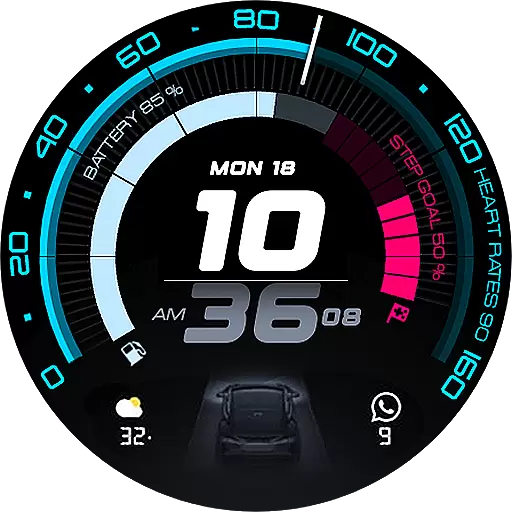
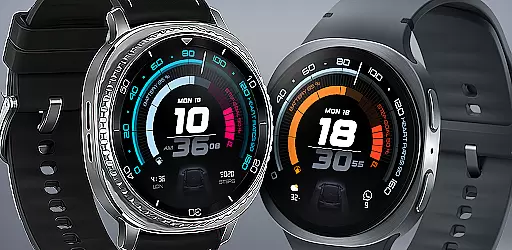
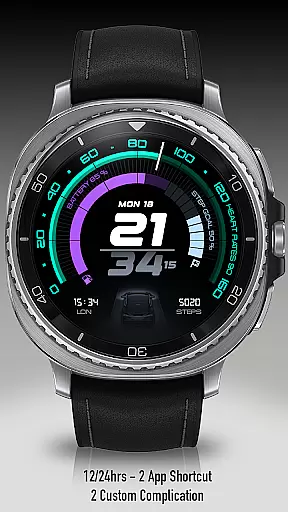
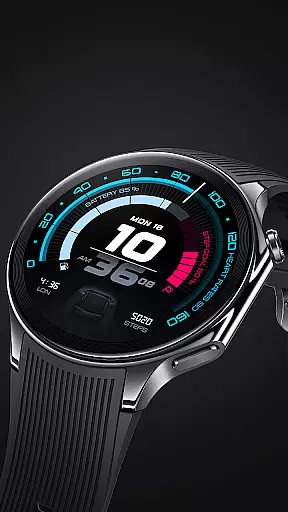
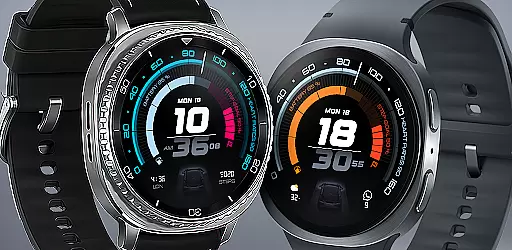
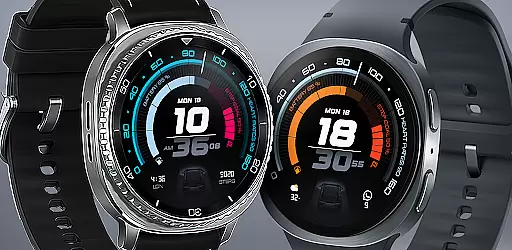
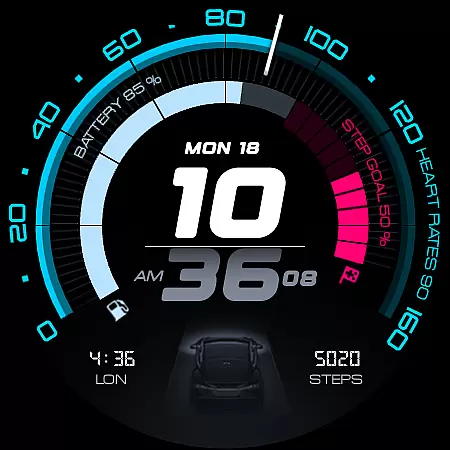
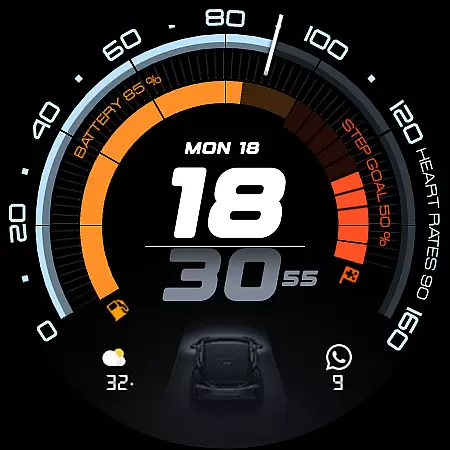
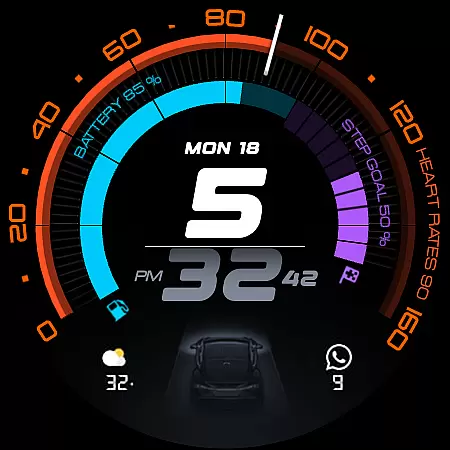
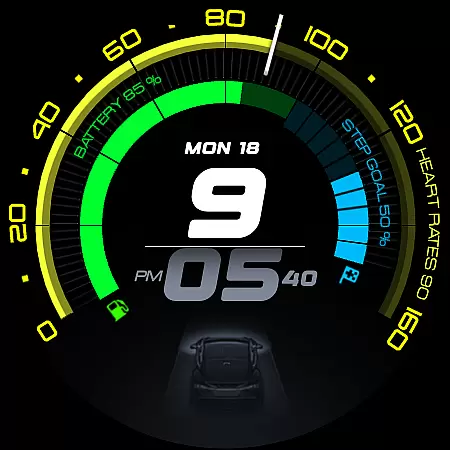
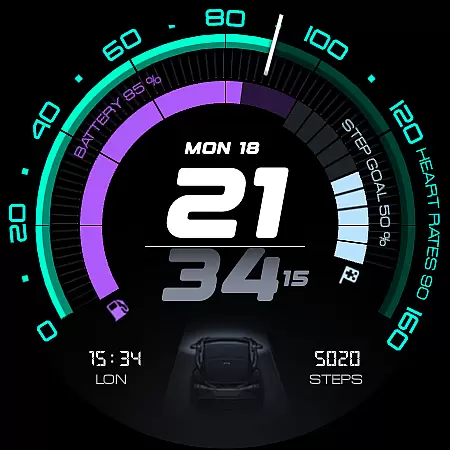
ARS Acceleration is a high-performance watch face designed for users who value both style and functionality. It features a dynamic interface with bold digital time display, vibrant activity arcs, and essential health metrics like heart rate, step count, and battery level. The design draws inspiration from sports dials, offering an automotive-inspired aesthetic that adapts to both day and night use.
This watch face provides real-time updates on crucial data points including weather and fitness tracking, making it ideal for active individuals who need quick access to their stats. With customizable complications and dual app shortcuts, ARS Acceleration ensures maximum convenience while maintaining a sleek and modern appearance.
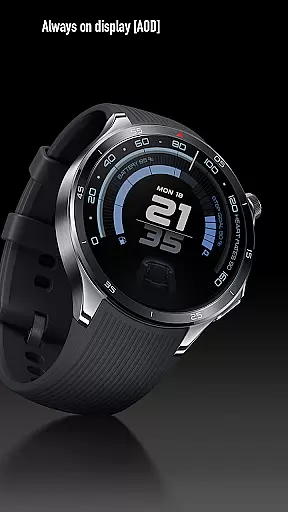
ARS Acceleration stands out with its vibrant color-coded activity arcs and bold digital time display. The watch face supports both 12 and 24-hour formats, catering to user preferences worldwide. Its Always-On Display offers a subtle yet functional view, ensuring important information remains accessible without draining battery life.
Users can enjoy advanced customization options such as dual app shortcuts and personalized complications. The integration of real-time health and fitness tracking—including heart rate and step count—makes this watch face not just stylish but also practical. Whether you're monitoring your daily activity or checking the weather, ARS Acceleration delivers all necessary information in a visually appealing package.
Companion app integration is essential for a seamless smartwatch experience. ARS Acceleration ensures that your watch face works in harmony with its companion app, providing real-time synchronization of data such as heart rate, battery level, step count, and weather updates.
The app allows users to customize their watch face with ease, offering options like dual app shortcuts, color-coded activity arcs, and both 12/24-hour time formats. This flexibility ensures that the watch face adapts to individual preferences and needs.
By maintaining constant communication between the smartphone and the watch, ARS Acceleration delivers an integrated experience that enhances usability. Users can enjoy the benefits of real-time health and fitness tracking without any interruptions or delays.
This integration not only improves functionality but also adds a layer of personalization, making the smartwatch a true extension of the user's digital life.
Ensuring compatibility across various Wear OS devices is crucial for maximizing user accessibility. ARS Acceleration is designed to work seamlessly with a wide range of Wear OS smartwatches, ensuring that users can enjoy its dynamic features regardless of their device model.
The watch face supports high-performance sports dials and automotive-inspired designs, delivering bold digital time display and vibrant activity arcs. These features are optimized to perform consistently across different devices, providing a uniform experience.
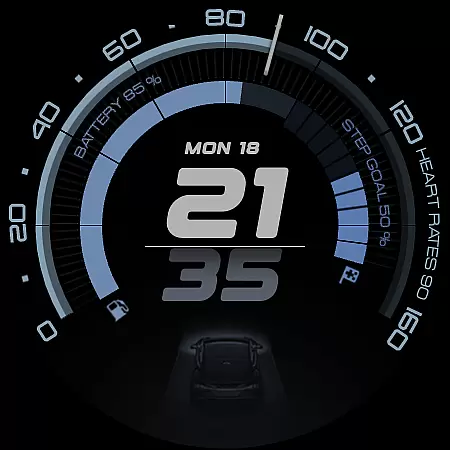
With support for both Always-On Display and customizable complications, ARS Acceleration offers versatility and convenience. Users can switch between a bold daytime look and a subtle nighttime display effortlessly.
By focusing on broad device compatibility, ARS Acceleration transforms any compatible Wear OS smartwatch into a powerful tool for everyday performance, blending style and function perfectly.
Highly customizable
Vibrant color schemes
Real-time health tracking
Sleek automotive design
Always-On Display option
Limited to Android Wear
Battery usage may increase
Premium features require payment
Complexity for new users
Not suitable for traditional styles

"PER27 Galaxy Digital" is a digital Wear OS watch face designed by PERSONA
 4.10
4.10
Calming & relaxing sounds for sleeping and stress relief. Stay focused all day!
4.20
Deck out your Wear OS Watch face with a beautifully decorated pine wreath!
4.50
Stunning modern digital watch face with 7 complications and strong contrast
4.1
The Chevron App allows you to pay for fuel from the comfort of your car!
4.80
Connect, create, and collaborate with Gmail, part of Google Workspace.
4.10
Want to take charge of your health? Let Google Fit help you reach your goals.
3.50
Track airplanes and follow flights with our real-time flight tracker
4.50
From periods to pregnancy & perimenopause, Flo helps you track it all. Try now.
4.70
Beautiful, colorful and practical watch face. For Wear OS devices.
5.00
The most customizable hybrid watch face. For Wear OS 5.0, API 34+ and later
4.70
Walking app for weight loss: walk & step tracker, pedometer, indoor treadmill
4.60
MyNISSAN® lets you remotely control your car from your phone.*
4.50
The ultimate destination for kids ages 3-8 to explore the Marvel Universe!
4.30
A digital watch face that celebrates Christmas.
4.00
Structured watch face with seven complications and modular UI elements
3.90
Watch the sharpness of the sky on your wrist..
3.70
Your local weather forecast, storm tracker, radar maps & live weather news
3.40
Artistic Digital Watchface
4.3

User Reviews