

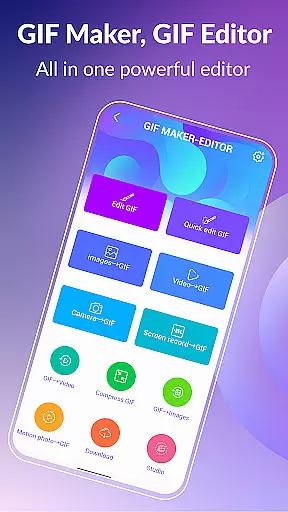
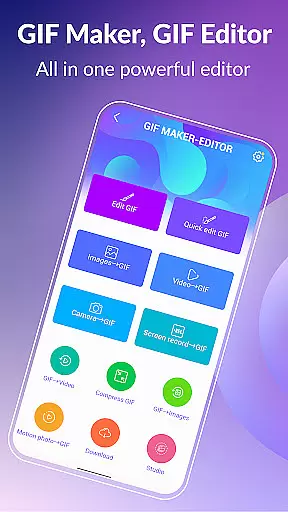
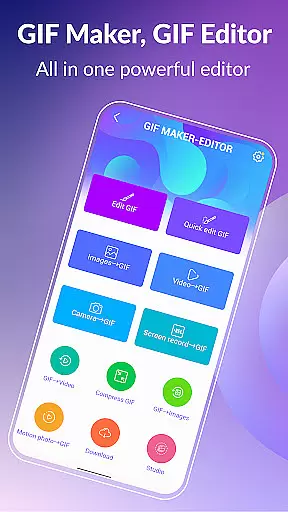
GIF Maker & GIF Editor Pro is a comprehensive tool for creating and editing high-quality animated GIFs without watermarks. This app supports up to 600 frames and HD resolution of 720x1280 pixels, making it ideal for users who want to transform images, videos, screen recordings, and existing GIFs into stunning animations.
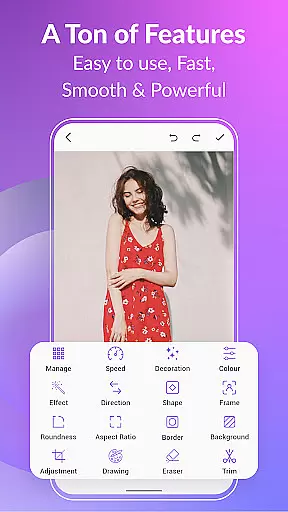
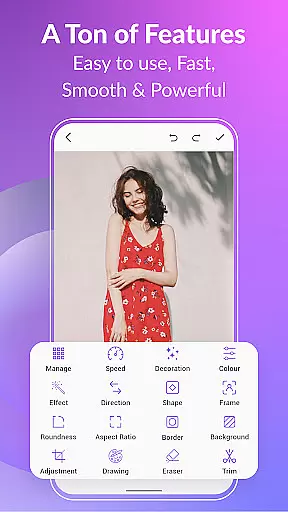
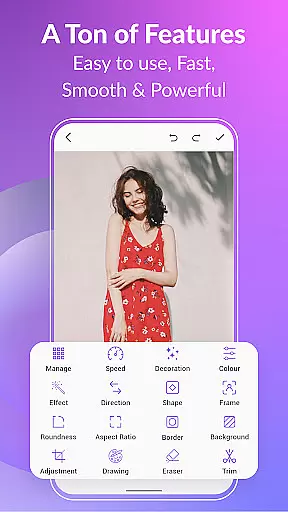
With an intuitive interface and support for multiple video and image formats including PNG, JPEG, MP4, MPEG, FLV, 3GP, and GIF, the app allows extensive customization. Users can crop, resize, adjust speed, apply filters, trim, add stickers, and more. It also offers unique features like converting GIFs to videos, compressing GIFs, adding effects, text labels, and managing GIF collections.
Whether you're looking to create memes, edit GIFs quickly, or share your creations on platforms like WhatsApp, Facebook, and Twitter, this app provides all the necessary tools. Its versatility makes it suitable for both casual users and professionals in the creative industry.
GIF Maker & GIF Editor Pro stands out with its wide array of features designed to enhance creativity. The app supports various popular formats such as PNG, JPEG, MP4, MPEG, FLV, 3GP, and GIF, allowing users to import media from different sources seamlessly.
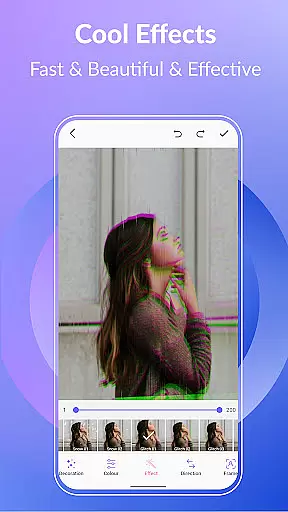
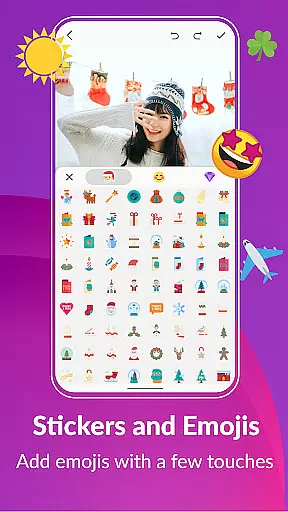
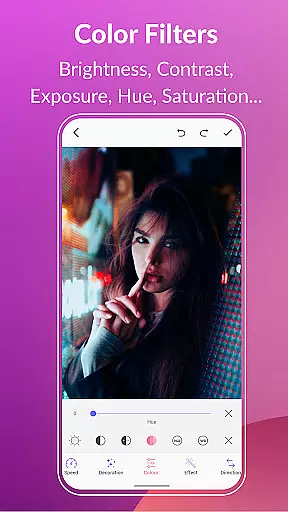
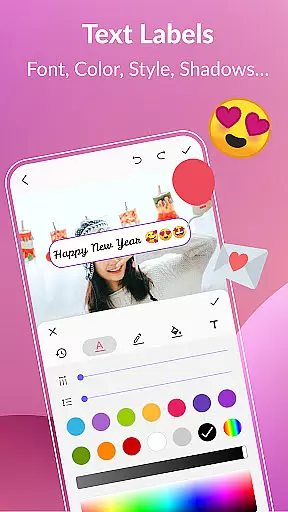
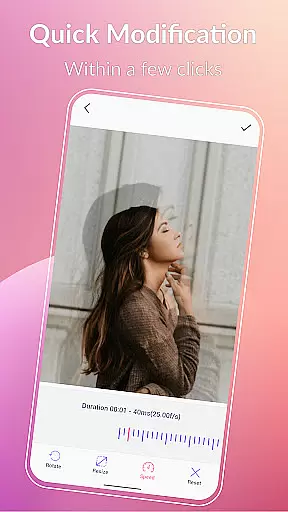
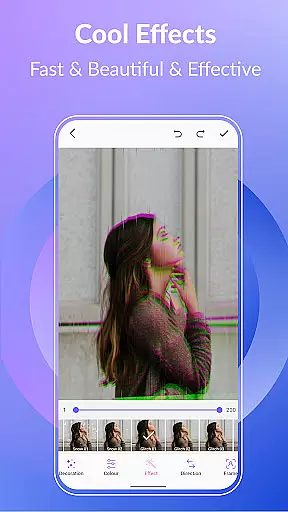
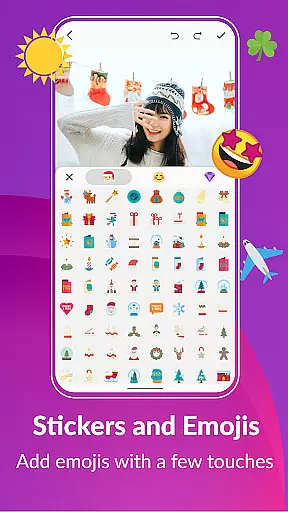
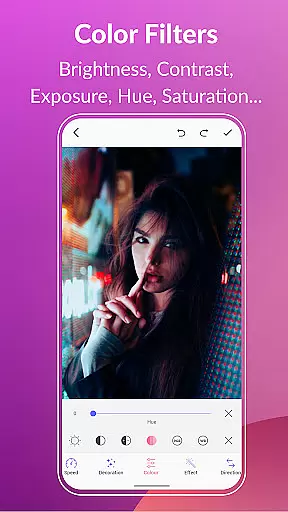
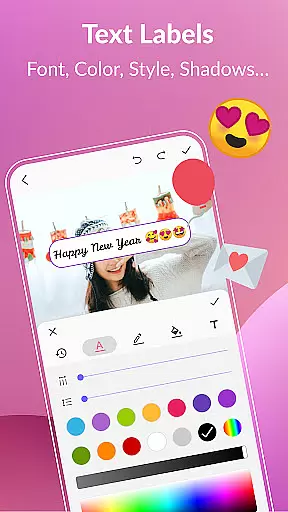
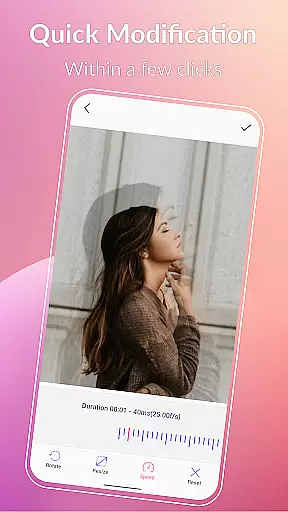
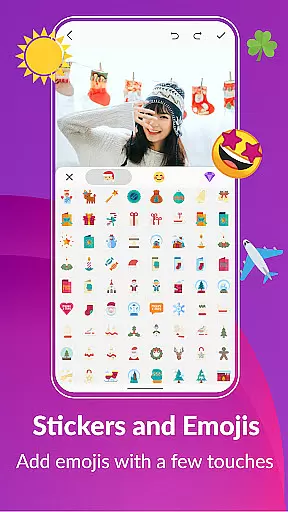
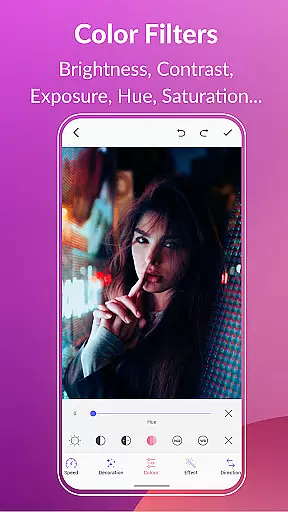
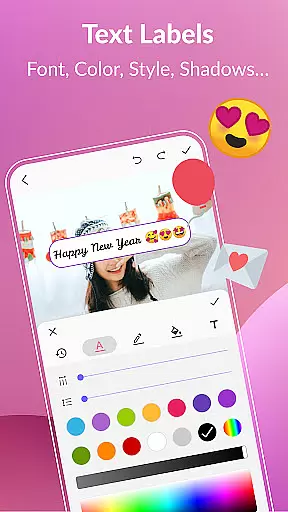
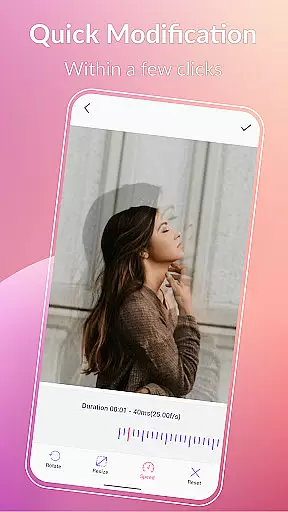
One of the key highlights is the ability to customize GIFs extensively. Users can crop, resize, adjust play speed, apply color filters, add text labels, stickers, and emojis. Advanced options include converting GIFs to videos, compressing file sizes, changing backgrounds, and applying stylish effects like 1977, Amaro, Brannan, Early Bird, Hefe, Glitches, and VHS.
The app also facilitates easy management of GIF collections, enabling users to view, edit, and export frames effortlessly. Sharing capabilities are robust, supporting platforms like WhatsApp, Facebook, Messenger, Twitter, Skype, Giphy, Tenor, and TikTok. These features collectively ensure that users can bring their unique visions to life with ease and precision.
Real-time capture and preview functionality is essential for any photography or GIF creation app. GIF Maker, GIF Editor Pro excels in this area by providing users with an intuitive interface that allows them to see their creations come to life instantly. This feature ensures that every frame of your GIF is exactly how you envisioned it before finalizing the animation.
The application supports capturing high-quality images and videos which can be converted into GIFs with up to 600 frames and resolutions as high as 720x1280 pixels (HD). With real-time previews, users have the ability to make instant adjustments to elements such as crop, resize, speed, filters, and more, ensuring that the end product meets their expectations without any guesswork involved.
For content creators who rely on precision and timing, having a reliable real-time capture system means they can focus on creativity rather than technical limitations. The app's support for various formats including PNG, JPEG, MP4, MPEG, FLV, 3GP, and GIF ensures compatibility across different media types while maintaining quality throughout the editing process.
Ultimately, the real-time capture and preview capabilities of GIF Maker, GIF Editor Pro empower users to produce professional-grade animated GIFs with confidence. By offering tools like aspect ratio adjustment, roundness control, stickers, text labels, and color filters all within a seamless preview environment, the app stands out as a comprehensive solution for both amateur enthusiasts and seasoned professionals looking to express themselves through dynamic visual content.
AI beauty and enhancement features are becoming increasingly popular in photo editing applications, and GIF Maker, GIF Editor Pro takes these capabilities to the next level by focusing on natural-looking results. The app leverages advanced algorithms to apply enhancements that preserve the authenticity of the original content while elevating its visual appeal.
Users can take advantage of AI-powered tools to adjust brightness, contrast, exposure, hue, saturation, and white balance with precision. These adjustments help bring out the best in every frame of a GIF without making it look overly processed or artificial. Whether you're enhancing a single image or an entire animation sequence, the app ensures that each element retains its unique character.
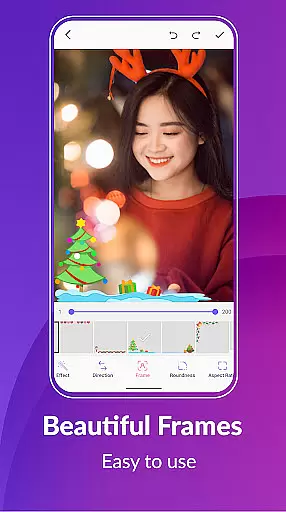
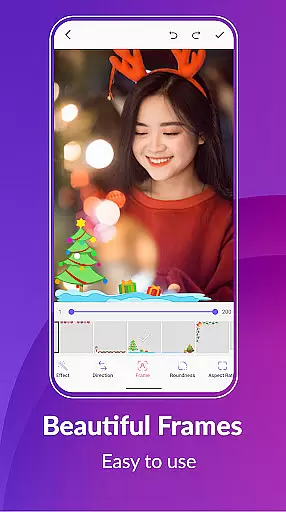
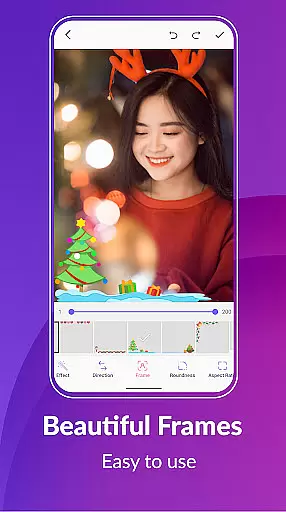
In addition to basic enhancements, the app offers creative options such as background customization including transparent, black, white, solid colors, gradients, and blur effects. These features allow users to create visually stunning GIFs that stand out from the crowd while still appearing organic and true-to-life. Furthermore, the inclusion of stylish picture frames and trendy color filters adds another layer of personalization.
By prioritizing naturalness in AI beauty enhancements, GIF Maker, GIF Editor Pro caters to users who value subtlety and sophistication in their edits. This approach not only enhances the overall aesthetic quality but also maintains the integrity of the creatoru2019s vision, resulting in GIFs that are both eye-catching and genuineu2014a perfect blend of technology and artistry.
User-friendly interface
Extensive format support
Advanced editing tools
No watermarks
Versatile sharing options
Paid version only
High system requirements
Limited free features
Occasional bugs
Complex for beginners


Remote control of the phone camera from your Wear OS smartwatch
 3.70
3.70
1M influencer's special filter
4.60
Viewfinder, Light meter, Reciprocity failure time, DOF & Bellows Extension
4.60
All-in-One Editor & AI Photo Enhancer, Collage, Cartoonify, Funny Stickers & BGS
4.10
Natural Beauty, Selfie Retouch
4.30
Light-weight Media Gallery app for Android made with Jetpack Compose
4.60
Collage your moments in one tap: 1000+ layouts, filters, stickers, and texts.
4.90
Easily view, share, delete photos with Gallery.
4.70
Snap photos remotely using your Garmin watch as the camera trigger
4.5
Photo editor: AI filters, photo enhancer, pic collage maker, AI art generator.
4.80
See your baby AI baby face generator AI baby maker Face generator babymaker fun!
4.70
Safe & smart flight with Go Fly drone controller for 40+ drone camera, zone map
4.50
Create collages easily! Nice pic collage maker & background eraser for Instagram
4.50
Create AI photos & videos with Enhancer; restore, fix, beautify, enhance photos
4.50
How old age camera Gender Swap App Face Shape Hairstyle App Hair Styler App fun!
4.00
Perfect photos with body shaping, BG changer and object remover.
3.70
Pet Camera
3.70
GCamera allows all GCam features on all phone models! Better photos with GCamera
3.30
Professional video recording application with manual controls for filmmakers!
2.80

User Reviews