

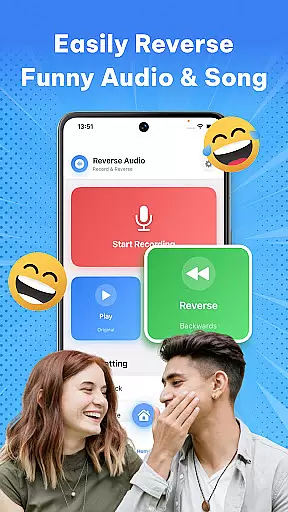
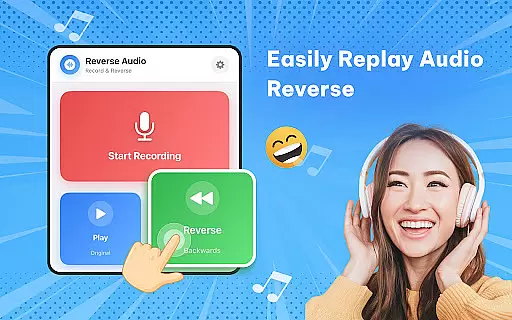
Reverse Audio: Sing Challenge is a creative audio tool designed to transform ordinary sounds into extraordinary experiences. This app allows users to record, reverse, and playback any audio in seconds, making it perfect for experimenting with voice, music, or sound effects. Whether you're looking to make your friends laugh, join viral singing challenges, or enhance your content with unique reversed audio, this app provides all the necessary tools.
The app's standout feature is its ability to reverse singing for fun challenges, where users can record themselves singing, flip it backward, and attempt to mimic the reversed version. Additionally, users can adjust playback speed and pitch, add filters, and share their creations directly on social media. With high-quality sound processing and smooth performance, Reverse Audio ensures a seamless experience even when used offline.
Perfect for creators, singers, and prank lovers, this app opens up new avenues for creativity and entertainment. By flipping the sound and twisting time, users can explore endless possibilities in audio experimentation.
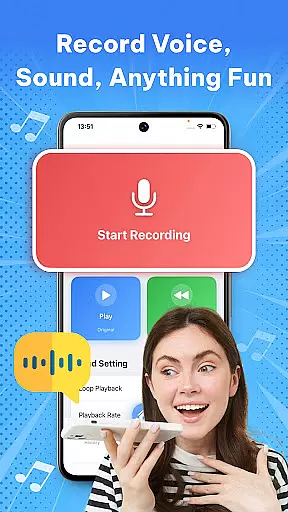
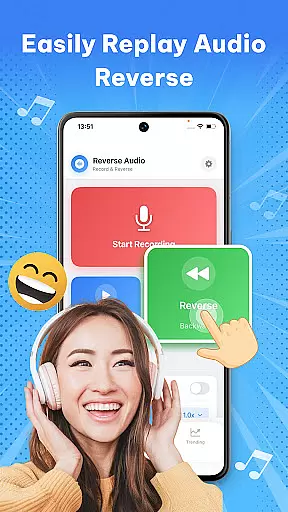
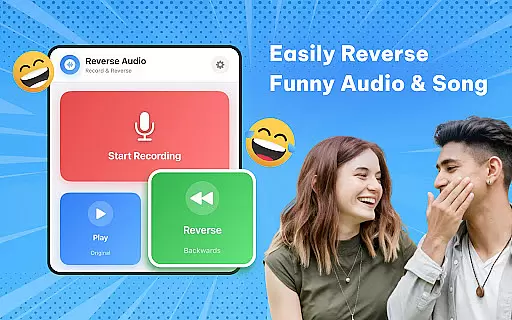
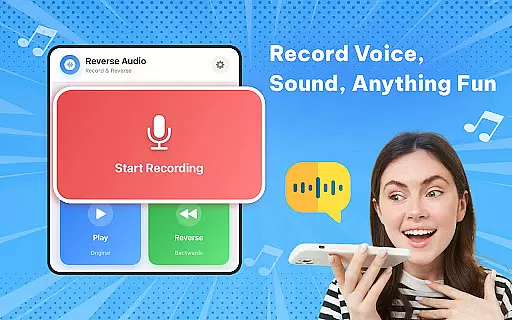
Reverse Audio: Sing Challenge offers a variety of features that cater to both fun and professional audio needs. One of the main attractions is the instant reversal of any voice or sound. Users can simply tap to record and hear their audio played backward within seconds, ideal for trying out funny phrases, jokes, or singing lines.
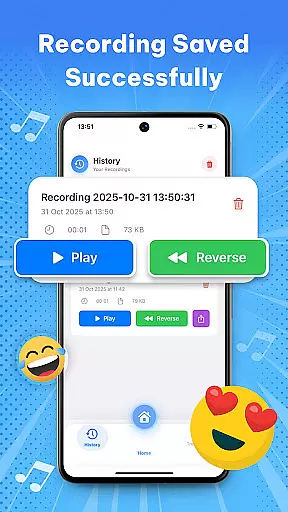
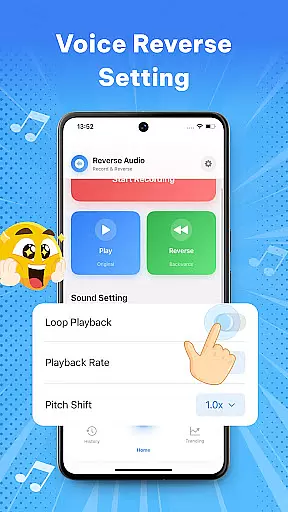
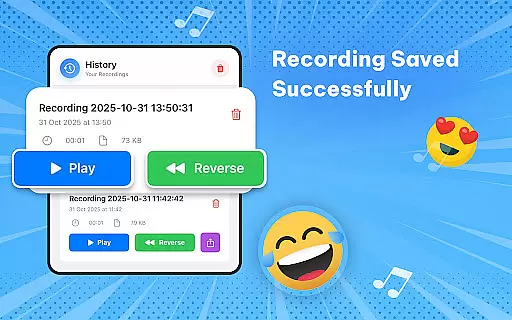
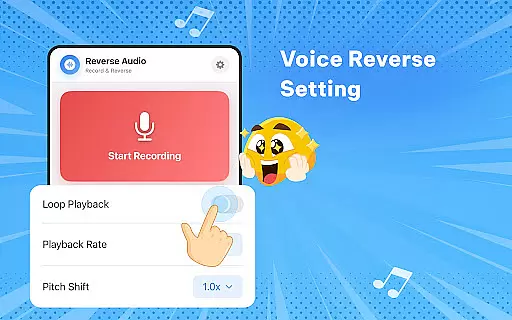
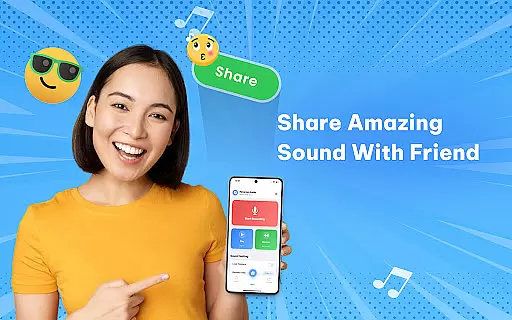
In addition to basic reversal, the app allows users to experiment with playback speed and pitch. This feature lets users slow down or speed up their reversed audio, change pitch, or add fun effects to create weird, spooky, or hilarious clips. The app also supports easy recording, reversing, and sharing, enabling users to save their creations, rename them, and share directly with friends or across social media platforms.
Designed with high-quality sound processing and smooth performance, Reverse Audio ensures crystal-clear audio even when used offline. Its simple controls and fast performance make it accessible for everyone, from casual users to professional creators looking to add unique sound effects to their projects.
When it comes to music and audio applications like Reverse Audio: Sing Challenge, the size and variety of the music library play a crucial role in user engagement. This app offers an extensive collection of sounds that users can experiment with, ranging from simple voice recordings to complex musical compositions.
The application ensures that all audio content is processed with high-quality sound standards, maintaining clarity even after manipulation such as reversing or altering playback speed and pitch. This attention to detail guarantees that creators and singers have a robust platform for their creative experiments.
Copyright authenticity is another vital aspect addressed by Reverse Audio. By providing tools that work seamlessly with original user-generated content, the app avoids copyright infringement issues while promoting creativity within legal boundaries. Users can confidently share their creations on social media platforms without worrying about unauthorized use of copyrighted material.
Ultimately, the combination of a diverse music library and stringent copyright compliance enhances the overall value proposition of Reverse Audio: Sing Challenge, making it an ideal choice for creators looking to explore unique soundscapes.
Audio quality is paramount when dealing with sound-based applications, and Reverse Audio: Sing Challenge excels in delivering crystal-clear audio processing. The app supports various audio formats and ensures that the integrity of the original recording is preserved during manipulations such as reversing, speeding up, or slowing down.
Users have the flexibility to adjust playback speed and pitch, allowing them to create unique sound effects tailored to their preferences. These features are particularly beneficial for singers practicing vocal control and diction, as they can fine-tune audio parameters to match their learning objectives.
In addition to supporting high-quality sound output, Reverse Audio also performs efficiently under different usage scenarios. Whether used offline or online, the app maintains smooth performance and fast processing times, ensuring that users can rely on consistent results regardless of their environment.
By prioritizing both audio fidelity and operational efficiency, Reverse Audio: Sing Challenge establishes itself as a versatile tool suitable for a wide range of audio enthusiasts, from casual users seeking fun sound experiments to professionals requiring precise audio editing capabilities.
User-friendly interface
High-quality audio processing
Versatile sound manipulation
Offline functionality
Social media integration
Limited advanced features
No batch processing
Basic UI design
Few customization options
Occasional glitches



Time Trainer: accurate metronome w tools to help you develop your internal time!
 4.20
4.20
Save hundreds of dollars for a physical strobe tuner and instead use this app.
4.50
Simple mp3 and mp4 player with advanced features.
3.40
The Minimalistic Premium Music Player. Handmade with passion for music
2.20
Master Salsa Rhythm quickly and with a lot of fun!
4.30
The iconic iOS metronome app is now on Android.
3.70
Full featured mp3 and audio player with Chromecast and Android Auto support.
4.40
Be a true music maker: create beats, mix and make music like a real DJ!
4.30
Melody Beat: Great for travel, workouts, offline vibes, play your tunes anytime.
4.10
Music, News & Sports Radio Tuner App. Tune in Live FM & AM Radio Stations.
4.80 4.70
4.70
Performance-Synthesizer & Multi-Track-Sequencer, polyphonic + multi timbral!
4.70
Listen to live FM radio stations, sports, music and news on global radios online
4.70
Unleash your creativity! Turn simple prompts into full fledged songs.
4.70
AI Music Maker: Generate And Compose AI Tunes & AI Songs & AI Music & AI Melody!
4.60
10-Band Audio Equalizer, Sound / Bass Booster for Spotify Users & Music Players
4.40
A sleek, no-frills player designed for true music lovers.
4.20
The original SP-1200 experience on your iPad
4.20
Turn your Android phone into a professional audio analyser with up to 120 bands.
4.00


User Reviews