

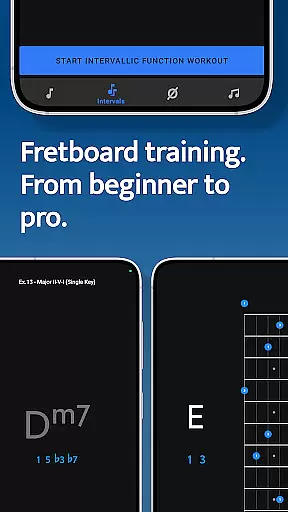
Solo is a comprehensive practice tool designed to help guitarists and bassists master fretboard visualization. Developed by renowned guitarists Tom Quayle and David Beebee, this app offers four specialized trainers that target different aspects of fretboard mastery.
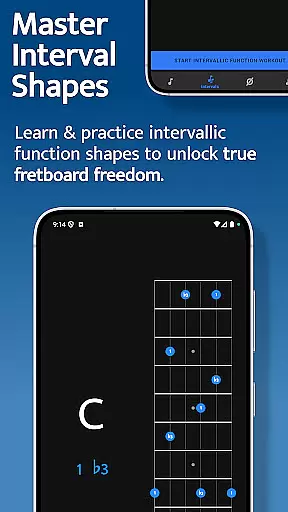
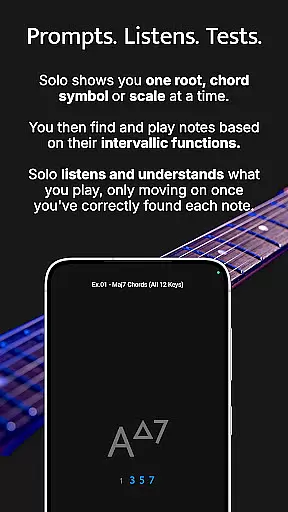
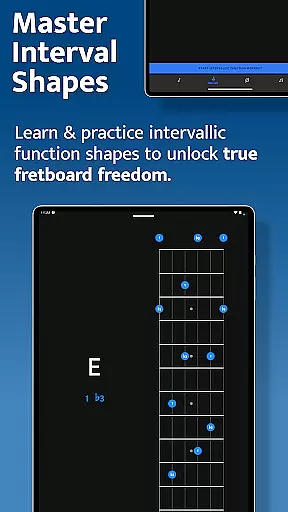
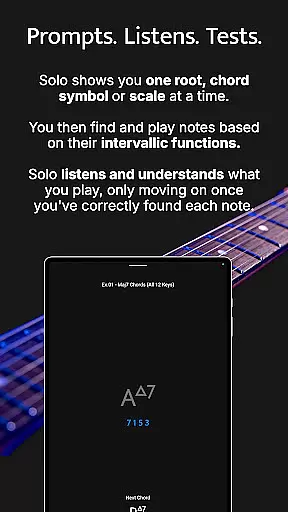
The app focuses on learning note names, memorizing interval shapes, outlining chord changes, and practicing scales through intervallic functions. Solo listens to the notes you play and ensures you correctly identify each note's function before progressing. This methodical approach helps users build confidence and transform their playing skills.
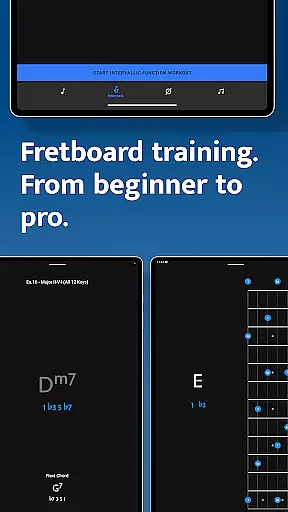
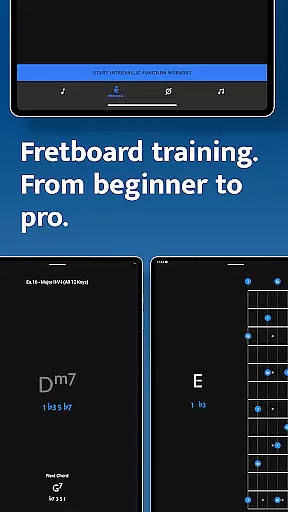
Whether you're a beginner or an advanced player, Solo provides valuable tools for improving your fretboard knowledge. The interactive fretboards, customizable practice options, and duration-based workouts make it an essential practice companion for musicians looking to elevate their skills.
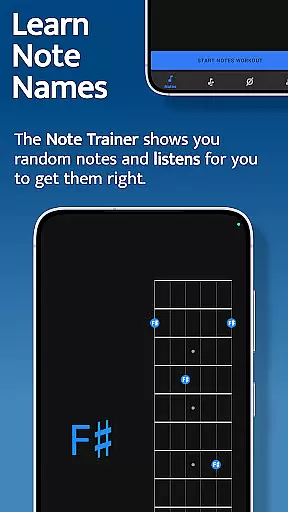
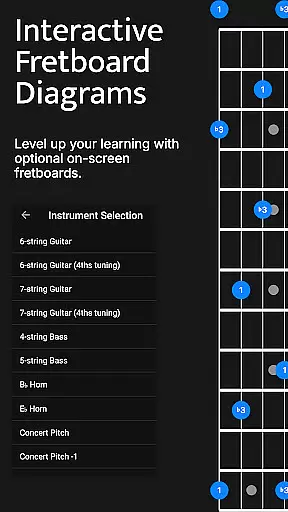
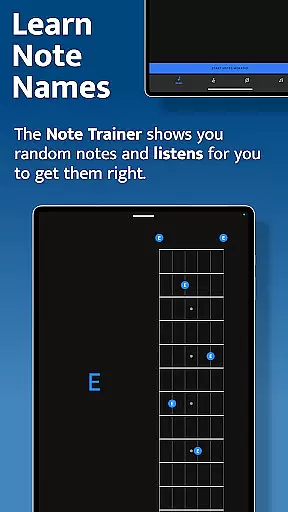
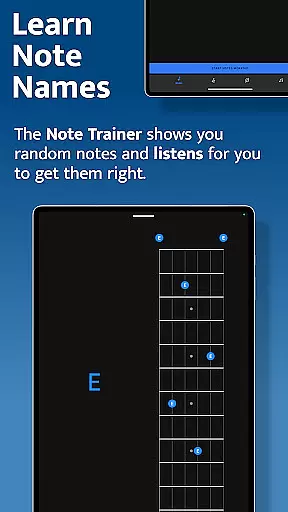
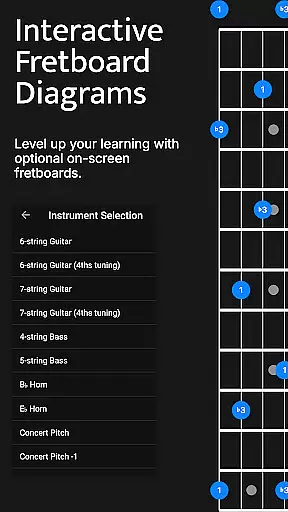
Solo offers an impressive range of features designed to enhance fretboard visualization practice. The Note Trainer helps beginners and intermediate players learn note names across different string configurations, including 6-string guitars and 4/5-string basses.
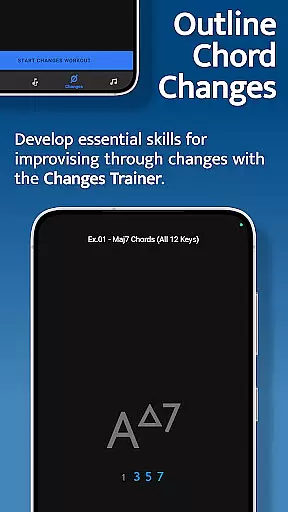
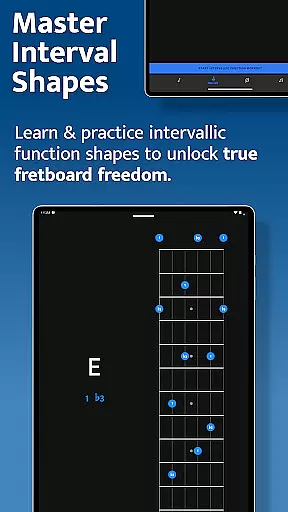
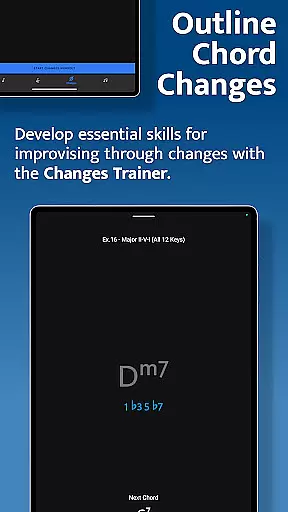
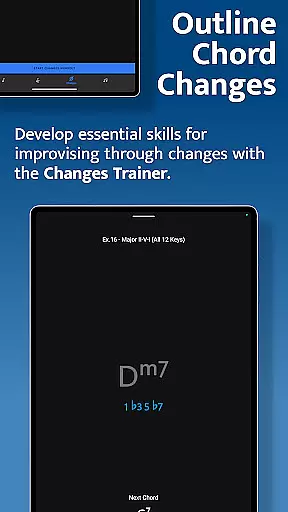
The Interval Trainer allows users to work on interval shapes with various intervallic functions. You can create custom interval groups or select intervals for any chord type or scale. The Changes Trainer focuses on outlining chord progressions through single-note improvisation, offering over 100 common progressions and 50 intervallic function levels.
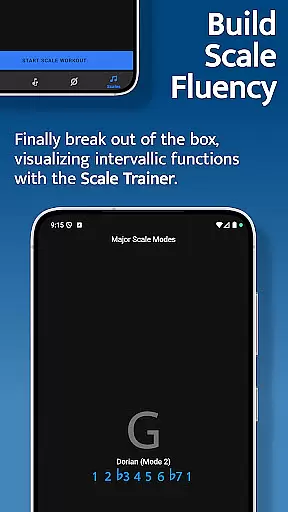
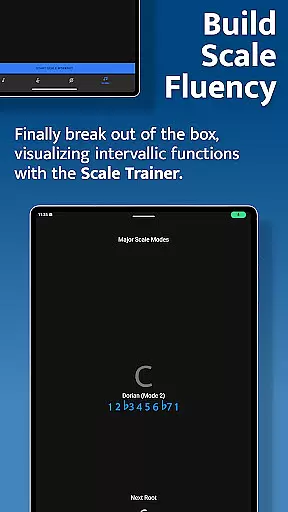
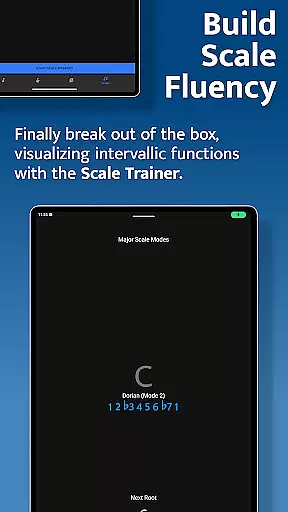
The Scale Trainer contains over 50 scales and modes with powerful workout options. It helps users break out of scale boxes and develop deeper understanding of scale construction. All trainers feature interactive fretboards, customizable practice sessions, and listening capabilities that ensure correct note identification.
When it comes to music education applications, the depth and breadth of the music library are crucial for providing a comprehensive learning experience. Solo - Fretboard Visualization offers an extensive collection of scales, chords, and interval exercises that cater to guitarists and bassists of all levels.
The app includes over 50 scales and modes in its Scale Trainer, ensuring that users have access to a wide variety of musical material to practice with. This vast array not only aids in mastering fretboard visualization but also adheres to copyright standards by using original content created by renowned guitarists Tom Quayle and David Beebee.
With such a rich library, learners can explore different genres and styles, which is essential for developing versatile playing skills. The app's dedication to copyright authenticity means that each exercise and trainer has been carefully crafted to offer legitimate educational value without infringing on existing works.
Users benefit from this large and authentic music library as it supports their growth as musicians, allowing them to confidently learn note names, master interval shapes, play through chord changes, and break out of scale boxes with proper guidance and resources.
Audio quality is paramount in music training apps, affecting both the user experience and the accuracy of learning. Solo - Fretboard Visualization ensures high-quality audio output so that users can clearly hear the nuances of their playing, which is critical when practicing intervals, chords, and scales.
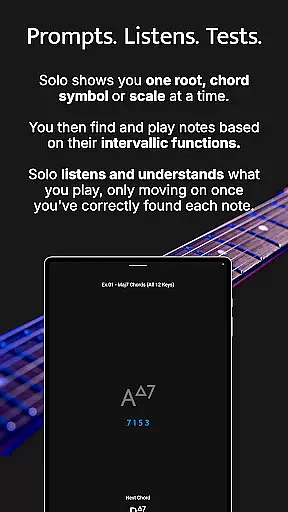
The application listens to the notes played by the user and provides feedback based on precise audio recognition. This feature helps in accurately identifying whether the correct notes have been played according to the specified intervallic functions, thus enhancing the learning process.
Moreover, clear audio playback allows for better distinction between different notes and intervals, which aids in memorizing interval shapes and understanding chord structures. It also supports the development of aural skills alongside technical proficiency on the instrument.
By prioritizing superior audio quality options, Solo empowers musicians to trust what they hear during practice sessions, leading to improved performance and confidence when playing live or recording music.
Comprehensive training modules
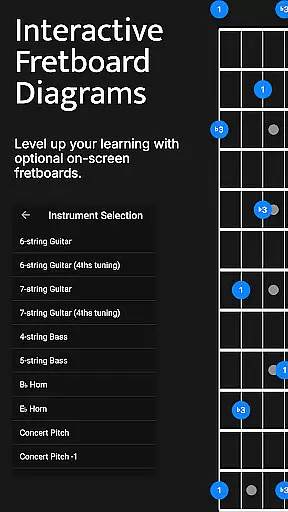
Interactive fretboard diagrams
Customizable practice options
Wide range of scales and modes
Developed by expert guitarists
Steep learning curve
Requires dedicated practice time
Limited to fretted instruments
No tablature support
Premium price point




Full-featured, High-Quality Groovebox Workstation, perfect for Live Performance!
 4.80
4.80
DJ Music Mixer Pro is a real DJ controllers and DJ Music Studio to remix DJ.
4.40
A High-Precision Audio Spectrum Analysis App
4.20
Advanced 10-Band Audio Graphic Equalizer Sound Booster Pro
4.30
Next generation modular control surface
4.10
Learn to play the piano using falling notes!
3.80
Powerful 10-Band equalizer pro with sound booster improves Android audio quality
4.30
Reverse your voice & songs instantly! Fun singing challenge with cool effects.
4.60
Uninterrupted Tunes, Unmatched Vibes
3.90
Responsive piano with great sounds, graphics, and songs
4.80
Most Advanced AI Song Generator and Music Creator. Rap, Pop, Rock, Gospel & more
4.70
Listen to live FM radio stations, sports, music and news on global radios online
4.70
Record, Mix & Master with all n-Track effects, 64-bit audio and Stem Separation.
4.70
The best music and audio player, with beautiful UI, music search and equalizer.
4.60
A synth that really lets you shape your sounds!
4.50
Guzheng Master supports many playing techniques as an acoustic Guzheng
4.50
Equalizer, Bass Booster and Volume Booster (Eq & Bass) improve sound quality
4.30
Turn your Android phone into a professional audio analyser with up to 120 bands.
4.00
The Cubase remote control app
3.60


User Reviews