

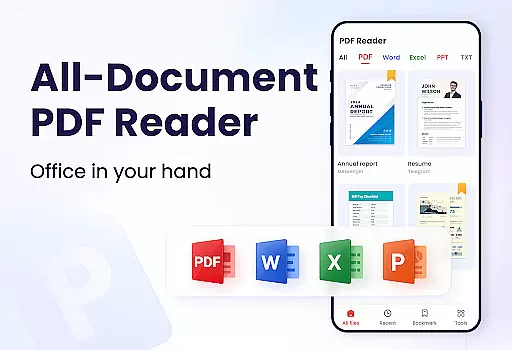
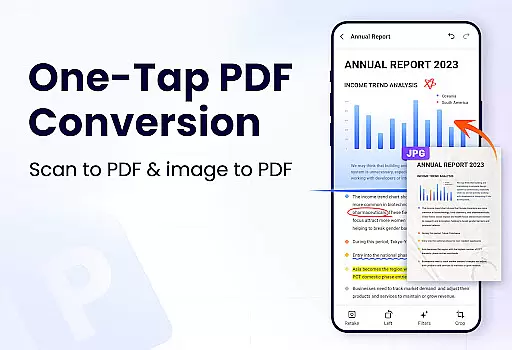
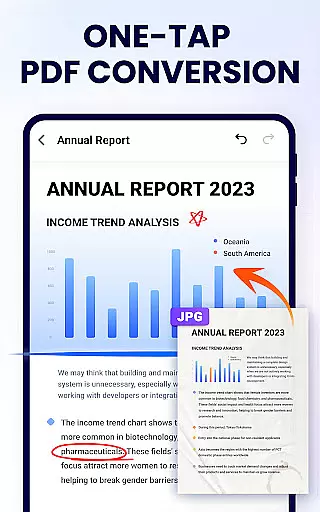
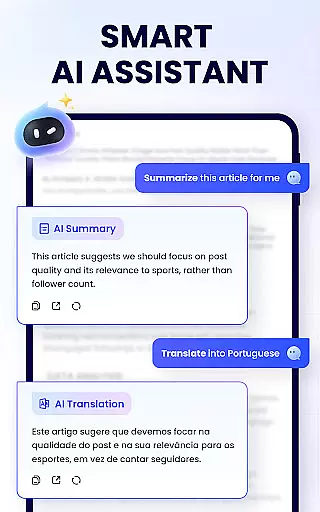
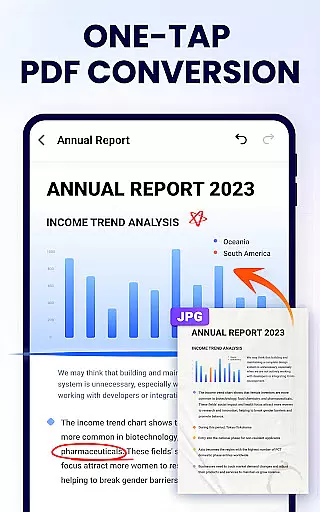
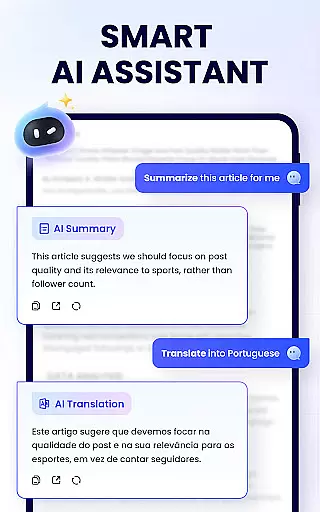
PDF Reader - PDF Viewer is a comprehensive productivity tool designed for Android users who need to manage, edit, and view PDF documents efficiently. This free app, A+ Read, offers an all-in-one solution by combining a powerful PDF viewer with advanced editing and management capabilities. Users can easily read, annotate, merge, split, and secure their PDF files while enjoying convenient sharing options.
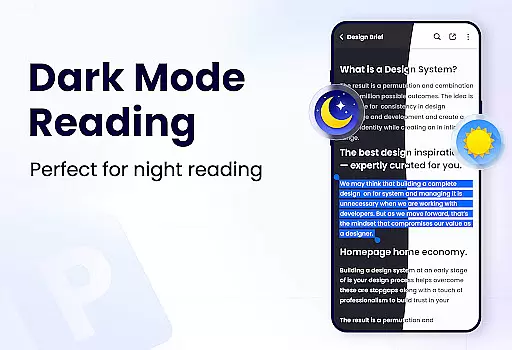
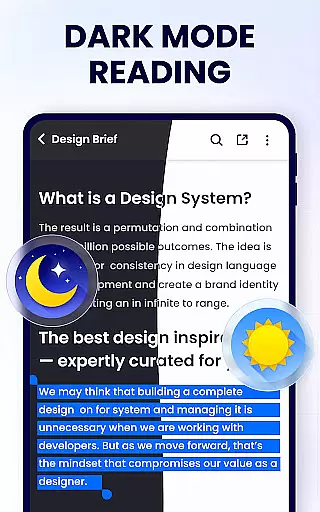
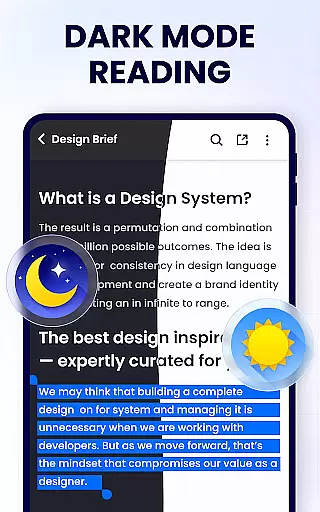
The app stands out with its user-friendly interface that supports both horizontal and vertical viewing modes, full-screen reading, and customizable page navigation. Whether you're a student or a professional, this app provides essential features such as bookmarking, text highlighting, underlining, and password protection. Its lightweight design ensures smooth performance without compromising functionality, making it ideal for work and study environments.
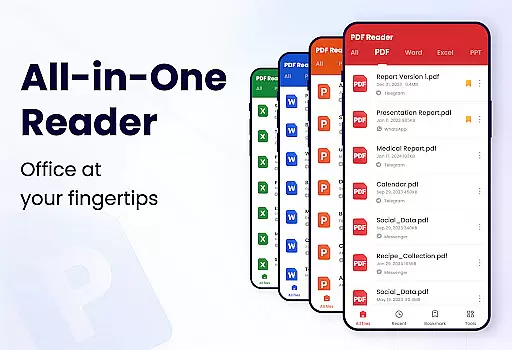
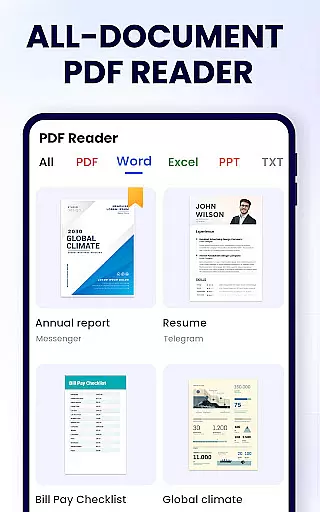
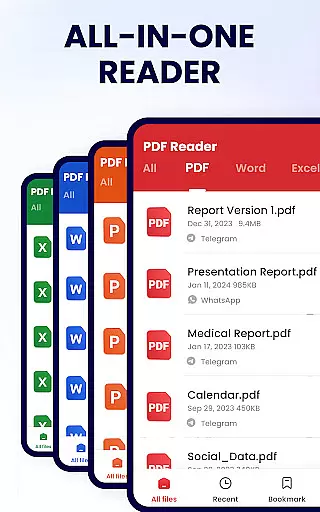
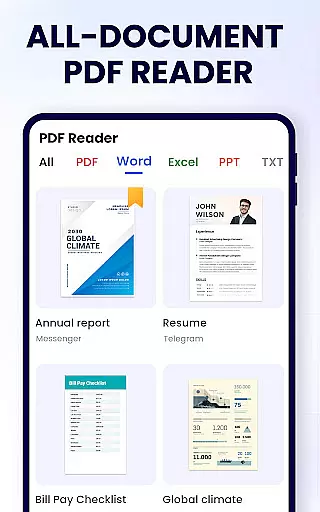
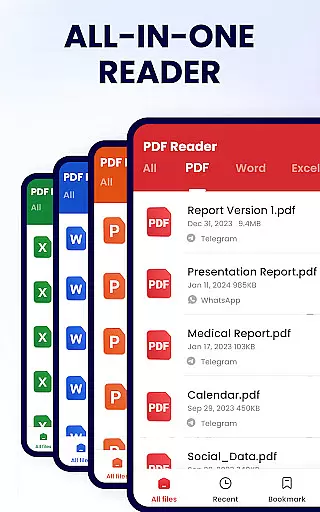
PDF Reader - PDF Viewer boasts an impressive array of features that cater to various document management needs. The app's convenient PDF viewer automatically searches and displays all PDF files on your device, providing quick access and easy navigation. With support for both page-by-page and continuous scrolling modes, users can customize their reading experience according to their preferences.
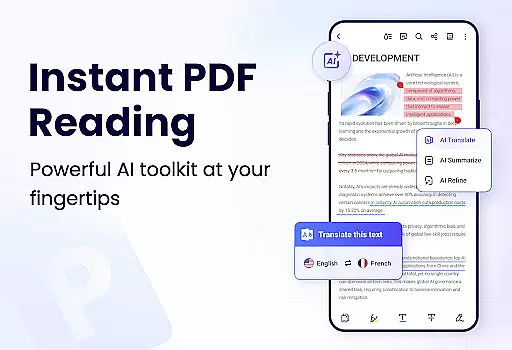
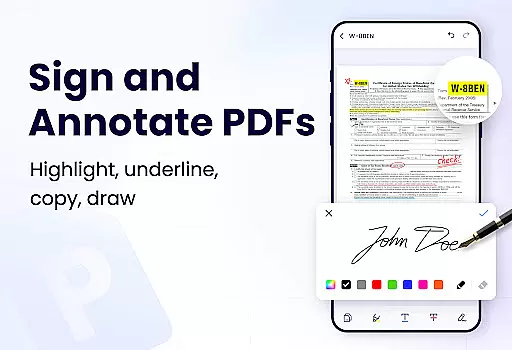
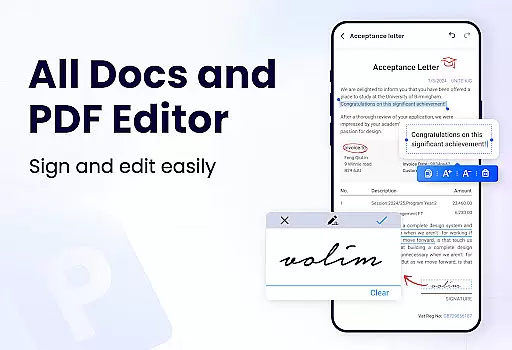
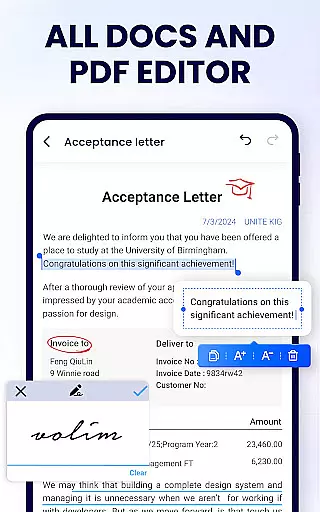
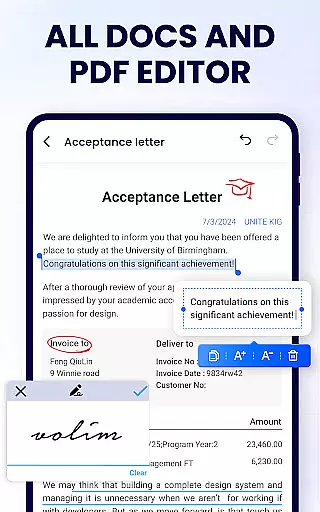
As a smart PDF reader, the app offers advanced functionalities including zoom control, direct page navigation, and multiple viewing orientations. The efficient PDF editor allows users to annotate documents, add doodles, highlight text, and copy content effortlessly. Additionally, the full-featured PDF manager enables merging and splitting files, setting passwords, renaming documents, and sharing via social media platforms. These comprehensive tools ensure maximum productivity and document security.
Task management is a critical aspect of productivity applications, and PDF Reader - PDF Viewer excels in this area by offering users comprehensive tools to handle their PDF documents efficiently. The app provides features such as merging and splitting PDF files, setting passwords for document protection, and bookmarking pages for easy reference.
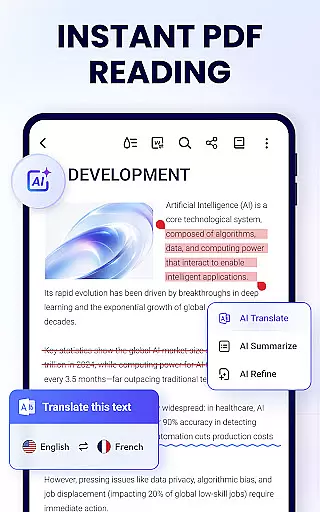
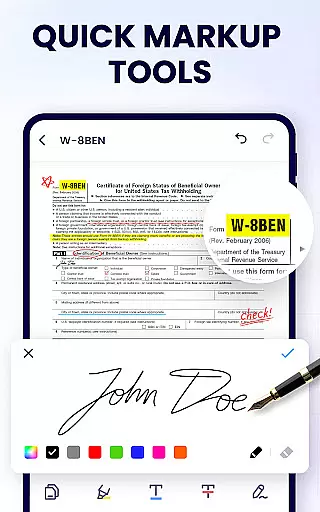
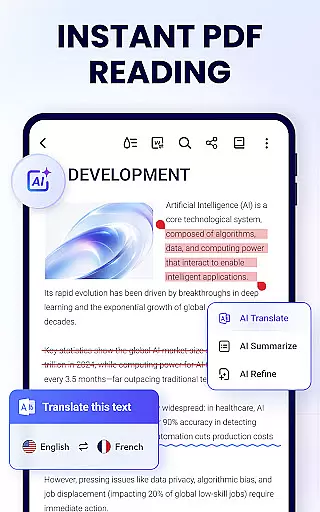
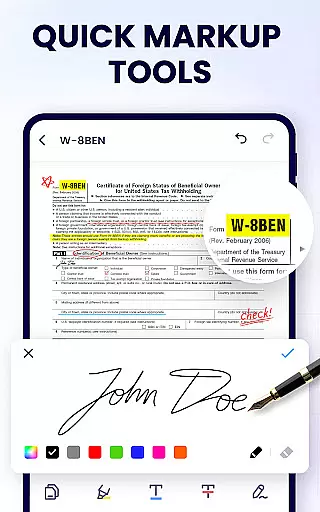
With its user-friendly interface, the application simplifies complex tasks like annotation, allowing users to highlight text, underline key points, or strike through unnecessary information. This functionality ensures that users can manage their workflow effectively without being bogged down by complicated processes.
Moreover, the ability to search and copy any text within PDFs enhances the overall efficiency of managing digital documents. Users benefit from quick access to information and seamless editing capabilities, which are essential for both personal and professional use.
The inclusion of recently opened files in an easily accessible list further streamlines the user experience, making it simple to pick up where they left off. By integrating these robust task management features, PDF Reader - PDF Viewer empowers users to maintain control over their documents and optimize their productivity.
Cross-device synchronization is vital for users who need consistent access to their documents across multiple platforms. PDF Reader - PDF Viewer addresses this need by ensuring reliable synchronization, enabling users to seamlessly transition between devices without losing progress or data integrity.
The app supports sharing PDF documents via various social media channels, which not only facilitates collaboration but also ensures that files remain synchronized and up-to-date across different environments. This feature is particularly beneficial for teams working remotely or individuals who switch between devices frequently.
In addition to sharing capabilities, the lightweight nature of the appu2014only 12MBu2014ensures that it runs smoothly on any device, contributing to the reliability of cross-device operations. Users can rename their PDF files according to preference, maintaining organization and consistency regardless of the platform they are using.
By prioritizing synchronization reliability, PDF Reader - PDF Viewer guarantees that users have uninterrupted access to their documents, enhancing both convenience and peace of mind. Whether at home, in the office, or on the go, users can trust that their files will be accurately synced and readily available.
User-friendly interface
Advanced editing tools
Comprehensive file management
Secure document protection
Lightweight application size
Limited format conversion
No cloud integration
Basic form filling
Occasional ads in free version
Advanced features require purchase

A Revolutionary All-in-One Artificial Intelligence Tools
 3.80
3.80
Total remote control for your Android device, PC and cloud services (IFTTT)!
4.20
Remotely view listen control and record cameras.
3.70
Font maker keyboard with your own handwriting
4.10
Secure, open-source, SPICE and SSH Remote Desktop for QEMU KVM virtual machines
4.00
A beautiful digital clock with autostart and many other functions
4.70
Scientific calculator for Android - looks and operates like the real thing!
4.90
Put a lock on your cloud: Take the security of your data into your own hands
3.70
QuickEdit is a fast, stable and full featured text and code editor.
4.20
Use powerful, industry-leading AI tools to generate visual charts from any data
4.80
The long-awaited modern gallery app for your Nextcloud server
4.70
A simple Whisper AI keyboard for reliable speech transcription and rewording
4.60
Lightweight PDF, Word, Excel reader.
4.60
Automates browsing any website and notifies you of important changes or events
4.30
Enjoy classic gameplay with customizable features and retro-style graphics.
4.30
Cloud storage, automatic phone backup, and more.
4.10
Experience real multitasking on your Android!
4.00
The ultimate file manager for rooted devices. The original and still the best.
4.00
Create study competitions, track your hours, and stay consistent with friends
4.4

User Reviews