
MiXplorer Silver is a comprehensive file management solution that combines the core MiXplorer file manager with powerful add-ons including Archiver, Image viewer, Tagger, and PDF reader. Designed for productivity enthusiasts, this paid app offers an all-in-one approach to managing files, archives, and multimedia content while supporting development of the MiXplorer ecosystem.
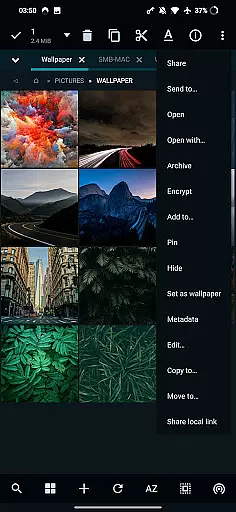
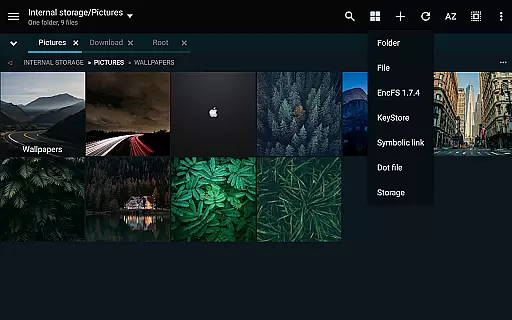
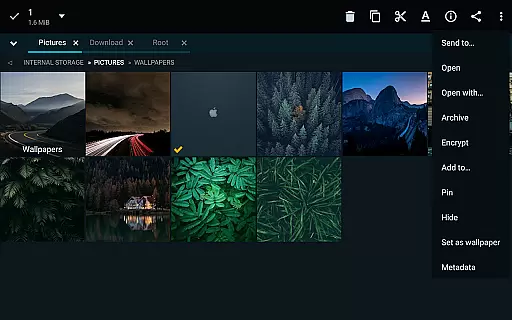
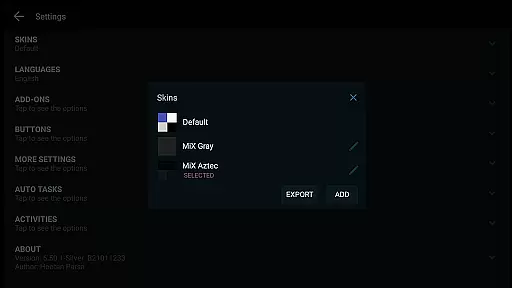
The application stands out with its extensive customization options, cloud storage integration, and advanced file handling capabilities. Users can manage unlimited tabs, perform multitasking operations through task creation, and access various view modes tailored to specific folder needs. Its support for multiple archive formats, EncFS volumes, and root access makes it especially valuable for power users who require efficient file management across different platforms.
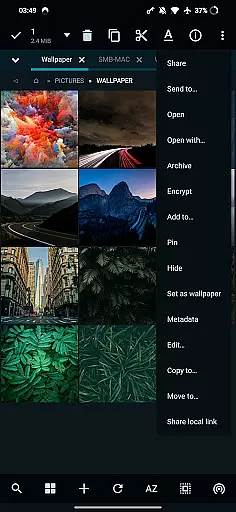
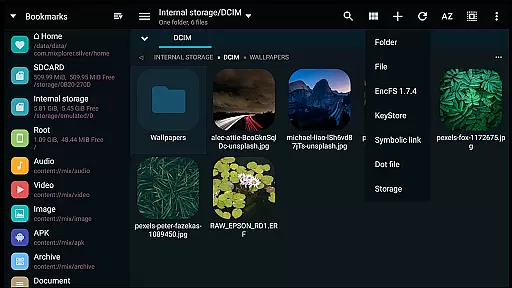
MiXplorer Silver distinguishes itself through its rich feature set designed to enhance productivity. The app provides complete theming capabilities, allowing users to customize colors and modify menu options to suit their preferences. Its dual-panel landscape mode with drag-and-drop functionality streamlines file operations between directories.
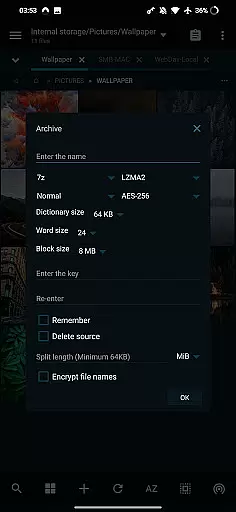
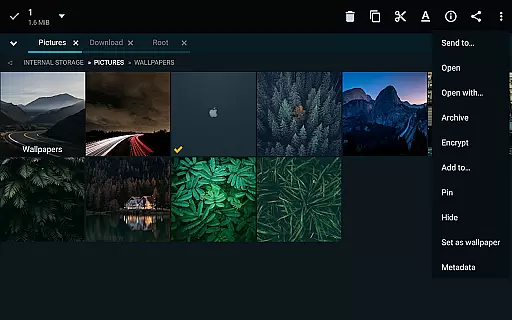
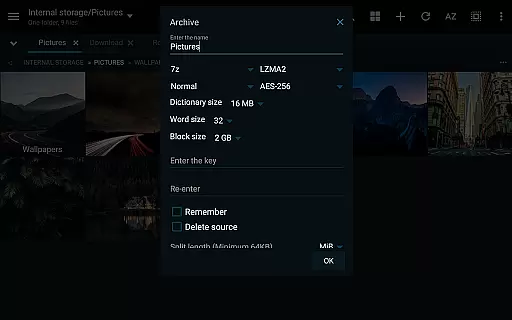
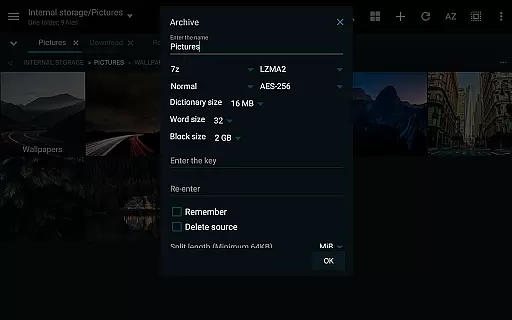
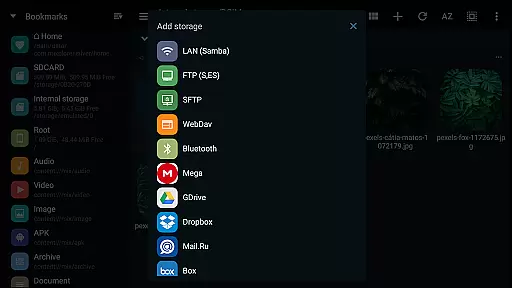
Advanced file handling features include support for packing and unpacking numerous archive formats such as 7z, Zip, TAR, and many others. The application also integrates seamlessly with various cloud storage providers including Google Drive, Dropbox, and OneDrive, while supporting WebDAV protocols. Additional capabilities like FTP server functionality, SAMBA client support, and APK signing with multiple schemes make this app suitable for both basic and complex file management tasks.
For media enthusiasts, MiXplorer Silver includes dedicated viewers for images, PDFs, and EPUB files along with a built-in media player enhanced by extra video codecs. The inclusion of text and code editors further extends its utility for users who need to work with different file types within a single application environment.
In the realm of file management, MiXplorer Silver excels with its robust core task management capabilities. This feature allows users to effortlessly create and manage tasks for various operations such as copying, moving, and other file manipulations.
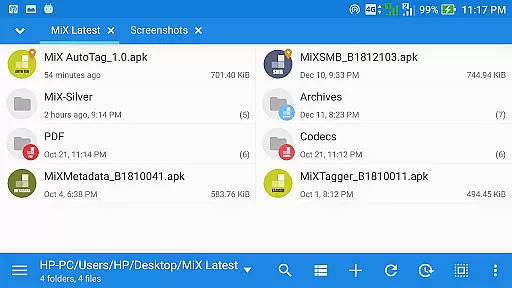
The app's multitasking engine supports unlimited tabbed browsing, enabling seamless navigation between different folders and drives. Users can also take advantage of the drag & drop functionality in dual-panel landscape mode, streamlining complex file organization tasks.
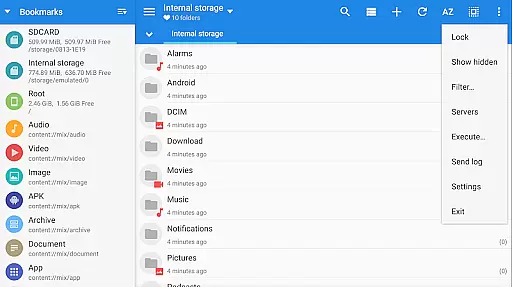
With customizable bookmarks and categorized file types, users gain quick access to frequently used folders and file categories. This level of personalization enhances productivity by reducing time spent on repetitive navigation tasks.
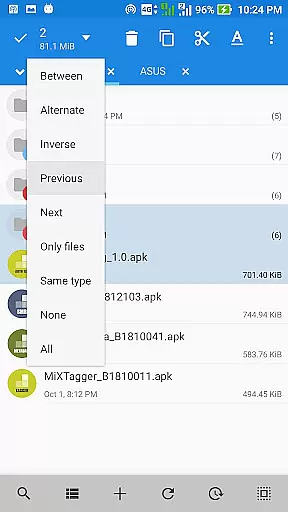
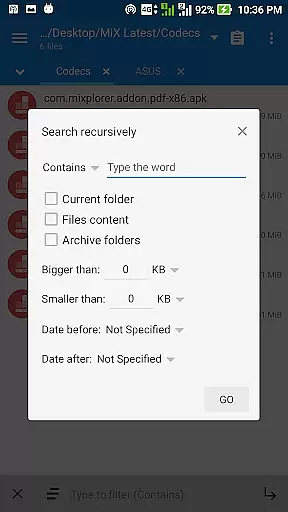
Advanced search functions and various view modes further augment the task management experience, allowing users to locate and organize files based on specific criteria. These features collectively ensure that file management tasks are executed efficiently and intuitively.
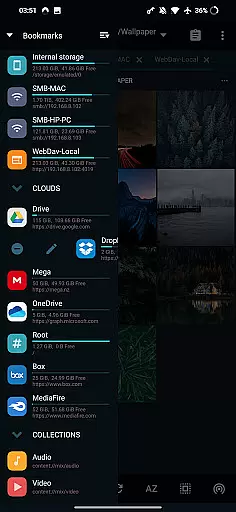
MiXplorer Silver addresses modern productivity needs through its reliable cross-device synchronization capabilities. The application supports a wide range of cloud storage providers including Google Drive, Dropbox, OneDrive, and many others that utilize WebDAV protocols.
This comprehensive cloud integration enables users to maintain consistent access to their files across multiple devices. Whether working from a mobile device or desktop computer, users can be confident that their files will remain synchronized and up-to-date.
The app's support for various network protocols including FTP(S), HTTP(S), and WebDAV ensures reliable data transfer between devices. Additionally, the built-in server functionality allows users to access their files remotely from any compatible device.
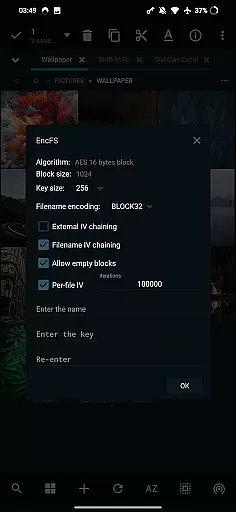
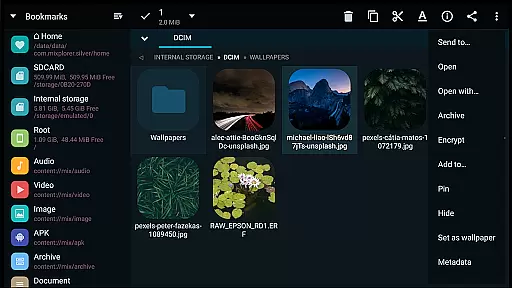
Furthermore, MiXplorer Silver's ability to handle different file formats and compression methods guarantees that users can work with their files regardless of type or origin. This versatility, combined with secure file encryption options, makes cross-device file management both flexible and safe.
Highly customizable interface
Extensive cloud storage support
Advanced archive handling
Powerful multitasking features
Comprehensive file format support
Paid application only
Steeper learning curve
No free version available
Requires technical knowledge
Occasional performance issues

 4.20
4.20
When you Focus, so will your Bean in this cozy focus timer
4.30
Direct Chat without saving contacts & Dual WA Account on Single Device
4.70
Planet Free VPN - The best Fast Unlimited and Secure VPN Without Logs
4.50
aCalendar+ makes your day, week and month
4.70
Stay on top of your to-dos with Google Tasks, part of Google Workspace.
4.60
Simple and reliable communication between inmates, friends and family
3.20
The AI assistant that thinks with you - write, code, and solve complex tasks
4.60
A Pixel Art watchface inspired by other iconic 90s designs for Wear OS devices!
4.40
Use powerful, industry-leading AI tools to generate visual charts from any data
4.80
Understand anything with a personalized AI research assistant
4.80
The long-awaited modern gallery app for your Nextcloud server
4.70
PDF scanner & converter for files, photos, lottery, QR codes. One swipe away!
4.50
Docker, Kubernetes management over Portainer Mobile
4.40
Cloud storage, automatic phone backup, and more.
4.10
Customizable calendar widget for seamless event sync, planning & scheduling.
4.00
All in one sketching tool. Technical and General drawing. Online Maps support.
3.70
Find and delete junk files & block unwanted notifications & manage files
3.70
Code on-the-go with VScode for Android. Edit,debug and collaborate from mobile!!
3.10

User Reviews