
Google Translate is a versatile translation tool that supports text translation between 108 languages. The app offers multiple ways to translate, including typing, camera-based translation, and offline capabilities. With features like Tap to Translate and instant camera translation, it provides seamless language support for travelers, students, and professionals.
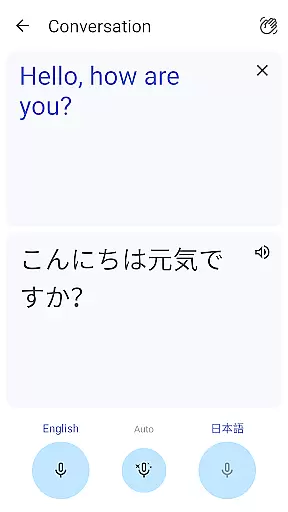
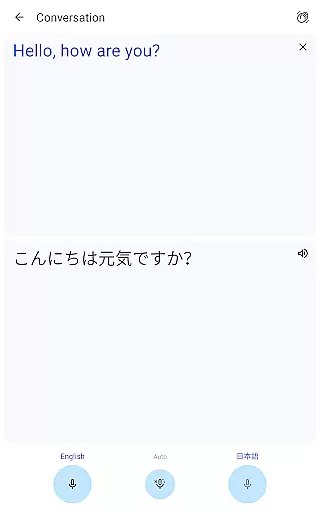
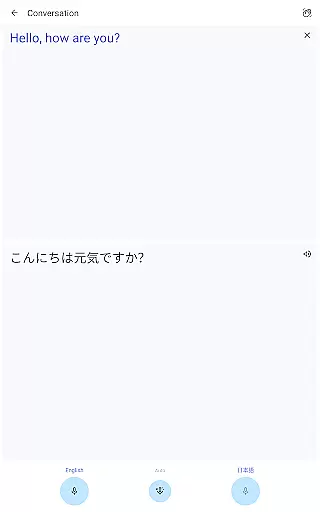
One standout feature is its ability to translate bilingual conversations in real-time, making it invaluable for international communication. Additionally, the phrasebook function allows users to save frequently used translations for future reference. Whether you're working with written text, images, or spoken language, Google Translate delivers comprehensive tools to bridge language barriers effectively.
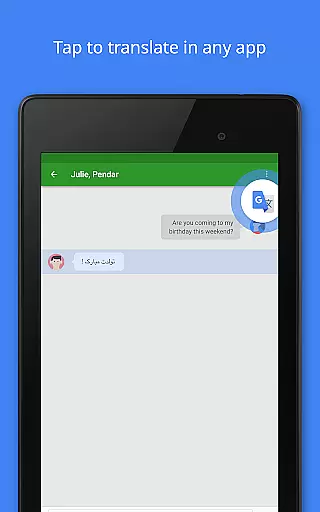
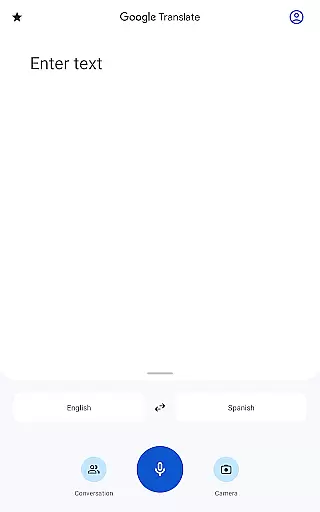
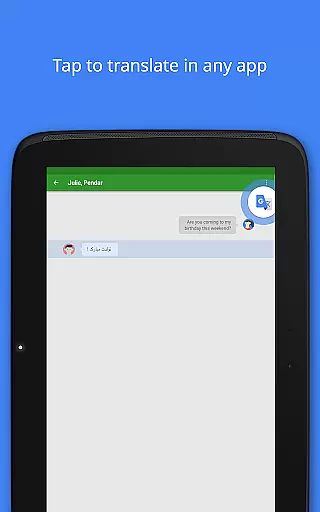
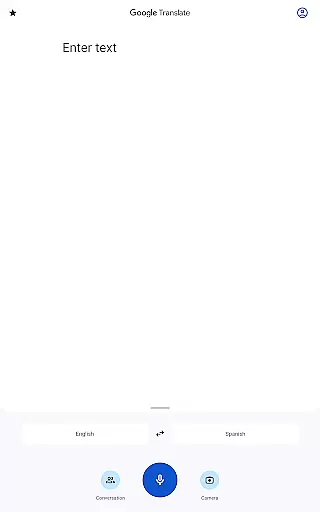
Google Translate stands out with its diverse translation methods. Users can type text manually or use the innovative Tap to Translate feature to instantly translate copied text from any app. For those without internet access, the app supports offline translation in 59 languages, ensuring functionality anywhere in the world.
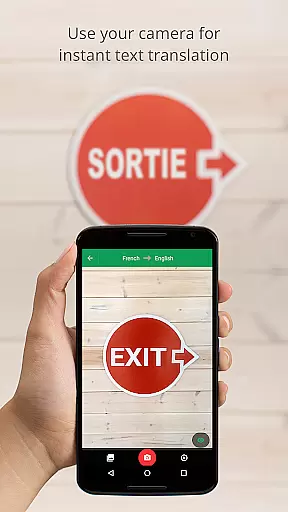
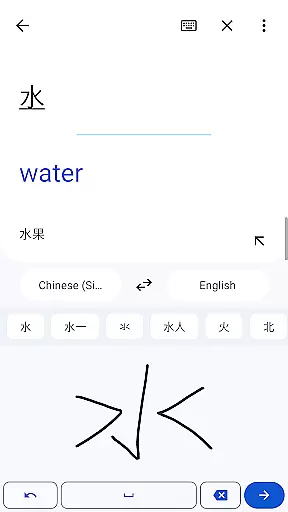
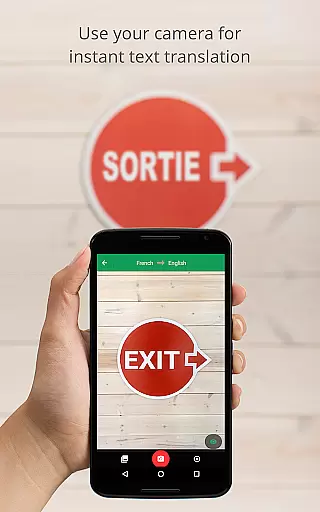
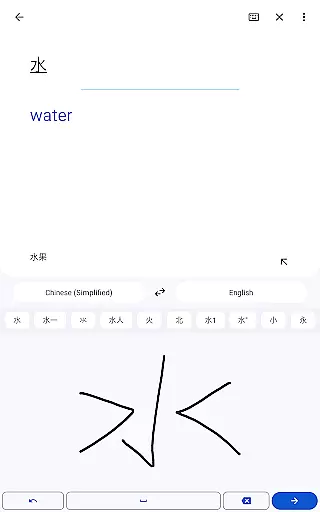
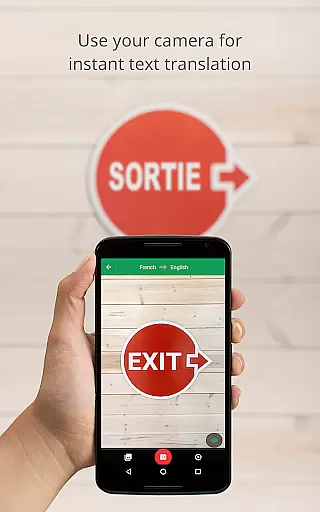
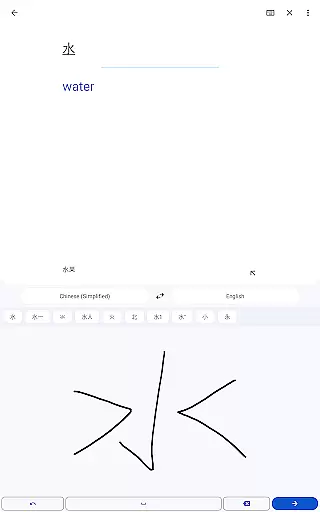
The instant camera translation feature is particularly impressive, allowing users to point their device's camera at text to receive real-time translations in 94 languages. Furthermore, the app includes transcription capabilities for live speech translation in 8 languages, as well as handwriting recognition for drawing characters. These robust features make Google Translate an essential tool for overcoming language obstacles in various scenarios.
Google Translate's core functionality lies in its ability to provide accurate translations across 108 languages. The app employs advanced machine learning algorithms to ensure translation quality, making communication seamless for users worldwide.
The application supports various input methods including text, voice, and even images. Its offline mode allows translations in 59 languages without an internet connection, ensuring users can communicate effectively regardless of connectivity issues.
For travelers and professionals alike, the instant camera translation feature is particularly valuable. By simply pointing the camera at text, users receive immediate translations in 94 languages, enhancing real-time comprehension in multilingual environments.
These features collectively demonstrate Google Translate's commitment to delivering effective language solutions, empowering users to overcome language barriers with confidence.
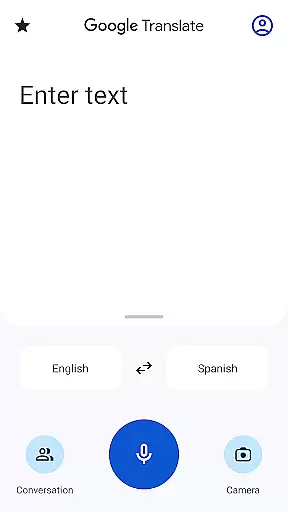
Google Translate excels in providing an intuitive user interface that simplifies the translation process. The app's design ensures that even first-time users can easily navigate through its features without a steep learning curve.
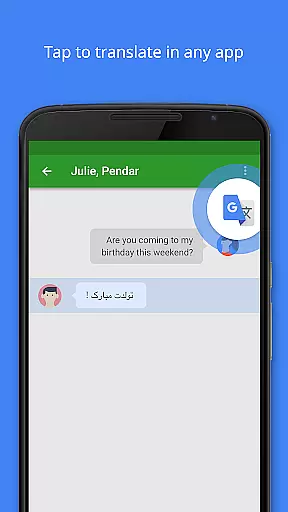
Key functionalities like Tap to Translate allow users to copy text in any app and instantly translate it by tapping the Google Translate icon. This seamless integration enhances user experience across different applications and devices.
The conversation mode facilitates real-time bilingual communication, automatically detecting and translating spoken language in 70 different languages. This feature proves invaluable during international meetings or casual conversations.
By maintaining a clean and organized interface while offering powerful translation tools, Google Translate successfully balances simplicity with functionality, making language translation accessible to everyone.
Wide language support
Offline functionality
Real-time conversation mode
Camera-based translation
User-friendly interface
Limited offline languages
Occasional inaccurate translations
Requires storage space
Ads in free version
Advanced features need internet

 4.50
4.50
Remote for Roku, Fire TV, Samsung TV, LG TV, Android TV, Chromecast and VIZIO TV
4.20
Keep track of your Palia friendships, tasks, and inventory with Palia Notebook
4.60
App to pay for FUTO Keyboard
4.60
Bedrock Together: Join any bedrock server on Xbox/PS
4.80
WiFi Signal Strength Meter help you detect WiFi Signal Strength in real time.
4.80
The ultimate tool for network analysis, wifi scanning and problem detection.
4.90
NFC Tools can read and write NFC tags.
4.70
A clean app.
4.50
Navigate with Ease and Style
4.90
Quickly switch to an encrypted DNS server on Android TV
4.50
Just swipe the edge to do something!
4.40
Just one-tap to easy translate in any language after calls within seconds.
4.20
Signal Strength, Mobile, Wifi, Speed Test, Bad Signals, Cellular, 5G, LTE, 4G
4.20
View detailed information about your Nissan Leaf the dealer never shows you.
4.10
Create your own live wallpaper or check out thousands already made presets
3.90
Fun lie-detection pranks for friends and parties.
3.80
Clean the junk files on your device
3.40
Save any video in HD - paste the link, download fast and watch offline.
4.0


User Reviews