

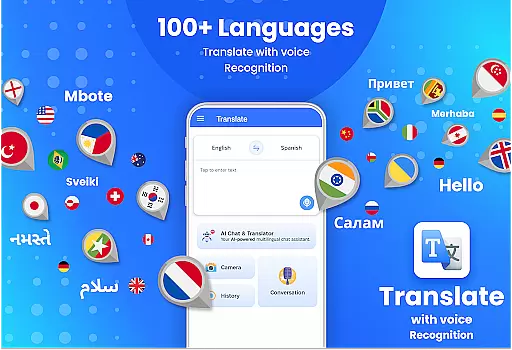
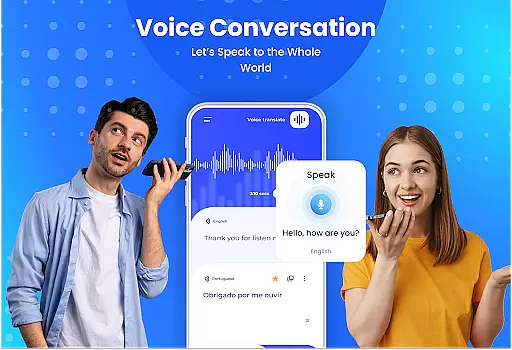
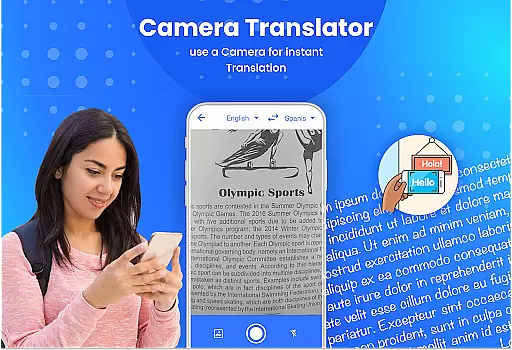
Easy Text & Voice Translator is a versatile translation tool designed to break language barriers for travelers, learners, and professionals alike. With support for over 100 languages, it offers both text and voice translation, enabling users to communicate effortlessly across linguistic boundaries.
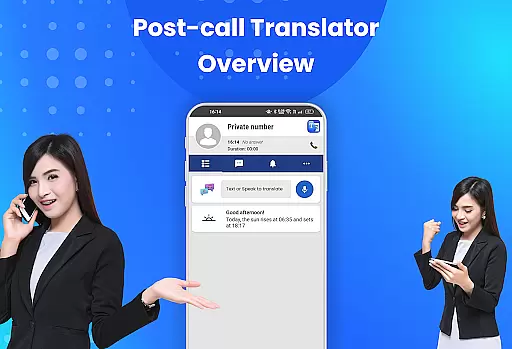
The app's standout feature is its post-call translation capability, which allows users to translate conversations immediately after receiving calls. This ensures smooth communication in personal and professional settings. Additionally, the app provides situational conversation learning and accurate human pronunciation, making it an ideal choice for those looking to master foreign languages.
Whether you're traveling abroad, conversing with international clients, or learning a new language, Easy Text & Voice Translator equips you with the tools needed to bridge communication gaps effectively.
Easy Text & Voice Translator stands out with its comprehensive set of features tailored for seamless multilingual communication. The app supports over 100 languages, offering not only written translations but also spoken translations with accurate human-like pronunciation.
One of the unique aspects of this app is its post-call translation functionality. Users can instantly identify incoming callers and access detailed information such as name, location, and contact details. After the call ends, they can quickly translate the conversation, ensuring no detail is lost. This feature is particularly useful for business professionals who frequently interact with international clients.
In addition to its core translation capabilities, the app includes language-learning tools that provide situational conversation practice. These tools help users improve their language skills by simulating real-life interactions, making it easier to learn and retain new vocabulary and phrases.
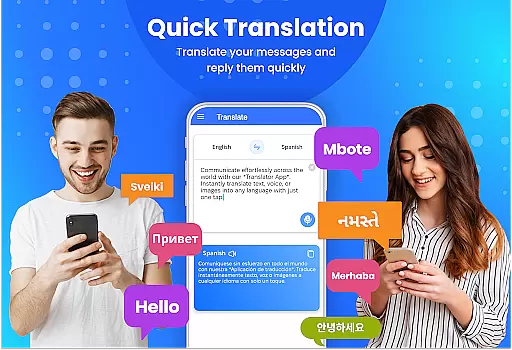
Easy Text & Voice Translator is designed to deliver accurate and effective translation services across more than 100 languages, ensuring users can communicate effortlessly worldwide. The app's core functionality lies in its ability to provide real-time voice and text translations, which are crucial for travelers, language learners, and professionals who need to interact with international contacts.
The application employs advanced translation algorithms that mimic human pronunciation, making conversations sound natural and fluent. This feature is particularly beneficial when engaging in situational conversations, as it allows users to learn proper pronunciation and context-specific phrases. Additionally, the app supports a wide range of languages, including but not limited to English, Japanese, Arabic, and Spanish, thus catering to a global audience.
Users benefit from the app's comprehensive language support and its capability to translate both written and spoken content accurately. Whether it's for casual travel, business meetings, or educational purposes, Easy Text & Voice Translator ensures that language barriers do not hinder communication. By offering precise translations and contextual learning opportunities, the app empowers users to connect with others confidently and effectively.
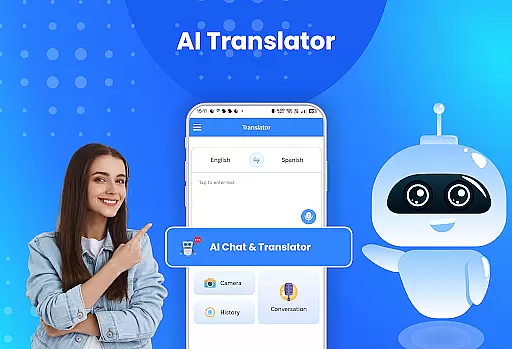
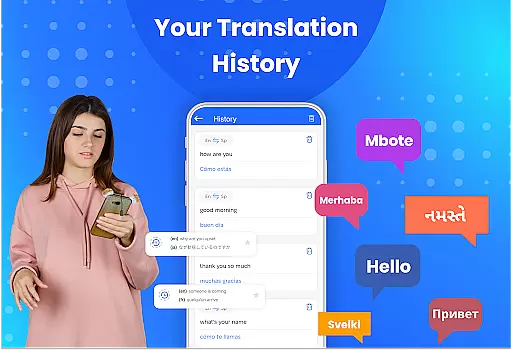
The interface of Easy Text & Voice Translator is crafted to offer a seamless user experience through its simplicity and intuitiveness. Upon opening the app, users are greeted with a clean layout that prioritizes ease of navigation and quick access to essential features. This design philosophy ensures that even first-time users can easily understand how to initiate translations without any prior training.
Key functionalities such as text input, voice recognition, and translation execution are prominently displayed, allowing users to perform tasks with minimal taps. The app also includes helpful tooltips and visual cues that guide users through more complex operations, such as setting up post-call translations or exploring situational conversation examples. These elements contribute to a smooth learning curve, enabling users to become proficient with the app rapidly.
By focusing on an intuitive interface, Easy Text & Voice Translator enhances user engagement and satisfaction. The straightforward design reduces cognitive load, allowing users to concentrate on their conversations rather than the mechanics of the app. Ultimately, this approach fosters a more enjoyable and productive interaction with the tool, making language translation accessible to everyone regardless of technical expertise.
User-friendly interface
Wide language support
Accurate translations
Post-call translation
Language learning tools
Limited offline functionality
Occasional translation errors
Requires internet connection
Premium features locked
Ads in free version

Head tracking for PC sim games such as MSFS 2024 or Elite:Dangerous. No headset!
 4.50
4.50
Save any video in HD - paste the link, download fast and watch offline.
4.3
Clean the junk files on your device
3.40
Create your own live wallpaper or check out thousands already made presets
3.90
Best leveling tool for your Android device. Hang paintings like a pro.
4.90
Navigate with Ease and Style
4.90
Monitor car performance in real time and troubleshoot malfunctions.
4.80
Bedrock Together: Join any bedrock server on Xbox/PS
4.80
The ideal app to be the digital eye of your family
3.40
Learn the vast amount of system information about device and monitor it's state
4.70
Small and simple app to Verify Root Access and BusyBox Install!
4.70
With videos, electrical calculators, and built-in ebook, Ugly’s has your answer.
4.50
Mirror your screen to Fire TV - Super fast and simple
4.40
Clean up large files and similar photos, fast and easy to use
4.40
Fluid navigation gestures for all of us!
4.30
Screen Mirroring with sound for Samsung TV, LG TV, Sony TV, Smart TV and Browser
4.20
Introducing Smart Printer, your ultimate destination for printing solutions!
4.00
Safely recover deleted photos, videos, and files with a single easy tap.
3.70
A non-root local ADB shell client. READ BELOW!
3.40

User Reviews