

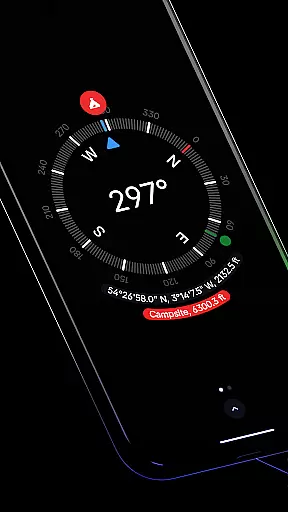
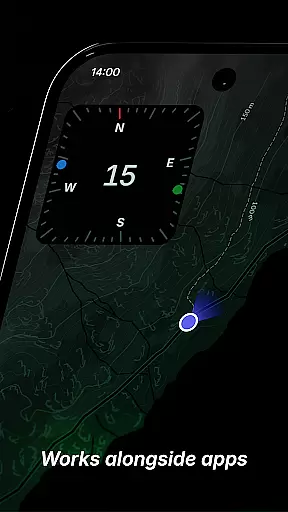
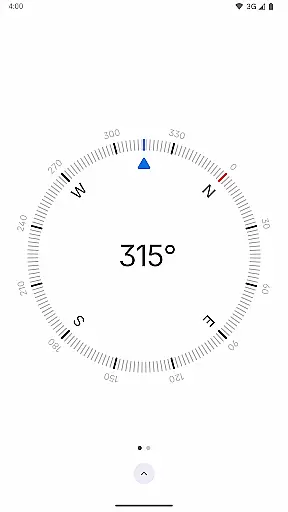
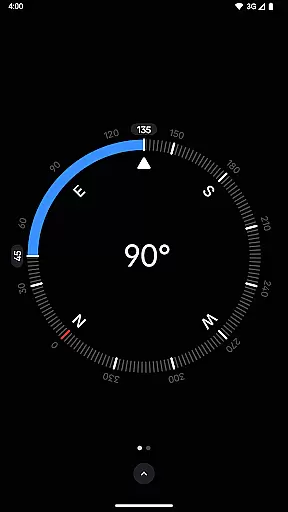
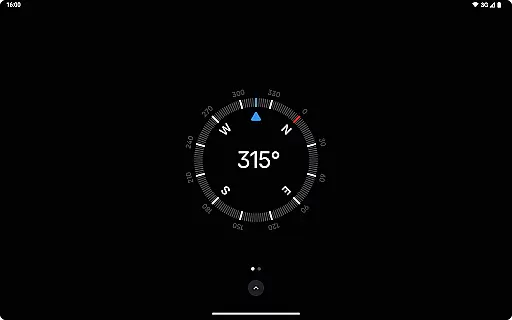
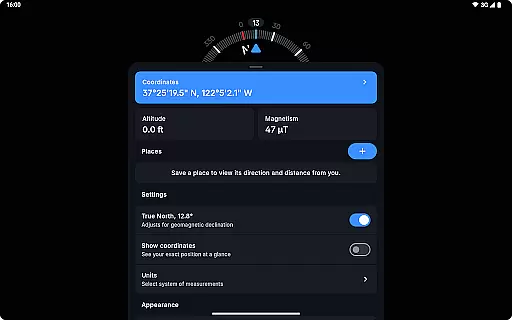
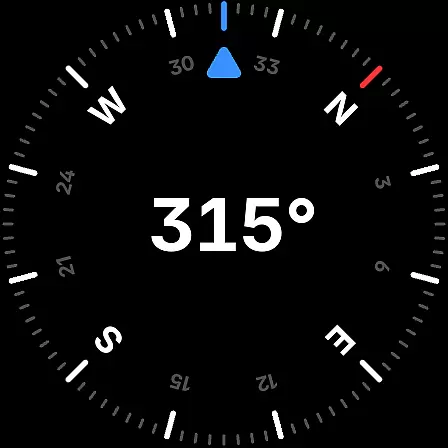
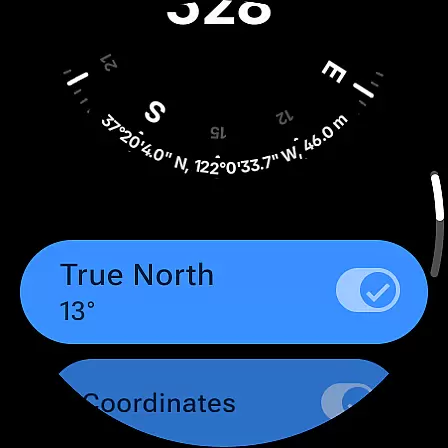
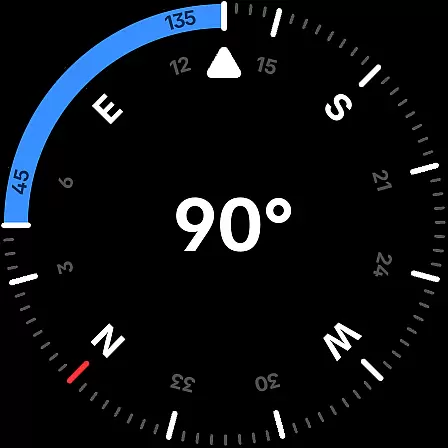
Compass is a sleek and minimalistic navigation app that combines simplicity with elegance. Designed for both Android phones and select Wear OS smartwatches, it offers users precise navigation through a modern dark-themed interface. The app provides essential tools such as coordinates, altitude tracking, and true north alignment, ensuring accurate direction readings in various formats like DMS, UTM, and MGRS. Its user-friendly features include a bubble level, angle measurement, and rich haptic feedback, making it ideal for explorers, hikers, and DIY enthusiasts.
One of the standout aspects of Compass is its offline functionality, allowing users to navigate without an internet connection while maintaining privacy with no trackers or analytics. With additional customization options like dynamic colors, red screen filters for nighttime use, and switchable themes, this app caters to diverse preferences and environments. Whether you're on a hiking adventure or working on a home improvement project, Compass ensures reliable guidance and convenience.
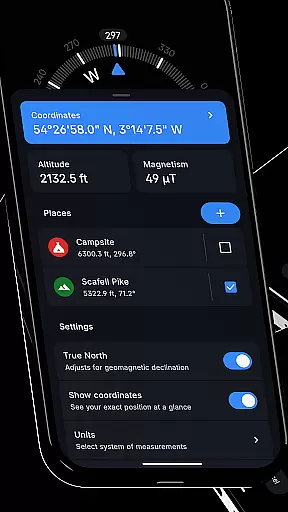
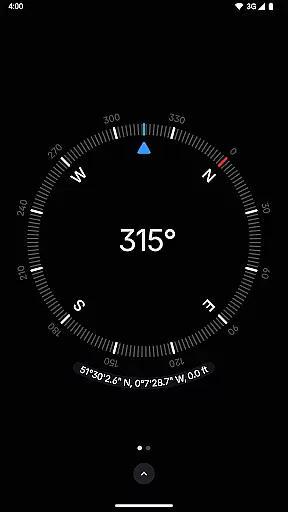
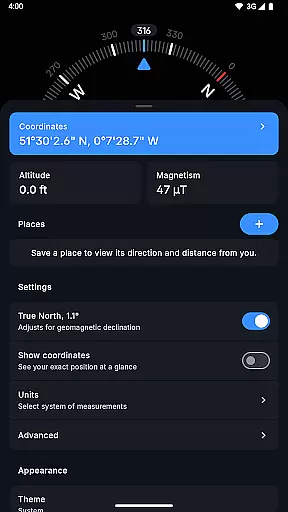
Compass stands out with its comprehensive set of features tailored for accuracy and ease of use. The app displays exact location coordinates along with altitude in multiple formats, including DMS, DD, and UTM, catering to different user needs. Users can save specific places to monitor their direction and distance relative to these points, enhancing practical usability during travel or outdoor activities. Advanced functionalities such as geomagnetic declination adjustment ensure alignment with true north, providing highly reliable navigation data.
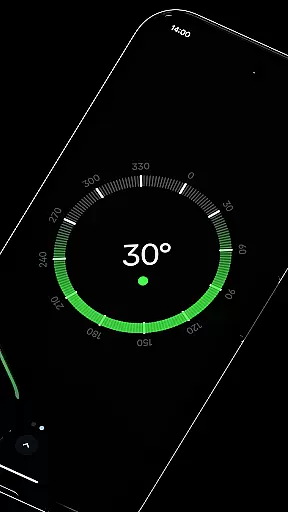
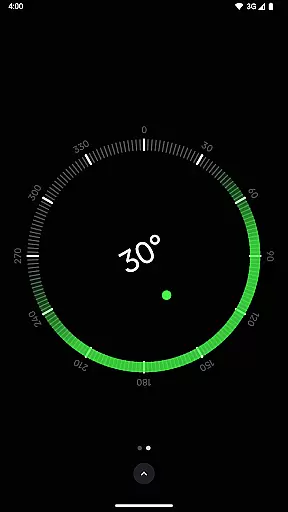
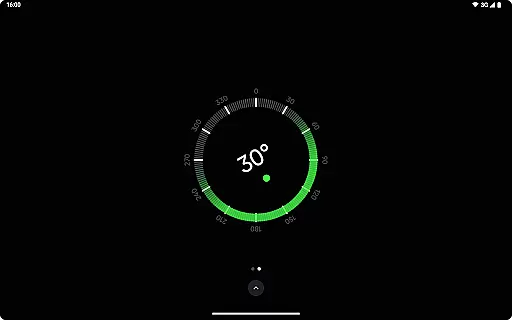
Additional built-in tools further enrich the experience. A bubble level feature allows users to check surface levels effortlessly, while an anomaly detector alerts when nearby objects interfere with the compass sensor. Customization options are abundant, enabling users to change units for angles, distances, and coordinates, switch between dark and light themes, and even personalize the app's appearance using Android 12's dynamic colors. These thoughtful additions make Compass not only functional but also adaptable to individual workflows and environmental conditions.
Compass stands out for its precision and reliability in delivering navigation data. The app provides users with exact location coordinates, supporting multiple formats such as DMS, DDM, DD, UTM, MGRS, and OLC (Plus Codes). This versatility ensures that users can access location information in the format most useful to them, whether for professional surveying or casual exploration.
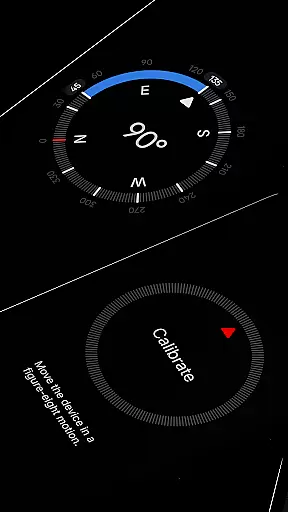
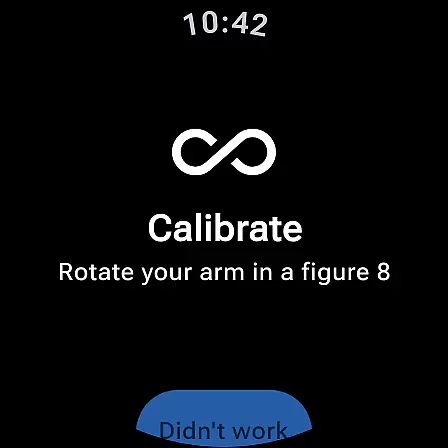
In addition to location tracking, Compass offers features like altitude display, true north alignment, and an integrated bubble level. These tools are essential for anyone needing accurate spatial orientation and measurements. The calibration guide further enhances the app's effectiveness by ensuring users can achieve precise readings every time they use the app.
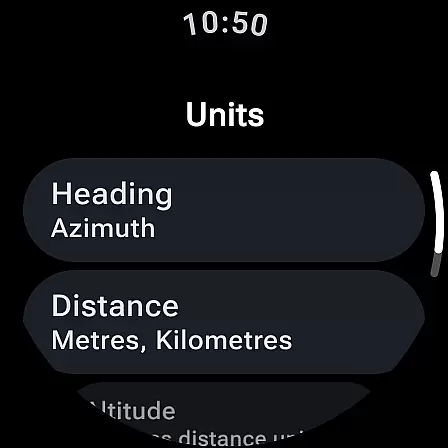
The app also allows users to measure the angle difference between two orientations and customize units for angles, distances, and coordinates. Such customization options not only improve accuracy but also cater to individual preferences, making the app suitable for a wide range of activities from hiking to carpentry.
Compass excels in offering a user-friendly interface that combines elegance with functionality. Its modern, dark-themed design is not only visually appealing but also practical, reducing eye strain and improving readability in various lighting conditions. Users can easily switch between dark and light themes, adapting the app to their environment or personal preference.
The app's minimalistic approach extends to its intuitive navigation and feature accessibility. With clear displays and straightforward controls, users can effortlessly access key functionalities such as saving places, docking the compass to the screen edge, and adjusting settings. This simplicity ensures that even those unfamiliar with digital compasses can quickly learn to use the app effectively.
Further enhancing its intuitiveness, Compass includes dynamic color options that adapt to the user's wallpaper, providing a personalized touch. Additionally, features like rich haptic feedback and a high contrast display option make interactions more engaging and accessible, ensuring users remain focused on their tasks without unnecessary distractions.
User-friendly interface
Accurate navigation tools
Offline functionality
Customizable display options
No ads or trackers
Limited Wear OS compatibility
Advanced features may overwhelm beginners
Red screen filter requires Android 10+
No voice-guided directions
Occasional calibration needed

 4.50
4.50
Quickly switch to an encrypted DNS server on Android TV
4.50
Extremely fast, secure, and protects your privacy
4.80
Family Locator, Share location, StayConnect with your family in real time
3.90
ADB support Android 4.X-Android 13(Support wireless pair mode).No root required!
4.70
VESC Tool can monitor and configure VESC-compatible devices over BLE and Wifi
4.20
Powerful collection of electronics tools and reference.A must for any enthusiast
4.90
Download any file easily and quickly with Downloader
4.2
NFC Tools can read and write NFC tags.
4.70
Easily install aab(Android App Bundle) files on your Android device with our app
4.80
Learn the vast amount of system information about device and monitor it's state
4.70 4.50
4.50
With videos, electrical calculators, and built-in ebook, Ugly’s has your answer.
4.50
Universal TV remote control all TVs, Roku, LG, Samsung, Fire, Vizio, Sony, TCL.
4.40
Fluid navigation gestures for all of us!
4.30
PC precision for mobile gaming: dominate with keyboard and mouse!
4.30
Detect hidden spy camera with advanced scanning {{ Premium version }}
4.00
Safely recover deleted photos, videos, and files with a single easy tap.
3.70
Transfer Files, APK from Phone to Watch & Install.
4.3

User Reviews