

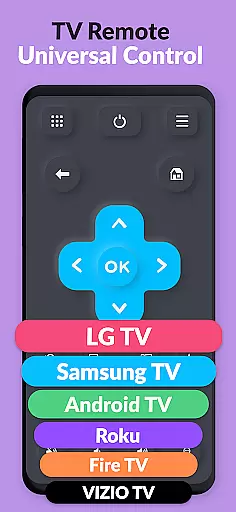
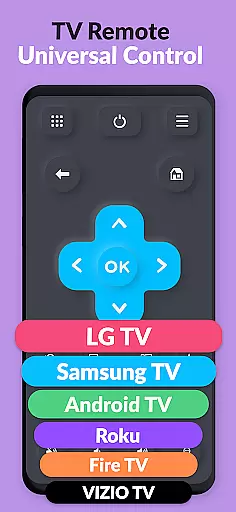
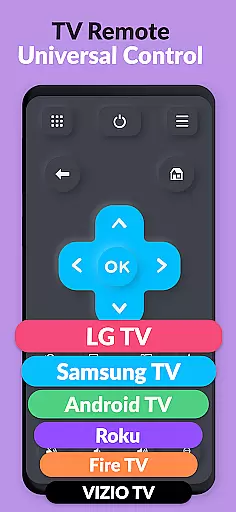
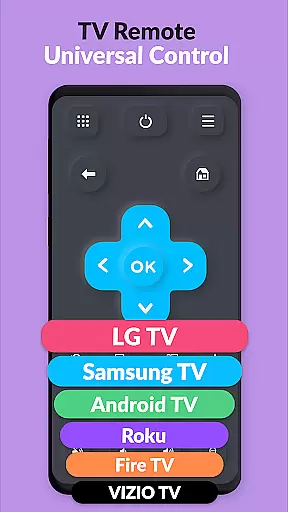
TV Remote Pro is a versatile remote control application designed for Roku, Fire TV, Samsung TV, LG TV, Android TV, Chromecast, and VIZIO TV. This app allows users to control their smart TVs directly from their smartphones or tablets, eliminating the need for physical remotes. With all features unlocked in its PRO version, it offers an ad-free experience with no subscription fees.
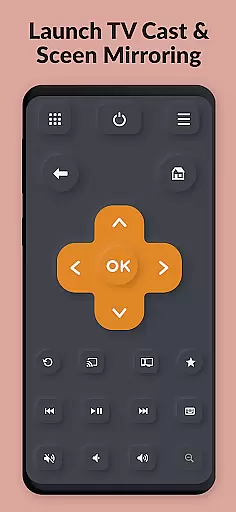
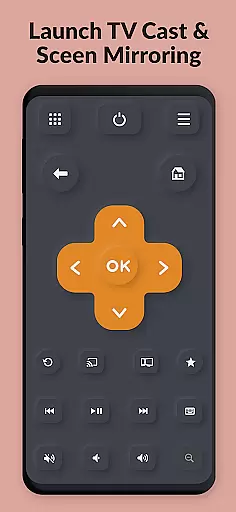
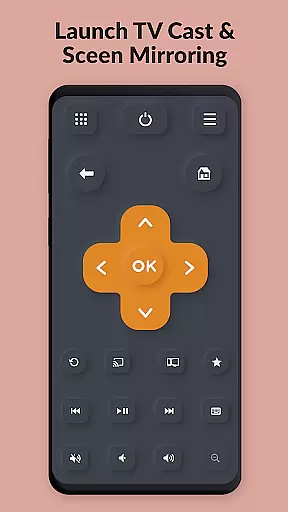
The app supports a wide range of functionalities including volume control, power button, channel browsing, and text input via a virtual keyboard. Compatible with various TV brands and models, TV Remote Pro ensures seamless integration and user-friendly operation. Whether you're looking to simplify your entertainment setup or enhance your viewing experience, this app provides a convenient solution.
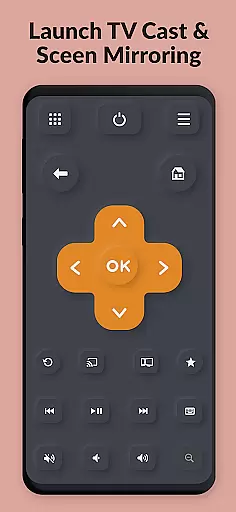
TV Remote Pro boasts an array of features that cater to diverse user needs. The app's primary function is to serve as a universal remote control, compatible with multiple smart TV platforms such as Roku, Fire TV, Samsung TV, LG TV, Android TV, Chromecast, and VIZIO TV. It offers a clean, fast, and simple interface that makes navigation intuitive and hassle-free.
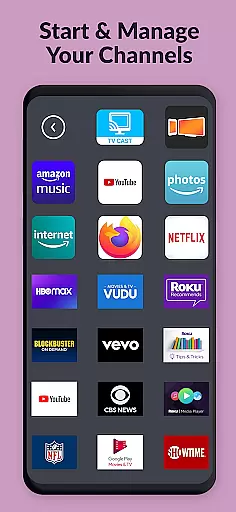
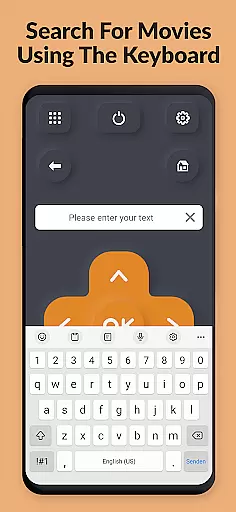
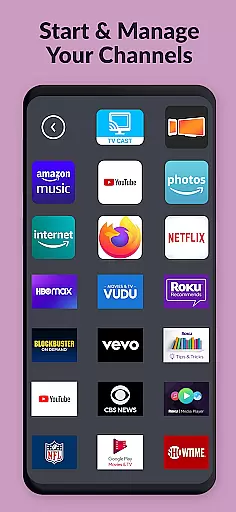
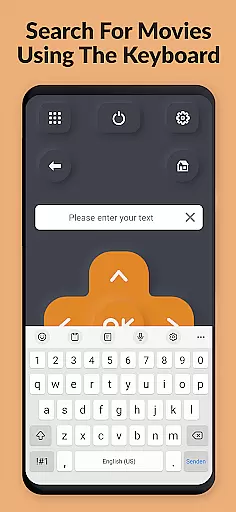
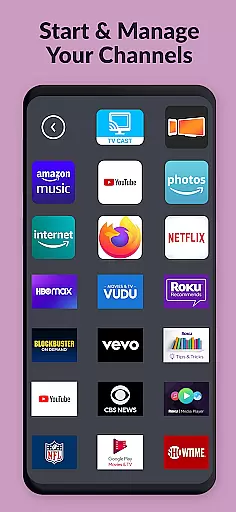
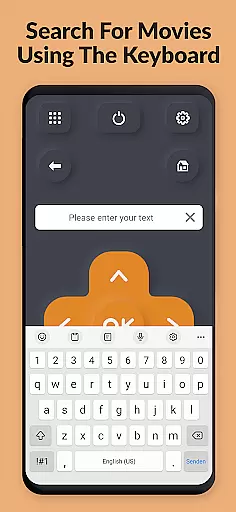
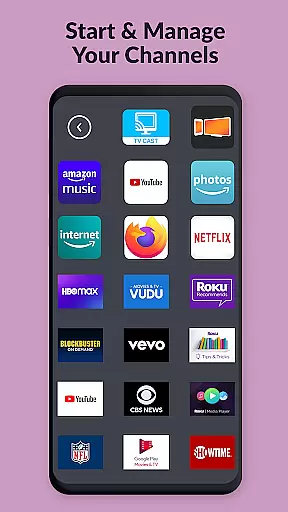
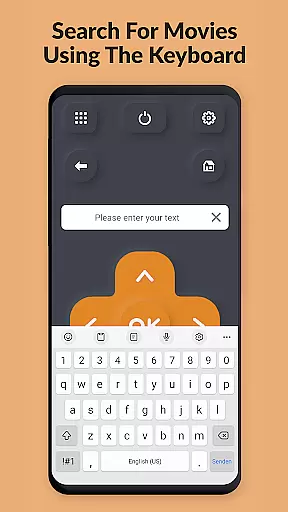
One standout feature is the ability to open TV channels directly from within the app, allowing users to search for movies and channels effortlessly. Additionally, the app includes a virtual keyboard for easy text entry on supported devices. With no need for external hardware or subscriptions, TV Remote Pro delivers a comprehensive remote control experience that enhances convenience and accessibility.
TV Remote Pro exemplifies core function accuracy and effectiveness by offering a reliable solution to control multiple smart TV brands through your smartphone or tablet. The app supports Roku, Fire TV, Samsung TV, LG TV, Android TV, Chromecast, and VIZIO TV, ensuring that users can replace their traditional remotes without any loss of functionality.
The application's design emphasizes precision in its features, such as the ability to open channels directly from the app interface, search for movies, and use a virtual keyboard for text input on compatible devices. These functions are executed with minimal latency, providing an experience akin to using a physical remote control. Furthermore, the volume control and power button for TVs ensure that all essential remote functions are covered.
For users, this translates into significant convenience and time-saving. Instead of searching for misplaced remotes or dealing with unresponsive buttons, they can simply reach for their mobile device. This seamless integration enhances user satisfaction by delivering consistent performance across different types of smart televisions.
Ultimately, TV Remote Pro's commitment to functional accuracy means that whether you're adjusting settings on your Samsung TV or launching apps on your Roku device, each action is performed reliably and efficiently. This dedication ensures that users enjoy a streamlined television experience without interruptions or inconsistencies.
TV Remote Pro stands out for its interface simplicity and intuitiveness, making it accessible even to those who may not be tech-savvy. The developers have prioritized a clean, fast, and simple design that allows users to navigate effortlessly through the appu2019s features. With just a few taps, users can access all remote control functionalities without being overwhelmed by complex menus or options.
The layout is straightforward, featuring clearly labeled buttons that mimic the traditional remote control setup while integrating advanced capabilities like searching for movies and opening channels directly from within the app. This intuitive arrangement ensures that users do not need extensive technical knowledge to operate their smart TVs effectively. Additionally, the inclusion of a fast and easy keyboard further simplifies tasks such as entering text, which traditionally could be cumbersome with standard remote controls.
This focus on simplicity extends beyond mere aesthetics; it enhances user engagement by reducing the learning curve typically associated with new technology. Users can quickly adapt to using their smartphones or tablets as universal remotes, enjoying an uninterrupted viewing experience without frustration or confusion.
In summary, TV Remote Pro combines essential remote functions with an intuitive interface, ensuring that every interaction is smooth and hassle-free. By maintaining clarity in design and operation, the app empowers users to take full advantage of their smart TVs' capabilities without unnecessary complications.
User-friendly interface
No subscription required
Wide compatibility range
Virtual keyboard for text input
Comprehensive remote functions
Limited to compatible devices
Requires initial setup
No physical buttons
Possible connectivity issues
Dependent on device support

 4.10
4.10
A convenient photo, video, and file recovery tool.
4.00
PDF Reader - Document Viewer: Read, Manage & Organize Your Documents
3.10
Complete kernel toolbox with features to manage and tweak your rooted device
4.30
Family Locator, Share location, StayConnect with your family in real time
3.90
VESC Tool can monitor and configure VESC-compatible devices over BLE and Wifi
4.20
Mirror your screen to Chromecast and Android TV - Super fast and simple
4.60
Bedrock Together: Join any bedrock server on Xbox/PS
4.80
The Ultimate Flex Drivers Utility App - Convenient Tapping & Block Filters
4.70
Support Fossify apps with a warm thank you!
5.00
Extremely fast, secure, and protects your privacy
4.80
Unit and currency converter with easy and simple UI.
4.80
Monitor car performance in real time and troubleshoot malfunctions.
4.80
Play your X-Box games remotely in 1080p with any controller and zero latency
4.60
pdf merge, word to pdf, jpg to pdf, edit pdf, convert to pdf and much more!
4.20
Just one-tap to easy translate in any language after calls within seconds.
4.20
1-Click close all background apps on Android TV
3.90
A non-root local ADB shell client. READ BELOW!
3.40
card-reader app
2.20

User Reviews