
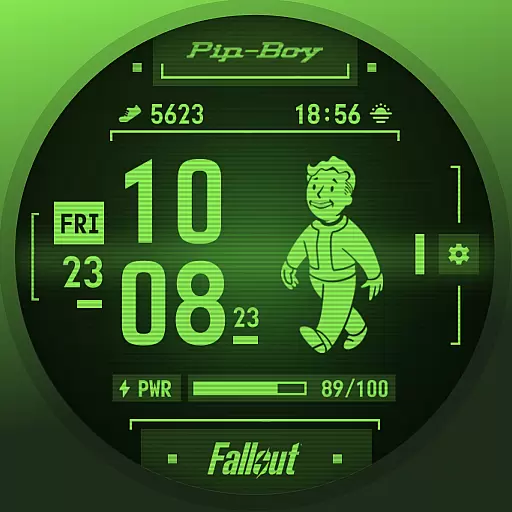
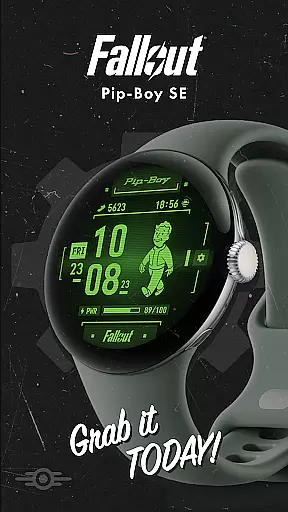
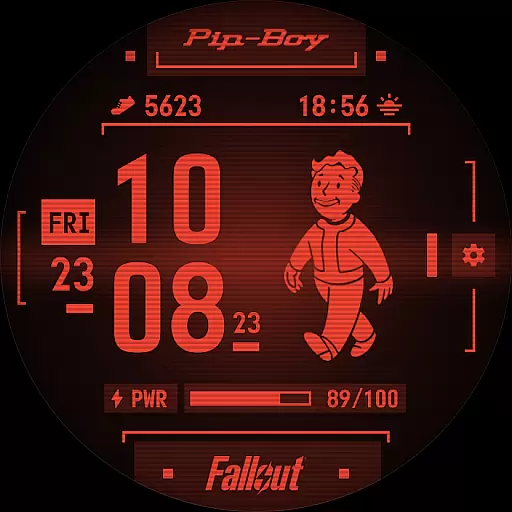
Fallout Pip-Boy SE Watch Face brings the iconic Pip-Boy to your wrist with a battery-efficient design for Wear OS. This special edition watch face features animated Vault Boy, heart rate integration, and customizable options.
With multiple frame styles, color options, and complications like step counter and sunrise/sunset, it offers a personalized experience. Compatible with Galaxy Watch7, Ultra, and Pixel Watch 3, this face combines style and functionality for Fallout fans.
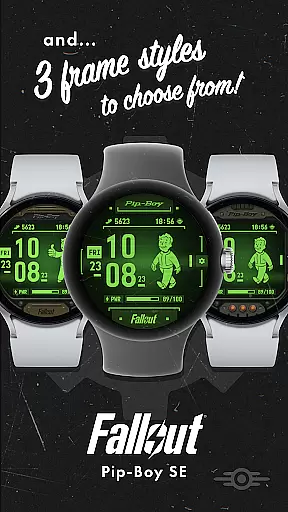
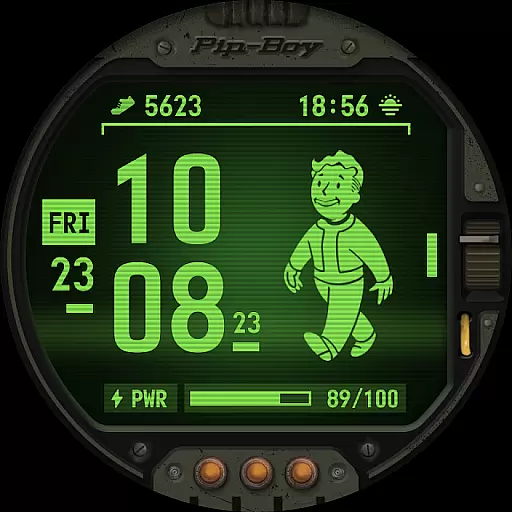
The Pip-Boy SE watch face stands out with its unique features designed for both style and practicality. The animated Vault Boy reacts to your heart rate, creating an interactive experience across different bpm ranges.
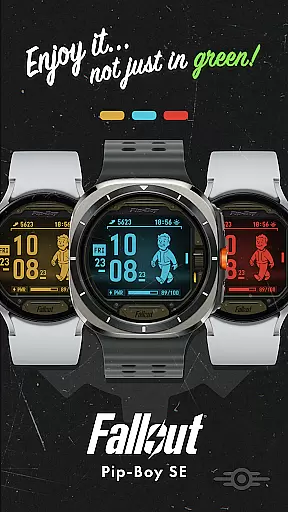
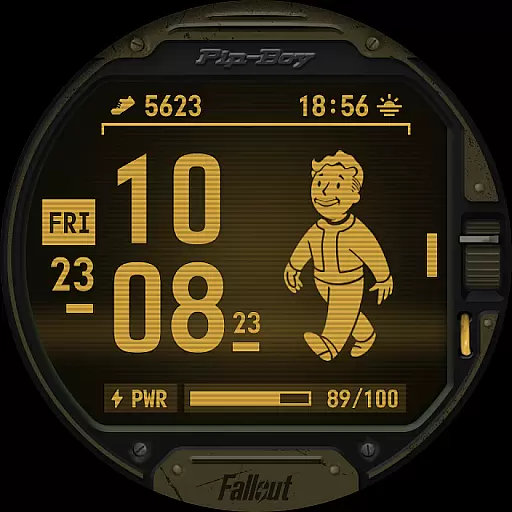
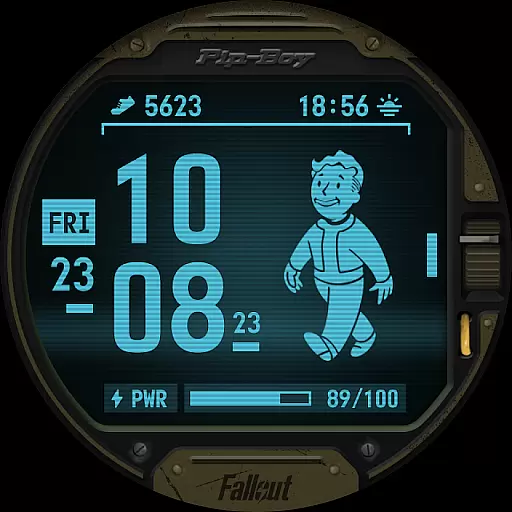
Users can choose from three frame styles and four color options while enjoying essential information through two customizable Wear OS complications. The digital clock, date display, and battery level indicator ensure you stay informed while maintaining the classic Fallout aesthetic.
Companion app integration is essential for a seamless wearable experience. Fallout Pip-Boy SE Watch Face offers an optimized connection with its companion app on your smartphone, ensuring that all features are easily accessible and customizable.
This watch face allows users to sync and manage settings directly from their mobile device. With the companion app, you can adjust frame styles, choose color options, and customize complications effortlessly. This synchronization ensures that your preferences are always up-to-date across devices.
The ability to customize wear OS complications adds another layer of personalization. By default, users get a step counter and sunrise/sunset information, but these can be tailored to fit individual needs through the companion app. This flexibility enhances user engagement and satisfaction.
Overall, the integration between the Fallout Pip-Boy SE Watch Face and its companion app provides a cohesive and user-friendly experience, making it easier than ever to conquer the wasteland while staying connected and informed.
Ensuring broad device compatibility is crucial for any Wear OS application. The Fallout Pip-Boy SE Watch Face is meticulously designed to work seamlessly with a range of popular devices including Galaxy Watch7, Ultra, and Pixel Watch 3.
This extensive compatibility means that no matter which device you own, you can enjoy the unique features of the Pip-Boy Special Edition. Whether it's displaying an animated Vault Boy based on heart rate or showing battery levels, this watch face delivers consistent performance across different platforms.
Moreover, the inclusion of various customization options such as three frame styles and four color choices ensures that every user finds a configuration that suits their taste. These options remain consistent regardless of the specific Wear OS device being used.
By prioritizing compatibility and offering a versatile set of features, Fallout Pip-Boy SE Watch Face guarantees a high-quality experience for all users, enhancing both functionality and aesthetic appeal on their preferred smartwatch platform.
Interactive Vault Boy animation
Customizable frame styles
Battery-optimized performance
Heart rate integration
Multiple color options
Limited to Wear OS devices
Requires compatible smartwatch
Premium feel but not free
Animation may drain battery
Complications have limited options


an Analog Watch Face for winter season with freeze winter background for Wear OS
 4.5
4.5
Christmas is near, let's count together the days left until Santa comes
4.1
MyNISSAN® lets you remotely control your car from your phone.*
4.50
Wear Os Watch Face - Animated Snow Effect & Magic Spark - 6 Scenes
4.10
Easy Voice Recorder is your everyday companion to record important moments.
4.70
Bold, Modern Hybrid Watch Face for Wear OS. 10 Colors, Rich Info Display.
4.30
The #1 source of faces for your smartwatch!
4.00
Hybrid Vibrant Health Watch Face for Wear OS
4.5
Toyota app currently supports 2010 or newer vehicles (2018 or newer for Hawaii).
4.50
Hybrid watch face for Wear OS with customizable complications by Matteo Dini MD
4.70
Be an elegant and classy secret agent, with this carefully detailed watch face
4.70
Highly customizable hybrid watch face for Wear OS, perfect for everyday use.
4.60
Kia Access makes getting your vehicle information easier than ever
4.60
Current temperature, weather hourly, weather radar by the weather forecast app
4.40
Connect, create, and collaborate with Gmail, part of Google Workspace.
4.10
Animated Watch Face and Customizable with 24 Backgrounds. Perfect for Christmas!
3.90
Professional weather radar and more
3.90
A full-featured Amazon Alexa voice assistant that can show you things.
3.70
Watch face designed for Thanksgiving Day. 7 Background Styles included.
3.20

User Reviews