
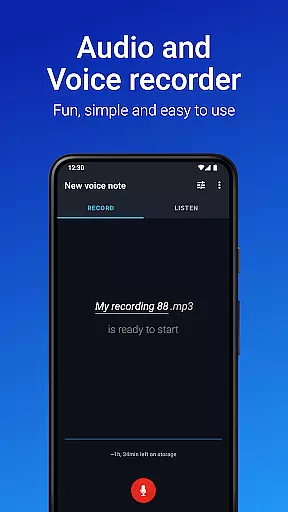
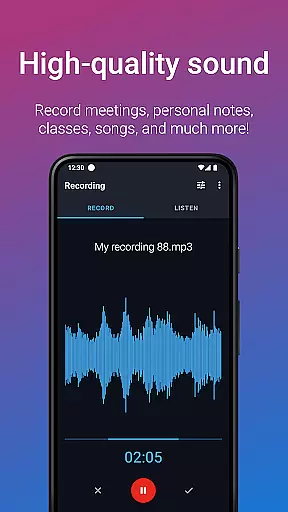
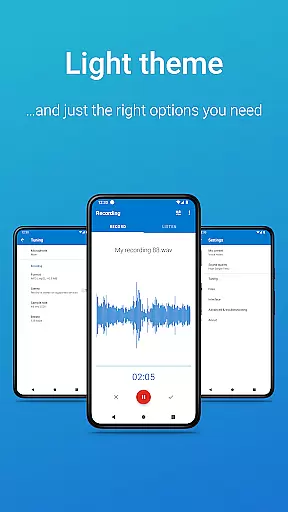
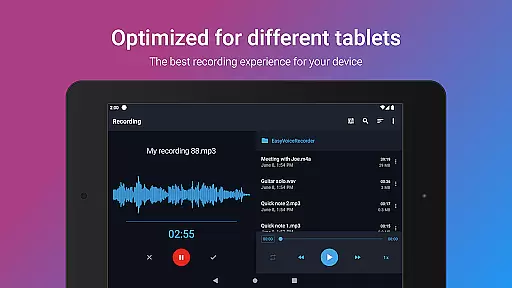
Easy Voice Recorder Pro is a versatile audio recording application designed for Android users. It allows you to capture high-quality recordings of meetings, classes, music rehearsals, and more without any time restrictions or advertisements. The app offers advanced features such as automatic cloud uploads, multiple file format options including MP3 and FLAC, and the ability to record via Bluetooth microphones.
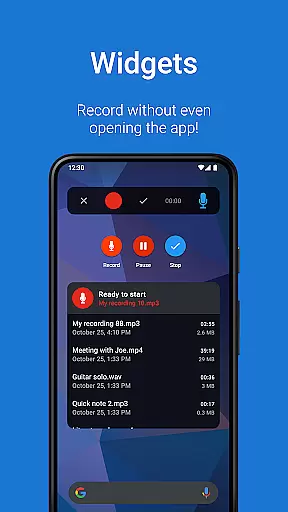
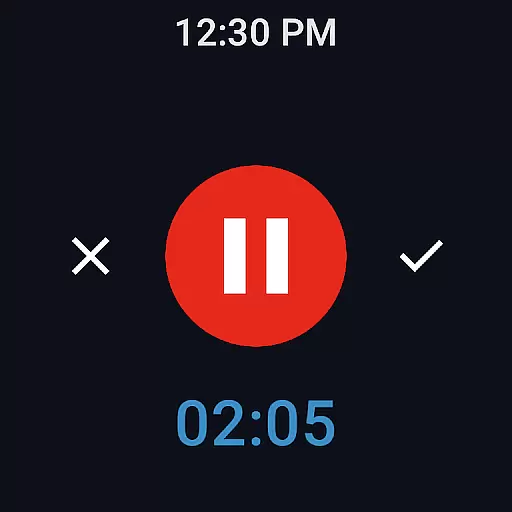
With its user-friendly interface, Easy Voice Recorder Pro caters to various needs from students who want to review lectures at their own pace to professionals capturing important discussions. Its powerful widgets and shortcuts make it easy to start new recordings directly from the home screen. Additionally, the app supports Wear OS devices, enabling users to record from their smartwatches.
This app is particularly useful in dynamic environments where quick access to recording capabilities is essential. Whether you're commuting or attending back-to-back meetings, Easy Voice Recorder Pro ensures that no critical information slips through the cracks.
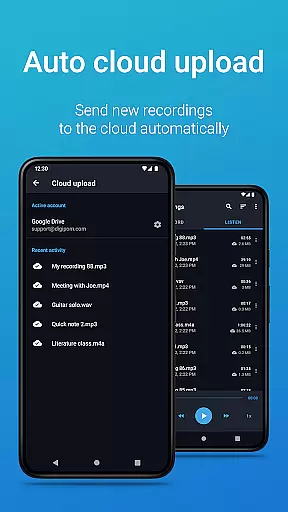
Easy Voice Recorder Pro stands out with its extensive feature set tailored for diverse recording scenarios. One notable feature is the automatic upload to Google Drive or Dropbox, ensuring your recordings are safely stored and easily accessible across devices. This functionality is especially beneficial for those who need constant backups or remote access to their files.
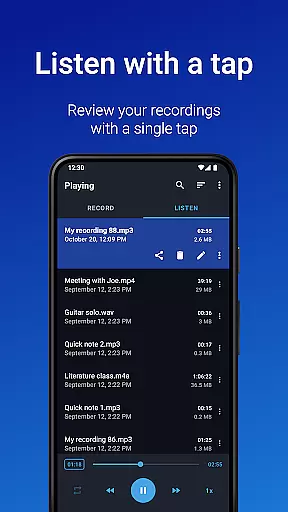
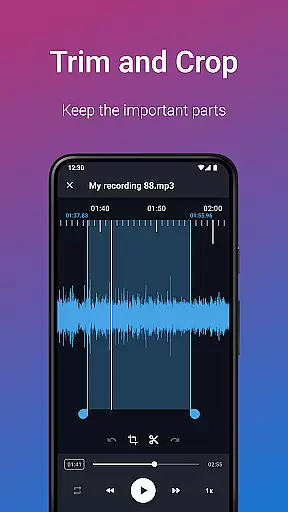
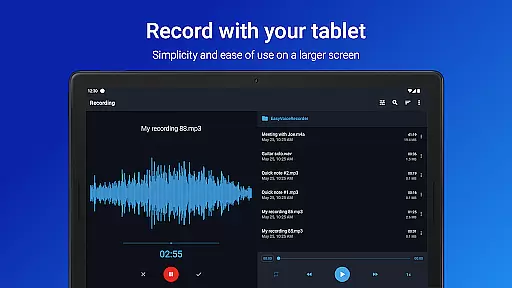
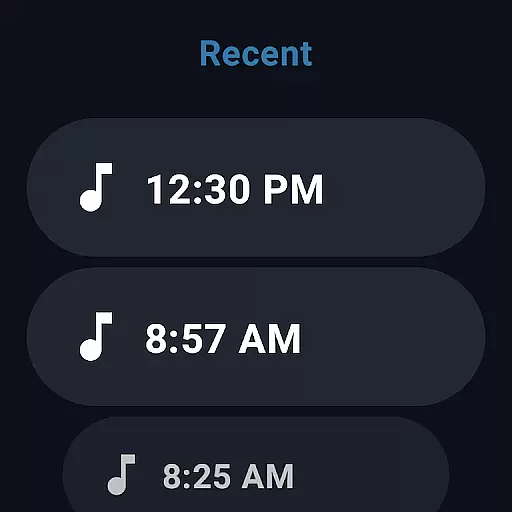
The app also provides advanced editing tools like trimming unwanted sections and managing recordings with folders. These features allow users to maintain an organized library of audio clips, making retrieval straightforward. Furthermore, the ability to control the recorder from the notifications bar adds convenience, allowing seamless operation even when multitasking.
For audiophiles and musicians, the app includes specialized settings for stereo recording and custom bitrates, enhancing the quality of captured sounds. With support for Wear OS, users can initiate recordings from their smartwatches, providing unparalleled flexibility and accessibility. Overall, these features collectively enhance productivity and streamline the recording process.
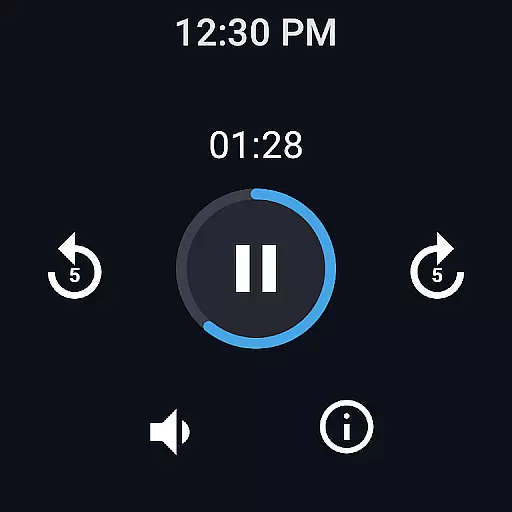
Companion app integration is essential for Android Wear applications as it ensures seamless synchronization between the wearable device and its smartphone counterpart. Easy Voice Recorder Pro excels in this area by offering a robust connection that allows users to start, stop, and manage recordings directly from their smartwatch.
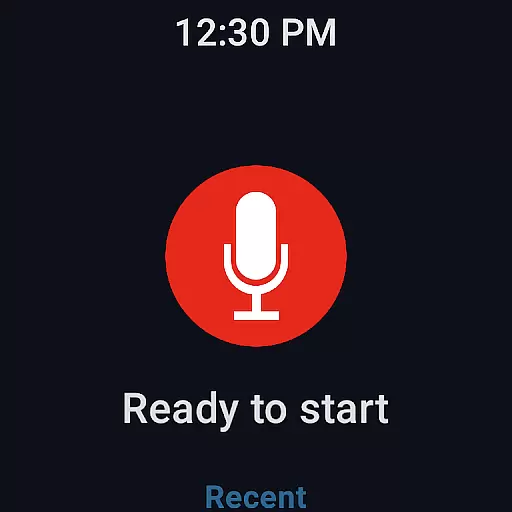
The application provides an intuitive watch tile interface that makes recording initiation straightforward and hassle-free. This feature is particularly beneficial when the user's hands are occupied or when they prefer the convenience of using their wearable device over taking out their phone.
Furthermore, the app supports background recording, which means users can continue with other tasks on their smartphone without interrupting the recording process on the smartwatch. This level of integration enhances productivity and user experience by allowing multitasking without compromising the quality of the recordings.
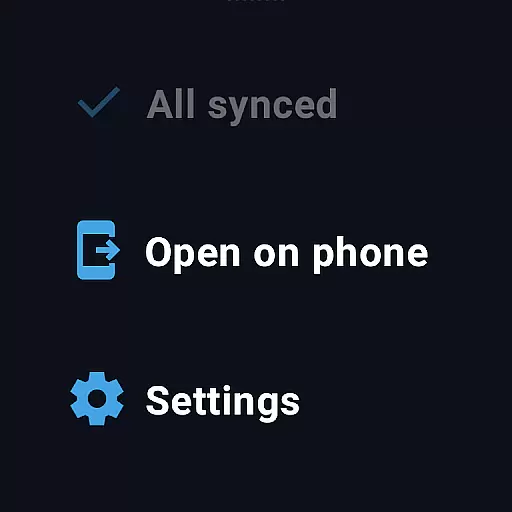
By enabling cloud upload functionality, Easy Voice Recorder Pro takes companion app integration a step further. Users can automatically send their recordings to cloud services like Google Drive or Dropbox, ensuring that files are accessible across multiple devices. This feature not only streamlines workflow but also provides an additional layer of security for important audio data.
Wear OS and device compatibility is a critical aspect of any Android Wear application, determining how well the software performs across different hardware configurations. Easy Voice Recorder Pro boasts extensive compatibility, ensuring that it operates smoothly on a wide range of Wear OS devices.
This application is designed to work seamlessly with various smartwatches, providing consistent performance regardless of the specific model or manufacturer. The ability to record directly from the smartwatch demonstrates the app's optimization for wearable technology, catering to users who rely on these devices for convenience and accessibility.
In addition to supporting standard recording features, Easy Voice Recorder Pro offers exclusive functionalities tailored for Wear OS. These include voice commands and widget shortcuts that enhance usability and make the most out of the limited interface space available on smartwatches.
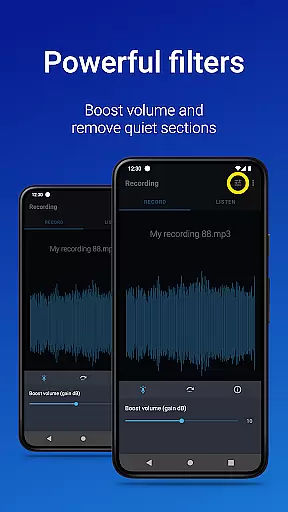
Moreover, the app's support for Bluetooth microphones expands its compatibility to include external audio input devices. This flexibility allows users to capture high-quality audio in diverse scenarios, whether they're recording a lecture, meeting, or musical rehearsal. By prioritizing broad device compatibility and specialized features, Easy Voice Recorder Pro delivers a versatile and reliable recording solution for Wear OS users.
User-friendly interface
High-quality recording options
Automatic cloud uploads
Advanced editing tools
Wear OS compatibility
No call recording capability
Premium version required for some features
Limited free storage options
Occasional bugs reported
Requires internet for cloud sync

Wear Os Watch Face - Animated Snow Effect & Magic Spark - 6 Scenes
 4.10
4.10
The most customizable minimal watch face. For Wear OS 5.0, API 34+ and later
4.70
Digital watch face with big numbers and many customization for Wear OS devices
4.40
Authentic military-tactical design with ZULU time! Realistic and functional!
3.80
Gym & home workout plans with strength training, exercise tracking, HIIT & more.
4.60
The #1 source of faces for your smartwatch!
4.00
Your local weather forecast, storm tracker, radar maps & live weather news
3.40
Want to take charge of your health? Let Google Fit help you reach your goals.
3.50
Track your active life in one place and share the journey with friends.
4.40
Be an elegant and classy secret agent, with this carefully detailed watch face
4.70
Fast and smart typing with Emojis, GIFs, and more
4.50
Premium hybrid watch face with many customizations for Wear OS devices.
4.40
Animated video-game inspired “secret agent” simulation, right on your wrist!
4.20
Animated Watch Face and Customizable with 24 Backgrounds. Perfect for Christmas!
3.90
Structured watch face with seven complications and modular UI elements
3.90
Christmas is near, let's count together the days left until Santa comes
4.5
A heartwarming Christmas scene featuring a cute image of Santa and Rudolf
4.5
Contemporary digital watch face with five complications
4.5
Stylish digital watch face for Wear OS devices with customizable features
4.2

User Reviews