

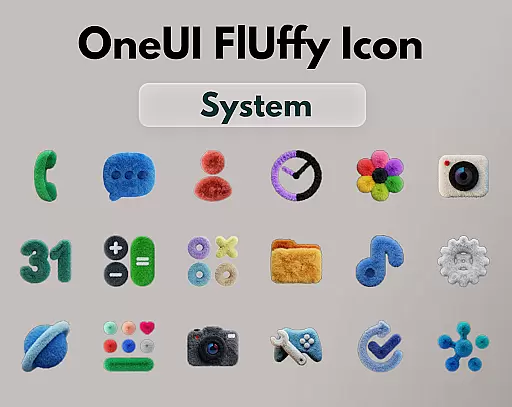
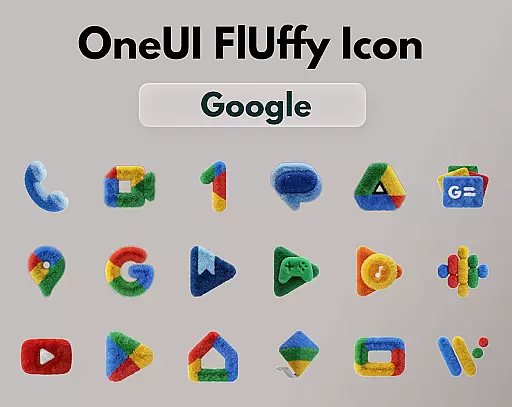
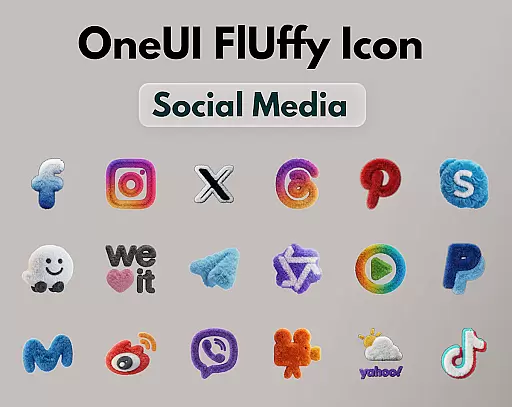
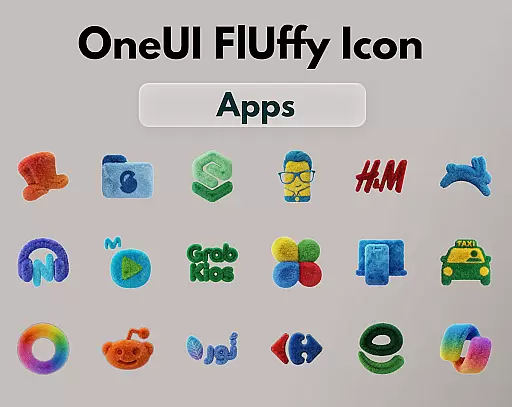
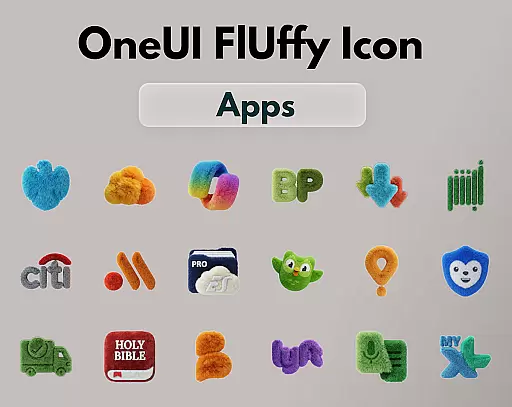
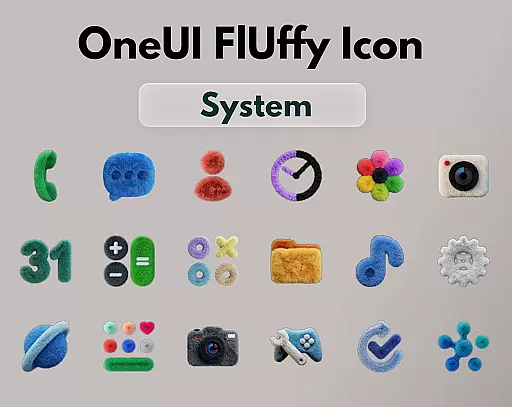
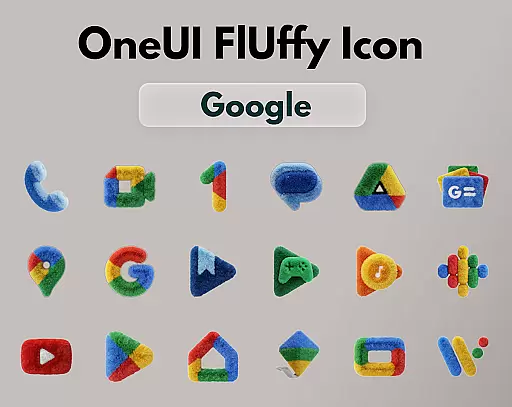
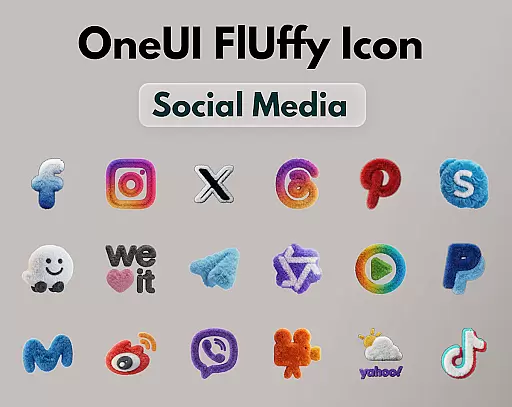
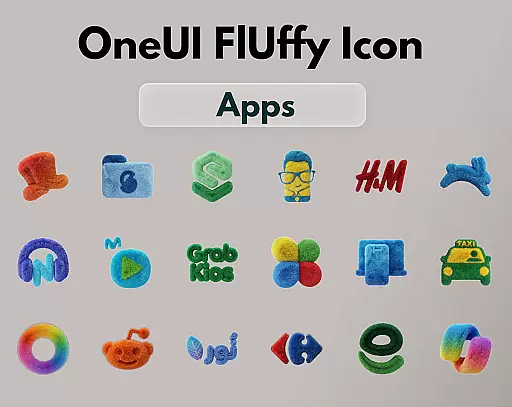
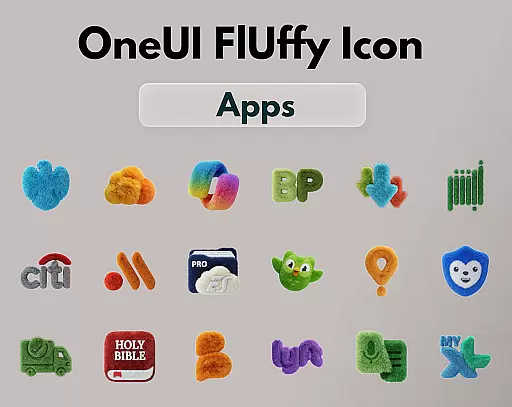
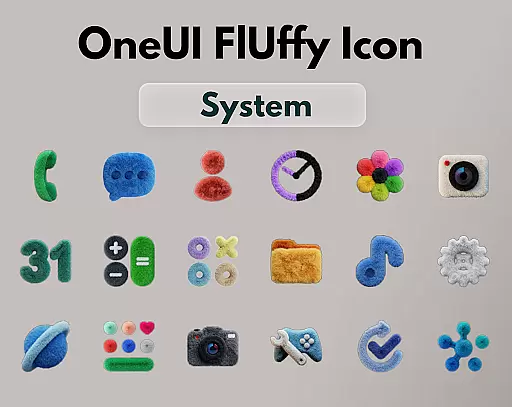
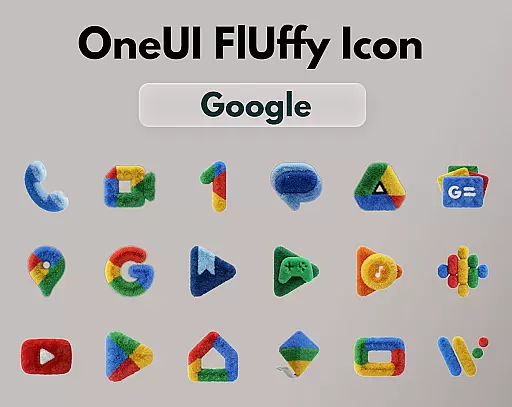
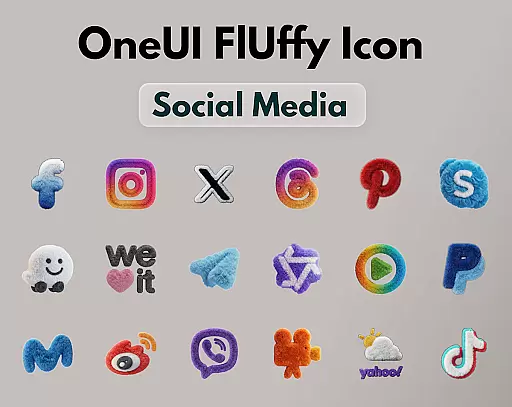
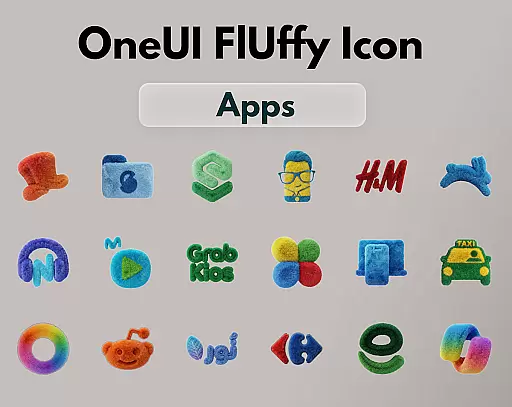
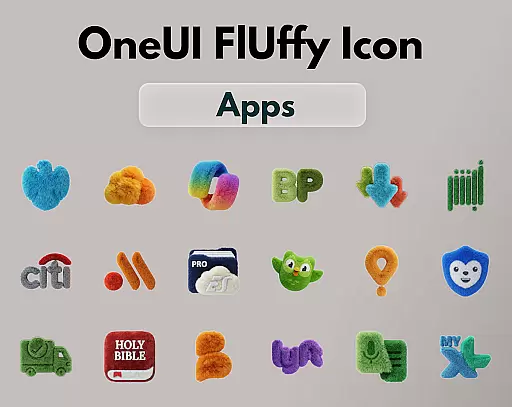
OneUI Fluffy Icons is a premium icon pack that gives your home screen a warm and fresh makeover. Inspired by the beloved OneUI style, it introduces a unique fluffy, soft 3D twist to bring icons to life. With over 1185 handcrafted icons, this pack offers a visually comforting and stylish experience for users who want a personal touch on their devices.
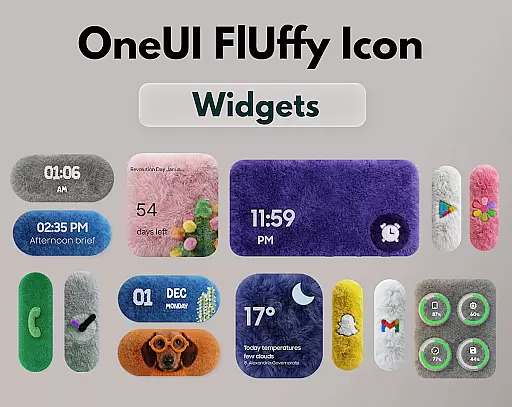
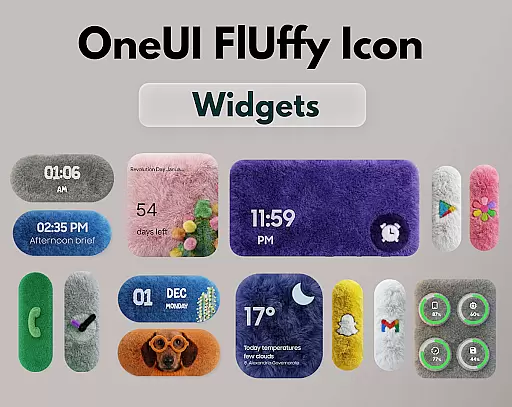
The pack includes professional fluffy widgets and exclusive wallpapers that perfectly match the overall design theme. It supports various popular launchers and allows icon requests, ensuring compatibility with apps you actually use. Each icon is crafted with ultra-high resolution, offering a crisp and clean look that enhances any home screen setup.
OneUI Fluffy Icons stands out with its collection of 1185+ handcrafted fluffy-style icons, each designed with a playful texture that blends modern OneUI-inspired shapes. The inclusion of professional fluffy widgets and exclusive wallpapers ensures a cohesive aesthetic across your device.
This icon pack is compatible with many popular launchers like Nova Launcher, Lawnchair, and Niagara Launcher, among others. Future updates are planned to expand the icon library and refine existing designs. Users can also request specific icons, allowing the pack to grow based on real user needs and preferences.
OneUI Fluffy Icon Pack offers an extensive range of customization options, ensuring that users can tailor their home screens to their unique preferences. With over 1185 handcrafted fluffy-style icons and professional widgets designed to match, the pack provides a cohesive and personalized aesthetic.
The inclusion of exclusive wallpapers further enhances the customization experience, allowing users to create a visually harmonious setup. These wallpapers are carefully selected to complement the soft, tactile nature of the icons, resulting in a warm and inviting home screen environment.
Moreover, the icon pack supports various popular launchers, including Nova Launcher, Lawnchair, and Niagara Launcher, among others. This compatibility ensures that users can apply the fluffy theme across different devices and launcher preferences, making it a versatile choice for personalization enthusiasts.
Theme compatibility is a crucial aspect of OneUI Fluffy Icon Pack, enabling seamless integration with a variety of launcher applications. The pack is designed to work effortlessly with launchers such as Smart Launcher and OneUI Home, providing users with the flexibility to maintain their preferred interface while enjoying the fluffy aesthetic.
This compatibility extends to future updates, which promise additional icons and refinements. Users can expect their themes to remain consistent and visually appealing as new elements are added, ensuring long-term satisfaction with their home screen's appearance.
Furthermore, the open icon request feature allows users to influence the pack's growth, ensuring that commonly used apps receive the fluffy treatment. This user-driven approach not only enhances theme compatibility but also fosters a sense of community involvement in shaping the pack's evolution.
Unique fluffy design
High-resolution icons
Wide launcher support
Customizable options
Active community feedback
Limited initial icon count
Third-party tool required for OneUI Home
No automatic updates
Premium price point
Design might not appeal to all

Realistic animated snow on your wrist, with 10 images landscapes to choose from
 4.00
4.00
Prank your friends with realistic broken screen and cracked HD effects!
4.1
More than 3000+ themes and 9000+ wallpapers for everybody!
4.10
Customizable screen pets that play, climb, and keep you company.
4.50
Run multiple accounts of the same app on a single device
4.10
Customize your home screen with stunning themes, blur, widgets & icons.
4.60
Handcrafted pixel art icons, widgets & wallpapers
4.60
Your home screen, just the way you like it.
4.30
Magic fluids wallpaper 4D: Relax with stunning fluid simulation wallpaper app
4.20
Sparkle your screen with Glitter Wallpapers For Girls and Cute Backgrounds!
4.80
Turn text & photos into stunning AI videos, art, and creative visual stories.
4.50 4.50
4.50
200+ Material Inspired Widgets
4.50
Art & Emoji Keyboard with Cool Fonts, Cute Themes and Custom Designs.
4.40
Unique Fonts, typefaces and stylish text. Fonts for Instagram, Whatsapp & others
4.20
Transform your phone with stunning video wallpapers and a unique, personal touch
3.80
Customize glowing edges, wallpapers, and caller screen with EdgeAura.
3.50 3.50
3.50
Custom edge gestures for volume control, brightness, apps, and shortcuts.
4.5

User Reviews