

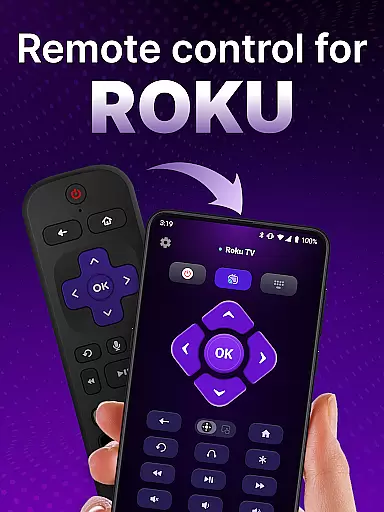
TV Remote control for Roku TV is a universal remote app that allows users to conveniently manage their Roku TV directly from their smartphone. The app connects to the same Wi-Fi network as your Roku TV, enabling you to perform essential functions such as turning the TV on and off, controlling volume, browsing content, streaming, and launching channels. This eliminates the need for a physical remote and enhances the overall Roku TV experience by offering advanced features like voice control and keyboard input.
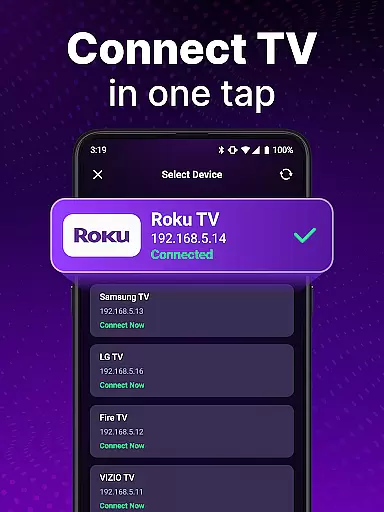
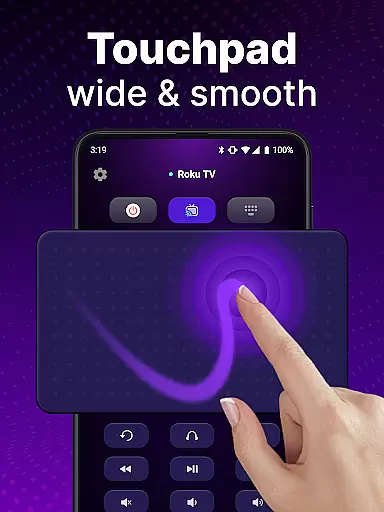
The app's automatic detection feature makes setup easy by identifying Roku TV devices on the same network. With simple navigation controls, users can scroll and swipe effortlessly using the touchpad functionality. Additionally, the voice search feature provides hands-free control, allowing users to search for shows without the need for manual input. Whether you're looking to simplify your TV control experience or take advantage of innovative features, this app offers a reliable solution for Roku TV owners.
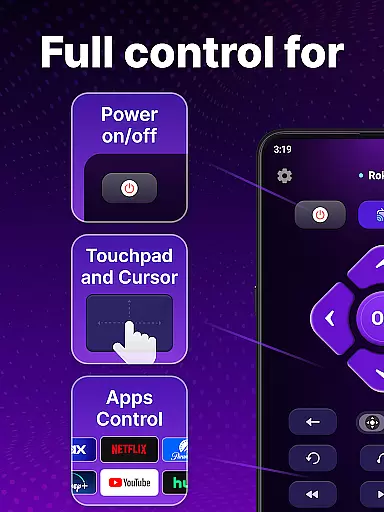
TV Remote control for Roku TV offers an array of powerful features designed to enhance user interaction with their Roku TV. One standout feature is automatic device detection, which identifies Roku TV devices connected to the same Wi-Fi network, streamlining the initial setup process. Once connected, users can utilize rapid Roku remote control functionalities, including instant access to volume adjustments, channel launches, and power controls, all from their smartphone.
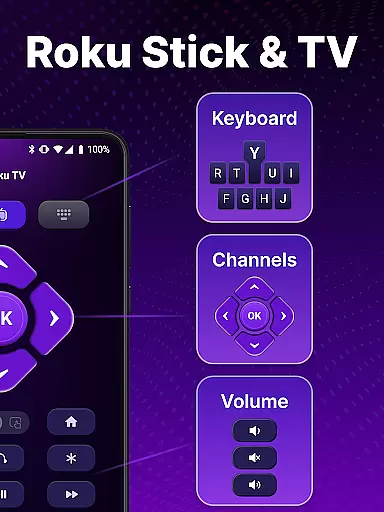
In addition to basic controls, the app includes advanced capabilities such as voice commands and keyboard input. Voice control allows users to perform hands-free searches and execute commands without needing to type. The keyboard input function enables swift text entry, making it easier to find favorite shows quickly. These features collectively provide a seamless and efficient way to interact with Roku TV, eliminating the limitations of traditional remotes and offering a more modern, portable solution for managing entertainment systems.
In the realm of remote control applications, ensuring core function accuracy and effectiveness is paramount for a seamless user experience. The TV Remote control for Roku TV app excels in this area by providing precise and reliable control over your Roku TV devices. This universal remote app can detect Roku TV devices on the same WiFi network, making it easy to set up and granting instant access to control Roku TV functionalities.
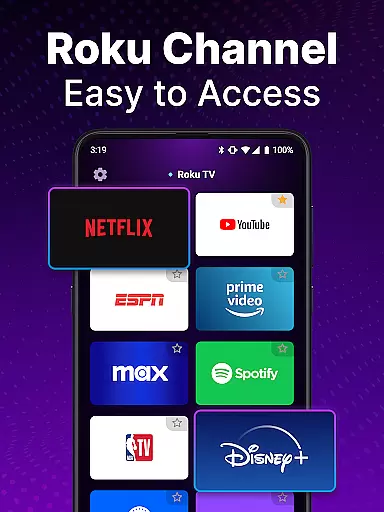
The app's design emphasizes rapid response and intuitive control, allowing users to turn their TV on or off, adjust the volume, browse and stream content, and launch channels with ease. With features like voice control and keyboard input, users can swiftly search for their favorite shows without the hassle typically associated with physical remotes. This hands-free control ensures that users can operate their Roku TV with minimal effort, enhancing the overall user experience.
By focusing on simplicity and efficiency, the TV Remote control for Roku TV app delivers an unmatched level of convenience. Users can enjoy smooth scrolling and swiping through the touchpad interface, which mimics the natural gestures used on smartphones. This makes navigation intuitive and straightforward, even for those who may not be tech-savvy.
Ultimately, the precision and reliability of the TV Remote control for Roku TV app's core functions ensure that users can control their entertainment environment effortlessly. Whether it's switching channels, adjusting settings, or launching apps, this universal remote app provides a dependable solution that enhances the Roku TV experience significantly.
A remote control application must offer an interface that combines simplicity with intuitiveness to cater to users of all technical backgrounds. The TV Remote control for Roku TV app achieves this by providing a clean and user-friendly design that makes controlling your Roku TV a breeze. Upon opening the app, users are greeted with a straightforward layout that mirrors the familiar controls of a traditional remote but with added functionality that leverages smartphone capabilities.
The appu2019s automatic detection feature simplifies the setup process by identifying Roku TV devices on the same Wi-Fi network. Once connected, users can easily navigate through the app's touchpad for smooth scrolling and swiping, replicating the natural gestures used on smartphones. This intuitive interaction reduces the learning curve and allows users to focus on enjoying their entertainment rather than figuring out how to operate the app.
Voice control and keyboard input further enhance the intuitiveness of the TV Remote control for Roku TV app. By speaking commands or typing searches directly into the app, users can quickly find and play their desired content without dealing with the cumbersome options found on typical Roku remotes. These features contribute to a more engaging and personalized user experience.
Overall, the interface of the TV Remote control for Roku TV app strikes a perfect balance between simplicity and advanced functionality. Its thoughtful design ensures that users can harness the full potential of their Roku TV with minimal effort, making it an indispensable tool for enhancing home entertainment systems.
User-friendly interface
Voice command support
Automatic device detection
Swift keyboard input
Portable and convenient
Requires Wi-Fi connection
Not an official Roku app
Limited to Roku TV devices
Potential connectivity issues
No physical buttons

Extremely fast, secure, and protects your privacy
 4.80
4.80
Complete kernel toolbox with features to manage and tweak your rooted device
4.30
Learn the vast amount of system information about device and monitor it's state
4.70
HD Video player and downloader for all formats, fast & smooth 4K video playback.
4.60
card-reader app
2.20
Detect hidden spy camera with advanced scanning {{ Premium version }}
4.00
View detailed information about your Nissan Leaf the dealer never shows you.
4.10
Monitor car performance in real time and troubleshoot malfunctions.
4.80
The ultimate tool for network analysis, wifi scanning and problem detection.
4.90
Change your GPS location instantly. Simulate routes anywhere in the world.
4.90
Keep track of your Palia friendships, tasks, and inventory with Palia Notebook
4.60 4.50
4.50
Universal TV remote control all TVs, Roku, LG, Samsung, Fire, Vizio, Sony, TCL.
4.40
Mirror your screen to Fire TV - Super fast and simple
4.40
pdf merge, word to pdf, jpg to pdf, edit pdf, convert to pdf and much more!
4.20
VESC Tool can monitor and configure VESC-compatible devices over BLE and Wifi
4.20
Effortlessly run ADB commands directly on your device without a PC.
4.20
Signal Strength, Mobile, Wifi, Speed Test, Bad Signals, Cellular, 5G, LTE, 4G
4.20
Unlock your Essential Key. Create custom shortcuts to your favorite apps!
4.4

User Reviews