

PDF Editor & PDF Converter Pro is a comprehensive document management tool designed to enhance productivity and streamline workflows. This all-in-one solution allows users to convert, edit, merge, split, secure, and optimize PDF files with remarkable ease.
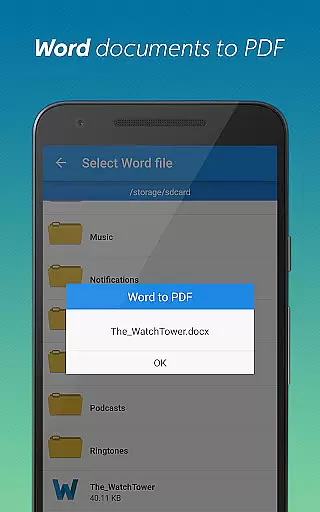
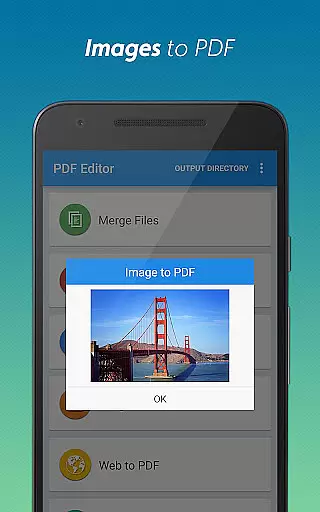
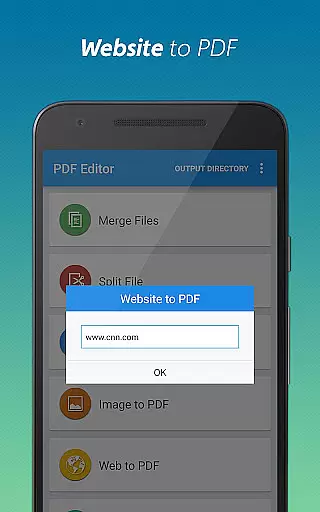
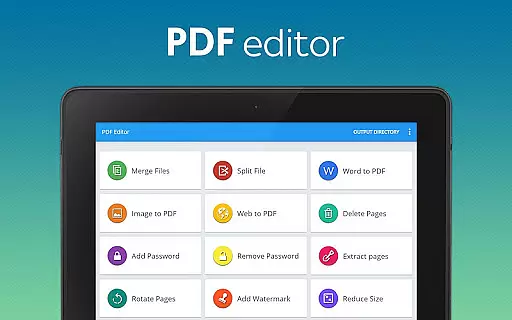
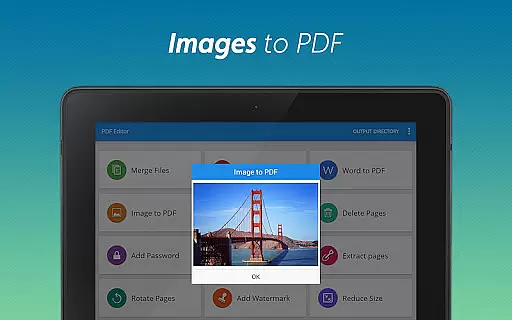
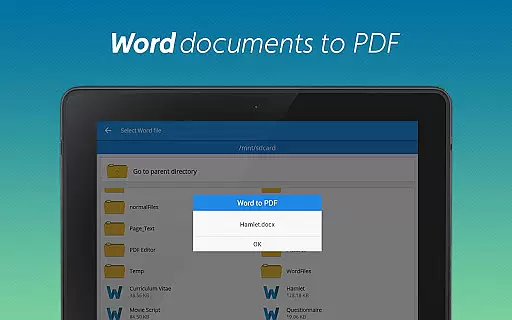
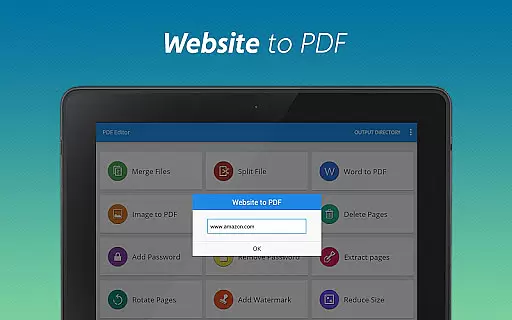
The app's standout features include seamless Word-to-PDF conversion, image-to-PDF transformation, and website archiving capabilities. Users can also add watermarks, rotate pages, compress files, and manage document security through password protection. These robust tools make it an essential companion for professionals, students, and anyone working with digital documents.
Ideal for business environments and academic settings, this application enables users to maintain organized digital records while ensuring document integrity and confidentiality. The intuitive interface and comprehensive feature set make professional-grade PDF management accessible to users of all skill levels.
This powerful PDF utility distinguishes itself through its extensive feature set and user-friendly implementation. The conversion capabilities are particularly noteworthy, supporting multiple formats including Word, images, and webpages, while maintaining original formatting and quality.
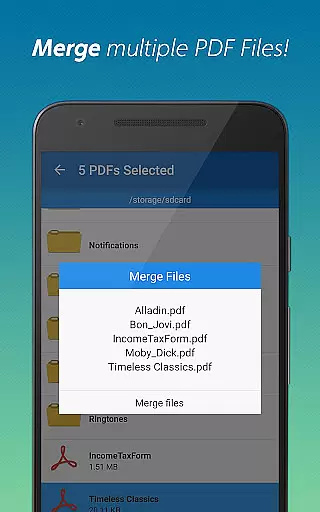
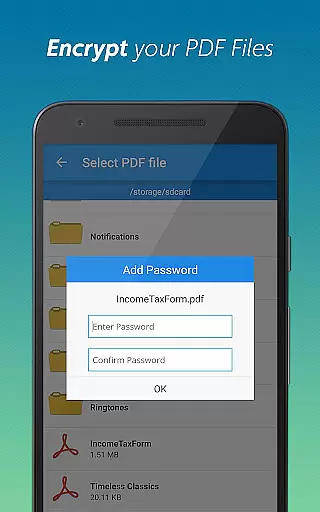
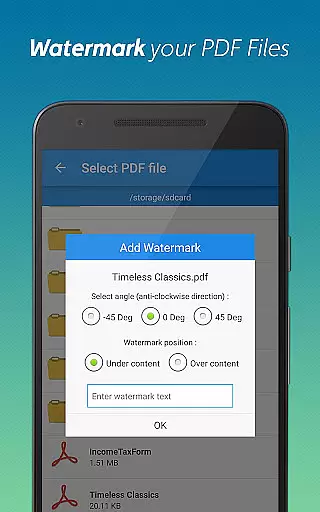
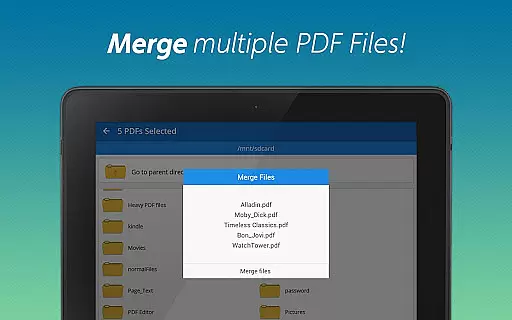
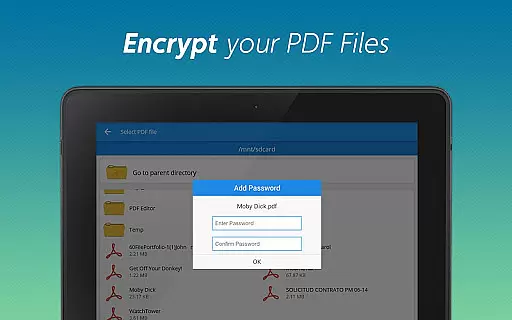
Advanced document manipulation tools allow users to merge multiple PDFs, split large files, delete unnecessary pages, and extract specific sections. Security features are equally impressive, offering both password addition and removal functionality. The app also includes practical utilities such as page rotation, watermarking, and file compression without compromising document integrity.
Each feature is implemented with efficiency in mind, providing quick processing times and maintaining professional-grade output quality. The intuitive interface makes these sophisticated tools accessible to users regardless of their technical expertise, while the comprehensive functionality eliminates the need for multiple separate applications.
When it comes to document management, the precision and efficiency of core functions are paramount. PDF editor & PDF converter pro offers a comprehensive suite of tools that ensure every conversion, merge, split, or security action is executed with utmost accuracy.
The app's ability to flawlessly convert Word documents and images into PDFs demonstrates its sophisticated processing capabilities. Users can expect consistently high-quality outcomes regardless of the complexity or size of their files.
Moreover, advanced features like adding watermarks, rotating pages, and compressing files are implemented with meticulous attention to detail. This ensures that each modification maintains the original document's integrity while meeting the user's specific needs.
By delivering reliable performance across all its functions, this application significantly enhances productivity. Whether you're managing sensitive information or handling large volumes of data, you can trust this tool to deliver precise and effective results every time.
A user-friendly interface is essential for maximizing productivity, and PDF editor & PDF converter pro excels in providing an intuitive experience. The layout is thoughtfully designed to guide users through various document operations effortlessly.
Each feature, from converting webpages to PDFs to managing page deletions and extractions, is easily accessible via clear navigation paths. This logical arrangement minimizes the learning curve, allowing both beginners and experienced users to perform tasks efficiently.
Additionally, the app employs familiar icons and straightforward instructions, making complex operations like password protection and file compression approachable. These design choices contribute to a seamless interaction flow.
Ultimately, the combination of well-organized tools and an uncluttered interface empowers users to focus on their work rather than the mechanics of the software. This simplicity translates into faster task completion and greater overall satisfaction.
User-friendly interface
Comprehensive feature set
High-quality conversions
Robust security options
Efficient document management
Premium features locked
Occasional ads display
Limited free usage
Large file size
Requires account

PDF Reader - Document Viewer: Read, Manage & Organize Your Documents
 3.10
3.10
1-Click close all background apps on Android TV
3.90
Head tracking for PC sim games such as MSFS 2024 or Elite:Dangerous. No headset!
4.50
This app unlocks the Pro features of the Central for DayZ app
3.60
Family Locator, Share location, StayConnect with your family in real time
3.90
Support Fossify apps with a warm thank you!
5.00
Fast Video Downloader, Movie Downloader, Torrent Downloader & Adblock Browser
4.70
Screen Mirroring for Roku Sticks, Roku TCL TV and Roku Hisense TV
4.50
Clean up large files and similar photos, fast and easy to use
4.40
Remote Play with FSR upscaling, low latency & full controller support
4.80 4.50
4.50
With videos, electrical calculators, and built-in ebook, Ugly’s has your answer.
4.50
Pro Emulator is an easy to use game console emulator for a range of consoles.
4.40
Just one-tap to easy translate in any language after calls within seconds.
4.20
Carry a FTP server in your pocket and avoid USB cables for file transfer
4.20
Screen Mirroring with sound for Samsung TV, LG TV, Sony TV, Smart TV and Browser
4.20
Detect hidden spy camera with advanced scanning {{ Premium version }}
4.00
Introducing Smart Printer, your ultimate destination for printing solutions!
4.00
Undelete and recover your lost or deleted files with DiskDigger!
3.40

User Reviews