

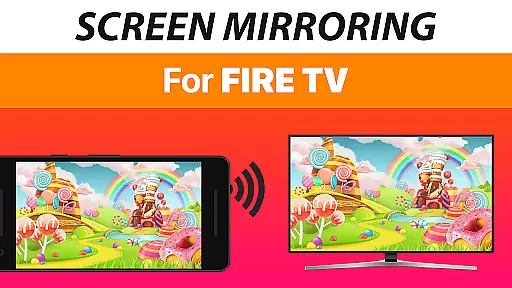
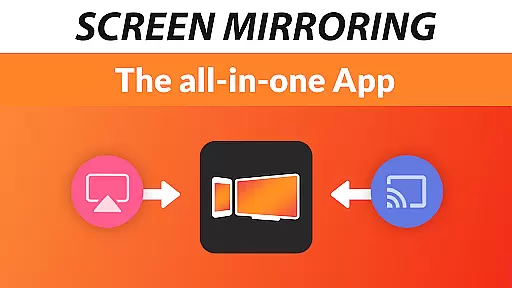
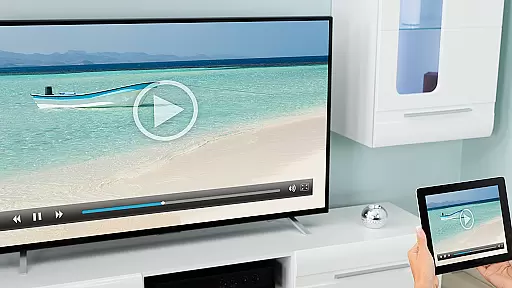
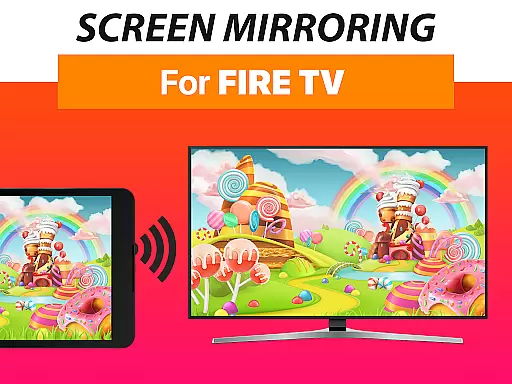
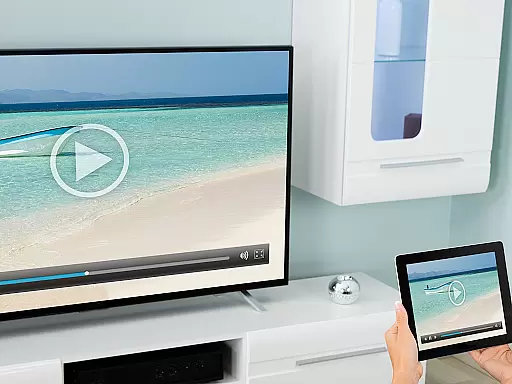
Screen Mirroring + for Fire TV is a powerful tool designed to mirror your screen in real-time with HD quality to Fire TV devices. This includes any Fire TV Stick, Box, Cube, or compatible Smart TVs such as Insignia and Toshiba TVs. The app allows users to share photos, videos, games, websites, apps, presentations, and documents effortlessly.
One of the standout features of this app is its superior device support and ease of setup. It supports all Android devices running Android 5.0 and above, along with all Fire TV devices. The unified setup process eliminates the need to change Android settings or Wi-Fi options, making it accessible even for less tech-savvy users. Additionally, sound support is available on Android 10+, enhancing the user experience further.
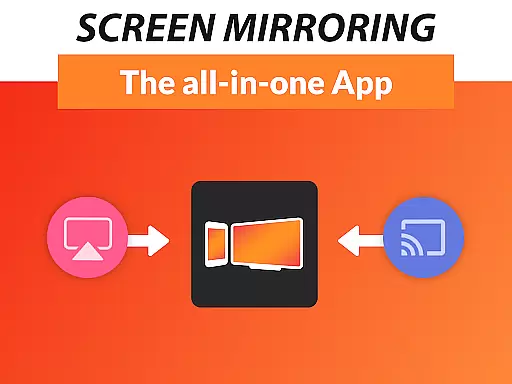
This application is particularly useful for those who wish to share content with friends and family on a larger screen without dealing with the limitations of the built-in Fire TV Screen Mirroring based on Miracast. With over 100 million downloads across all platforms, the developers behind VIDEO & TV CAST have proven their expertise in delivering high-quality casting solutions.
Screen Mirroring + for Fire TV boasts several notable features that set it apart from other mirroring tools. Firstly, it offers extensive device compatibility, supporting all Android devices with Android 5.0+ and all Fire TV models, including Sticks, Boxes, and TVs. This ensures that a wide range of users can take advantage of its capabilities without worrying about device restrictions.
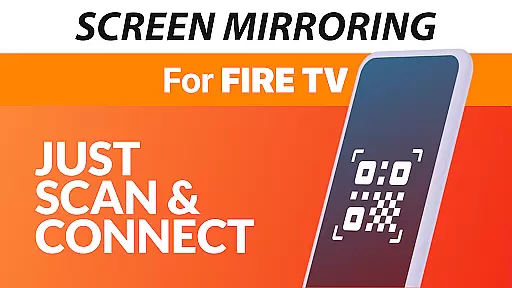
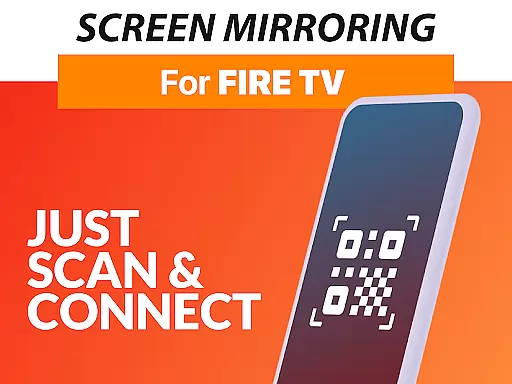
Another significant feature is the simplified and unified setup process. Unlike other mirroring solutions, this app does not require changes to Android settings or Wi-Fi configurations, streamlining the user experience. Performance is optimized under good Wi-Fi network conditions, with a recommendation for 5GHz Wi-Fi to ensure the best results. Furthermore, sound support is available for devices running Android 10+, providing an enhanced audio-visual experience.
The app also offers reliable customer support and feedback channels, allowing users to reach out via email at info@screenmirroring.app. Developed by the creators of VIDEO & TV CAST, which has garnered over 100 million downloads globally, Screen Mirroring + for Fire TV benefits from the expertise and reliability associated with a leading name in video casting technology.
Screen Mirroring + for Fire TV delivers exceptional core functionality by enabling real-time HD screen sharing to Fire TV devices. This includes compatibility with Fire TV Sticks, Boxes, Cubes, and select smart TVs like Insignia and Toshiba.
The app stands out through its superior device support, working seamlessly with all Android devices running version 5.0 and above, as well as all Fire TV models. Its unified setup process eliminates the need for complex settings adjustments, making it accessible even to non-technical users.
Performance is optimized under strong Wi-Fi conditions, particularly when using a 5GHz network, ensuring minimal lag during screen mirroring. Additionally, sound support is available for Android 10 and newer versions, enhancing multimedia sharing experiences.
By offering reliable performance and ease of use, Screen Mirroring + ensures that users can share photos, videos, games, websites, apps, presentations, and documents effortlessly with friends and family.
Screen Mirroring + for Fire TV excels in providing an intuitive and user-friendly interface, simplifying the screen mirroring process significantly compared to built-in solutions like Miracast.
With no requirement to modify Android settings or switch Wi-Fi networks, the app streamlines the entire setup procedure. Users can start sharing their screens within moments, regardless of their device type, thanks to its consistent and straightforward design across all supported platforms.
This simplicity extends to troubleshooting and feedback options, where users can easily reach out via email for support. Such accessibility enhances overall satisfaction and usability, making it ideal for both casual and advanced users alike.
Ultimately, the app's focus on clarity and ease of interaction ensures that anyone can mirror their screen confidently without needing extensive technical knowledge.
User-friendly interface
Wide device compatibility
HD quality streaming
Sound support on Android 10+
Reliable customer support
Requires good Wi-Fi
No Miracast support
Premium version needed
Limited free features
Occasional lag


 4.50
4.50 4.50
4.50
Amateur Radio app for APRS: Track friends, exchange messages, get tactical info.
3.90
Forza Tuning Calculator App for Forza Horizon 5, Motorsport and Earlier Titles
4.40
VESC Tool can monitor and configure VESC-compatible devices over BLE and Wifi
4.20
Mirror your screen to Chromecast and Android TV - Super fast and simple
4.60
Play your X-Box games remotely in 1080p with any controller and zero latency
4.60
Screen Mirroring with sound for Samsung TV, LG TV, Sony TV, Smart TV and Browser
4.20
Protect your device with antivirus, storage cleanup, and system monitoring
4.70
Monitor car performance in real time and troubleshoot malfunctions.
4.80
Learn the vast amount of system information about device and monitor it's state
4.70
Screen Mirroring for Roku Sticks, Roku TCL TV and Roku Hisense TV
4.50
Use your phone as a webcam on your computer over WiFi or USB.
4.40
App that Recover your pictures, videos or files after you delete them.
4.20
View detailed information about your Nissan Leaf the dealer never shows you.
4.10
A powerful, easy-to-use flight computer on your phone or tablet!
3.80
Smart and comfortable browsing experience.
3.80
Fun lie-detection pranks for friends and parties.
3.80
This app unlocks the Pro features of the Central for DayZ app
3.60

User Reviews