

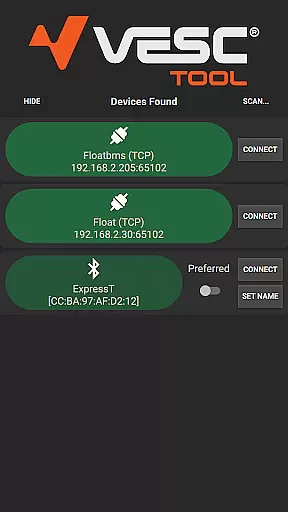
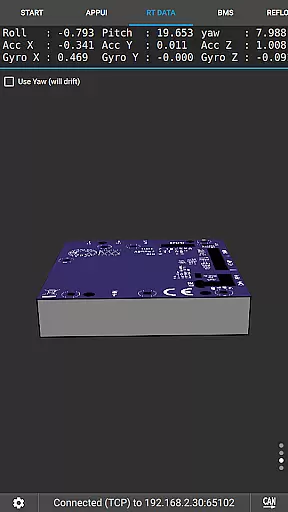
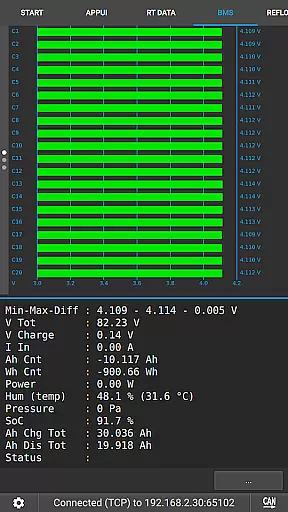
VESC Tool is a powerful mobile application designed for users who work with VESC-based hardware. This tool allows you to configure your hardware over BLE or WiFi, making it versatile and convenient for various applications. Whether you are a hobbyist or a professional, the app provides essential functionalities such as live data streaming, firmware updates, and data logging.
One of the standout features of VESC Tool is its compatibility with both BLE and WiFi, allowing seamless connectivity and control. The app is particularly useful for those involved in projects related to electric skateboards, RC vehicles, and other motorized applications where precise control and monitoring are crucial.
By using VESC Tool, users can ensure their hardware operates at optimal performance levels while also having access to detailed analytics and configuration options. This makes it an indispensable companion for anyone working with VESC technology.
VESC Tool offers a comprehensive set of features tailored for users who need to manage VESC-based hardware efficiently. Firstly, the app supports both BLE and WiFi connectivity, providing flexibility in how you connect and interact with your devices. This dual connectivity option ensures that users can choose the most suitable method based on their specific needs and environments.
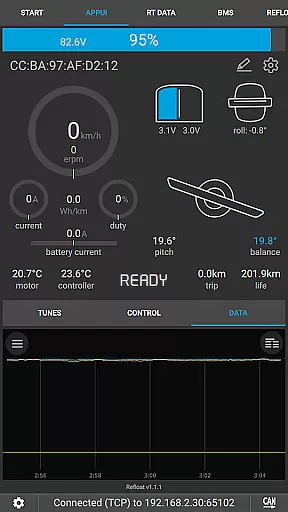
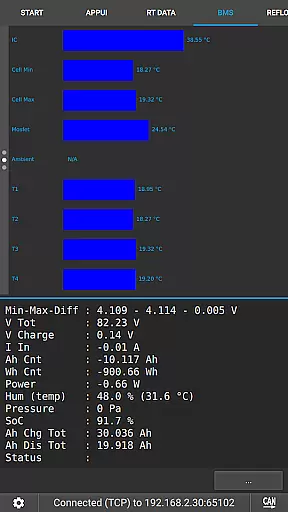
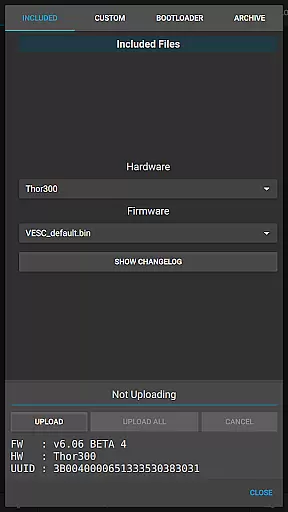
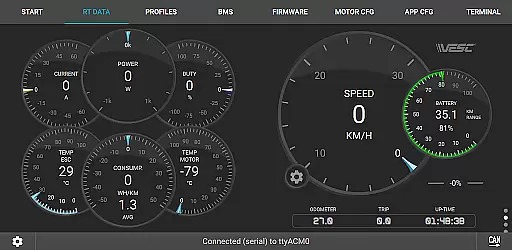
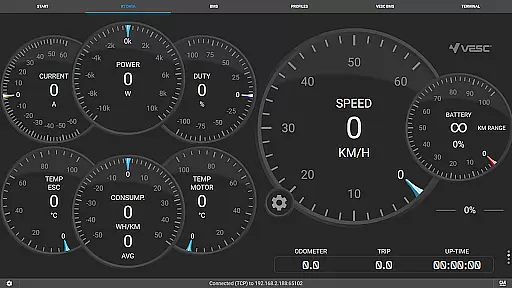
Another significant feature is the ability to stream live data directly from your hardware. This functionality is crucial for real-time monitoring and troubleshooting, allowing users to make informed decisions quickly. Additionally, VESC Tool enables firmware updates, ensuring that your hardware remains up-to-date with the latest improvements and security patches.
Data logging is another key aspect of this app, allowing users to record and analyze performance metrics over time. With these capabilities, VESC Tool not only enhances the user's ability to configure and maintain their hardware but also provides valuable insights through detailed data analysis.
VESC Tool is designed to provide precise control and configuration of VESC-based hardware, ensuring that users can effectively manage their devices over BLE or WiFi. The app's core functions include firmware updates, live data streaming, and detailed data logging, all of which are crucial for maintaining optimal performance.
By supporting connections through compatible modules like ESP32C3 or NRF52 chipsets, the app ensures reliable communication between the user and their hardware. This reliability is vital for tasks such as adjusting settings, monitoring real-time metrics, and troubleshooting potential issues without latency or errors.
For users, this means they can confidently make adjustments and receive accurate feedback from their devices. Whether updating firmware or analyzing logged data, the app provides a seamless experience that empowers users to maximize their hardware's potential while minimizing downtime.
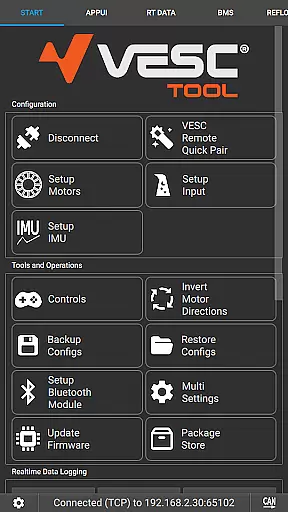
The interface of VESC Tool is crafted to offer simplicity and ease of use, even for those new to VESC technology. With an intuitive layout, users can quickly navigate through various features such as configuring settings, initiating firmware updates, and accessing live data streams without a steep learning curve.
Each function is logically organized, ensuring that users can locate and utilize necessary tools efficiently. Clear labels and straightforward controls contribute to an environment where users can focus on optimizing their hardware rather than deciphering complex menus.
This intuitive design ultimately enhances user engagement by reducing frustration and increasing productivity. Users can perform tasks faster and with greater confidence, knowing that each feature is accessible and functions as intended without unnecessary complications.
User-friendly interface
Comprehensive connectivity options
Real-time data streaming
Firmware update support
Detailed data logging
Requires compatible module
Limited to VESC hardware
No offline mode
Advanced features may overwhelm beginners
Dependent on third-party modules for connectivity

An easy-to-use calculator designed to save time calculating and bending conduit
 4.30
4.30
Effortlessly run ADB commands directly on your device without a PC.
4.20
Unleash gamepad precision for ultimate mobile gaming dominance.
3.90
PC precision for mobile gaming: dominate with keyboard and mouse!
4.30
The Ultimate Bluetooth Keyboard & Mouse. Securely control your PC, Mac, and more
4.50
Download any file easily and quickly with Downloader
4.1
Game Booster, GFX Tool is now compatible with newer game update
4.50
Creation, Learning, Entertainment & More — The All-in-One AI Search Engine
4.70
Screen recorder with audio to record high-quality videos and take screenshots.
4.40
Connect wirelessly to your computer to watch movies, browse the web, play games
5.00
Excellent scientific calculator with symbolic algebra, integrals, derivatives
4.80
Fast Video Downloader, Movie Downloader, Torrent Downloader & Adblock Browser
4.70
NFC Tools can read and write NFC tags.
4.70
Play your X-Box games remotely in 1080p with any controller and zero latency
4.60 4.50
4.50
Universal TV remote control all TVs, Roku, LG, Samsung, Fire, Vizio, Sony, TCL.
4.40
Pro Emulator is an easy to use game console emulator for a range of consoles.
4.40
A powerful, easy-to-use flight computer on your phone or tablet!
3.80
Undelete and recover your lost or deleted files with DiskDigger!
3.40


User Reviews